Introduction
The ZXBEER H13 True HEPA Air Purifier is designed to improve indoor air quality by effectively removing airborne particles and odors. Featuring a 3-stage filtration system, adjustable fan speeds, a night light, and aromatherapy diffuser, it provides a cleaner and more comfortable living environment.

Image: ZXBEER H13 True HEPA Air Purifier, showcasing its compact design and remote control.
Setup
Before first use, ensure all packaging materials are removed from the air purifier, especially the plastic bag covering the filter. Follow these steps for initial setup:
- Turn the air purifier upside down.
- Twist the base cover counter-clockwise to unlock and remove it.
- Carefully pull out the filter assembly.
- Remove the plastic packaging from the HEPA filter.
- Insert the filter back into the air purifier.
- Replace the base cover and twist clockwise to lock it securely.
- Connect the provided USB-C power cable to the port on the back of the unit and plug the adapter into a power outlet.
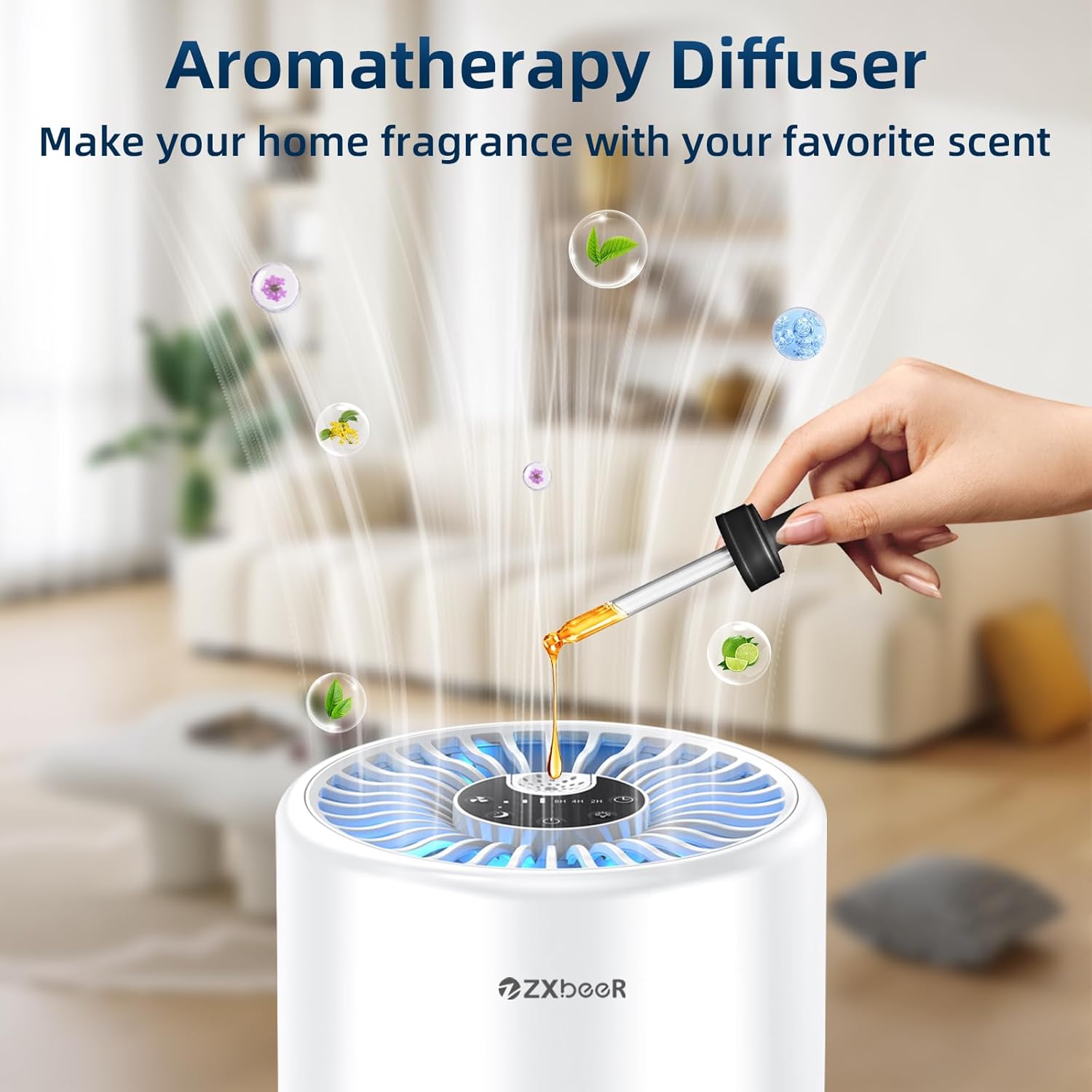
Image: Detailed view of the 3-stage filtration system, including Preliminary Filter, True HEPA Filter, and Activated Carbon Filter.
Setup Video Guide
Video: Official ZXBEER video demonstrating the unboxing and initial setup of the air purifier, including filter installation.
Operating Instructions
The ZXBEER H13 Air Purifier offers multiple functions for customized air purification. Control the unit using either the touch control panel on top or the included remote control.
- Power: Press the power button to turn the unit On or Off.
- Fan Speeds: Cycle through 3 adjustable fan speeds (Low, Medium, High) to suit your needs. A dedicated Sleep mode is also available for ultra-quiet operation.
- Timer Settings: Set the air purifier to automatically turn off after 2, 4, or 8 hours.
- Night Light: Choose from 3 soft colors (yellow, green, blue) or turn the light off completely. Ideal for creating a comfortable ambiance in bedrooms.
- Aromatherapy Diffuser: Add 4-5 drops of your favorite essential oils to the aroma pad located on the top of the unit. The purifier will then spread a clean and fragrant airflow.

Image: Visual guide to the control panel and key features like fan speed, sleep mode, LED light, timer, and aromatherapy pad.

Image: The air purifier operating in ultra-quiet sleep mode with a night light, suitable for bedrooms.
Maintenance
To maintain optimal purification performance, it is recommended to replace the HEPA filter every 3-6 months, depending on usage and air quality. Replacement filters can be found by searching for B0CSWBBSHX.

Image: Illustration demonstrating the simple process of replacing the air filter.
Troubleshooting
If you encounter any issues with your air purifier, please refer to the following common troubleshooting tips:
- Unit not turning on: Ensure the power cable is securely connected to both the air purifier and a working power outlet.
- Reduced airflow: Check if the filter is properly installed and free of excessive dust or debris. Replace the filter if it appears heavily soiled.
- Unusual noise: Verify that the unit is placed on a flat, stable surface. Check for any obstructions around the air intake or outlet.
For persistent issues not resolved by these steps, please contact customer support.
Specifications
| Product Dimensions | 5.91"D x 5.91"W x 9.69"H |
| Item Model Number | ZXA101 |
| Brand | ZXBEER |
| Manufacturer | Zhongshan Turbos Technology Co. Ltd. |
| Power (Wattage) | 10 watts |
| Floor Area Coverage | Up to 300 sq. ft (28㎡) |
| Certifications | ETL, FCC, CE, CARB Certified |
Important Safety Information
Please read and follow all safety instructions to prevent injury or damage.
- Do not block air inlets or outlets.
- Use only with the provided power adapter.
- Keep out of reach of children and pets.
- Do not use in excessively humid environments.
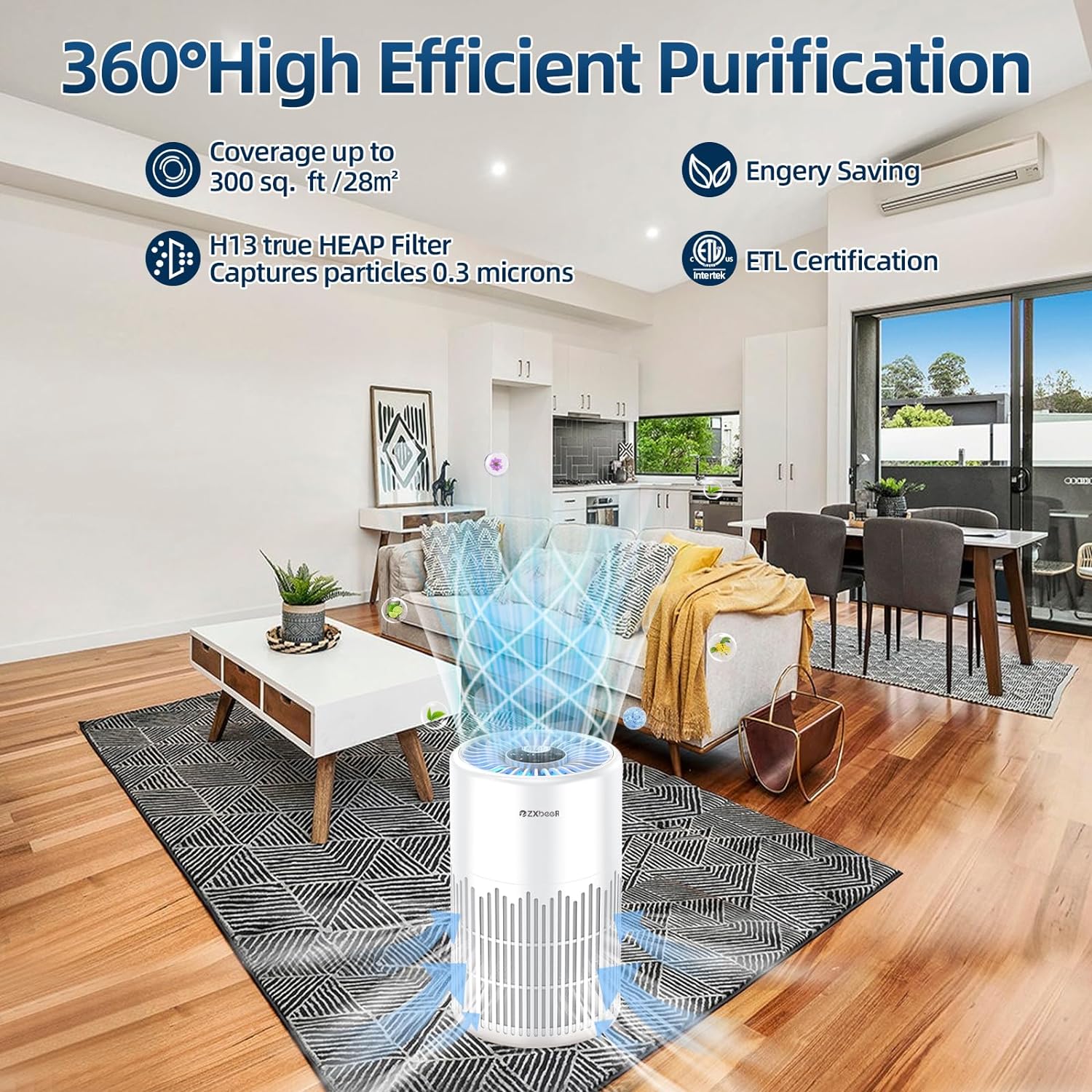
Image: The air purifier shown in a safe home environment with a baby, emphasizing its certifications for safe use.
Legal Disclaimer: Statements regarding dietary supplements have not been evaluated by the FDA and are not intended to diagnose, treat, cure, or prevent any disease or health condition.
Warranty & Support
For warranty information or technical support, please contact ZXBEER customer service through your purchase platform or the official ZXBEER website. Please have your model number (ZXA101) and purchase details ready.