
Introduction
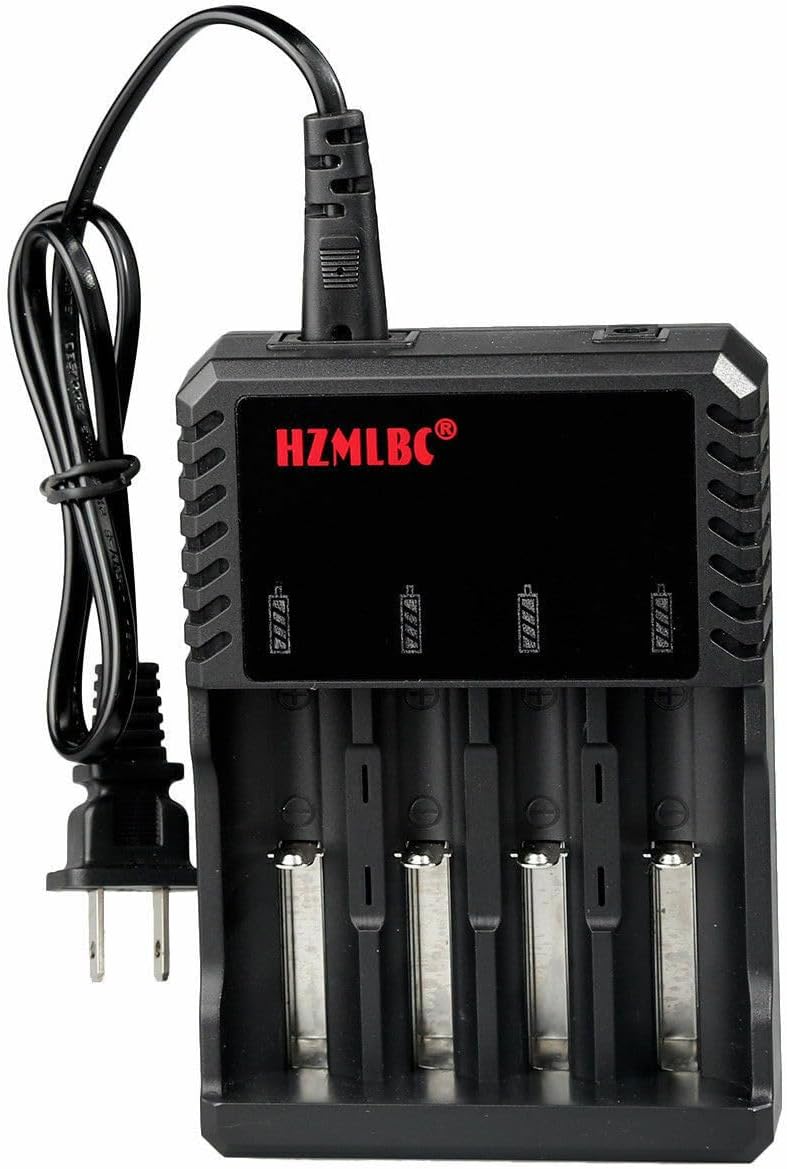
This manual provides comprehensive instructions for the Bestom 4-Slot Universal Lithium Battery Charger. This device is designed to charge various 3.7V Li-ion rechargeable batteries, including 18650, 26650, 14500, 16340, RCR123A, 10440, 17670, 18490, 17500, and 17335 types. Please read this manual carefully before use to ensure safe and efficient operation.
Important Safety Instructions
- Battery Compatibility: Only charge 3.7V lithium-ion rechargeable batteries. Do not attempt to charge non-lithium batteries (e.g., AA or AAA batteries) or damaged batteries.
- Power Connection: Before connecting, verify that the input DC voltage specified on the charger's nameplate matches the provided adapter's specifications and your local AC voltage.
- Simultaneous Connections: Do not connect both the DC and AC interfaces of the charger simultaneously.
- Damage: Do not disassemble or operate the charger if it appears damaged in any way.
- Environment: Keep the charger away from moisture, direct heat sources, and flammable materials.
- Protection Features: The charger includes built-in protection functions for overvoltage, overcurrent, short circuit, anti-reverse battery polarity, and features a zero-volume battery repair function and excellent heat dissipation.
Package Contents
- 1 x Bestom 4-Slot Universal Lithium Battery Charger
Setup
- Unpack the charger and power cord from the packaging.
- Connect the power cord to the charger's input port.
- Plug the power cord into a standard AC outlet (100-240V). The connection indicator light will illuminate red.

Operating Instructions
- Ensure the charger is properly connected to a power source. The connection indicator light should be red.
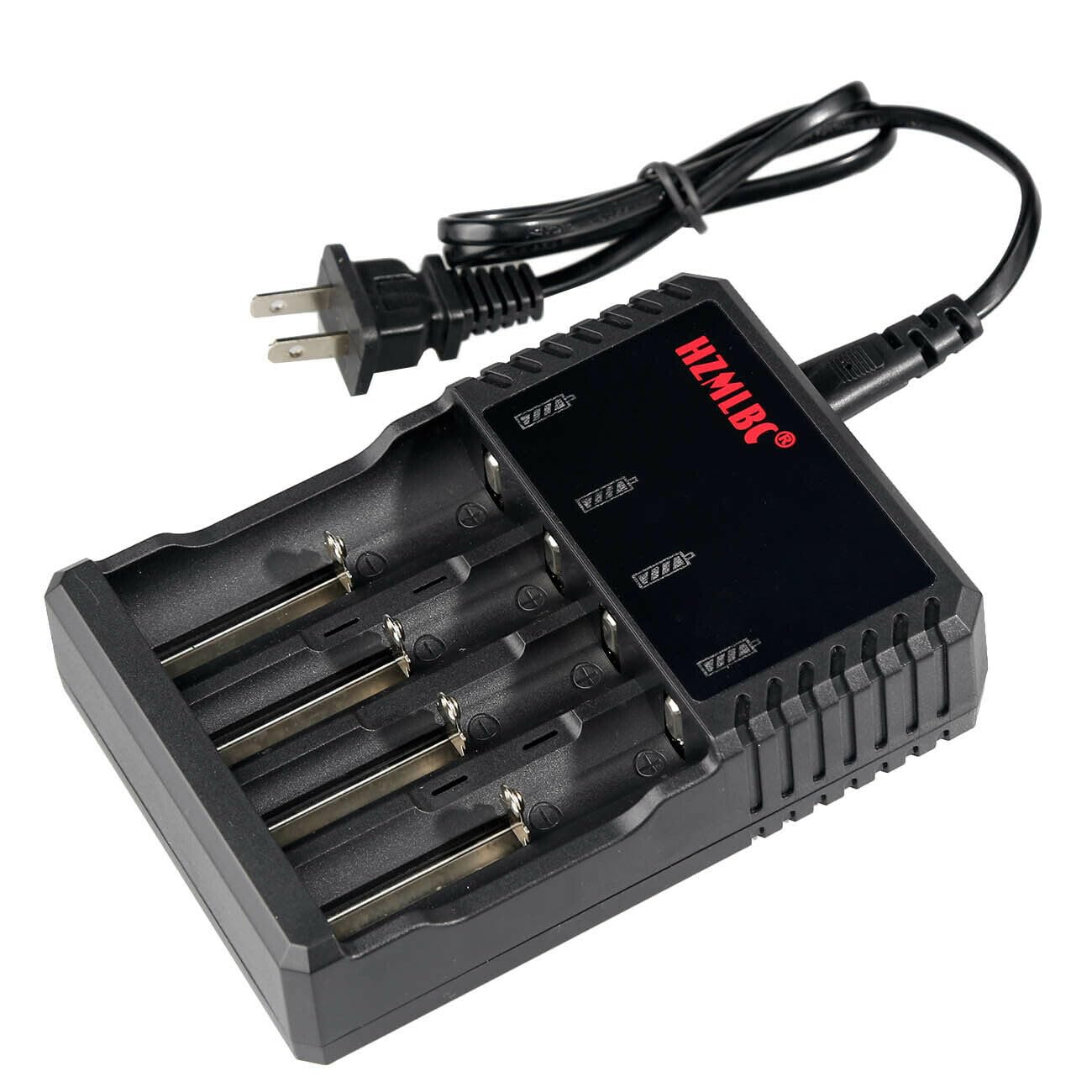
- Carefully insert one or more compatible 3.7V Li-ion rechargeable batteries into the charging slots. The charger can charge 1, 2, 3, or 4 batteries independently.
- When a battery is inserted, the charging indicator light for that slot will turn red, indicating that charging has begun.
- Once a battery is fully charged, its corresponding indicator light will turn green, and the charger will automatically stop charging that battery.
- Remove the fully charged batteries from the slots.
Note on 26650 Batteries: Due to their larger size, when charging 26650 batteries, only 1 or 2 batteries can be installed at a time to ensure proper fit and charging.
Maintenance
- Cleaning: Disconnect the charger from the power source before cleaning. Use a soft, dry cloth to wipe the exterior. Do not use liquid cleaners or solvents.
- Storage: Store the charger in a cool, dry place away from direct sunlight and extreme temperatures when not in use.
- Inspection: Periodically inspect the power cord and charger for any signs of damage. If damage is found, discontinue use and contact support.
Troubleshooting
- Charger Not Powering On: Ensure the power cord is securely connected to both the charger and a working AC outlet. Verify the outlet has power.
- Battery Not Charging:
- Confirm the battery is a compatible 3.7V Li-ion rechargeable type.
- Check that the battery is inserted correctly with the correct polarity.
- Ensure the battery is not damaged or faulty.
- For 26650 batteries, ensure only 1 or 2 are inserted at a time.
- Indicator Lights: Refer to the Operating Instructions section for the meaning of the red and green indicator lights. If lights behave unexpectedly, re-check connections and battery types.
Specifications
| Parameter | Value |
|---|---|
| Input Voltage | AC 100-240V |
| Output Voltage | DC 4.2V ±1% |
| Current Rating | 500mA per slot |
| Dimensions (D x W x H) | 3.94" x 5.51" x 1.38" (10.0 cm x 14.0 cm x 3.5 cm) |
| Weight | 9.21 oz (258 g) |
| Compatible Battery Types | 3.7V Li-ion: 26650, 18650, 17670, 18490, 17500, 17335, 16340, RCR123A, 14500, 10440, 14650, 18350, 18500 |
| Safety Certifications | UL, FCC |
Warranty and Support
This Bestom 4-Slot Universal Lithium Battery Charger comes with a 3-month warranty from the date of purchase. This warranty covers manufacturing defects under normal use.
For technical support, warranty claims, or any questions regarding the product, please contact the seller or manufacturer through your purchase platform. Please have your order number and product model (B0CSWK5YFS) available when contacting support.