Introduction
This manual provides essential information for the safe and efficient use of your Belkin BoostCharge Pro 2-in-1 Wireless Charging Pad 15W. Please read these instructions thoroughly before operating the device and retain them for future reference.
The Belkin BoostCharge Pro 2-in-1 Wireless Charging Pad offers fast wireless charging for your MagSafe-compatible iPhone (up to 15W) and a secondary 5W Qi charging pad for AirPods or other Qi-enabled devices. Its compact design and built-in safety features ensure a reliable charging experience.
Product Overview
The Belkin BoostCharge Pro 2-in-1 Wireless Charging Pad is designed for convenience and efficiency, allowing you to charge two devices simultaneously. The MagSafe-compatible pad provides up to 15W for iPhone 12 series and newer, while the secondary Qi pad delivers up to 5W for AirPods or other compatible devices.
Official Belkin Brand Video: This video provides a general overview of Belkin products and their commitment to technology and connectivity.
Safety Information
- Do not expose the charging pad to water or excessive moisture.
- Avoid extreme temperatures. Operate and store the device within recommended temperature ranges.
- Do not disassemble, modify, or attempt to repair the device. This may void the warranty and pose safety risks.
- Keep out of reach of children.
- Ensure proper ventilation around the charging pad during use.
- Do not place metal objects, credit cards, or other foreign objects on the charging surface, as this may interfere with charging or cause damage.
- This device includes built-in safeguards such as temperature control, overvoltage protection, and foreign object detection to protect connected devices.
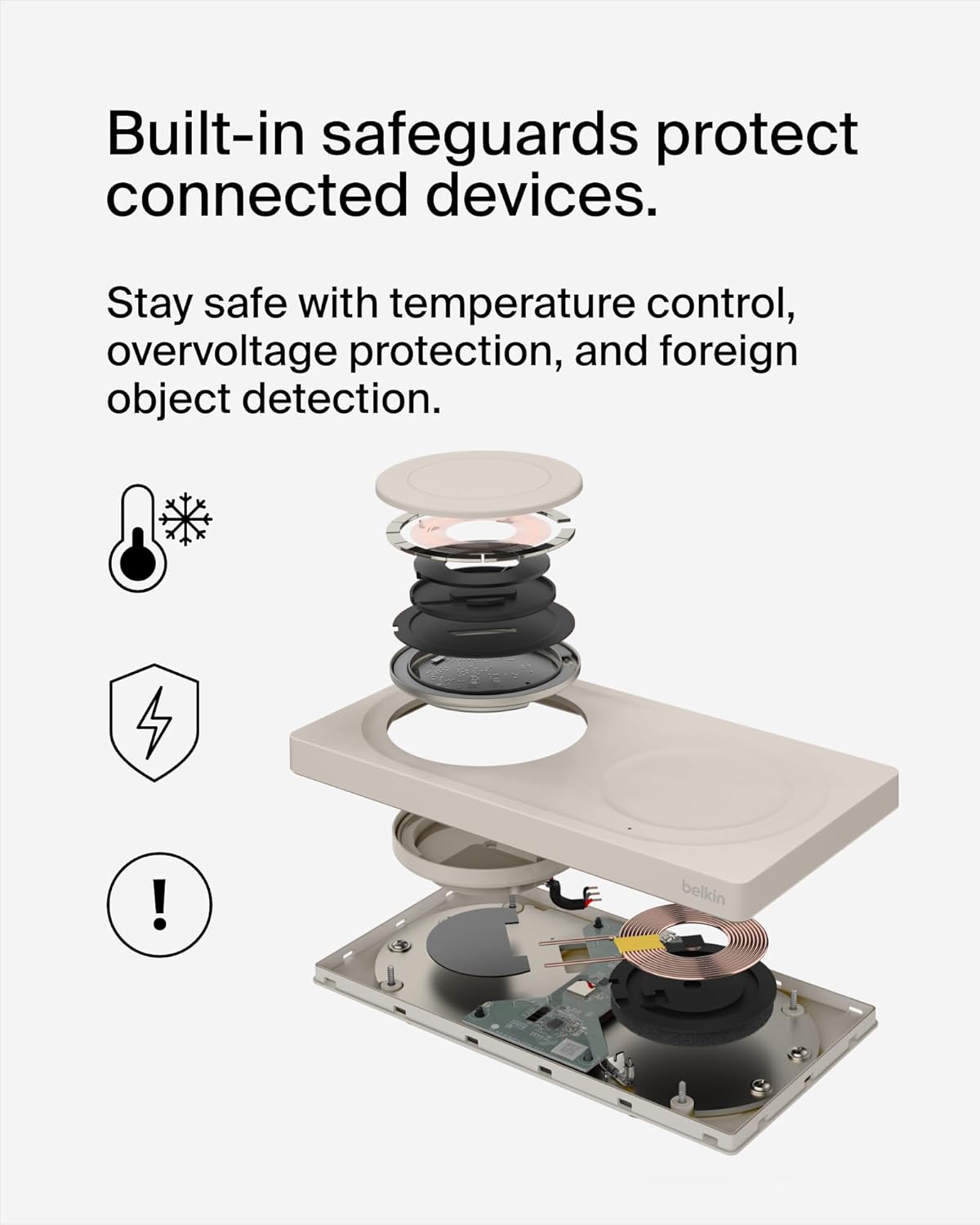
Image: Exploded view illustrating the internal safety mechanisms of the charging pad, including temperature control, overvoltage protection, and foreign object detection.
What's in the Box
Verify that all components are present in the package:
- 1 x Belkin BoostCharge Pro 2-in-1 Wireless Charging Pad with MagSafe 15W
- 1 x USB-C to USB-C cable (5 ft / 1.5M)
Setup
- Connect to Power: Plug the included USB-C to USB-C cable into the charging pad and connect the other end to a compatible USB-C power adapter (not included). Ensure the power adapter is plugged into a functional wall outlet.
- Placement: Place the charging pad on a flat, stable surface.
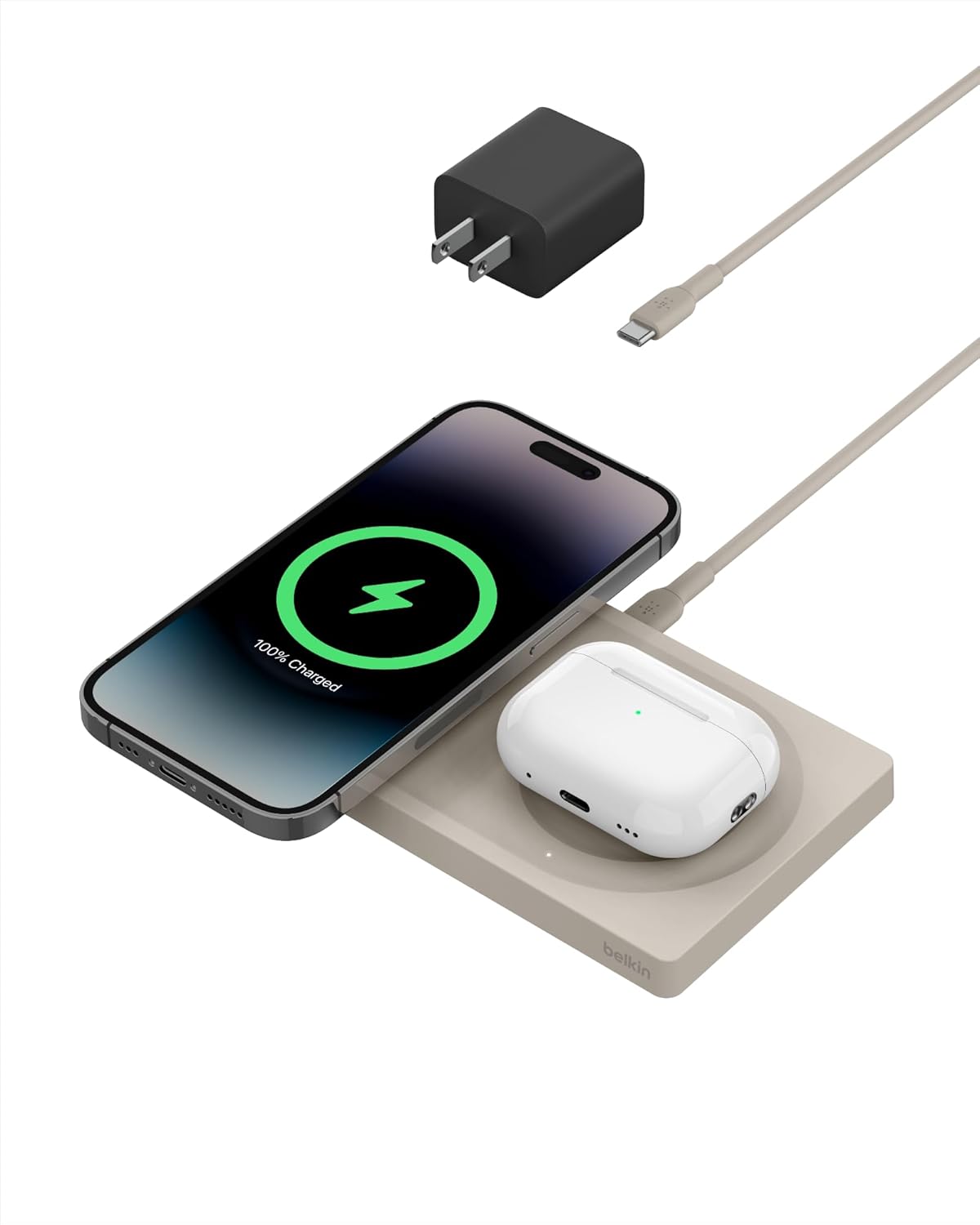
Image: The Belkin BoostCharge Pro 2-in-1 Wireless Charging Pad, showcasing its design and ready for device placement.
Operating Instructions
Charging an iPhone (MagSafe)
Place your MagSafe-compatible iPhone (iPhone 12 series or newer) onto the designated MagSafe charging area of the pad. The magnetic connection will align your iPhone for optimal charging. Charging will begin automatically, indicated by the charging animation on your iPhone screen.
Charging AirPods or Other Qi Devices
Place your AirPods charging case or any other Qi-enabled device onto the secondary 5W Qi charging area. Ensure the device is centered on the pad for effective charging. The LED indicator will confirm charging status.
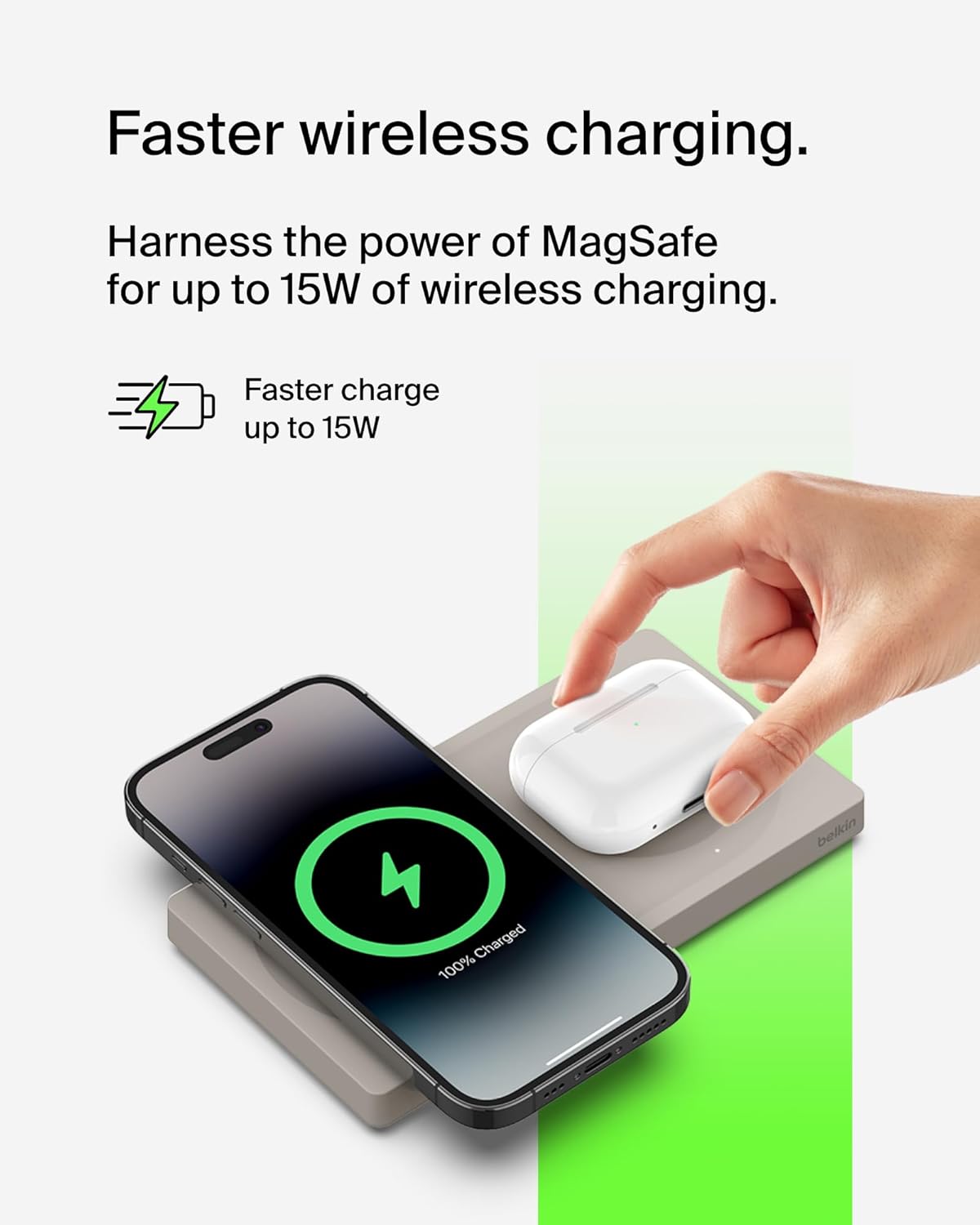
Image: An iPhone charging on the MagSafe pad and AirPods charging on the Qi pad, demonstrating dual device charging.
LED Indicator Light
A built-in LED indicator light on the 5W Qi pad provides visual feedback on the charging status of your secondary device:
- Solid White: Device is charging correctly.
- Solid Amber: Foreign object detected on the charging pad, or device is not placed correctly. Remove the object or reposition the device.

Image: A close-up view of the LED indicator on the charging pad, showing its location and how it signals charging status.
Maintenance
- Cleaning: Disconnect the charging pad from power before cleaning. Use a soft, dry, lint-free cloth to wipe the surface. Do not use harsh chemicals or abrasive cleaners.
- Storage: When not in use, store the charging pad in a cool, dry place away from direct sunlight.
Troubleshooting
| Issue | Solution |
|---|---|
| Device not charging | Ensure the charging pad is properly connected to a power source. Reposition the device on the charging pad to ensure proper alignment. Remove any thick cases or metal objects from the device. Check for foreign objects on the charging surface. |
| LED indicator is amber | This indicates a foreign object detection or improper device placement. Remove any foreign objects (e.g., keys, coins) from the charging surface and reposition your device. |
| Slow charging | Ensure you are using a compatible USB-C power adapter that provides sufficient power (e.g., 20W or higher for optimal iPhone charging). Thick phone cases can reduce charging efficiency. |
| Charging pad feels warm | It is normal for the charging pad to become slightly warm during operation. If it becomes excessively hot, disconnect it from power and contact support. |
Specifications
| Feature | Detail |
|---|---|
| Model Number | WIZ019ttSA |
| MagSafe Output | Up to 15W |
| Qi Output | Up to 5W |
| Input Voltage | 9 Volts |
| Amperage | 3 Amps |
| Connector Type | MagSafe |
| Compatible Devices | iPhone 16 series, iPhone 15 series, iPhone 14 series, iPhone 13 series, iPhone 12 series, AirPods |
| Cable Length | 5 ft. / 1.5M (USB-C to USB-C) |
| Dimensions (W x D x H) | 6.35in x 3.34in x 0.6in |
| Item Weight | 1.17 pounds |
| Color | Sand |
Warranty and Support
This Belkin BoostCharge Pro 2-in-1 Wireless Charging Pad comes with a 2-year limited warranty. For detailed warranty information, product registration, or technical support, please visit the official Belkin support website or contact their customer service.
Belkin Support: www.belkin.com/support/
Environmental Information
The product housing of this BoostCharge Pro is made with a minimum of 72% post-consumer recycled content. The packaging is 100% plastic-free, reflecting Belkin's commitment to environmental responsibility.
Please dispose of this product responsibly at the end of its life cycle, following local regulations for electronic waste recycling.

Image: The charging pad accompanied by symbols representing its eco-friendly construction and packaging.


