
Introduction
Thank you for choosing the Chicclly Professional Cordless Hair Clippers. This manual provides essential information for the safe and effective use, maintenance, and care of your new hair clipper kit. Please read these instructions thoroughly before first use and retain them for future reference.

Image: Chicclly Professional Cordless Hair Clippers, black model.
Safety Information
- Avoid contact with water. This appliance is not waterproof, except for the blade which is designed for rinsing.
- Keep away from children to prevent accidents.
- Do not disassemble the unit beyond routine cleaning as described in this manual.
- Use only the provided charging cable.
- Ensure the clipper is turned off before cleaning or attaching/detaching accessories.
Package Contents
Your Chicclly Professional Cordless Hair Clipper kit includes the following items:
- 1 x Cordless Hair Clipper
- 10 x Color-coded Guide Combs (various lengths)
- 1 x Scissor
- 1 x Cape
- 1 x Storage Bag
- 1 x Comb
- 1 x USB Charging Cable
- 1 x Cleaning Brush
- 1 x Blade Oil

Image: Overview of the 18-piece Chicclly Hair Clipper kit, including the clipper, various guide combs, scissors, and other accessories.
Setup
1. Charging the Clipper
Before first use, fully charge the clipper. Connect the USB charging cable to the clipper and a suitable USB power adapter (not included). The LED display will indicate the battery level. A full charge takes approximately 3 hours and provides over 5 hours of cordless operation. A 15-minute quick charge can provide enough power for one full haircut.

Image: The Chicclly hair clipper connected to a USB charging cable, illustrating the charging process.
2. Attaching Guide Combs
Select the desired guide comb for your preferred hair length. Ensure the clipper is turned off. Align the guide comb with the clipper blade and push it firmly until it clicks into place. To remove, gently pull the comb away from the blade.
Video: This video demonstrates the process of attaching and detaching guide combs to the Chicclly hair clipper, showing how to secure them for different cutting lengths.
Operating Instructions
1. Powering On/Off
Press the power button located on the clipper to turn it on. Press again to turn it off. The LED display will illuminate when the clipper is on, showing the battery percentage.

Image: Close-up of the Chicclly hair clipper's LED display showing battery level and operational status.
2. Adjusting the Taper Lever
The clipper features an adjustable taper lever on the side, allowing for fine-tuning of cutting lengths between 1/64'' and 1''. Move the lever up or down to adjust the blade position for precise blending and fading without changing guide combs.

Image: Illustration of the adjustable taper lever on the side of the Chicclly hair clipper, indicating different cutting length settings.
3. General Usage Tips
- For best results, use the clipper on clean, dry hair.
- Always start with a longer guide comb and gradually reduce the length if desired.
- Move the clipper against the direction of hair growth for an even cut.
- The low-noise design (37-50dB) ensures a comfortable grooming experience.
Maintenance
1. Cleaning the Blades
After each use, turn off the clipper and remove the guide comb. Use the provided cleaning brush to remove any loose hair from the blades. The carbon steel blade is waterproof and can be rinsed under running water. Ensure the blade is completely dry before reattaching or storing.
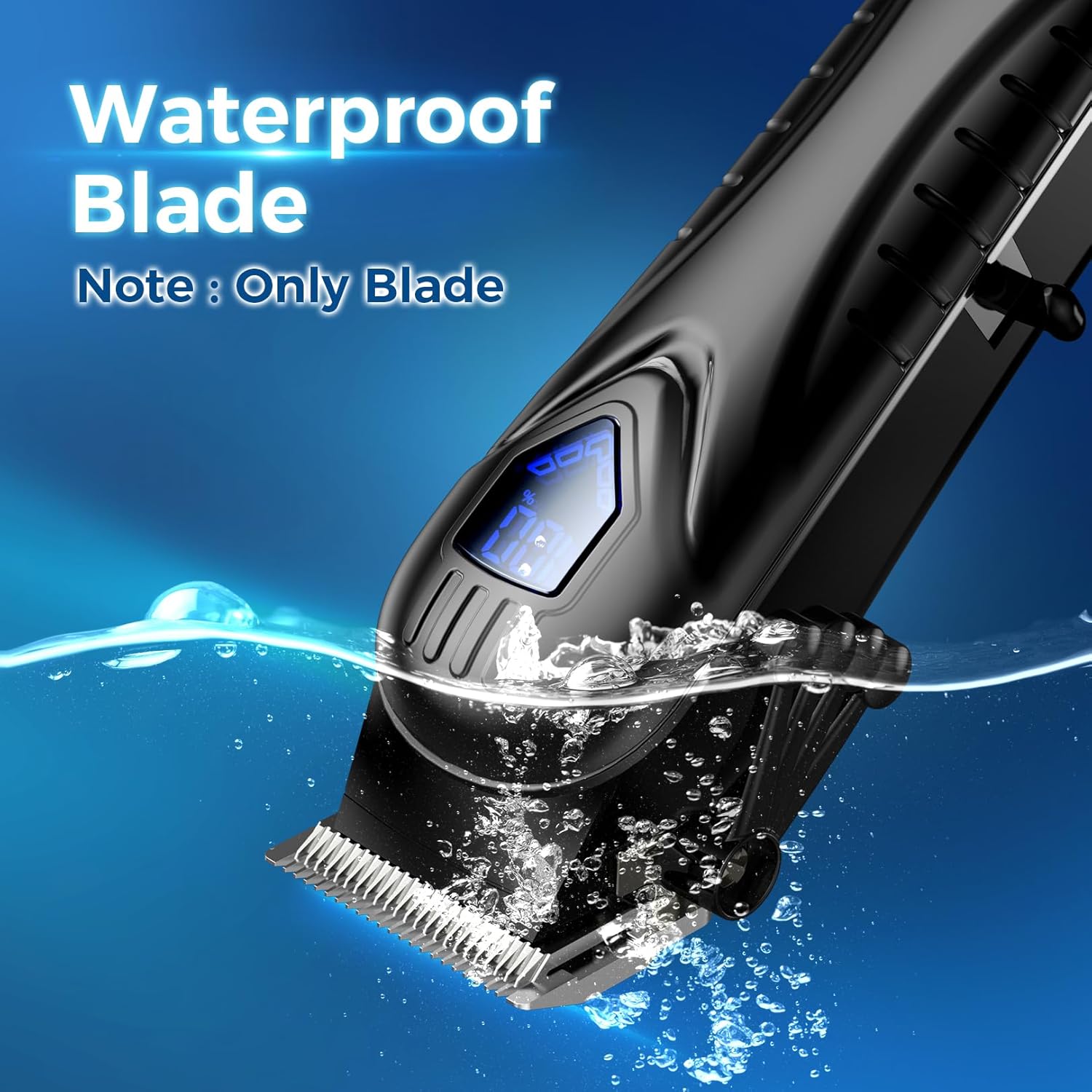
Image: The Chicclly hair clipper blade being rinsed under water, highlighting its waterproof feature.
2. Oiling the Blades
Regularly oil the blades to maintain optimal cutting performance and prolong their lifespan. Apply a few drops of the included blade oil to the teeth of the blades after cleaning, especially if rinsing with water. Turn the clipper on for a few seconds to distribute the oil evenly, then wipe off any excess.
Troubleshooting
- Clipper not turning on: Ensure the battery is charged. Connect the clipper to the charger and check the LED display.
- Poor cutting performance: Clean the blades thoroughly to remove any hair buildup. Oil the blades as described in the maintenance section. Ensure the correct guide comb is securely attached.
- Unusual noise: Ensure the blades are clean and properly oiled. If the noise persists, discontinue use and contact customer support.
Specifications
| Feature | Detail |
|---|---|
| Model Number | BY094A |
| Blade Material | Carbon Steel |
| Power Source | Battery Powered (Cordless) |
| Battery Capacity | 2500mAh (approx.) |
| Charging Time | 3 Hours |
| Operating Time | 5+ Hours (fully charged) |
| Motor Speed | 6000 RPM |
| Noise Level | 37-50dB |
| Maximum Cutting Length | 1 Inch (25mm) |
| Adjustable Taper Lever | 1/64'' - 1'' (approx. 0.4mm - 25mm) |
| Item Weight | 0.64 Kilograms (1.41 Pounds) |
Warranty and Support
Chicclly products are manufactured with quality and performance in mind. For any questions, concerns, or warranty claims, please contact Chicclly customer support through the retailer where the product was purchased or visit the official Chicclly website for assistance.