
Introduction
This manual provides essential instructions for the setup, operation, and maintenance of your Travelpro Maxlite 5 Softside Expandable Compact Carry-On Luggage with Spinner Wheels. Please read this guide thoroughly to ensure proper use and to maximize the lifespan of your luggage. This product is designed for convenient and efficient travel, offering durability and ease of handling.
Setup
Unpacking and Initial Inspection
Upon receiving your Travelpro Maxlite 5 luggage, carefully remove it from its packaging. Inspect the luggage for any signs of damage that may have occurred during shipping. If you notice any damage, please contact customer support immediately.
Handle Operation
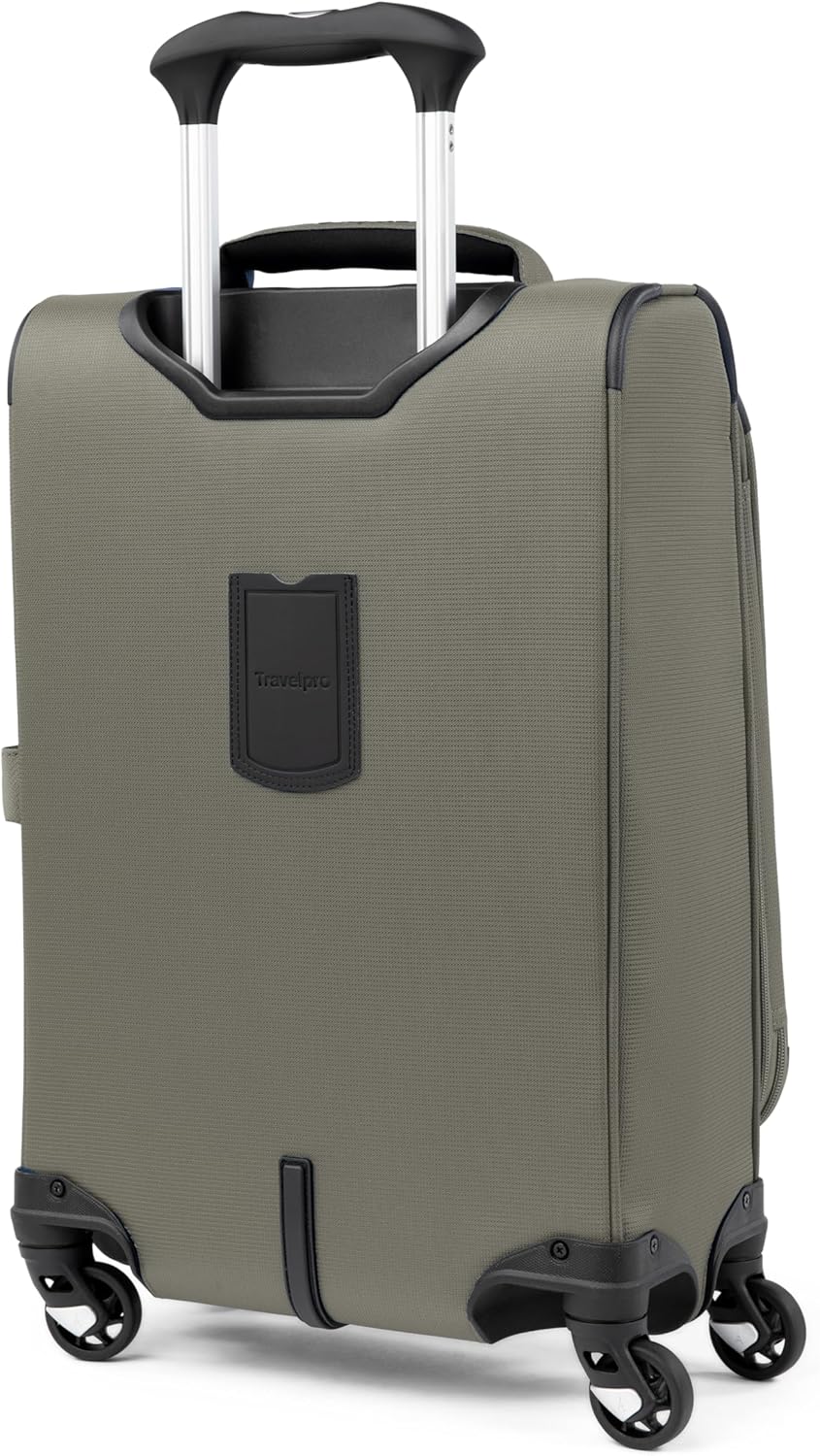
The PowerScope Lite handle is designed for comfortable and secure extension and retraction. To extend the handle, press the button located on the top of the handle grip and pull upwards. The handle will lock into place at two different height stops: 38 inches and 42.5 inches. To retract the handle, press the button again and push downwards until it is fully nested.

Video 1: Maxlite 5 PowerScope Handle and Spinner Wheels. This video demonstrates the smooth operation of the PowerScope Lite handle and the effortless movement of the 360-degree spinner wheels.
Setting the TSA Combination Lock
Your luggage may be equipped with an integrated TSA-approved combination lock. Follow these steps to set your personal combination:
- Ensure the lock is set to the factory default combination (usually 0-0-0).
- Locate the small reset button (often recessed) next to the dials. Use a pen or a pointed object to press and hold this button until you hear a click.
- While holding the reset button, set your desired 3-digit combination by turning the dials.
- Release the reset button. Your new combination is now set.
- Test the new combination by scrambling the numbers and then entering your set combination to open the lock.
Note: The TSA keyhole is for airport security personnel only. Do not attempt to use a key in this slot.
Operating Instructions
Packing Your Luggage
The Maxlite 5 offers ample packing space and organizational features:
- Main Compartment: Utilize the adjustable hold-down straps to secure your clothing and prevent shifting during transit.
- Interior Lid Pocket: A full-length mesh pocket on the interior lid is ideal for smaller items, accessories, or laundry.
- Side Accessory Pocket: Provides additional storage for quick-access items.
- Exterior Pockets: Two exterior pockets offer convenient access to documents, magazines, or other essentials.

Using the Expansion Feature
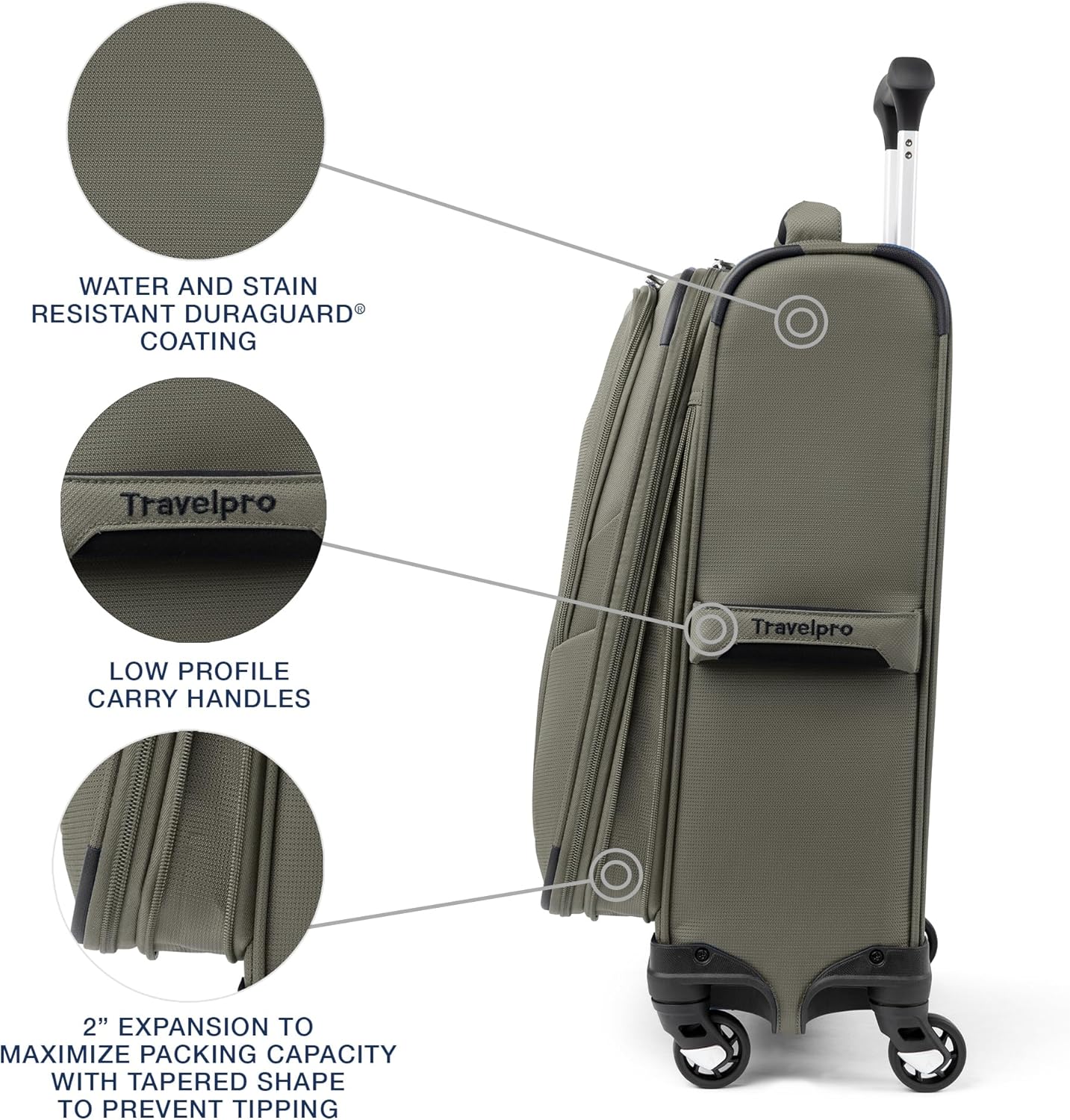
For additional packing capacity, your luggage can expand up to 2 inches. Locate the expansion zipper around the perimeter of the main compartment. Unzip it to gain extra space. Remember to re-zip it when not needed to maintain the compact dimensions.
Maneuvering the Spinner Wheels
The 360-degree spinner wheels provide effortless mobility in any direction. You can push the luggage upright beside you, pull it behind you, or navigate tight spaces with ease. The bottom tray design enhances durability and stability.
Video 2: Maxlite 5 Collection Overview. This short video highlights the lightweight nature and easy maneuverability of the Maxlite 5 luggage, demonstrating its suitability for travel.

Maintenance
Cleaning Instructions
Your Travelpro Maxlite 5 luggage is made from stain-resistant polyester with a water-resistant DuraGuard coating. To clean:
- Wipe exterior surfaces with a damp cloth and mild soap.
- For stubborn stains, use a soft brush and a gentle cleaning solution.
- Rinse thoroughly with a clean, damp cloth and allow to air dry completely before storage.
- Do not use harsh chemicals or abrasive cleaners, as these can damage the fabric and coating.
Wheel and Zipper Care
- Wheels: Periodically check the spinner wheels for debris. Remove any hair or lint that may impede smooth rolling.
- Zippers: Ensure zippers are clean and free of obstructions. If a zipper becomes stiff, a small amount of silicone-based lubricant can be applied.
Troubleshooting
If you encounter any issues with your Travelpro Maxlite 5 luggage, please refer to the following common solutions:
- Handle not extending/retracting smoothly: Check for any obstructions in the handle mechanism. Ensure the release button is fully depressed. Avoid forcing the handle.
- Wheels not rolling smoothly: Inspect wheels for trapped debris (hair, lint, dirt). Clean as described in the Maintenance section.
- Zipper sticking: Ensure the zipper teeth are aligned. Apply a small amount of zipper lubricant if necessary. Avoid overpacking, which can strain zippers.
- Luggage tipping over: This can occur if heavy items are placed in exterior pockets, especially when the main compartment is lightly packed or another bag is stacked on the handle. Distribute weight evenly.
- Combination lock issues: If you forget your combination, unfortunately, there is no master reset code. You may need to try combinations or contact a locksmith. If the lock mechanism is faulty, refer to the warranty information.
For issues not resolved by these steps, please contact Travelpro customer support.
Specifications
Key specifications for the Travelpro Maxlite 5 Compact Carry-On Spinner Luggage (Model 401176206):
| Feature | Detail |
|---|---|
| Overall Dimensions (includes wheels and handles) | 22" x 14" x 9" |
| Case Dimensions | 19.5" x 13.75" x 9" |
| Item Weight | 5.1 lbs |
| Packing Capacity | 38 Liters |
| Expansion | Up to 2 inches |
| Material | Stain-resistant polyester with DuraGuard coating |
| Lining | 100% post-consumer recycled plastic with H2O Guard |
| Wheels | 360° spinner wheels |
| Handle | Lightweight PowerScope Lite handle with Contour Grip |

Warranty and Support
Limited Lifetime Coverage
Your Travelpro Maxlite 5 luggage is backed by Travelpro's Limited Lifetime Coverage. This warranty covers defects in materials and workmanship for the lifetime of the product. It includes wheels, zippers, extension handles, and carrying handles. Repair or replacement is at Travelpro's discretion.
1-Year Trusted Companion Promise
In addition to the Limited Lifetime Coverage, your product includes a 1-Year Trusted Companion Promise. This promise covers repairs and shipping costs for damage caused by airlines or other common carriers for one year from the date of purchase, provided the product is registered. This offers worry-free enhancement to your coverage.
To register your product or for warranty claims, please visit the official Travelpro website or contact their customer service department. Keep your proof of purchase for warranty validation.


