
1. Product Overview
The RORIOS AA-AEZ007 is a multifunctional electronic dual display wristwatch designed for women. It combines analog and digital timekeeping with various features suitable for daily use.

Image 1: RORIOS AA-AEZ007 Electronic Dual Display Watch, showing the watch face with both analog hands and a digital display, along with buttons labeled LIGHT, MODE, START, and RESET.
Key Features:
- Dual-display: Analog and Digital time.
- 50-meter water resistance.
- Multifunctional: Stopwatch, countdown timer, alarm, day of the week, 12/24-hour format, automatic hand tracking, Daylight Saving Time (DST) for 31 cities.
- Luminous display for low-light conditions.
- Shock and drop resistant resin case.
- Comfortable and durable resin strap.

Image 2: Collage illustrating key features of the RORIOS AA-AEZ007 watch, including luminous function, daily life waterproof capability, high-quality resin strap, and high-quality alloy case back.
2. Setup and Button Functions
Before using your watch, familiarize yourself with the button layout and their primary functions.

Image 3: Diagram of the RORIOS AA-AEZ007 watch face, labeling the four buttons: "Light Button" (top left), "Mode Switching" (bottom left), "Start Pause" (top right), and "Reset" (bottom right). It also points to the "Time Display" and "Mode Display" on the digital screen.
- LIGHT Button (Top Left): Activates the backlight for the digital display.
- MODE Button (Bottom Left): Cycles through different modes (Time, Stopwatch, Alarm, Countdown, etc.).
- START Button (Top Right): Used to start/stop functions like stopwatch or adjust settings.
- RESET Button (Bottom Right): Used to reset functions or confirm settings.
3. Operating Instructions
3.1. Setting Time and Date
- In Timekeeping Mode, press the MODE button repeatedly until the seconds begin to flash. This indicates setting mode.
- Press the START button to cycle through the settings: seconds, hour, minute, year, month, day, 12/24-hour format, and Daylight Saving Time (DST).
- Use the RESET button to adjust the flashing value.
- Once all settings are correct, press the MODE button to exit setting mode.
- The analog hands will automatically synchronize with the digital time. If they do not, refer to the "Automatic Hand Tracking" section.
3.2. Using the Stopwatch
- From Timekeeping Mode, press the MODE button until "STW" or "SPL" appears on the digital display, indicating Stopwatch Mode.
- Press the START button to begin timing.
- Press the START button again to pause timing.
- Press the RESET button to clear the stopwatch to zero.
- To resume timing after pausing, press the START button.
3.3. Setting the Alarm
- From Timekeeping Mode, press the MODE button until "ALM" appears on the digital display, indicating Alarm Mode.
- Press and hold the START button until the alarm hour begins to flash.
- Use the RESET button to adjust the hour.
- Press the START button to move to the minute setting.
- Use the RESET button to adjust the minute.
- Press the START button to exit alarm setting.
- To turn the alarm ON/OFF, press the RESET button in Alarm Mode. An alarm icon will appear/disappear.
3.4. Countdown Timer
- From Timekeeping Mode, press the MODE button until "TMR" or "CD" appears on the digital display, indicating Countdown Timer Mode.
- Press and hold the START button until the countdown hour begins to flash.
- Use the RESET button to adjust the hour, then press START to move to minutes, and then seconds.
- Use the RESET button to adjust the minutes and seconds.
- Press the START button to exit countdown setting.
- Press the START button to begin the countdown.
- Press the START button again to pause. Press RESET to reset the timer.
3.5. Luminous Display
Press the LIGHT button (top left) to illuminate the digital display for a few seconds in low-light conditions.
3.6. Automatic Hand Tracking
The analog hands are designed to automatically synchronize with the digital time. If the analog hands do not match the digital time, enter the time setting mode (Section 3.1) and ensure the digital time is correct. The hands should adjust automatically. If not, consult the troubleshooting section.
4. Maintenance and Care
- Water Resistance: This watch is 50-meter water resistant. It is suitable for daily use, such as washing hands or light rain. Avoid prolonged exposure to water, hot water, or steam. Do not press buttons underwater.
- Cleaning: Wipe the watch with a soft, dry cloth. For stubborn dirt, a slightly damp cloth can be used, followed by drying. Avoid harsh chemicals or abrasive cleaners.
- Temperature: Avoid exposing the watch to extreme temperatures (hot or cold) for extended periods, as this can affect battery life and accuracy.
- Impact: While the watch is shock-resistant, avoid severe impacts or dropping it from significant heights.
- Battery Replacement: When the display becomes dim or the watch stops functioning, the battery may need replacement. This should ideally be done by a qualified watch technician to ensure water resistance is maintained.
5. Troubleshooting
- Watch not displaying time: Check if the battery needs replacement.
- Digital display is dim: Battery may be low. Replace the battery.
- Analog hands do not match digital time: Ensure the digital time is set correctly. The hands should synchronize automatically. If not, try resetting the watch (refer to the full user manual for specific reset procedures, if available, or contact support).
- Water inside the watch: Immediately stop using the watch and seek professional service to prevent further damage.
- Buttons are unresponsive: Ensure no debris is lodged around the buttons. If the issue persists, contact customer support.
6. Specifications
| Feature | Specification |
|---|---|
| Model Number | AA-AEZ007 |
| Movement | Japanese Electronic Quartz |
| Display Type | Analog and Digital (Dual Display) |
| Water Resistance | 50 Meters (5 ATM) |
| Case Material | Resin |
| Case Back Material | 304 Stainless Steel |
| Strap Material | Resin |
| Dial Diameter | 40 mm |
| Dial Thickness | 15 mm |
| Strap Width | 19 mm |
| Watch Circumference | 220 mm |
| Weight | 40 g |

Image 4: Diagram illustrating the dimensions of the RORIOS AA-AEZ007 watch, including case thickness (15mm), band length (220mm), band width (19mm), dial diameter (40mm), and weight (40g).
7. Warranty and Support
Your RORIOS AA-AEZ007 watch comes with a user manual and warranty information included in the package. Please refer to the provided warranty document for details on coverage and terms.
Customer Support:
If you encounter any issues with your watch or require assistance, please contact RORIOS customer service. The manufacturer is committed to providing satisfactory solutions for product-related concerns.
Contact information can typically be found in the included warranty card or on the official RORIOS website.
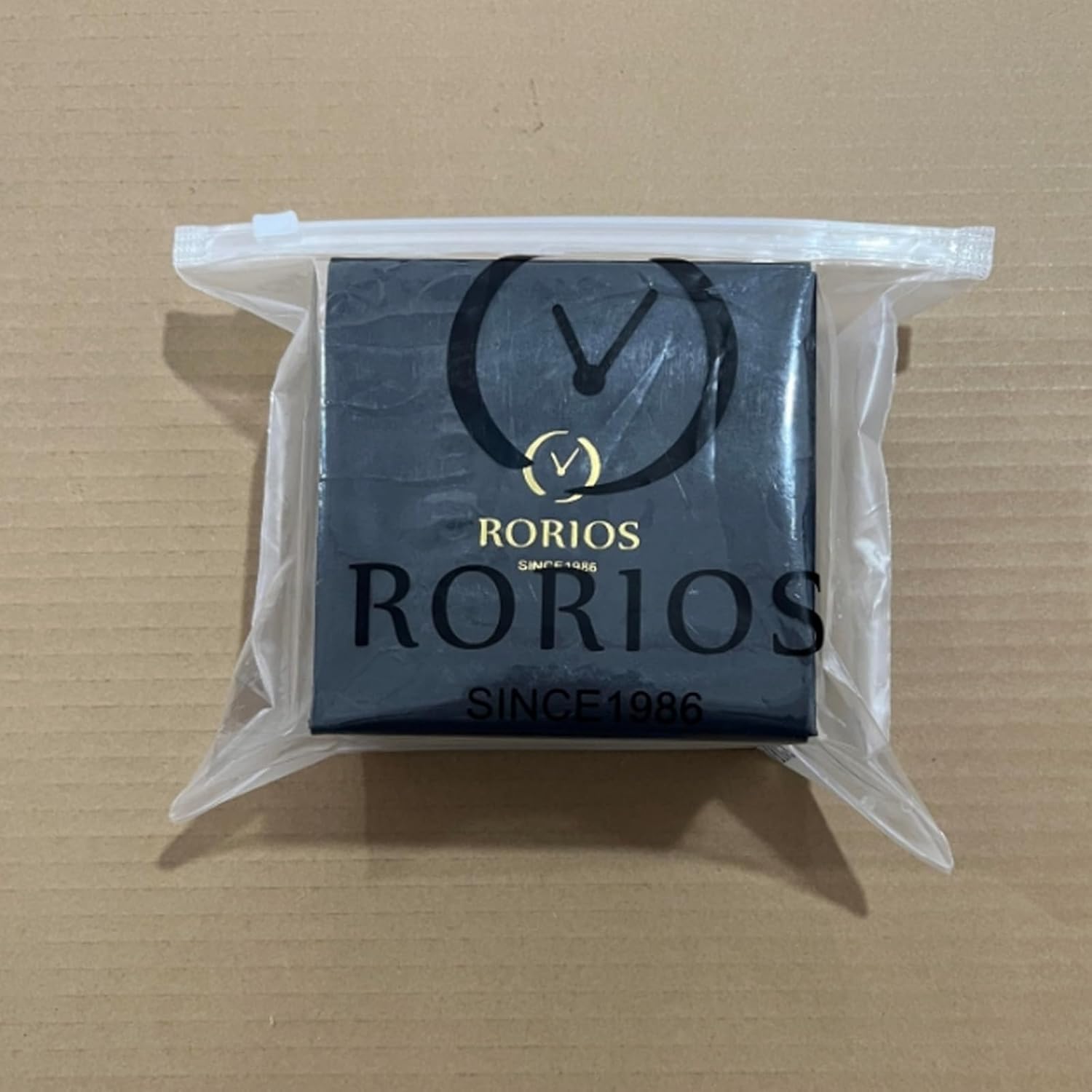
Image 5: A RORIOS branded gift box, indicating the watch comes in protective packaging.