
SUNTEKCAM HC801Pro
SUNTEKCAM HC801Pro 4G LTE Hunting Camera User Manual
Model: HC801Pro
Introduction
Thank you for choosing the SUNTEKCAM HC801Pro 4G LTE Hunting Camera. This advanced camera is designed for wildlife surveillance, offering high-resolution images and videos, robust night vision capabilities, and 4G connectivity for real-time monitoring. This manual provides detailed instructions for setup, operation, and maintenance to ensure optimal performance of your device.
Package Contents
Please verify that all items listed below are included in your package:
- 1 x SUNTEKCAM HC801Pro 4G LTE Hunting Camera
- 1 x 32GB Micro SD Memory Card
- 1 x USB Cable
- 1 x Mounting Strap
- 1 x Metal Fixed Bracket
- 1 x User Manual
- Note: Batteries are not included.

Image: The SUNTEKCAM HC801Pro camera, its antenna, and a smartphone showing the live feed from the camera, along with various accessories.
Setup Guide
1. Battery Installation
The HC801Pro requires 1.5V batteries (not included). Open the battery compartment on the camera and insert the batteries, ensuring correct polarity.
2. SD Card and SIM Card Insertion
Locate the SD card slot and SIM card slot.
- Insert the provided 32GB Micro SD card into the SD card slot until it clicks into place.
- Insert a prepaid SIM card into the SIM card slot. Important: Only prepaid SIM cards are supported. SIM cards with PIN protection are not supported.
3. Powering On and App Connection
Follow these steps to power on the camera and connect it to the mobile application:
- Insert the SD card and SIM card into the 4G hunting camera.
- Turn on the camera. The signal bar and cloud indicator should turn green, indicating successful network connection.
- Download the "SuntekCam" application on your mobile phone.
- Use the application to scan the QR code located on the camera to establish a connection.
- If connection issues arise, please refer to the troubleshooting section or contact support.

Image: Key features of the HC801Pro camera, including 4G, live video, high resolution, fast trigger speed, and robust design.
Operating Modes
The HC801Pro camera offers two primary operating modes:
1. Test Mode
In Test Mode, the camera allows for real-time monitoring. You must manually send instructions via the "SuntekCam" mobile application to capture videos or photos. This mode is ideal for initial setup, aiming, and verifying camera functionality.
2. ON Mode
In ON Mode, the camera automatically detects motion and captures footage. It will take photos or videos based on its internal settings and detected movement. You can refresh the application's reception page at any time to receive the latest video/image for real-time situation verification.
Features and Performance
High-Resolution Imaging
The HC801Pro delivers vivid 30MP images and sharp 4K videos, ensuring clear and detailed recordings. It supports simultaneous photo and video capture.

Image: A visual comparison highlighting the superior clarity and detail of 30MP images compared to 24MP.
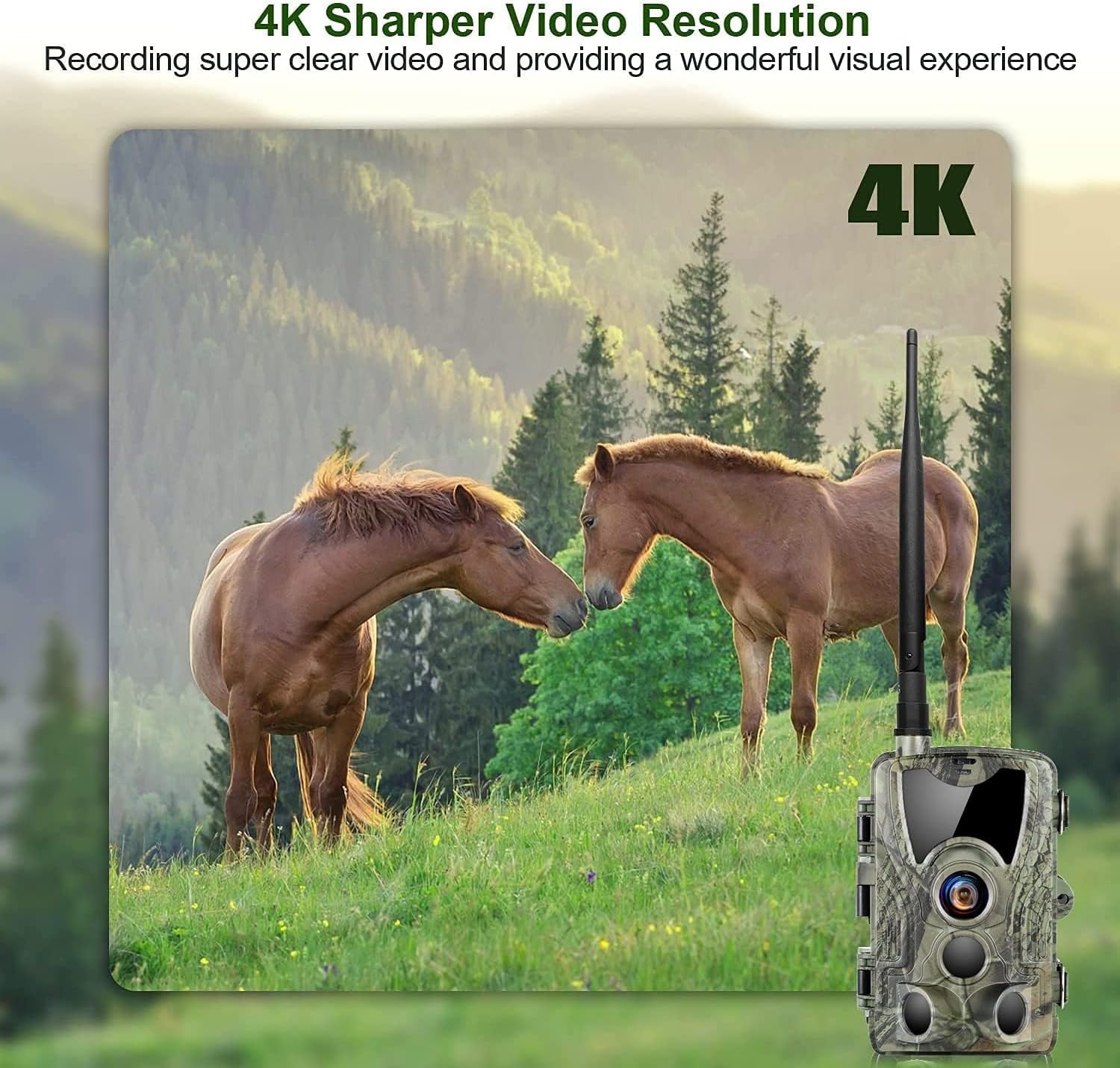
Image: An example of 4K video resolution, showcasing sharp and clear footage.
Advanced Night Vision
Equipped with 940nm invisible infrared anti-reflection technology and 36 LED infrared lights, the camera provides a night vision capacity of up to 65 feet (30 meters). This ensures clear images even in complete darkness, without disturbing wildlife.
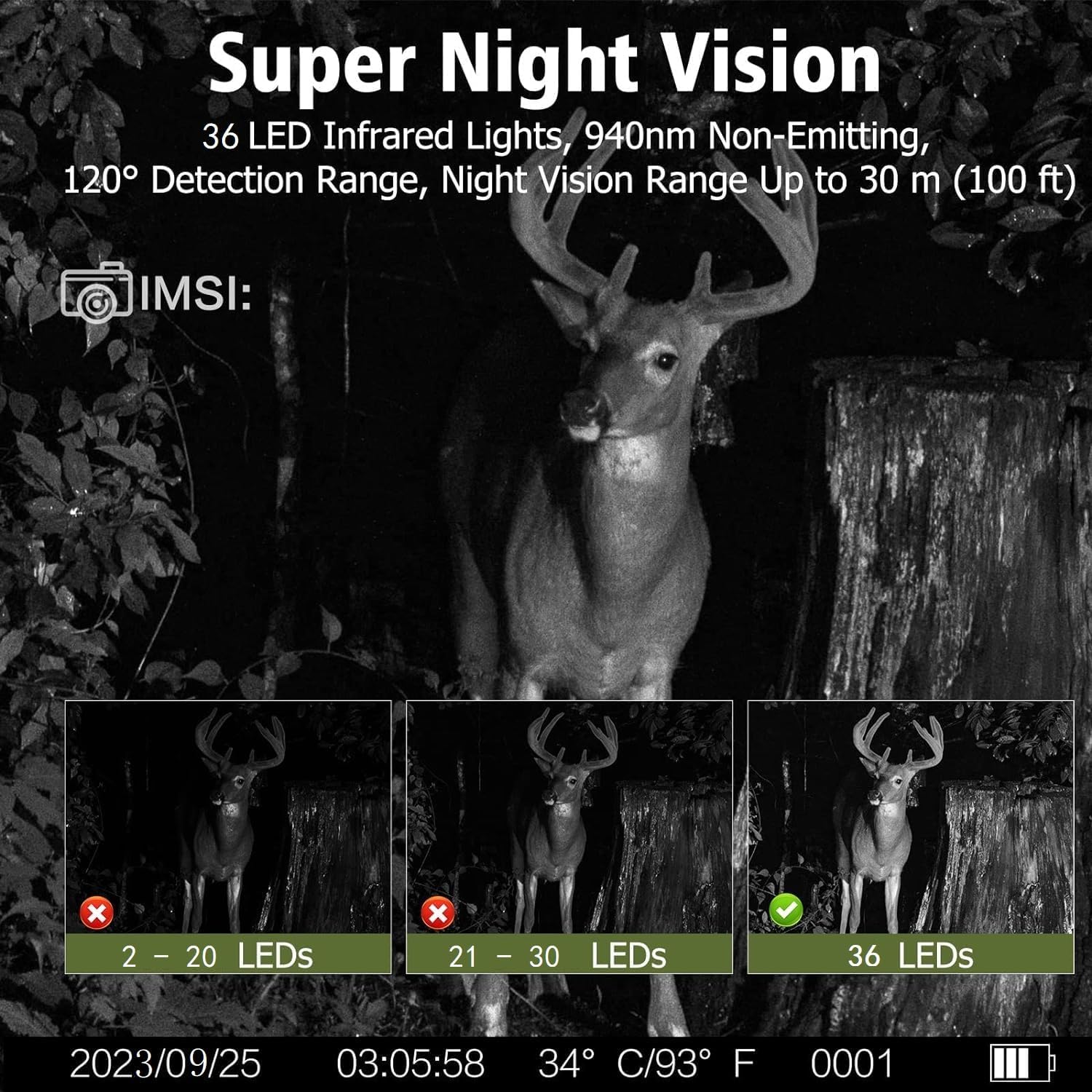
Image: A demonstration of the camera's superior night vision with 36 infrared LEDs, providing clear images in low light conditions.
Durable and Weatherproof Design
Constructed with high-quality materials, the HC801Pro is designed to withstand harsh environmental conditions. It is IP66 waterproof, dustproof, and shockproof, ensuring normal operation in rain, snow, or dusty environments. It is suitable for use in deserts and rainforests.

Image: The camera mounted on a tree, shown operating reliably in rainy conditions, highlighting its IP66 waterproof rating.
Maintenance
To ensure the longevity and optimal performance of your SUNTEKCAM HC801Pro camera, follow these maintenance guidelines:
- Cleaning: Gently wipe the camera lens and housing with a soft, dry cloth. Avoid using abrasive cleaners or solvents that could damage the surface.
- Battery Care: If the camera will not be used for an extended period, remove the batteries to prevent leakage and potential damage.
- Storage: Store the camera in a cool, dry place away from direct sunlight and extreme temperatures.
- SD Card Management: Regularly back up important data from your SD card and format it periodically to maintain optimal performance.
Troubleshooting
If you encounter issues with your HC801Pro camera, please refer to the following common problems and solutions:
| Problem | Possible Cause | Solution |
|---|---|---|
| Camera does not power on. | Low or dead batteries; incorrect battery polarity. | Replace batteries with fresh ones; ensure correct battery orientation. |
| No signal/App connection issues. | SIM card not properly inserted; SIM card not prepaid; poor network coverage; incorrect QR code scan. | Reinsert SIM card; ensure SIM is prepaid and not PIN-protected; move camera to an area with better signal; rescan QR code carefully. |
| Poor image/video quality. | Dirty lens; insufficient lighting (for non-night vision); camera too far from subject. | Clean the camera lens; ensure adequate lighting or proper night vision activation; adjust camera placement. |
| Camera not detecting motion. | PIR sensor blocked; incorrect sensitivity settings; camera placed in high-traffic area with unwanted triggers. | Ensure PIR sensor is clear; adjust PIR sensitivity in settings; reposition camera to optimize detection area. |
Specifications
| Feature | Detail |
|---|---|
| Model | HC801Pro |
| Image Resolution | 30 MP |
| Video Resolution | 4K |
| Connectivity | 4G LTE, Wired |
| Night Vision | 940nm Invisible IR LEDs (36 LEDs), up to 30m (100 ft) |
| Waterproof Rating | IP66 |
| Trigger Speed | 0.2 seconds |
| PIR Angle | Wide 120° |
| Storage | Supports Micro SD card up to 256GB (32GB included) |
| Power Source | Battery Powered (1.5 Volts) |
| Material | Metal |
| Dimensions (L x W x H) | 10 x 5.5 x 17 cm |
| Weight | 640 grams |
| Supported Languages | 17 languages (including French) |

Image: A comparative table illustrating the superior specifications of the HC801Pro against other cameras.
Warranty and Support
For any questions, technical support, or warranty inquiries regarding your SUNTEKCAM HC801Pro camera, please contact SUNTEKCAM customer service. Refer to the contact information provided in your product packaging or on the official SUNTEKCAM website.
If the connection does not succeed during setup, you can contact us at any time.