1. Product Overview
The Generic CB9686 STEM Building Blocks kit is designed to foster construction skills and understanding of mechanical concepts through hands-on experimentation. This kit includes 420 pieces, allowing for the construction of 58 different models. It is compatible with major building block brands and features a battery box and motor for dynamic creations. The kit supports learning principles such as gear mechanisms, axle systems, differential gears, and motor operation.
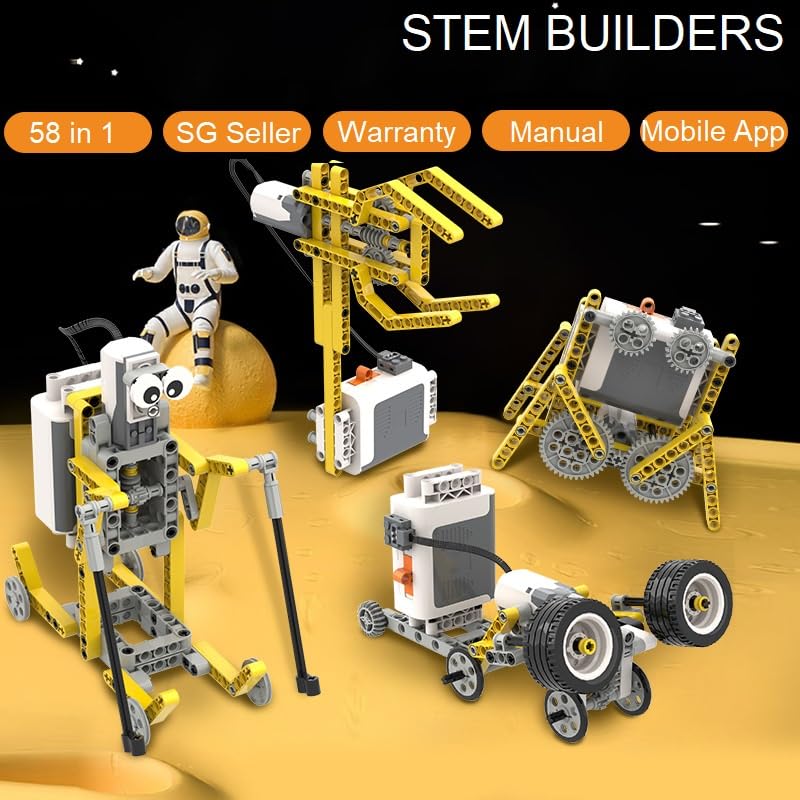
Image: A selection of models that can be constructed using the CB9686 kit, demonstrating its versatility.
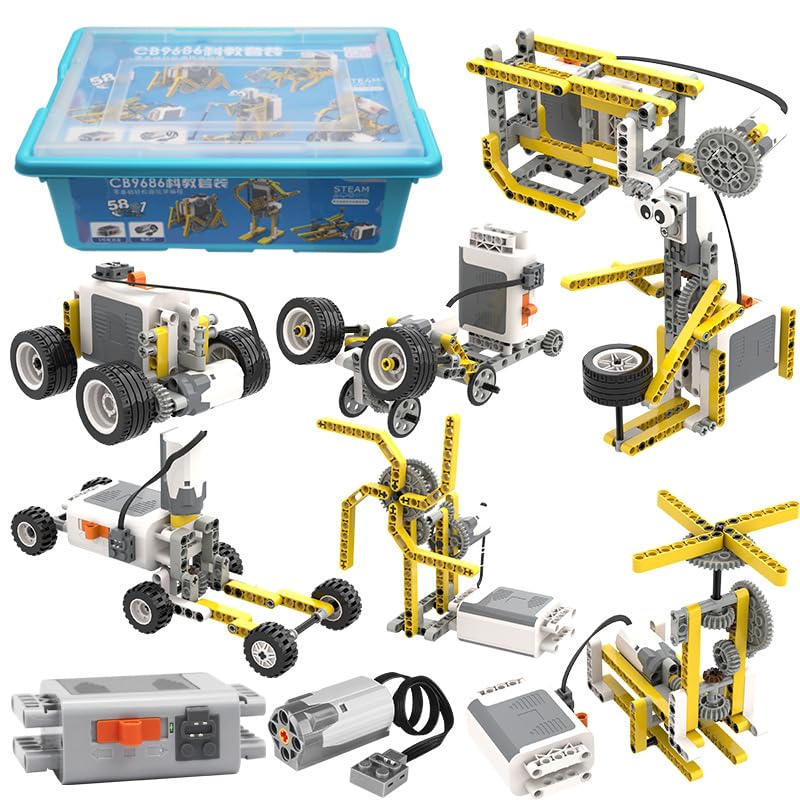
Image: The product packaging alongside various completed models, showcasing the kit's potential.
2. What's Included
Before beginning assembly, please verify that all components listed below are present in your kit:
- Plastic Storage Box
- Tray to keep blocks organized
- 420 Pieces of building blocks
- 1 Battery Box (requires 6 AA Batteries, not included)
- 1 Medium Sized Motor
- 1 Paper Manual Book
- List of all 420 parts
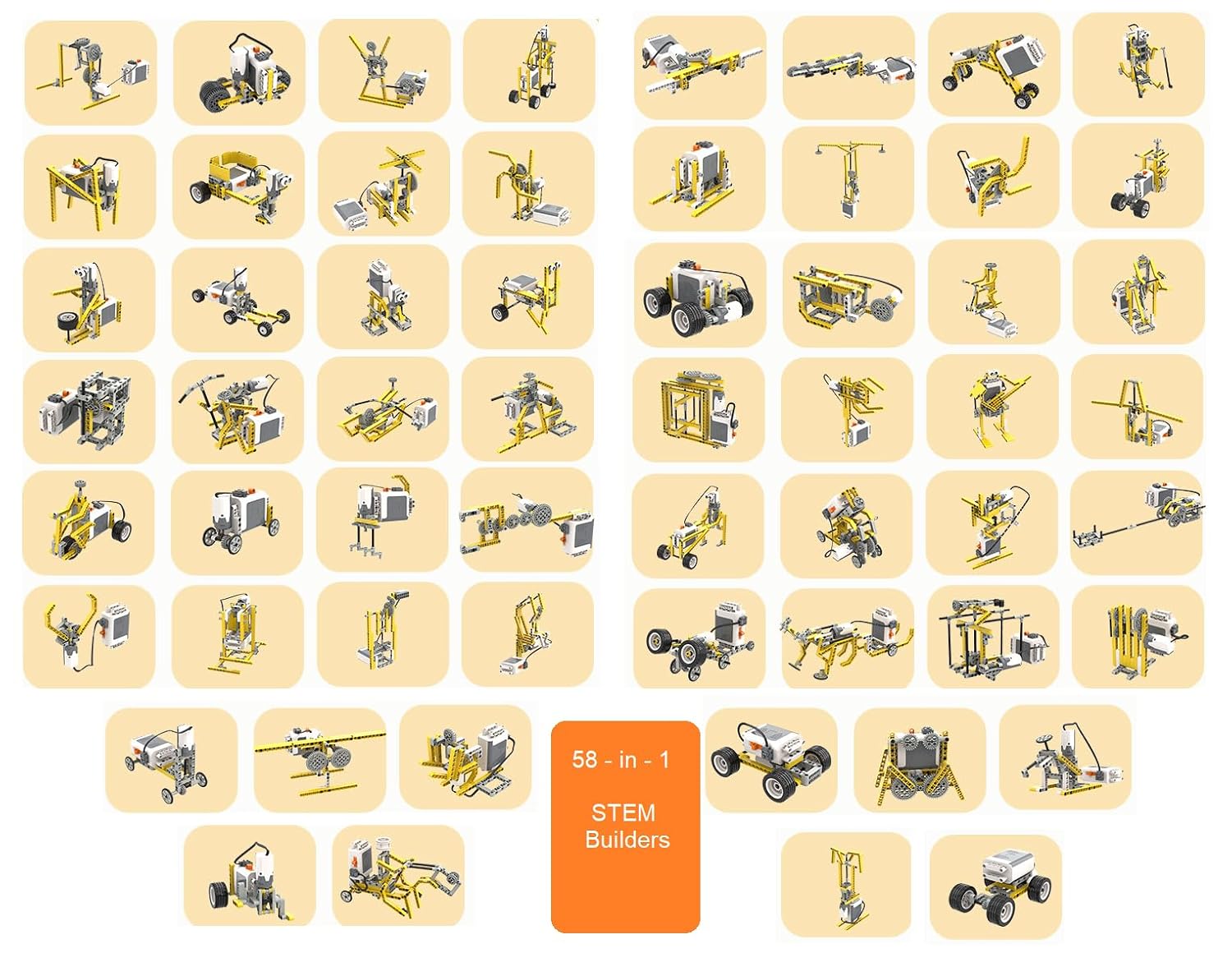
Image: All components of the CB9686 kit, including the storage box, building pieces, motor, and battery box.
Image: Detailed view of the battery box and motor, essential electronic components of the kit.
3. Assembly and Setup
The CB9686 kit provides both a physical manual and a mobile application for detailed assembly instructions. It is recommended to follow these guides for constructing the models.
3.1. Battery Installation
- Locate the battery compartment on the Battery Box.
- Open the compartment cover.
- Insert 6 AA batteries, ensuring correct polarity (+/-). Batteries are not included and must be purchased separately.
- Close the battery compartment cover securely.
3.2. Connecting the Motor
- Identify the connector cable extending from the motor.
- Plug the motor's connector into the designated port on the Battery Box. Ensure a firm connection.
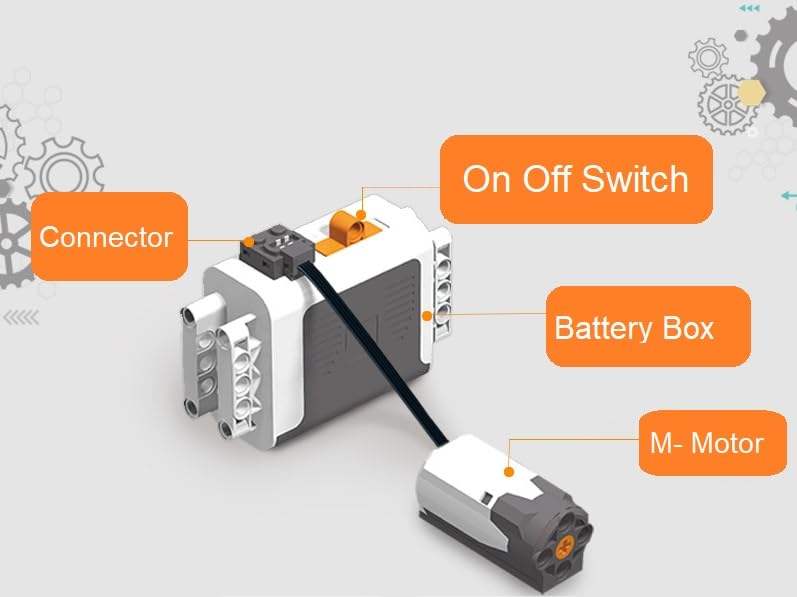
Image: Illustration detailing how to connect the motor to the battery box and identifying key components.
3.3. Using the Manual and Mobile App
The kit includes a paper manual. Additionally, a mobile application is available for Android and Apple devices, providing interactive instructions for all 58 models. Scan the QR code in the paper manual to download the app.
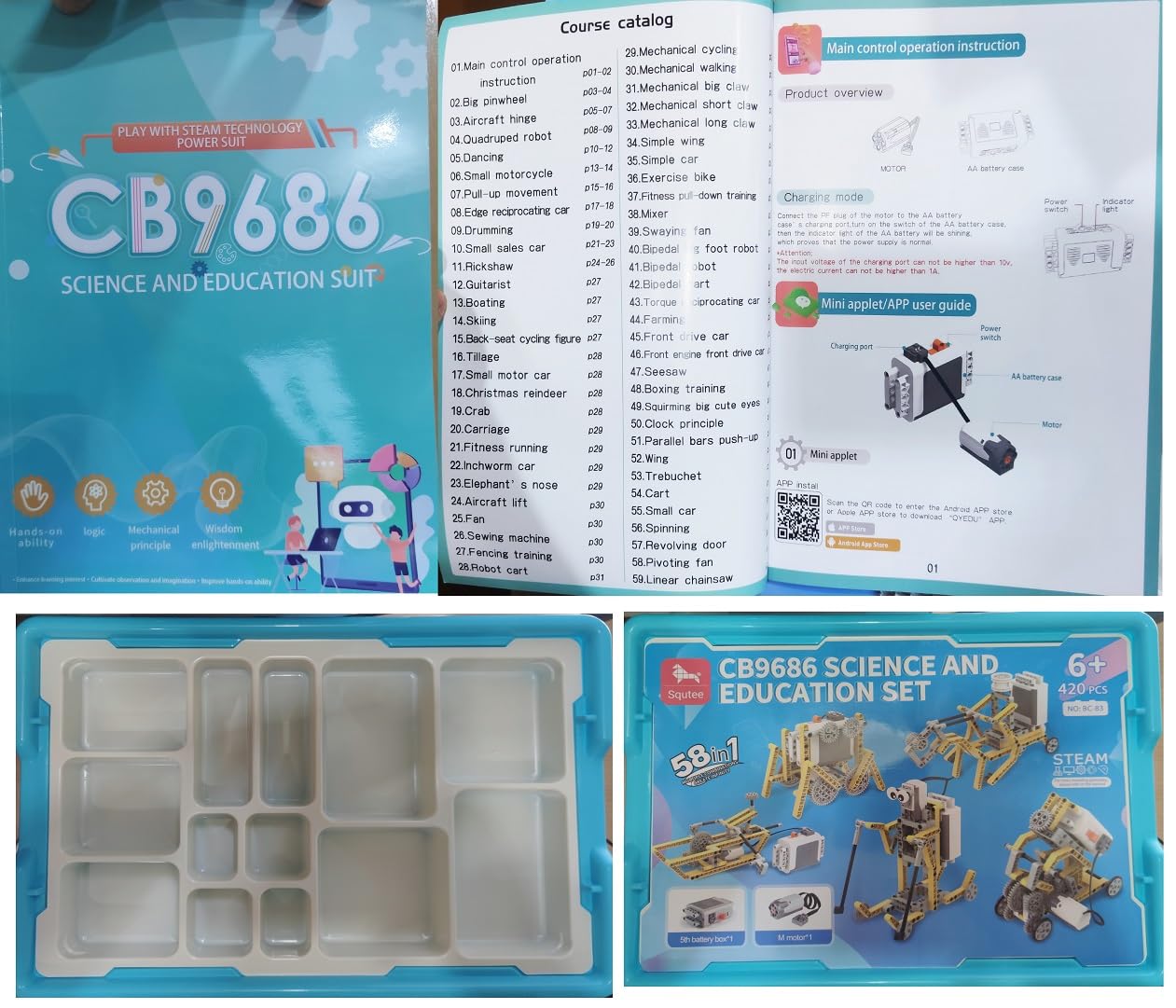
Image: The included paper manual, displaying assembly steps and a QR code for accessing the mobile application.
4. Operating Instructions
Once a model is assembled and the motor is connected to the battery box with batteries installed, you can operate your creation.
- Ensure all connections are secure and the model is stable.
- Locate the On/Off switch on the Battery Box.
- Flip the switch to the 'On' position to activate the motor and power the model.
- To stop the model, flip the switch back to the 'Off' position.
Important Note:
This kit allows for the construction of 58 different models, but only one model can be built and operated at a time, as it includes a single battery box and motor. If you wish to operate multiple models simultaneously, additional battery boxes and motors can be purchased separately.
5. Maintenance
Proper maintenance ensures the longevity and functionality of your building block kit.
- Cleaning: Wipe the building blocks and electronic components with a dry, soft cloth. Avoid using water or chemical cleaners, as these can damage the electronic parts.
- Storage: After use, disassemble models and store all pieces in the provided plastic storage box and tray to prevent loss and damage. Keep the kit in a cool, dry place away from direct sunlight.
- Battery Care: Remove batteries from the Battery Box if the kit will not be used for an extended period to prevent leakage and corrosion.
6. Troubleshooting
If your model is not functioning as expected, consider the following:
- Model Not Moving:
- Check if the Battery Box is switched to the 'On' position.
- Ensure batteries are correctly installed with the proper polarity and are not depleted. Replace if necessary.
- Verify that the motor is securely connected to the Battery Box.
- Inspect the model for any mechanical obstructions or incorrectly assembled parts that might be preventing movement.
- Motor Not Responding:
- Confirm the battery box has fresh batteries and is switched on.
- Ensure the motor cable is fully inserted into the battery box port.
- If the motor still does not respond, it may require replacement. Refer to the Warranty and Support section.
7. Specifications
| Feature | Detail |
|---|---|
| Model Number | CB9686 |
| Number of Pieces | 420 |
| Number of Models | 58 (one at a time) |
| Material Type | Plastic |
| Educational Objective | Construction Skills |
| Power Source | 1 Battery Box (requires 6 AA batteries, not included) |
| Included Components | 420 Pieces, Motor, Battery Box, Storage Box, Manual |
| Recommended Age | 3 years and up |
8. Warranty and Support
This product comes with a 90-day warranty on all electronic parts from the date of purchase. Please retain your proof of purchase for warranty claims.
For any inquiries regarding the product, missing parts, or to purchase additional battery boxes or motors, please contact the manufacturer or seller directly. Contact information can typically be found on the product packaging or through your point of purchase.


