
Introduction
This instruction manual provides essential information for the safe and effective installation, operation, and maintenance of your Jaspertronics OEM Lamp & Housing. This product is specifically designed for the Samsung HLS6767WX/XAA TV and other compatible DLP television models, ensuring original specification performance, full lifespan, optimal brightness, and clarity.

Figure 1: Jaspertronics OEM Lamp and Housing module.
Safety Information
- Always disconnect the television from the power outlet before attempting any installation or maintenance.
- Allow the television to cool down completely before replacing the lamp. Hot lamps can cause severe burns.
- Do not touch the glass part of the new lamp directly with your bare hands. Oils from your skin can reduce lamp life. Use gloves or a clean cloth.
- Handle the lamp module carefully to avoid breakage. Broken lamps can release mercury vapor, which requires proper disposal.
- Ensure the lamp access door is securely closed after installation to prevent dust entry and maintain proper cooling.
- Dispose of old lamps according to local regulations. Many lamps contain mercury and should not be discarded with regular household waste.
Installation Instructions
This lamp module is compatible with various Samsung DLP TV models, including but not limited to:
- BP96-01472A; BP96-01578A; BP96-01600A
- HL67A510; HL-72A650; HL72A650
- HLS4265W; HLS4265WX/XAC; HLS4266W; HLS4266WX/XAA; HLS4666W; HLS4666WX/XAA
- HLS5065W; HLS5065WX/XAA; HLS5066W; HLS5066WX/XAC; HLS5086W; HLS5086WX/XAA; HLS5086WX/XAC; HLS5086WX
- HLS6186W; HLS6186WX/XAA; HLS6186WX/XAC; HLS6187W; HLS6187WX/XAA; HLS6188W; HLS6188WX/XAA
- HLS6767W; HLS6767WX/XAA; HLS7178W; HLS7178WX/XAA; HLS7178WX/XAP
- HLT5055W; HLT5656W; HLT6156W; HLT6756W
- HLS5087W; HLS5087WX/XAA; HLS5088W; HLS5088WX/XAA
- HLS5666W; HLS5666WX/XAC; HLS5686C; HLS5686W; HLS5686WX/XAA; HLS5686WX/XAC; HLS5687W; HLS5687WX/XAA; HLS5688W; HLS5688WX/XAA
- HLS6165W; HLS6165WX/XAA; HLS6166W; HLS6166WX/XAC; HLS6167W; HLS6167WX/XAA
- HLT7288W; PT50DL24; PT50DL24X/SMS; PT61DL34; PT61DL34X/SMS; RPT50V24D
- SP50K3HDX/XAX; SP50K3HVX/XAP; SP-50L6HD; SP56K3HDX/XAX; SP61K3HDX/XAX; SP61K3HVX/XAP; SP71L8UHNX/XAX
Follow these steps to install the new lamp module:
- Power Off and Unplug: Turn off your television and unplug it from the power outlet.
- Cool Down: Allow the television to cool down for at least 30 minutes. The old lamp can be extremely hot.
- Locate Lamp Compartment: Refer to your TV's specific user manual to locate the lamp access door. This is typically on the back or side of the TV.
- Remove Access Door: Unscrew and remove the lamp access door.
- Remove Old Lamp: Loosen the screw(s) holding the old lamp module in place. Carefully pull the handle of the old lamp module to slide it out of the compartment.
- Install New Lamp: Gently slide the new Jaspertronics lamp module into the compartment until it is fully seated. Ensure it clicks into place or aligns correctly.
- Secure New Lamp: Tighten the screw(s) to secure the new lamp module.
- Replace Access Door: Reattach and secure the lamp access door.
- Power On: Plug the television back into the power outlet and turn it on.
- Reset Lamp Timer (if applicable): Some TV models require resetting a lamp timer after replacement. Consult your TV's manual for specific instructions.

Figure 2: The lamp module showing the internal bulb. Handle with care during installation.

Figure 3: The Jaspertronics lamp module ready for installation into a compatible TV.
Operating Instructions
Once the Jaspertronics lamp module is correctly installed and the TV's lamp access door is secured, the television can be operated normally. The new lamp will provide optimal brightness and color performance from the first use.
- Turn on your television using the power button on the TV or the remote control.
- Allow a few moments for the lamp to warm up and reach full brightness.
- Avoid frequently turning the TV on and off in short intervals, as this can reduce lamp lifespan.
Maintenance
Proper maintenance can extend the life of your lamp and ensure consistent picture quality.
- Dust Filter Cleaning: Many DLP televisions have a dust filter near the lamp compartment. Regularly clean this filter (every 1-3 months, depending on usage and environment) to ensure proper airflow and prevent overheating of the lamp. Refer to your TV's manual for filter location and cleaning instructions.
- Ventilation: Ensure the television's ventilation openings are not blocked. Adequate airflow is crucial for lamp cooling.
- Lamp Life: The lamp has a finite lifespan. When the picture becomes dim or the TV displays a lamp warning message, it's time to replace the lamp.
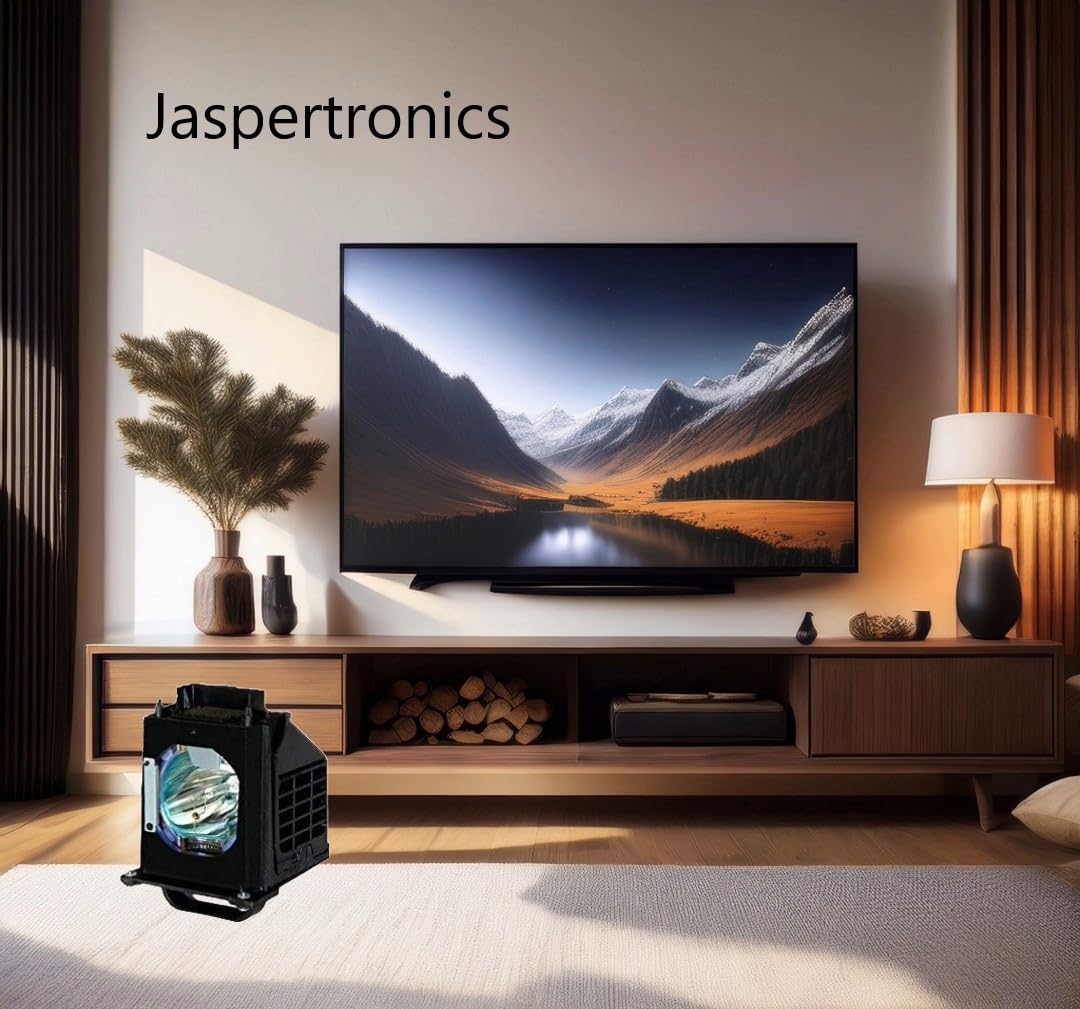
Figure 4: Example of a hand removing a TV filter for cleaning, a key maintenance step.
Troubleshooting
| Problem | Possible Cause | Solution |
|---|---|---|
| No picture / TV won't turn on after lamp replacement. | Lamp module not fully seated; lamp access door not closed properly; lamp timer not reset. | Ensure lamp module is firmly in place and secured. Close and secure the lamp access door. Reset the lamp timer if your TV model requires it. |
| Picture is dim or colors are off. | Lamp nearing end of life (if not a new lamp); dust filter blocked; TV settings. | If this is a new lamp, check TV picture settings. Clean the dust filter. If the issue persists, contact support. |
| TV displays "Lamp Error" message. | Lamp module not detected; lamp access door open; lamp failure. | Verify lamp installation and access door closure. If the problem persists, the lamp may be faulty or incompatible. |
Specifications
- Brand: Jaspertronics
- Model Name: HLS6767WX/XAA-LAMP
- Light Type: Metal Halide
- Wattage: 132 Watts
- Bulb Shape Size: MR20
- Bulb Base: Prong
- Special Features: Flicker-Free, Lightweight, Long Lasting
- Material: Glass, Metal, Plastic
- Product Dimensions: 7"W x 8"H (approximate)
- Item Weight: 15.8 ounces
- Included Components: Original Inside RPTV Lamp & Housing
Warranty and Support
Your Jaspertronics OEM Lamp & Housing comes with a 240-Day Warranty from the date of purchase. This warranty covers manufacturing defects and ensures the lamp meets original specifications for lifespan, brightness, and clarity.
For technical support, warranty claims, or any questions regarding your product, please contact Jaspertronics, LLC directly. Refer to your purchase documentation or the Jaspertronics official website for contact information.
Manufacturer: Jaspertronics
Seller: Jaspertronics, LLC