
MOTPK 298597
MOTPK 47 Inch Gaming Desk User Manual
Model: 298597 | Brand: MOTPK

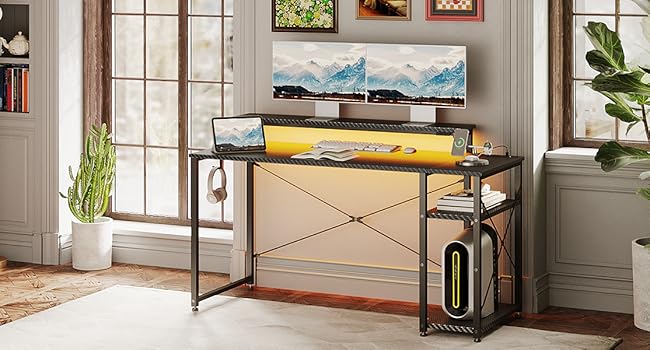
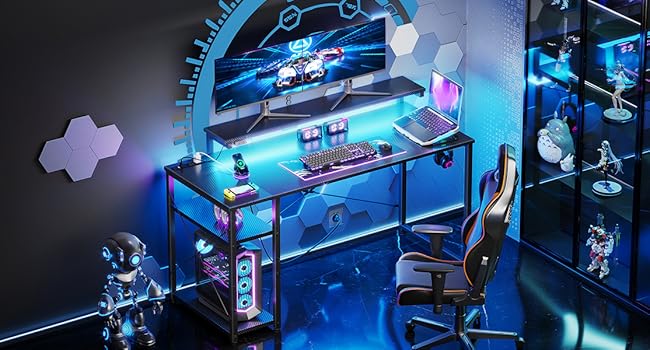
An overview of the MOTPK 47 Inch Gaming Desk, featuring LED lights, power outlet, and adjustable components.
Product Overview
The MOTPK Gaming Desk is a versatile 47-inch computer desk designed for gamers and home office users. It features integrated LED lighting, a built-in power outlet with USB ports, and adjustable components for enhanced ergonomics and organization. Its carbon fiber texture provides a modern aesthetic, while its reversible design offers flexible setup options.
Key Features
- Multifunctional Light Strip: Equipped with an RGB LED strip offering 10 colors and 20 dynamic modes, allowing customization of color, brightness, and speed for an immersive experience.
- Built-in Power Outlet & Headphone Hook: Includes 3 AC outlets and 2 USB ports for convenient device charging, along with a headphone hook to keep your desktop tidy.
- Adjustable Monitor Stand: Features a liftable monitor shelf with three height settings (4.4", 5.6", and 6.8") to promote comfortable posture and reduce neck strain.
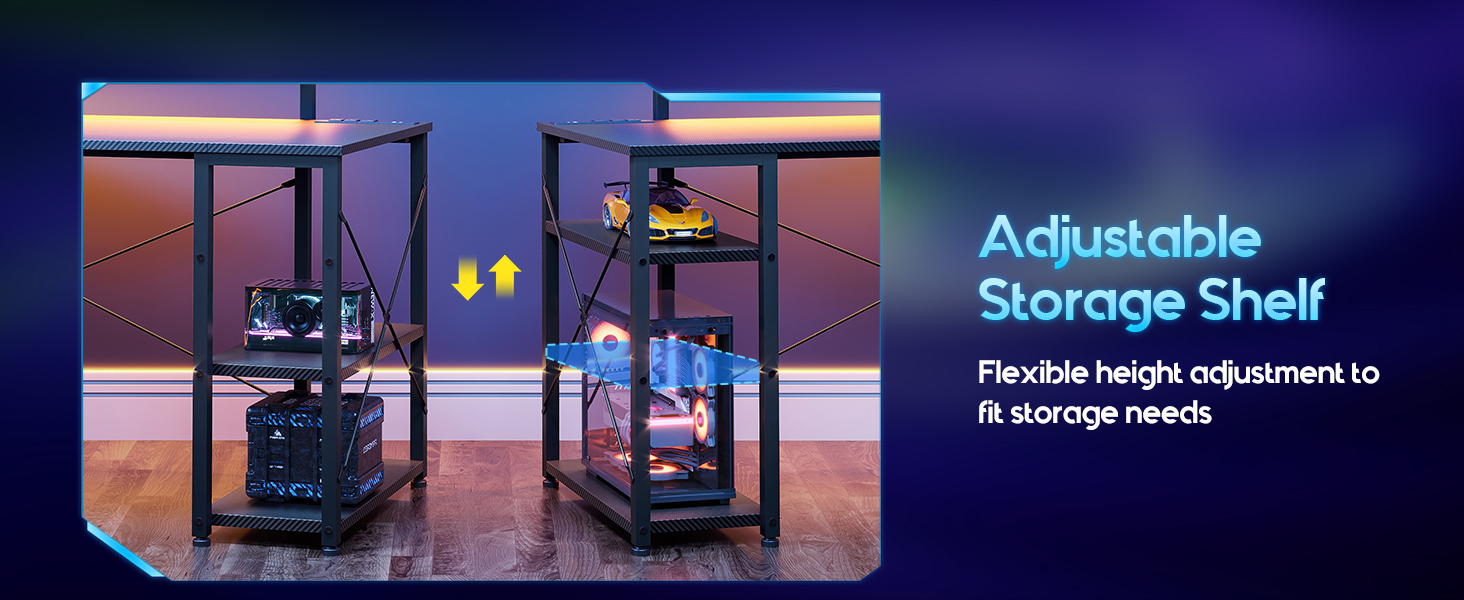
- Considerate Storage Space: Desktop divided by the monitor stand and includes adjustable storage shelves for organizing computer towers and other essentials.
- Flexible Storage Shelves: Reversible design allows installation on either the left or right side, with the middle board adjustable to two different heights.
Setup and Assembly
The MOTPK Gaming Desk is designed for straightforward assembly. All necessary tools and detailed instructions are included to ensure a smooth setup process. It is recommended for one person to assemble the desk.
Assembly Steps Overview:
- Unpack all components and verify against the parts list provided in the instruction manual.
- Assemble the main desk frame, ensuring all connections are secure.
- Attach the desktop panels to the frame.
- Install the adjustable monitor stand at your preferred height.
- Assemble and attach the reversible storage shelves to either the left or right side of the desk, adjusting the middle board as needed.
- Integrate the LED light strip and connect the built-in power outlet.
- Attach the headphone hook.
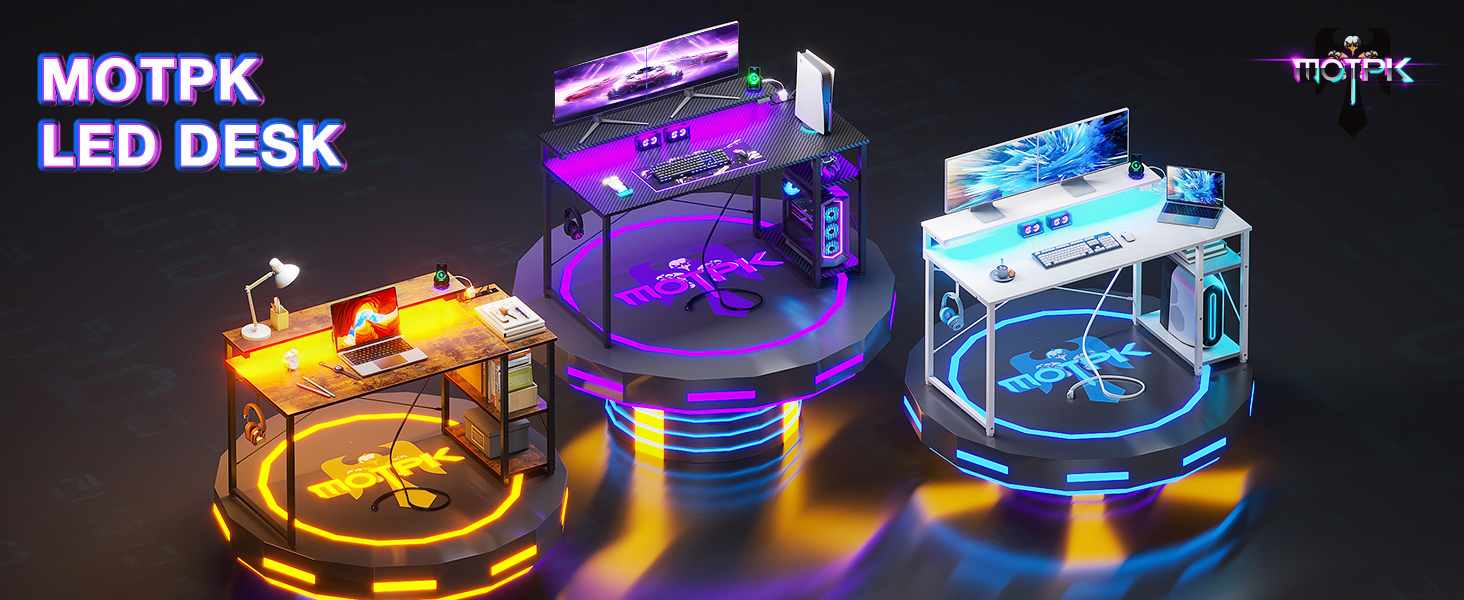
The desk's reversible design allows for flexible placement of the storage shelves on either side to suit your room layout.

Detailed dimensions of the desk, including monitor stand height and shelf measurements.
Operating Instructions
LED Light Strip Operation:
The integrated RGB LED light strip offers various customization options:
- Color Selection: Choose from 10 static colors.
- Dynamic Modes: Select from 20 dynamic lighting modes.
- Brightness & Speed: Adjust the intensity and speed of the lighting effects to match your preference.
The LED light strip with its control panel for adjusting colors, modes, brightness, and speed.
Using the Built-in Power Outlet:
The desk includes a convenient power strip for your electronic devices:
- AC Outlets: 3 standard AC outlets (125V/12A) are available for powering your computer, monitor, and other peripherals.
- USB Ports: 2 USB ports (5V-2A) are provided for charging smartphones, tablets, and other USB-powered devices.
- Power Cord: The integrated power cord is 6.6 feet long.

The integrated power outlet provides convenient access to AC and USB charging ports.
Adjusting the Monitor Stand:
The monitor stand can be adjusted to three different heights to optimize your viewing angle and ergonomic comfort:
- Available heights: 4.4 inches, 5.6 inches, and 6.8 inches.
- Adjust the stand by repositioning the support bars to the desired slots.
The monitor stand can be adjusted to three different heights for ergonomic comfort.
Utilizing Storage Shelves:
The desk's storage shelves are designed for flexibility and organization:
- The shelves can be installed on either the left or right side of the desk.
- The middle board of the storage rack can be adjusted to two different heights to accommodate various items, such as a computer tower or books.
The storage shelves offer adjustable height and reversible placement for optimal organization.
Maintenance
To ensure the longevity and appearance of your MOTPK Gaming Desk, follow these simple maintenance guidelines:
- Cleaning: Wipe surfaces regularly with a soft, damp cloth. Avoid harsh chemicals or abrasive cleaners, which can damage the carbon fiber texture.
- Spills: Immediately clean up any spills to prevent staining or damage to the desk surface.
- Stability: Periodically check all screws and fasteners to ensure they are tight. Retighten if necessary to maintain desk stability.
- Electrical Components: Ensure the power outlet and LED strip connections are secure and free from dust. Do not attempt to repair electrical components yourself.
- Placement: Avoid placing the desk in direct sunlight or near heat sources, which can cause material degradation over time.
Troubleshooting
If you encounter any issues with your MOTPK Gaming Desk, please refer to the following common troubleshooting tips:
- Desk Wobbles: Ensure all assembly screws are fully tightened. Check that the desk is placed on a level surface. Adjust leveling feet if present.
- LED Lights Not Working: Verify that the power cord for the LED strip is securely plugged into the power outlet. Check the connection between the LED strip and its controller. Ensure the power outlet itself is receiving power.
- Power Outlets Not Functioning: Confirm the desk's main power cord is securely plugged into a working wall outlet. Check if the power strip's circuit breaker (if present) has tripped. Avoid overloading the outlets.
- Difficulty Adjusting Monitor Stand/Shelves: Ensure no obstructions are preventing movement. Check that components are aligned correctly according to the assembly instructions.
For further assistance or issues not covered here, please contact MOTPK customer support.
Specifications
| Attribute | Detail |
|---|---|
| Brand | MOTPK |
| Model Number | 298597 |
| Product Dimensions | 19.7"D x 47.2"W x 29.5"H |
| Color | Black |
| Style | Gaming |
| Base Material | Metal |
| Top Material Type | Engineered Wood |
| Finish Type | Distressed, Carbon Fiber |
| Special Features | Reversible, Built-In USB Outlet, Gaming Style |
| Included Components | Adjustable Storage Shelves, Multifunctional Light Strip, Adjustable Monitor Stand, Power Outlet & USB Ports, Headphone Hook, Cable Holes |
| Required Assembly | Yes |
| Recommended Number of People for Assembly | 1 |
| Power Outlet | 3 AC Outlets (125V/12A), 2 USB Ports (5V-2A) |
| Monitor Stand Heights | 4.4", 5.6", 6.8" |
| Number Of Shelves | 2 |
| UPC | 850045170752 |
Safety Warnings
Please observe the following safety warnings to ensure safe use of your gaming desk:
- Ensure the desk is placed on a level and stable surface to prevent tipping or wobbling.
- Exercise caution when connecting and using electrical components (power outlet, LED lights). Do not exceed the rated electrical capacity.
- Follow all assembly instructions carefully. Improper assembly can lead to instability and potential injury.
- Keep liquids away from electrical outlets and components to prevent electrical shock or damage.
- Do not climb or stand on the desk.
Warranty and Support
Your MOTPK Gaming Desk comes with a Limited, Time-based Warranty. For specific warranty terms and conditions, please refer to the documentation included with your product or contact MOTPK customer service.
Should you have any questions, concerns, or require assistance with your product, our responsive customer support team is available to assist you within 24 hours. Please reach out via the contact information provided on the MOTPK official website or your purchase platform.