
1. Introduction
The ZICZNT NRA24 is a compact K-band radar altimeter designed for precise altitude measurement. It operates in the 24GHz-ISM frequency band, offering high accuracy, small size, high sensitivity, light weight, and stable performance. This sensor is suitable for integration into unmanned aerial vehicles (UAVs), helicopters, small airships, and other similar applications, providing reliable safety range measurement and collision avoidance capabilities.
This manual provides essential information for the proper setup, operation, and maintenance of your NRA24 radar altimeter.
2. Product Overview
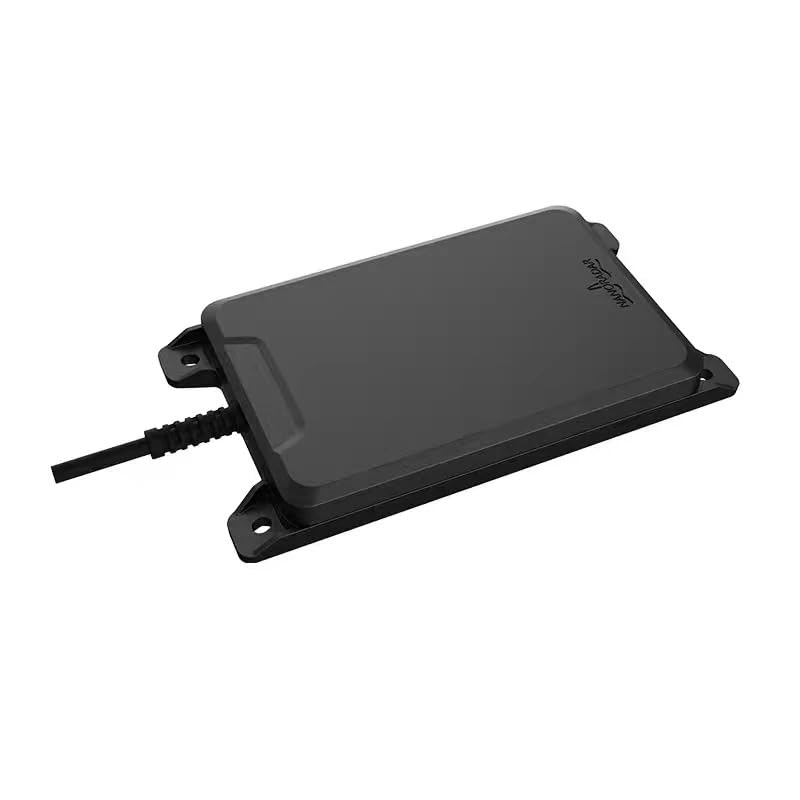
Figure 1: Front view of the ZICZNT NRA24 Radar Altimeter. This image shows the compact, rectangular design of the sensor with its integrated cable.
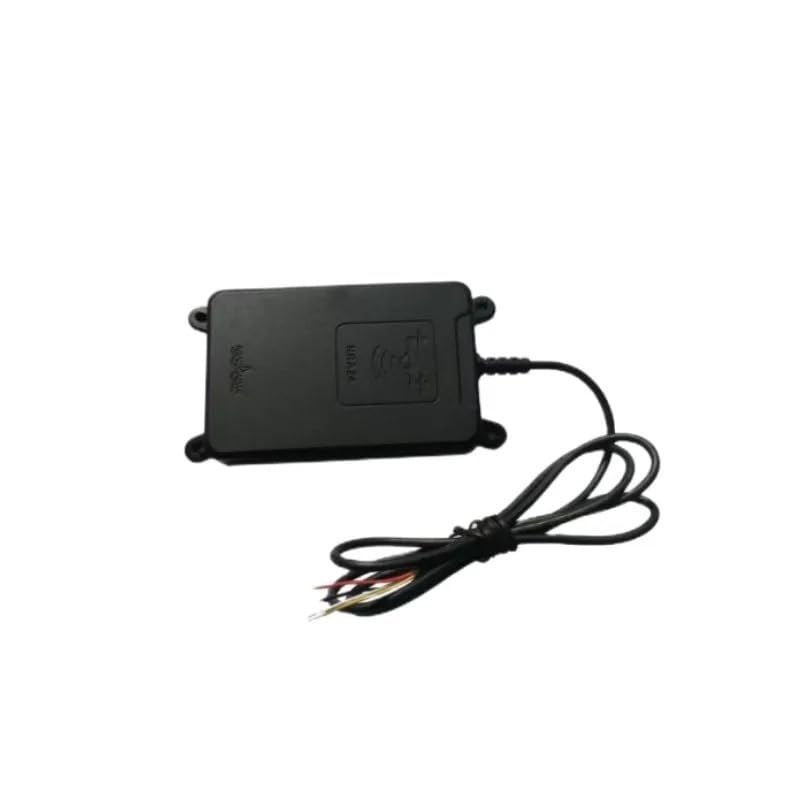
Figure 2: Rear view of the ZICZNT NRA24 Radar Altimeter, showing the wiring harness for power and communication connections.

Figure 3: Detailed diagram of the NRA24 radar altimeter, illustrating its compact dimensions of 130mm x 70mm x 14.5mm. The device weighs 66g (excluding the line).
3. Setup and Installation
Proper installation is crucial for the optimal performance and safety of the NRA24 radar altimeter. Please follow these guidelines carefully:
- Power Connection: The power pins must be connected separately to a 5V to 20V DC stabilized power supply. Ensure the voltage is within this range to prevent damage to the unit.
- Mounting: Securely fix the NRA24 using 4 M3 screws. Ensure the sensor is mounted in a stable position, free from excessive vibration, and with a clear line of sight to the ground for accurate readings.
- Orientation: Mount the altimeter with the antenna facing downwards, perpendicular to the ground, for accurate altitude measurements.
- Interference: Avoid mounting the altimeter near strong electromagnetic interference sources that could affect its performance.

Figure 4: Example of the NRA24 altimeter integrated into a drone for agricultural applications, demonstrating its use in maintaining consistent altitude over crops.

Figure 5: Another view of the NRA24 altimeter in a drone application, highlighting its ability to navigate varied terrain while maintaining a set height.

Figure 6: A close-up illustration of the NRA24 altimeter's radar beam interacting with the ground, ensuring precise altitude control for drone operations.
4. Operating Instructions
Once the NRA24 altimeter is correctly installed and powered, it will begin to measure the distance to the ground. The device communicates via a CAN interface (for this model) or UART (for other models), allowing integration with flight controllers like Ardupilot or Pixhawk.
- Power On: Apply the specified 5-20V DC power to the altimeter. The device will initiate its startup sequence.
- Data Output: The altimeter will continuously output distance data through its CAN interface. Ensure your flight controller or data acquisition system is configured to receive and interpret this data.
- Integration with Flight Controller: Refer to your flight controller's documentation (e.g., Ardupilot, Pixhawk) for specific instructions on integrating a 24GHz radar altimeter via CAN. This typically involves enabling the altimeter sensor in the flight controller's software and configuring its parameters.
- Monitoring: Monitor the altimeter readings through your ground control station or flight telemetry system to ensure accurate and consistent altitude data.
- Environmental Considerations: The NRA24 is adaptable for various environments, including grasslands. However, extreme weather conditions (heavy rain, dense fog) may affect performance.
5. Specifications
The following table details the technical specifications of the NRA24 24GHz UAV Drone Altimeter Radar Sensor:
| Parameter | Conditions | Min | Typ | Max | Units |
|---|---|---|---|---|---|
| System Performance | |||||
| Transmit band | 24.00 | 24.20 | GHz | ||
| Output power (EIRP) | adjustable | 25 | dBm | ||
| Modulation type | FMCW | ||||
| Update rate | 50 | Hz | |||
| Power consumption | @5V DC 25°C | 1.4 | 1.5 | 1.8 | W |
| Communication interface | CAN/UART | ||||
| Range-Measuring Performance | |||||
| Distance-measuring range | @0 dBsm | 0.5 | 200 | m | |
| Ranging accuracy | ±0.1 | m | |||
| Antenna Features | |||||
| Beam width/TX | azimuth(-6dB) | 28 | deg | ||
| elevation(-6dB) | 18 | deg | |||
| Other Characteristics | |||||
| Supply voltage | 5 | 12 | 20 | V DC | |
| Weight | including shell and Line | 95 | g | ||
| Outline dimensions | including shell | 133x71x16.5 (LxWxH) | mm | ||
6. Maintenance
The NRA24 radar altimeter is designed for robust and reliable operation with minimal maintenance. However, following these simple guidelines can help ensure its longevity and performance:
- Cleaning: Periodically inspect the sensor's surface for dirt, dust, or debris. Gently clean the surface with a soft, dry cloth. Avoid using abrasive materials or harsh chemicals.
- Cable Inspection: Regularly check the power and communication cables for any signs of wear, cuts, or damage. Replace damaged cables immediately to prevent electrical issues or signal loss.
- Mounting Security: Ensure that the altimeter remains securely fixed with the M3 screws. Tighten if necessary, but do not overtighten.
- Environmental Protection: While the device is designed for outdoor use, prolonged exposure to extreme conditions (e.g., direct heavy rain, extreme temperatures) should be minimized if possible.
- Firmware Updates: Check the manufacturer's website periodically for any available firmware updates. Follow the provided instructions carefully for any update procedures.
7. Troubleshooting
If you encounter issues with your NRA24 radar altimeter, consider the following troubleshooting steps:
- No Power/No Indication:
- Verify that the power supply is within the 5-20V DC range and is stable.
- Check all power connections for proper polarity and secure contact.
- Inspect the power cable for any damage.
- Inaccurate Readings:
- Ensure the altimeter is mounted correctly, with a clear line of sight to the ground and perpendicular orientation.
- Check for any obstructions directly below the sensor (e.g., landing gear, other equipment).
- Verify that the flight controller's altimeter settings are correctly configured for the NRA24.
- Consider environmental factors such as heavy rain or dense foliage, which can affect radar performance.
- No Data Output:
- Confirm that the CAN communication lines are correctly connected to the flight controller.
- Check the flight controller's software for proper CAN bus configuration and altimeter sensor enablement.
- Ensure there are no conflicts with other devices on the CAN bus.
- Intermittent Operation:
- Check for loose connections in power or communication lines.
- Ensure the power supply is stable and not experiencing voltage drops.
- Investigate potential sources of electromagnetic interference near the sensor.
8. Warranty and Support
For detailed warranty information, please refer to the documentation provided at the time of purchase or contact ZICZNT customer support.
For additional technical support, detailed manuals, and resources, you can visit the manufacturer's official website:
Official Manual Download: http://en.nanoradar.cn/File/view/id/436.html
When contacting support, please have your product model (NRA24 CAN with CAN Box) and any relevant purchase information ready.