
1. Introduction
The Telefunken XF32AN750M is a 32-inch Full HD Android Smart TV designed to provide a comprehensive entertainment experience. It features Dolby Vision HDR, HDR 10, HLG, Super Resolution, and Micro Dimming for enhanced picture quality. The integrated triple tuner supports DVB-C/T2/S2 for versatile TV reception. With Android OS, it offers access to numerous apps and smart functionalities, including Google Assistant and Chromecast.
2. Safety Information
Please read all safety instructions carefully before using the device. Keep this manual for future reference. Do not expose the TV to rain or moisture. Do not open the casing; refer all servicing to qualified personnel. Ensure proper ventilation and avoid placing the TV near heat sources. Disconnect the power cord during lightning storms or when unused for long periods.
3. Package Contents
Verify that all items are present in the package:
- Telefunken XF32AN750M TV Unit
- Remote Control
- 2 x AAA Batteries (for remote control)
- User Manual
4. Setup
4.1 Installing the Stand or Wall Mounting
The TV comes with a table stand. Attach the stand securely to the TV unit following the instructions provided in the quick start guide. For wall mounting, use a VESA 75x75 mm compatible bracket (not included). Ensure the wall mount is suitable for the TV's weight and size.

Image: TV dimensions and VESA mounting points. The TV measures 72.8 cm wide, 47.5 cm high with stand, and 18.4 cm deep with stand. It supports VESA M4 75x75 mm wall mounts.
4.2 Connecting Power and Initial Setup
Connect the power cord to the TV and then to a power outlet. Insert the 2 AAA batteries into the remote control, ensuring correct polarity. Turn on the TV using the power button on the remote or the TV itself. Follow the on-screen instructions for the initial setup wizard, which will guide you through language selection, network connection (Wi-Fi), Google account login, and channel scanning.
5. Operating
5.1 Remote Control Functions
The remote control allows you to navigate the TV's features. It includes standard buttons for power, volume, channel, and input selection, as well as dedicated buttons for popular streaming applications.

Image: The remote control for the Telefunken XF32AN750M TV, featuring dedicated buttons for YouTube, Netflix, Prime Video, and Google Play for quick access to your favorite apps.
- Power Button: Turns the TV on or off.
- Volume +/-: Adjusts the sound level.
- Channel P +/-: Changes TV channels.
- Input/Source: Selects input sources (HDMI, USB, Tuner).
- Navigation Buttons (Up/Down/Left/Right/OK): Navigates menus and confirms selections.
- Back/Exit: Returns to the previous screen or exits a menu.
- Home: Accesses the Android TV home screen.
- App Buttons: Direct access to YouTube, Netflix, Prime Video, and Google Play.
5.2 Smart TV Features
The Telefunken XF32AN750M runs on Android OS, providing access to a wide range of applications from the Google Play Store. You can download and install your favorite streaming services, games, and utilities.

Image: A TV screen displaying the Dolby Vision and HDR10 logos, indicating support for high dynamic range content for improved contrast and color.
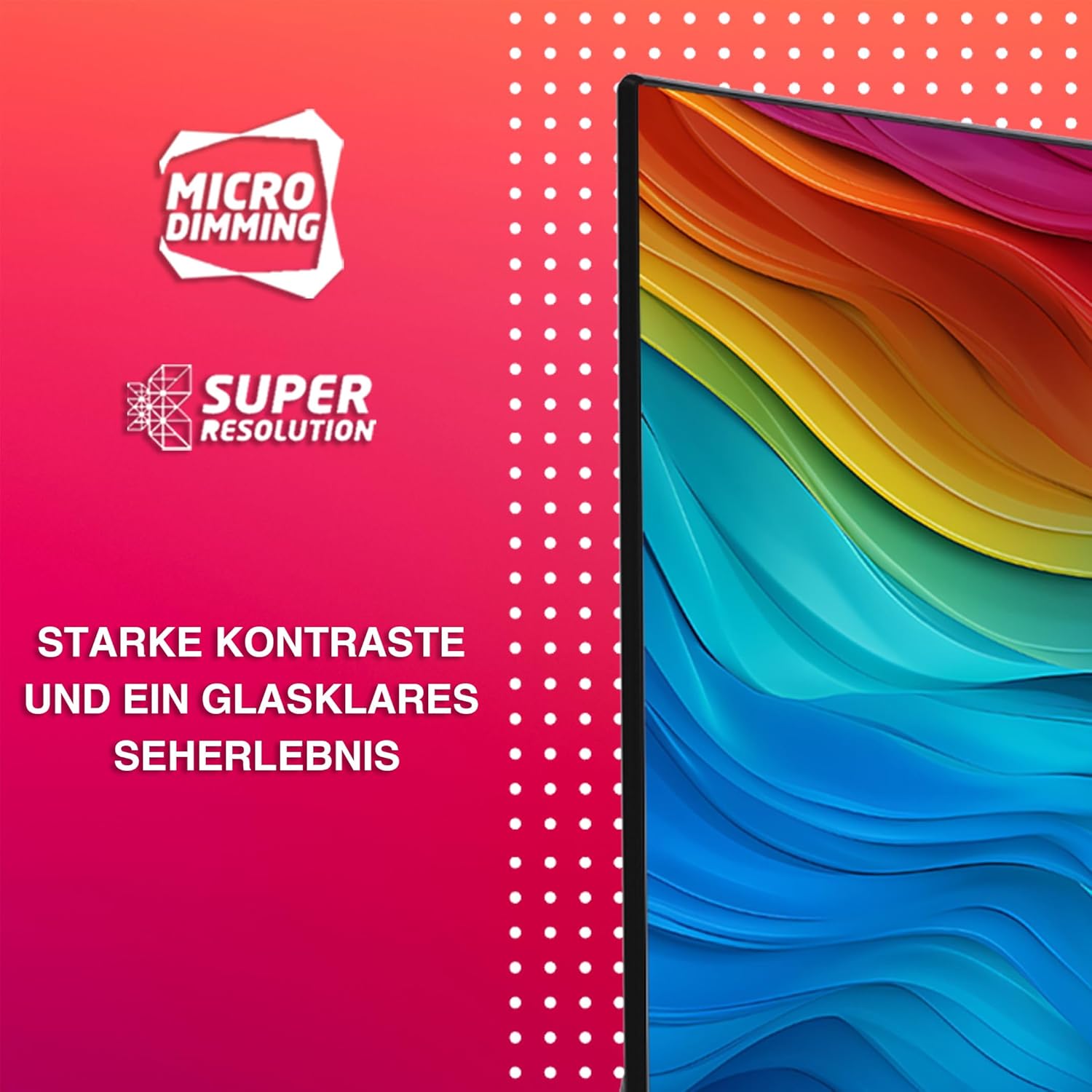
Image: A TV screen highlighting Micro Dimming and Super Resolution features, which enhance contrast and detail for a clearer viewing experience.
- Google Assistant: Utilize voice control by saying "OK Google" to change channels, adjust volume, open apps, search for content, and control smart home devices.
- Google Chromecast: Integrated Chromecast allows you to stream photos, videos, and music from your mobile devices directly to the TV screen.
- Picture Enhancement: Enjoy enhanced picture quality with Dolby Vision HDR, HDR10, HLG, Super Resolution, and Micro Dimming technologies, providing particularly contrasted images with natural colors and impressive detail sharpness.

Image: A modern living room with the Telefunken TV displaying content, accompanied by the 'Works with Ok Google' logo and a speech bubble indicating a voice command, demonstrating the integrated Google Assistant functionality.
6. Connectivity
The TV offers multiple connectivity options for various devices and internet access:
- HDMI Ports (x2): Connect external devices such as game consoles, Blu-ray players, or set-top boxes. Supports CEC (Consumer Electronics Control) and ARC (Audio Return Channel).
- USB Port (x1): For media playback from USB storage devices.
- Wi-Fi: Built-in wireless connectivity for internet access and streaming.
- Bluetooth 5.0: Connect wireless headphones, soundbars, or other Bluetooth-enabled accessories.
- Triple Tuner (DVB-T2/S2/C): Integrated tuner for direct reception of television programs via terrestrial antenna (DVB-T2), satellite (DVB-S2), or cable (DVB-C) without an additional receiver.
7. Maintenance
7.1 Cleaning the TV
Always unplug the TV before cleaning. Use a soft, dry cloth to wipe the screen and cabinet. For stubborn marks, lightly dampen the cloth with water or a mild, non-abrasive screen cleaner. Never spray cleaner directly onto the screen. Avoid using alcohol, benzene, or abrasive cleaners.
7.2 Software Updates
The TV may receive software updates periodically to improve performance and add new features. Ensure your TV is connected to the internet to receive these updates. You can usually check for updates manually in the TV's settings menu.
8. Troubleshooting
If you encounter issues with your TV, refer to the following common solutions:
- No Power: Check if the power cord is securely connected to both the TV and the power outlet. Ensure the outlet is working.
- No Picture/Sound: Verify that the correct input source is selected. Check all cable connections (HDMI, antenna). If using an external device, ensure it is powered on.
- Remote Control Not Working: Check the batteries and replace them if necessary. Ensure there are no obstructions between the remote and the TV's IR sensor.
- Network Connection Issues: Restart your Wi-Fi router. Check the TV's network settings to ensure it's connected to the correct network and the password is correct.
- Slow Performance: Close unused applications. Clear the cache of apps if available in settings. A factory reset may resolve persistent performance issues (note: this will erase all personal data and settings).
For more complex issues, consult the full user manual or contact customer support.
9. Specifications
| Feature | Specification |
|---|---|
| Model Number | XF32AN750M |
| Screen Size | 32 inches (80 cm) |
| Resolution | Full HD (1920x1080p) |
| Display Technology | LED |
| Refresh Rate | 120 Hz |
| HDR Support | Dolby Vision, HDR10, HLG |
| Connectivity | 2x HDMI, 1x USB, Wi-Fi, Bluetooth 5.0 |
| Tuner Type | DVB-T2 / -S2 / -C |
| Operating System | Android TV |
| Audio Output | 12 Watts, Dolby Audio |
| VESA Mount Standard | 75 x 75 mm |
| Dimensions (with stand) | 72.8 cm (W) x 47.5 cm (H) x 18.4 cm (D) |
| Weight (without stand) | 4.5 Kilograms |
| Energy Class (SDR) | E (26 kWh/1000h) |
| Energy Class (HDR) | G (45 kWh/1000h) |

Image: EU Energy Label for the Telefunken XF32AN750M, showing energy efficiency class E for SDR (26 kWh/1000h) and G for HDR (45 kWh/1000h). For more details, visit the EPREL database.

Image: EU Product Data Sheet for the Telefunken XF32AN750M, detailing technical specifications and compliance information.
10. Warranty and Support
This Telefunken XF32AN750M TV comes with a limited warranty. Spare parts are guaranteed to be available for 7 years from the date of purchase. For specific warranty terms and conditions, please refer to the documentation included with your product or the official Telefunken website.
For technical assistance, troubleshooting, or to inquire about warranty claims, please contact Telefunken customer support. Contact details can typically be found on the manufacturer's website or in your purchase documentation.