
YERAD YERAD Pro 2 Plus
YERAD Ultra 2 Plus Military Smartwatch User Manual
Model: YERAD Pro 2 Plus
Brand: YERAD
Introduction
The YERAD Ultra 2 Plus Military Smartwatch is designed for outdoor enthusiasts and daily users seeking a durable and feature-rich wearable. This manual will guide you through the essential steps to set up, operate, and maintain your smartwatch, ensuring you get the most out of its advanced capabilities.

Figure 1: YERAD Ultra 2 Plus Military Smartwatch. This image shows the watch's circular face with a black background, white numbers, and a green strap, highlighting its robust design.
Key features include military-grade durability, a vibrant 1.43-inch AMOLED display, a long-lasting 400mAh battery, Bluetooth calling, comprehensive health monitoring, and support for over 100 sports modes.
Setup Guide
1. Charging the Smartwatch
Before initial use, fully charge your smartwatch. Connect the provided magnetic USB charger to the charging port on the back of the watch and plug the USB end into a compatible power source (e.g., computer USB port, wall adapter). A full charge typically takes approximately 2 hours.

Figure 2: Battery Capacity and Charging. This image highlights the 400mAh battery and shows the watch display indicating 'Charge completed', demonstrating the charging process.
2. App Installation
To unlock the full functionality of your smartwatch, download and install the FitCloudPro application on your smartphone. The app is compatible with iOS 12.0 or higher and Android 8.0 or higher. Search for "FitCloudPro" in your device's app store (Apple App Store or Google Play Store).
3. Pairing with Your Smartphone
- Ensure Bluetooth is enabled on your smartphone.
- Open the FitCloudPro app and follow the on-screen instructions to add a new device.
- Select "YERAD Ultra 2 Plus" from the list of available devices.
- Confirm the pairing request on both your smartphone and the smartwatch.
- Once paired, the app will synchronize data with your watch, and you can begin customizing settings and receiving notifications.
Operating Your Smartwatch
Display and Navigation
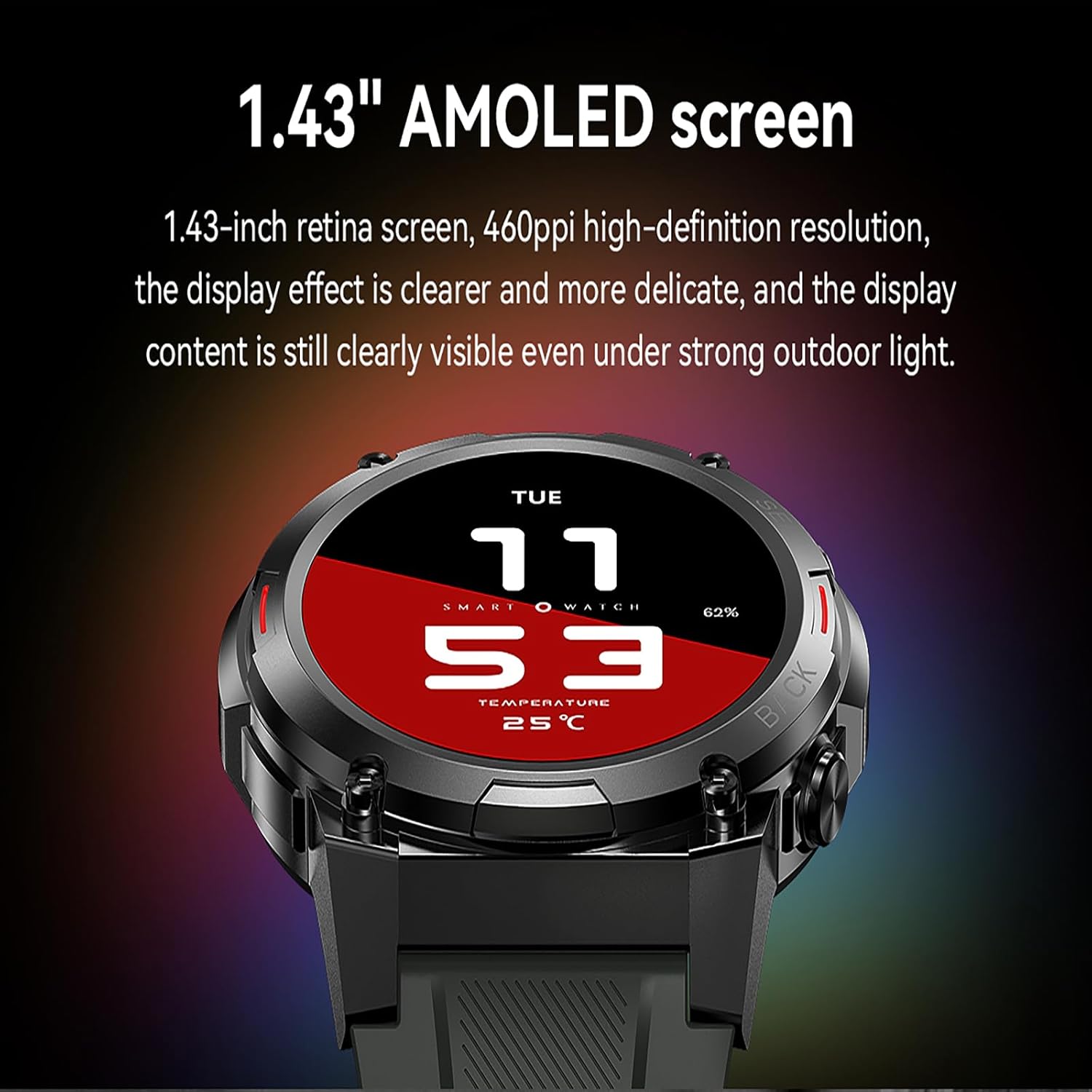
Figure 3: 1.43-inch AMOLED Screen. This close-up shows the smartwatch's vibrant display, emphasizing its high-definition resolution and clear visibility.
The YERAD Ultra 2 Plus features a 1.43-inch AMOLED screen with a 466x466 resolution, providing clear visuals even in bright outdoor conditions. Navigate the watch interface by swiping across the screen and using the physical buttons on the side.
Bluetooth Calling and Notifications
With Bluetooth 5.2 technology, you can make and receive calls directly from your wrist. The watch also displays notifications from SMS and social media platforms (WhatsApp, Facebook, Twitter, Instagram, Skype, Telegram) when connected to your smartphone.

Figure 4: Bluetooth Call Functionality. This image illustrates the watch's capability to handle calls directly from the wrist, showcasing its integrated speaker and microphone.
Health Monitoring
The smartwatch continuously monitors your health metrics:
- Heart Rate: 24/7 continuous heart rate tracking.
- Blood Oxygen (SpO2): Real-time blood oxygen level monitoring.
- Sleep Tracking: Automatically tracks and analyzes your sleep quality.
Note: This device is not a medical instrument. Health data provided is for reference purposes only and should not be used for medical diagnosis or treatment.
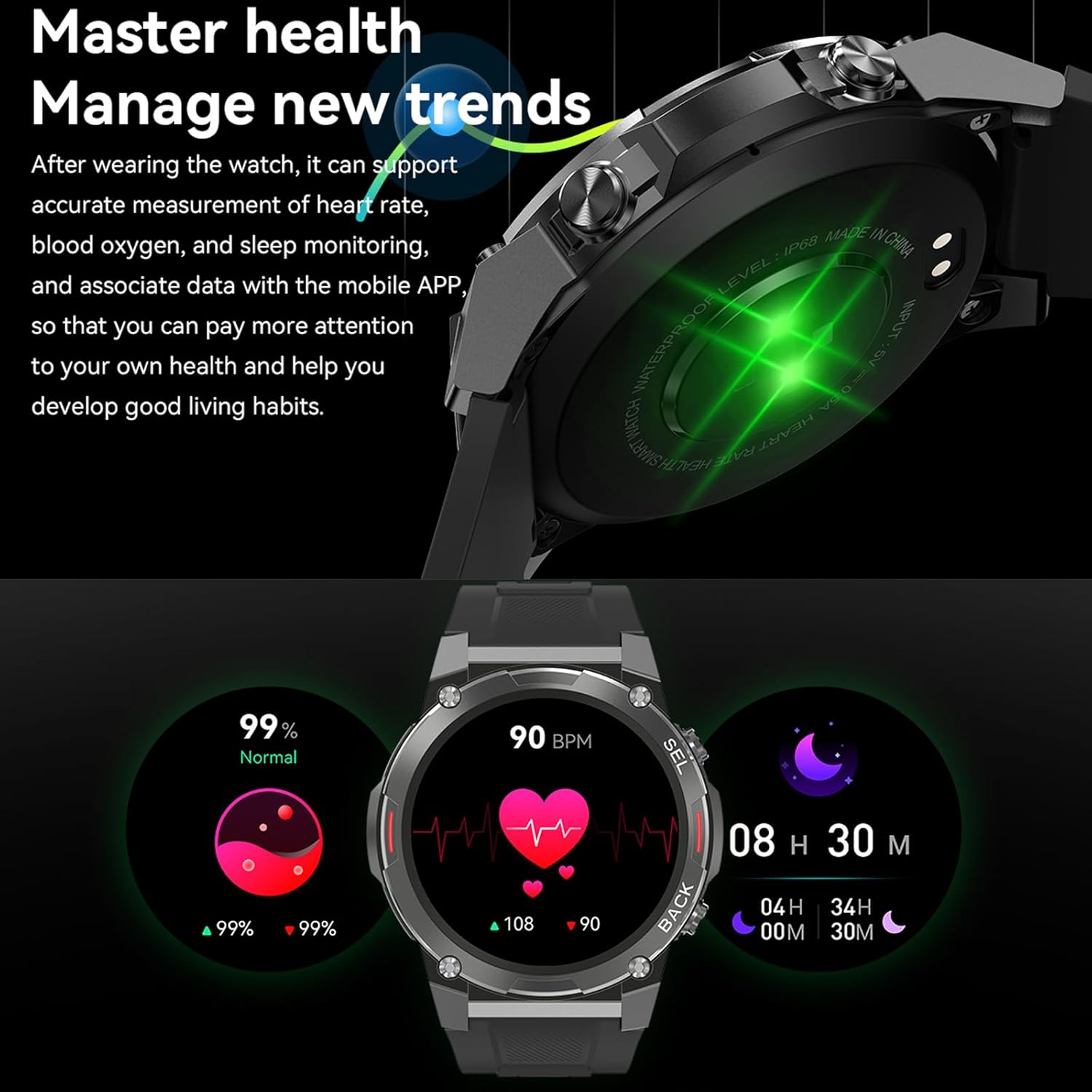
Figure 5: Comprehensive Health Monitoring. This visual demonstrates the watch's ability to track vital health metrics like heart rate, blood oxygen, and sleep patterns.
Sports Modes
The watch supports over 100 sports modes, including running, basketball, cycling, yoga, baseball, rugby, and more. Select your desired mode via the FitCloudPro app to track specific activity data such as heart rate, distance, speed, and calories burned.

Figure 6: Diverse Sports Tracking. This image showcases the wide array of sports modes available, from outdoor activities like running and cycling to indoor exercises.
Additional Features
- NFC: Built-in NFC for access control.
- Music Control: Control playback, pause, skip tracks, and adjust volume.
- Weather Forecast: Stay updated with local weather conditions.
- Clock Functions: Includes stopwatch, alarm, and timer.
- Camera Remote: Control your smartphone camera remotely.
- Reminders: Hydration reminders and sedentary alerts.
- Custom Watch Faces: Choose from over 200 watch faces or customize with your own photos.

Figure 7: Multifunctional Capabilities. This collage visually summarizes the watch's key features, including its display, battery, NFC, water resistance, sports modes, and call function.
Maintenance
Water Resistance (IP68)
The YERAD Ultra 2 Plus smartwatch is IP68 rated, meaning it is resistant to dust and can withstand immersion in water up to 1.5 meters for 30 minutes. It is suitable for daily use, including hand washing, rain, and shallow swimming. However, it is not recommended for hot showers, saunas, or diving, as steam and high water pressure can compromise the seals.
Cleaning
To maintain your smartwatch, regularly clean the device and strap. Use a soft, damp cloth to wipe down the screen and body. For the strap, you can use mild soap and water if necessary, ensuring it is thoroughly dried before wearing. Avoid using harsh chemicals or abrasive materials, as these can damage the watch's finish.
Troubleshooting
Common Issues and Solutions
- Watch not turning on: Ensure the watch is fully charged. Connect it to the charger and wait a few minutes before attempting to power it on.
- Unable to pair with smartphone:
- Ensure Bluetooth is enabled on your phone and the watch is within range.
- Restart both your phone and the smartwatch.
- Clear the Bluetooth cache on your phone (if applicable).
- Try unpairing and re-pairing the device through the FitCloudPro app.
- Notifications not appearing:
- Check notification permissions for the FitCloudPro app in your phone's settings.
- Ensure the app is running in the background and not being closed by battery optimization settings.
- Verify that notifications are enabled within the FitCloudPro app for specific applications.
- Inaccurate health data:
- Ensure the watch is worn snugly on your wrist, not too loose or too tight.
- Clean the sensors on the back of the watch.
- Avoid excessive movement during measurements.
- Short battery life:
- Reduce screen brightness.
- Disable continuous heart rate monitoring if not needed 24/7.
- Limit the number of apps sending notifications to the watch.
- Turn off features like 'Always-on display' if enabled.
Specifications
| Feature | Detail |
|---|---|
| Brand | YERAD |
| Model Number | YERAD Pro 2 Plus |
| ASIN | B0CS3KGRT8 |
| Color | Green |
| Display | 1.43-inch AMOLED, 466x466 Resolution |
| Operating System | Android Wear 2.9 (Watch OS) |
| Connectivity | Bluetooth 5.2, USB (Charging) |
| Battery Capacity | 400 mAh Lithium-ion |
| Battery Life | Up to 15 days (daily use), up to 45 days (standby) |
| Water Resistance | IP68 |
| Memory Storage | 128 MB |
| GPS | Via smartphone or without GPS |
| Compatible Devices | Smartphones (iOS 12.0+, Android 8.0+) |
| Special Features | Activity Tracker, Bluetooth Call, NFC, Heart Rate, SpO2, Sleep Monitor, Music Control, Weather, Alarms, Timer, Camera Remote, Hydration/Sedentary Reminders |
Warranty and Support
Warranty Information
Specific warranty details for the YERAD Ultra 2 Plus Military Smartwatch are not provided in this manual. Please refer to the product packaging, the manufacturer's official website, or your point of purchase for comprehensive warranty terms and conditions.
Customer Support
For technical assistance, troubleshooting beyond this manual, or inquiries regarding your product, please visit the official YERAD website or contact the retailer from whom you purchased the smartwatch. Have your model number (YERAD Pro 2 Plus) and ASIN (B0CS3KGRT8) ready when contacting support.