
Introduction
This manual provides instructions for the safe and effective use of your Arokimi Custom Leather Stamp. This tool is designed for imprinting personalized logos and patterns onto various materials such as leather, wood, plastic, and paper, allowing for unique customization of craft projects.
Product Components
The Arokimi Custom Leather Stamp typically includes the following components:
- Custom-designed metal stamp
- Handle(s) with M5 screw thread (sold separately or included depending on package)

Image: A collection of custom leather stamps and their corresponding handles, alongside examples of stamped leather.

Image: Diagram illustrating two handle types (A and B) with their dimensions, indicating compatibility with the M5 screw thread.
Setup
Before using your custom leather stamp, ensure proper setup:
- Prepare the Work Surface: Ensure a stable and flat surface for stamping. A cutting mat or a solid workbench is recommended to absorb impact and provide a consistent base.
- Attach the Stamp to the Handle: Carefully screw the custom metal stamp onto the M5 threaded handle. Ensure it is securely tightened to prevent loosening during use.
- Prepare the Material: For leather, dampen the area to be stamped slightly with water. This helps achieve a clearer and deeper impression. For other materials like wood or plastic, ensure the surface is clean and free of debris.
Operating Instructions
Follow these steps to achieve a clear and consistent impression with your Arokimi Custom Leather Stamp:
- Position the Stamp: Place the assembled stamp onto the prepared material at the desired location. Ensure it is aligned correctly.
- Apply Pressure: Hold the handle firmly and vertically, ensuring the stamp head is flat against the material surface.
- Strike with a Hammer: Using a rubber mallet or a hammer, strike the top of the handle firmly and evenly. One or two solid strikes are usually sufficient. Avoid multiple light taps, as this can result in a blurry or double impression.
- Inspect the Impression: Carefully lift the stamp to reveal the imprinted design. If the impression is not deep enough, you may need to apply more force or re-dampen the leather slightly and repeat the process.
Video: Demonstration of attaching the stamp to the handle and using a hammer to imprint a design onto a piece of leather.
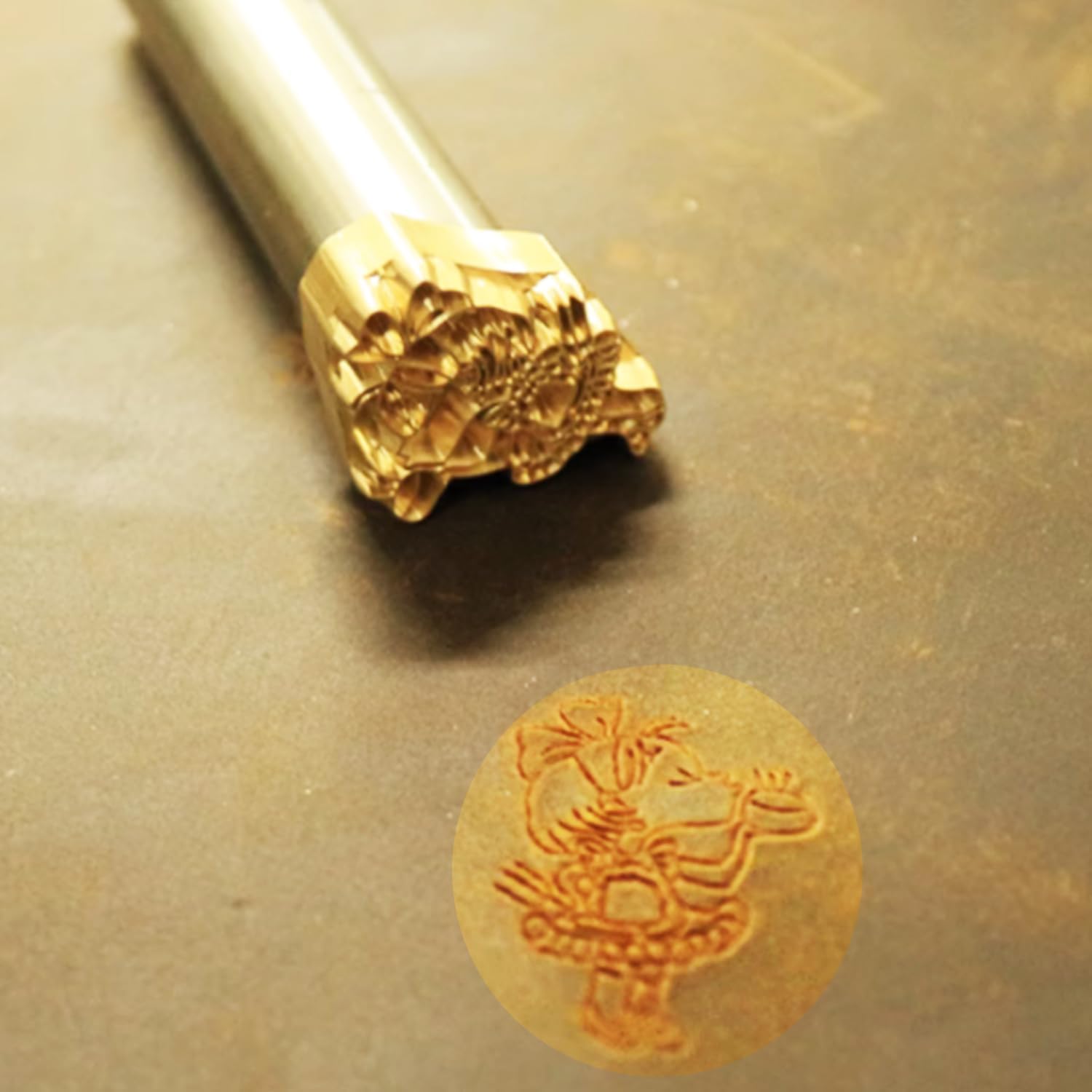
Image: A close-up view of a custom stamp and its resulting clear impression on leather.
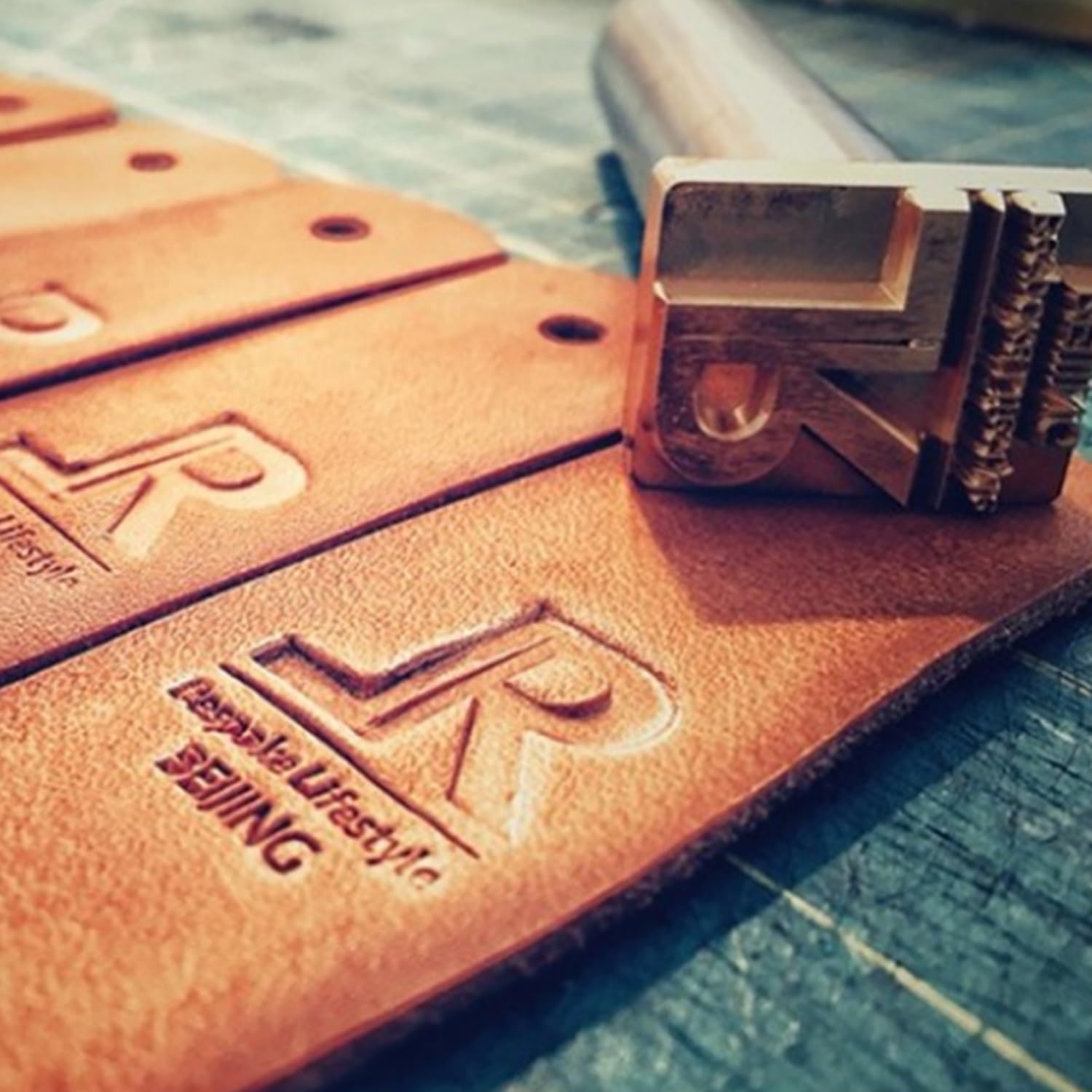
Image: Example of a custom 'R' logo stamp applied to leather.
Maintenance
Proper maintenance ensures the longevity and optimal performance of your leather stamp:
- Cleaning: After each use, wipe the metal stamp clean with a soft cloth to remove any residue from the material. For stubborn residue, a mild solvent suitable for metal can be used, followed by thorough drying.
- Storage: Store the stamp and handle in a dry place to prevent rust or damage. Keep them away from excessive moisture or corrosive substances.
- Inspection: Periodically inspect the M5 screw thread on both the stamp and the handle for any signs of wear or damage. A damaged thread can affect stability and impression quality.
Troubleshooting
| Problem | Possible Cause | Solution |
|---|---|---|
| Faint or Incomplete Impression | Insufficient force; material too dry; uneven strike. | Apply more force; slightly dampen the material (for leather); ensure an even strike. |
| Blurry Impression | Stamp moved during striking; multiple light taps instead of one firm strike. | Hold the stamp firmly in place; use a single, decisive strike. |
| Stamp Loosens from Handle | Insufficient tightening; worn M5 thread. | Ensure the stamp is securely screwed onto the handle before use. If the thread is worn, consider replacing the handle or stamp. |
| Material Damage | Excessive force; material too thin or delicate. | Adjust striking force; test on scrap material first; use appropriate material thickness. |
Specifications
- Brand: Arokimi
- Model: custom leather stamps
- Product Dimensions (1-inch stamp): Approximately 1.5 x 1 x 0.31 inches
- Item Weight (1-inch stamp): Approximately 3.2 ounces
- Handle Compatibility: M5 screw thread
- Materials: Suitable for leather, wood, plastic, paper
- Date First Available: January 11, 2024
Warranty and Support
For warranty information or technical support regarding your Arokimi Custom Leather Stamp, please refer to the seller's contact information provided at the time of purchase or visit the official Arokimi website for further assistance.