
1. Introduction
The OMRON X2 Smart+ is a clinically validated upper arm blood pressure monitor designed for accurate and reliable blood pressure measurement at home. This device features Bluetooth connectivity for seamless data transfer to the OMRON Connect app, allowing for easy tracking and sharing of your health data. It also includes irregular heartbeat detection and a cuff wrap guide to ensure precise readings.

Image 1.1: The OMRON X2 Smart+ Blood Pressure Monitor, showing the main unit, the arm cuff, and a smartphone displaying the OMRON Connect app interface.
2. What's in the Box
Please check that all components are present:
- OMRON X2 Smart+ Blood Pressure Monitor Unit
- Large Arm Cuff (22-42 cm)
- 4 x AA Batteries
- Instruction Manual (this document)
- Storage Case

Image 2.1: Visual representation of the items included in the OMRON X2 Smart+ package, including the monitor, cuff, batteries, and storage case.
3. Setup
3.1. Battery Installation
- Open the battery compartment cover on the back of the monitor.
- Insert the four AA batteries, ensuring correct polarity (+/-).
- Close the battery compartment cover securely.
3.2. Connecting the Arm Cuff
- Insert the air plug of the arm cuff into the air jack on the left side of the monitor until it clicks.
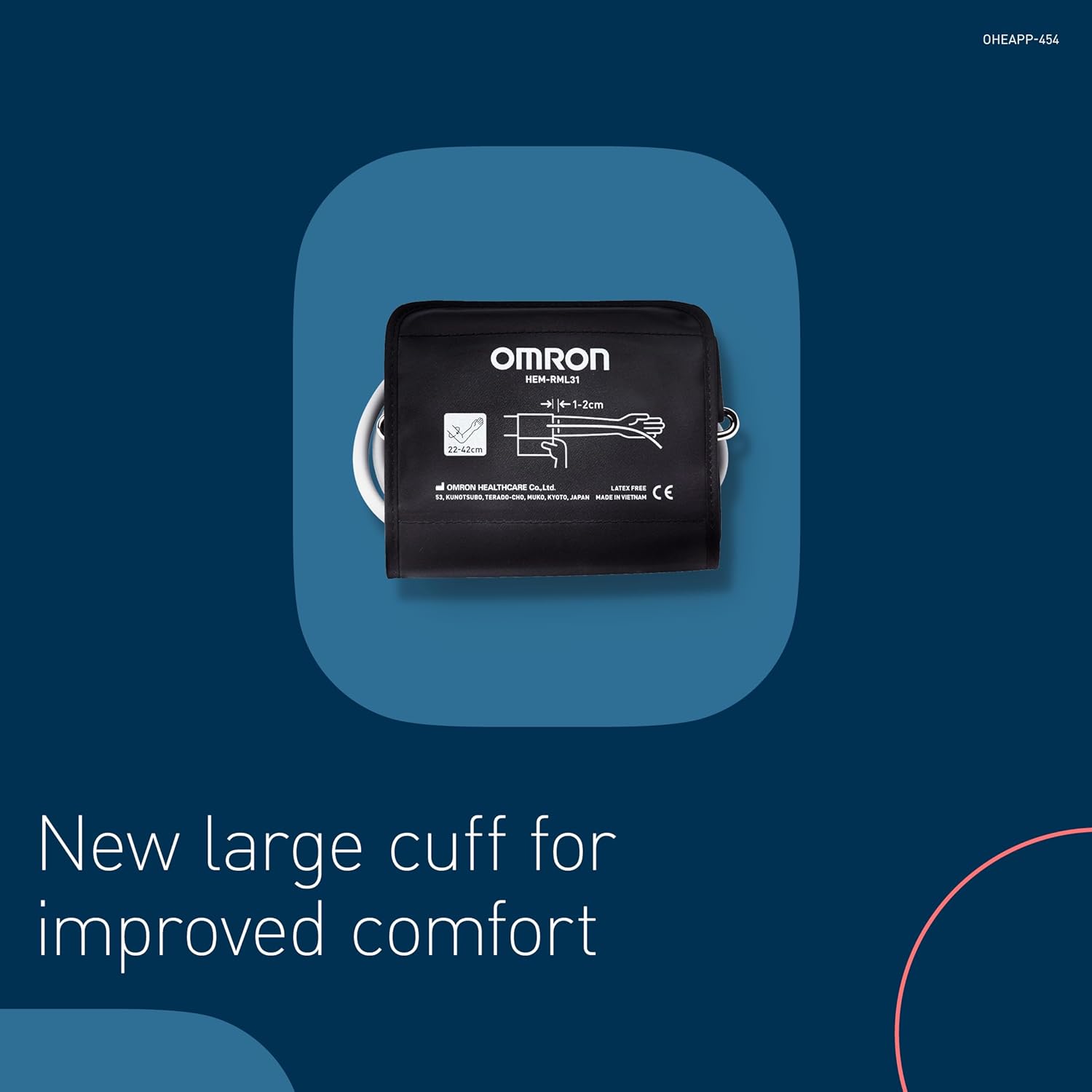
Image 3.1: Close-up view of the OMRON arm cuff, highlighting its size range (22-42 cm) and connection point.
3.3. Pairing with OMRON Connect App (Bluetooth)
The OMRON X2 Smart+ can connect to your smartphone via Bluetooth for data management.
- Download the free OMRON Connect app from your smartphone's app store (iOS/Android).
- Enable Bluetooth on your smartphone.
- Follow the in-app instructions to pair your OMRON X2 Smart+ monitor. The app will guide you through the process, which typically involves pressing the Bluetooth button on the monitor.
4. Operating Instructions
4.1. Preparation for Measurement
For accurate readings, observe the following conditions:
- Ensure you are in a quiet room with a comfortable temperature.
- Avoid smoking, caffeine, food intake, or exercise for at least 30 minutes before measurement.
- Remain seated and relaxed for 3-5 minutes before starting.
- Do not talk or move during measurements.

Image 4.1: A circular diagram showing the recommended conditions and posture for taking an accurate blood pressure reading, including sitting comfortably with back and arm supported, feet flat on the floor, and arm cuff at heart level.
4.2. Cuff Placement
- Place the arm cuff on your left upper arm, approximately 1-2 cm above your elbow.
- Ensure the air tube runs down the inside of your arm and is aligned with the middle of your inner elbow.
- Wrap the cuff snugly around your arm, ensuring it is not too tight or too loose. The cuff wrap guide on the monitor display will indicate correct placement.
- Position your arm so the cuff is at the same level as your heart.

Image 4.2: A man demonstrating the correct way to wear the OMRON blood pressure cuff on his upper arm while seated at a table.
4.3. Taking a Measurement
- Once the cuff is correctly placed and you are in the proper posture, press the START/STOP button.
- The cuff will begin to inflate using OMRON's Intellisense Technology, which automatically applies the right amount of pressure.
- Remain still and quiet until the measurement is complete. The monitor will display your Systolic, Diastolic, and Pulse readings.
- Press the START/STOP button again to turn off the monitor. If not turned off, it will automatically power down after a few minutes.

Image 4.3: A hand initiating a blood pressure measurement by pressing the START/STOP button on the OMRON monitor.
4.4. Understanding Your Readings
The display shows three main values:
- SYS (Systolic Pressure): The top number, indicating the pressure in your arteries when your heart beats.
- DIA (Diastolic Pressure): The bottom number, indicating the pressure in your arteries between beats.
- PULSE: Your heart rate in beats per minute.
The monitor also features:
- Irregular Heartbeat Detection: An icon will appear if an irregular heartbeat is detected during the measurement. Consult your doctor if this icon appears frequently.
- Cuff Wrap Guide: An icon indicates if the cuff is wrapped correctly.

Image 4.4: A detailed view of the OMRON X2 Smart+ display, labeling systolic and diastolic values, pulse, memory indicator, Bluetooth indicator, Intellisense technology, and one-touch operation button.
4.5. Using the OMRON Connect App
The OMRON Connect app allows you to store, track, and share your blood pressure readings.
- Automatic Sync: Readings are automatically synced to the app via Bluetooth after each measurement.
- History and Trends: View your measurement history, daily, weekly, and monthly averages, and track trends over time.
- Data Sharing: Easily share your readings with your healthcare professional.

Image 4.5: A smartphone displaying the OMRON Connect app, illustrating how blood pressure data is securely stored and presented for user review.

Image 4.6: A hand navigating the OMRON Connect app on a smartphone, demonstrating the user interface for reviewing health data.
5. Maintenance
5.1. Cleaning
- Wipe the monitor and cuff with a soft, dry cloth.
- Do not use abrasive or volatile cleaners.
- Do not wash the cuff or immerse the monitor in water.
5.2. Storage
- Store the device in its storage case when not in use.
- Keep it in a clean, dry place away from direct sunlight, extreme temperatures, and humidity.
5.3. Battery Replacement
When the battery indicator appears on the display, replace all four AA batteries with new ones. Do not mix old and new batteries or different types of batteries.
6. Troubleshooting
If you encounter issues with your OMRON X2 Smart+ monitor, refer to the following common problems and solutions:
| Problem | Possible Cause | Solution |
|---|---|---|
| No power / Display blank | Batteries are dead or incorrectly inserted. | Replace batteries or reinsert them with correct polarity. |
| Error message (e.g., 'E' followed by a number) | Cuff not applied correctly, movement during measurement, or other technical issue. | Re-apply cuff correctly, remain still and quiet. If error persists, consult the full instruction manual or contact support. |
| Cannot connect to OMRON Connect app | Bluetooth is off, device not in pairing mode, or app issue. | Ensure Bluetooth is enabled on your phone. Put the monitor in pairing mode. Restart the app and try again. |
| Inconsistent readings | Improper cuff placement, movement, talking, or not resting before measurement. | Review 'Preparation for Measurement' and 'Cuff Placement' sections. Take multiple readings with a 1-minute interval. |
7. Specifications
| Feature | Detail |
|---|---|
| Device Type | Upper Arm Blood Pressure Monitor |
| Model Number | HEM-7146T2-ESL |
| Cuff Type | Large Cuff (22-42 cm) |
| Memory Storage | Up to 30 readings |
| Detection Features | Irregular Heartbeat, Body Movement Detection |
| Connectivity | Bluetooth compatible with OMRON Connect app (Android and iOS) |
| Power Source | 4 x AA Batteries (included) |
| Dimensions (L x W x H) | 14 x 10.3 x 8.2 cm |
| Weight | 250 g (excluding batteries) |
| Manufacturer | OMRON HEALTHCARE |
8. Warranty and Support
The OMRON X2 Smart+ Blood Pressure Monitor comes with an extended guarantee of 5 years. For warranty claims, technical support, or further assistance, please refer to the contact information provided in the original packaging or visit the official Omron Healthcare website for your region.
Always consult with a healthcare professional for interpretation of your blood pressure readings and for any health concerns.