
Bomieux T6F
Bomieux Kids Digital Watch Instruction Manual
Model: T6F
1. Introduction
Welcome to the Bomieux Kids Digital Watch. This manual provides essential information for setting up, operating, and maintaining your new digital watch. Designed for children aged 5-15, this watch features a fitness tracker, pedometer, vibration alarm, and is waterproof for daily activities. It operates independently without the need for a smartphone application or Bluetooth connection.

The Bomieux Kids Digital Watch in Army Red, showcasing its sleek design and digital display.
2. Key Features
- Digital Time and Date Display: Clear and easy-to-read digital interface.
- Smart Step Counting (Pedometer): Tracks daily steps to encourage activity.
- Calorie Monitoring: Estimates calories burned based on activity.
- Movement Distance Tracking: Records distance covered.
- Stopwatch Function: For timing various activities.
- Two Sets of Vibration Alarms: Silent alarms for reminders without disturbing others.
- 50M Waterproof: Suitable for handwashing, rain, and splashes. Not recommended for swimming or diving.
- Eye Protection at Night: Display designed for comfortable viewing in low light.
- USB Direct Charge: Integrated USB port for convenient charging without extra cables.

An infographic highlighting key features such as date/time, smart step counting, 50m waterproof, eye protection, USB direct charge, two alarm clocks, calorie monitoring, movement distance, and stopwatch.
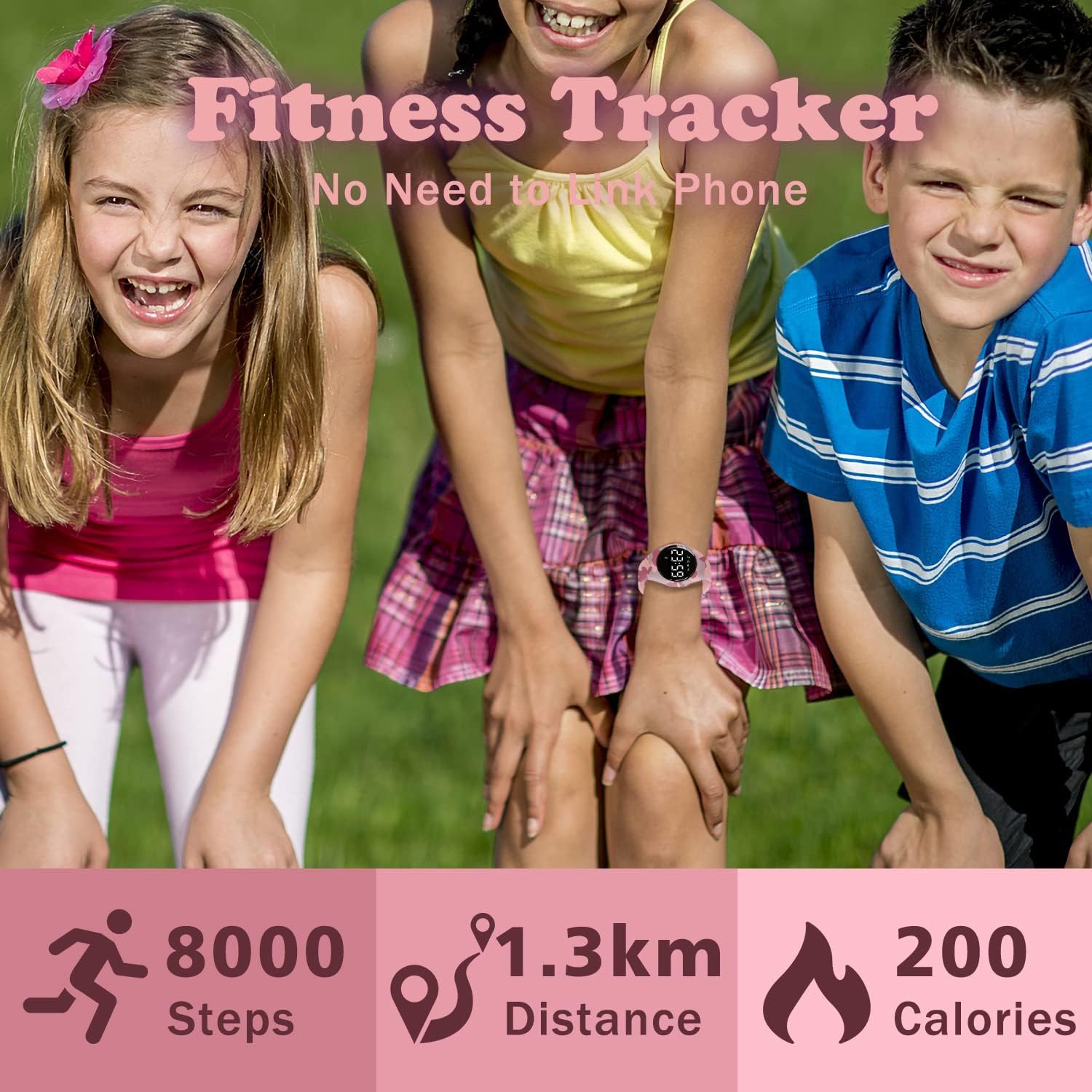
Three children wearing the Bomieux Kids Digital Watch, illustrating its use as a fitness tracker with step, distance, and calorie tracking.
3. Setup
3.1. Charging the Watch
The Bomieux Kids Digital Watch features a convenient USB direct charging mechanism. No separate charging cable or adapter is required.
- Gently remove the watch module from the silicone strap. This is typically done by pushing the module out from the back of the strap.
- Locate the integrated USB connector on the watch module.
- Plug the USB connector directly into any standard USB power source (e.g., a computer USB port, a USB wall adapter, or a power bank).
- The watch display will show a charging indicator, and a light may flash to confirm it is charging.
- A full charge typically takes about 1 hour and provides 10-20 days of battery life.
- If the watch does not charge, try rotating the module 180 degrees and reinserting it into the USB port.
This video illustrates the unique USB direct charging feature of the Bomieux Kids Digital Watch. It shows how to detach the watch module from the strap and plug it directly into a standard USB port for charging, emphasizing that no separate charging cable or adapter is needed.

The Bomieux Kids Digital Watch being charged by plugging its integrated USB port directly into a power adapter, highlighting its rechargeable battery and long life.

A close-up view of the watch's integrated USB charging port, emphasizing its convenience.
3.2. Wearing the Watch
The watch features a soft and comfortable silicone strap with multiple adjustment holes to fit various wrist sizes, from approximately 14cm (5.51in) to 20cm (7.87in).
- Once charged, reinsert the watch module securely into the silicone strap.
- Place the watch on the wrist and adjust the strap using the buckle closure to a comfortable fit. Ensure it is snug but not too tight.
This video demonstrates how to wear the Bomieux Kids Digital Watch and highlights its comfortable silicone strap and adjustable fit for various wrist sizes. It also briefly touches on the watch's waterproof capabilities for everyday use.

A detailed diagram illustrating the watch's dimensions, including case thickness, product weight, band length, and minimum/maximum wrist circumference for a comfortable fit.
4. Operating Instructions
The watch operates using a single touch-sensitive button on the display. Tap the button to cycle through different modes and long-press to enter settings or confirm selections.
4.1. Basic Functions
- Time Display: Tap the button once to wake the screen and display the current time.
- Date Display: After the time, tap again to view the date (Month/Day).
- Pedometer (Steps): Continue tapping to see the total steps taken for the day.
- Distance: Displays the estimated distance covered.
- Calories: Shows the estimated calories burned.
- Stopwatch: Access the stopwatch mode by tapping through the functions. Long-press to start/stop, tap to reset.
- Alarm: The watch supports two independent vibration alarms.
4.2. Setting Time and Date
- From the time display, long-press the button until the hour digits start flashing.
- Tap the button repeatedly to adjust the hour. Long-press to confirm and move to minutes.
- Repeat the tap and long-press process for minutes, then for month and day.
- The watch will automatically save settings after a few seconds of inactivity or after confirming the last setting.
4.3. Setting Alarms
- Cycle through the modes until you reach the alarm setting (e.g., A1 OFF or A2 OFF).
- Long-press the button to activate the alarm setting. The hour digits will flash.
- Tap to adjust the hour, long-press to confirm. Repeat for minutes.
- After setting the time, you can choose to turn the alarm ON or OFF. Long-press to confirm.
This video provides a comprehensive overview of the Bomieux Kids Digital Watch's various functions, including displaying time, date, steps, distance, calories, and setting alarms. It highlights the watch's independent operation without requiring a smartphone app.

A child sleeping peacefully, with an icon indicating the vibrating alarm function of the watch, designed not to disturb others.
5. Maintenance
5.1. Water Resistance
The Bomieux Kids Digital Watch is rated 50M waterproof. This means it is resistant to:
- Handwashing
- Rain and splashes
It is not suitable for showering, bathing, swimming, or diving. Avoid pressing buttons underwater.

The Bomieux Kids Digital Watch submerged in water, demonstrating its 50M waterproof rating suitable for handwashing, rain, and splashes.
5.2. Cleaning
To clean your watch, wipe it with a soft, damp cloth. Avoid using harsh chemicals or abrasive materials that could damage the watch face or strap.
5.3. Storage
When not in use for extended periods, store the watch in a cool, dry place away from direct sunlight and extreme temperatures.
6. Troubleshooting
- Watch not turning on or charging: Ensure the watch module is correctly inserted into a functioning USB port. Try rotating the module 180 degrees. If the issue persists, the battery may be completely drained, requiring a longer initial charge, or there might be an issue with the USB power source.
- Inaccurate Pedometer/Fitness Tracking: The pedometer uses motion sensors and may have slight variations depending on arm movement. Ensure the watch is worn snugly on the wrist. For optimal accuracy, ensure personal height and weight settings (if applicable) are correctly entered.
- Watch module detaching from strap: Ensure the module is firmly pressed into the silicone strap. If the strap becomes loose over time, consider replacing the strap.
- Display not visible: The display is designed to turn off to conserve battery. Tap the button once to activate the display. Ensure the watch is charged.
7. Specifications
| Feature | Detail |
|---|---|
| Model Name | T6F |
| Display Type | Digital |
| Watch Movement Type | Quartz |
| Power Source | Rechargeable Battery |
| Closure Type | Buckle |
| Strap Type | Silicone Strap |
| Water Resistance Depth | 50 Meters |
| Case Material Type | Stainless Steel |
| Case Diameter | 37 Millimeters |
| Item Weight | 0.07 Kilograms |
| Age Range Description | Kid |
8. Warranty and Support
Your Bomieux Kids Digital Watch comes with an English manual and is packaged in a protective box. For any questions, troubleshooting assistance, or warranty claims, please refer to the contact information provided with your purchase or visit the official Bomieux website for support.
Ask a question about this manual
Ask about setup, troubleshooting, compatibility, parts, safety, or missing instructions. Manuals+ will review the question and use this page’s manual context to help answer it.