
Zeerkeer TK816
Zeerkeer TK816 OBD2 GPS Tracker User Manual
Introduction
Welcome to the user manual for your Zeerkeer TK816 OBD2 GPS Tracker. This guide provides detailed instructions for setting up, operating, and maintaining your device to ensure optimal performance and reliable vehicle tracking.
Package Contents
Please verify that all items listed below are included in your package:
- 1 x Zeerkeer TK816 4G OBD2 GPS Tracking Device
- 1 x User Manual
- 1 x Internal Lithium Ion Battery (pre-installed)
Product Overview and Features
The Zeerkeer TK816 is a compact and efficient 4G OBD2 GPS tracker designed for real-time vehicle monitoring. It offers a range of features to keep you informed about your vehicle's location and status.
- International SIM Card: Includes an international SIM card with flexible subscription plans (Monthly, Annual, 2-year options) and a 1-day free trial.
- Precise Positioning: Utilizes GPS and LBS (Location Based Service) for accurate tracking, with GPS accuracy up to 16-32 feet (5-10 meters).
- Real-time Tracking: Monitor your vehicle's location in real-time on Google Maps via the mobile application or web platform.
- Geo-fence: Define specific geographic areas and receive alerts when the vehicle enters or exits these zones.
- Historical Route Playback: Review past travel routes for up to 180 days.
- Multiple Alarms: Configurable alerts for overspeed, shock detection, movement, and low power.
- Built-in Battery: A 200mAh internal Lithium Ion battery provides approximately 30 minutes of backup power if the vehicle's power supply is interrupted.
- Plug-and-Play Installation: Easy installation by plugging directly into the vehicle's OBD-II port, requiring no additional wiring.
- Universal Compatibility: Works with most vehicles equipped with an OBD-II port.

Image: The Zeerkeer TK816 OBD2 GPS Tracker is designed for simple plug-and-play installation into your vehicle's OBD-II port.
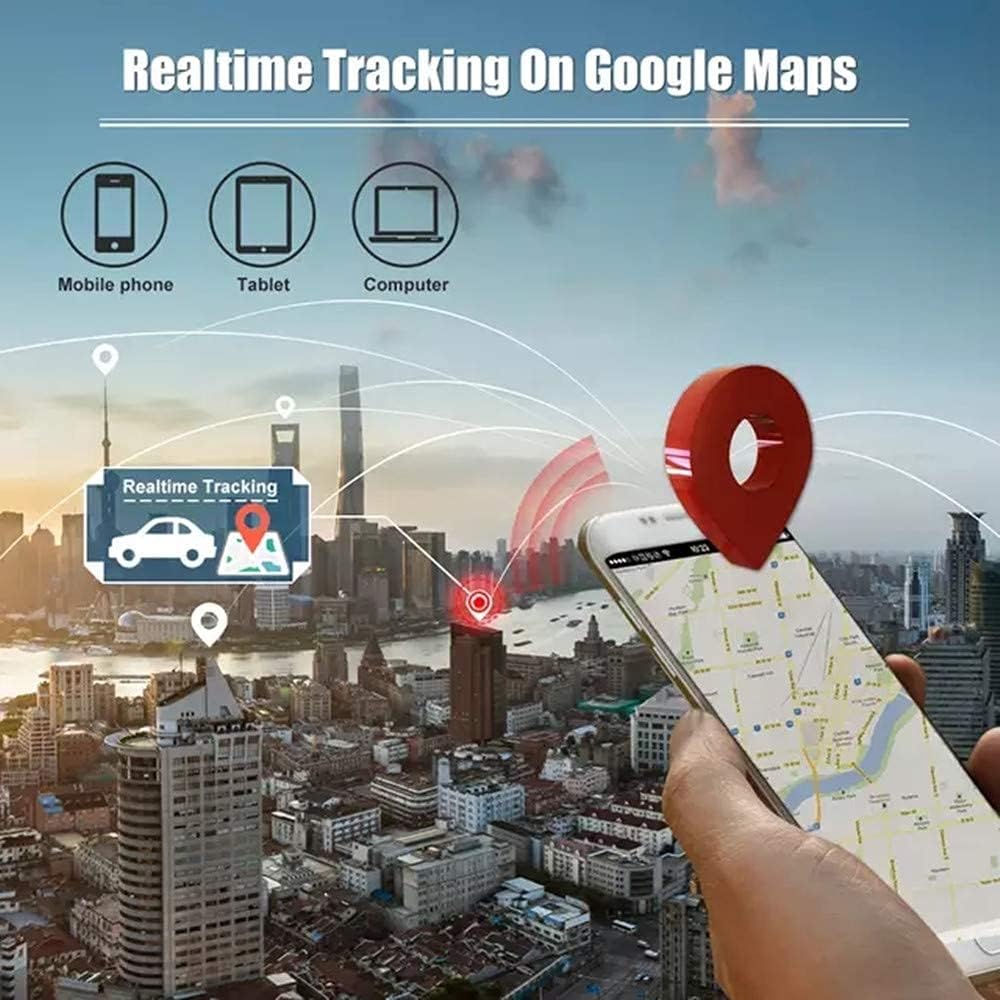
Image: Real-time tracking is accessible across multiple devices, including mobile phones, tablets, and computers, displaying vehicle location on Google Maps.

Image: The device allows for historical route playback, enabling users to review past travel paths for a specified period.

Image: The Geo-fence feature allows you to set virtual boundaries and receive alerts when the tracker enters or leaves these designated areas.

Image: The Zeerkeer TK816 GPS tracker is suitable for a wide range of vehicles, including cars, buses, trucks, and off-road vehicles.
Setup and Installation
SIM Card Activation and Subscription
The Zeerkeer TK816 includes an international SIM card. Before using the device, you must activate a subscription plan. Options include Monthly ($4.99), Annual ($49.99), or a 2-year plan ($89.99). A 1-day free trial is available. There are no contracts, and you can cancel at any time.
Device Installation
The TK816 tracker is designed for straightforward plug-and-play installation:
- Locate the OBD-II Port: Identify your vehicle's OBD-II port. This port is typically located under the dashboard on the driver's side, though its exact position may vary by vehicle model.
- Plug in the Tracker: Firmly insert the Zeerkeer TK816 GPS tracker into the OBD-II port. Ensure it is securely connected.
- Power On: Once plugged in, the device will draw power from the vehicle's OBD-II port and automatically power on. No additional wiring or external power source is needed for primary operation.
The built-in 200mAh battery provides temporary power for approximately 30 minutes if the vehicle's engine is turned off or the main power supply is disconnected.
Operating Instructions
Mobile Application and Web Platform Access
To begin tracking your vehicle and utilize the full range of features, download the official mobile application or access the web tracking platform.
- The mobile application is compatible with both Android and iOS devices.
- You can download the app by scanning the QR code provided in the manual or on the device packaging, or by visiting the official download page.
- The web tracking platform can be accessed at: http://www.mytkstar.net/

Image: The tracking software is available as a mobile app for iOS and Android, and via a web server, providing comprehensive tracking and management features.
Key Functions
Once logged into the application or web platform, you can perform the following actions:
- Real-time Location: View your vehicle's current position on an interactive map.
- Historical Routes: Access and review detailed travel history for up to 180 days.
- Geo-fence Management: Create and manage virtual boundaries. Receive instant notifications when the tracker enters or exits these areas.
- Alarm Configuration: Set up and customize various alerts, including overspeed warnings, shock detection, movement alerts, and low power notifications.
- Tracking Update Interval: Adjust the frequency at which the tracker reports its location, from 10 to 24500 seconds, to balance real-time data with power consumption.
Specifications
| Feature | Detail |
|---|---|
| Model | TK816 (OBD2 GPS tracker) |
| Dimensions | 2.1" x 1.8" x 0.9" (53 x 46 x 23mm) |
| Weight | 1.5oz (43.8g) |
| Network | 4G LTE/2G GSM GPRS |
| LTE/4G Bands | LTE-FDD: B1/B2/B3/B4/B5/B7/B8/B28/B66 |
| GSM Bands | 850/900/1800/1900MHZ |
| GPS Sensitivity | -159dBm |
| GPS Accuracy | 16ft-32ft (5-10m) |
| LBS Accuracy | 320ft-3200ft (100-1000m) |
| Battery | Built-in 200mAh Lithium Ion |
| Storage Temperature | -40°F to +185°F (-40°C to +85°C) |
| Operation Temperature | -4°F to +131°F (-20°C to +55°C) |
| Humidity | 5%-95% non-condensing |
| Material | Plastic |
Troubleshooting
Common Issues and Solutions
- No Signal/Offline: Ensure the device is securely plugged into the OBD-II port. Verify your subscription status is active. Check for adequate 4G/2G network coverage in the device's current location.
- Inaccurate Positioning: GPS accuracy can be affected by environmental factors such as tall buildings, dense foliage, or underground parking. Move the vehicle to an open area for better GPS signal reception. Note that LBS positioning is inherently less accurate than GPS.
- Device Not Powering On: Confirm the vehicle's OBD-II port is supplying power. The internal battery provides limited backup power; if the vehicle's power is off for an extended period, the device may shut down.
- Alarms Not Triggering: Check alarm settings within the mobile application or web platform to ensure they are correctly configured and enabled for the desired events.
- Historical Data Missing: Ensure the device has been consistently powered and connected to the network during the period in question. Historical data is stored for up to 180 days.
If issues persist after attempting these solutions, please refer to the support section or contact customer service for further assistance.
Maintenance
The Zeerkeer TK816 GPS tracker is designed for minimal maintenance. Follow these guidelines to ensure its longevity and optimal performance:
- Cleaning: Keep the device clean and free from dust and debris. Use a soft, dry cloth for cleaning.
- Environmental Conditions: Avoid exposing the device to extreme temperatures or humidity outside its specified operating range (-4°F to +131°F / -20°C to +55°C, 5%-95% non-condensing humidity).
- Physical Integrity: Do not attempt to open, disassemble, or modify the device, as this will void the warranty and may cause damage.
- Software Updates: Regularly check for software updates through the mobile application or web platform to ensure you have the latest features and performance enhancements.
Warranty and Support
For detailed warranty information regarding your Zeerkeer TK816 GPS Tracker, please refer to the warranty card or documentation provided at the time of purchase. Warranty terms typically cover manufacturing defects for a specified period.
For technical assistance, troubleshooting not covered in this manual, or any other inquiries, please contact Zeerkeer customer support. You can often find support contact information on the official Zeerkeer website or through the mobile application.
Online platform for support and downloads: http://www.mytkstar.net/download.htm
Ask a question about this manual
Ask about setup, troubleshooting, compatibility, parts, safety, or missing instructions. Manuals+ will review the question and use this page’s manual context to help answer it.