
DOQAUS CP5
DOQAUS 520FT Wireless Meat Thermometer User Manual
Model: CP5 | Brand: DOQAUS
1. Introduction
The DOQAUS 520FT Wireless Meat Thermometer is designed to provide precise temperature monitoring for various cooking applications, including oven, grill, and smoker use. This device features an extra-long wireless range, dual temperature sensors, and smart app integration for convenient and accurate cooking.

Image: The DOQAUS wireless meat thermometer probe and booster, alongside a smartphone displaying the companion app interface with internal, target, and ambient temperatures.
Video: An overview of the DOQAUS 520FT Wireless Meat Thermometer, showcasing its features such as high-quality materials, dual sensors, long battery life, 520ft range, app presets, waterproof design, and built-in magnets.
2. Included Components
The DOQAUS Wireless Meat Thermometer package includes the following items:
- 1 × Probe
- 1 × Booster (Receiver)
- 1 × Charging Cable (USB Type-C)
- 1 × User Manual
- 1 × Small Waterproof Bag

Image: The complete set of components included with the DOQAUS wireless meat thermometer, neatly arranged in their packaging.
3. Setup Guide
3.1 Initial Charging
Before first use, ensure both the probe and booster are fully charged. Connect the booster to a power source using the provided USB Type-C charging cable. The probe charges automatically when inserted into the booster.
- Probe Charging Time: Approximately 30 minutes for a full charge.
- Booster Charging Time: Approximately 1 hour for a full charge.
3.2 App Download and Installation
The thermometer operates via a dedicated smartphone application. Search for "DOQAUS Smart Meat Thermometer" or similar in your device's app store (compatible with iOS and Android devices).
- Download the app from the Apple App Store or Google Play Store.
- Install the app on your smartphone or tablet.

Image: Various screenshots of the DOQAUS smartphone application, showing meat selection, real-time temperature monitoring, and historical data graphs.
3.3 Pairing the Device
Once the app is installed and the devices are charged, follow these steps to pair:
- Ensure Bluetooth is enabled on your smartphone.
- Open the DOQAUS app.
- The app will automatically search for and connect to the booster.
- Insert the probe into the booster to establish connection between the probe and booster.
- The booster sends temperature data to the app, allowing you to monitor your cook from up to 520 feet away.
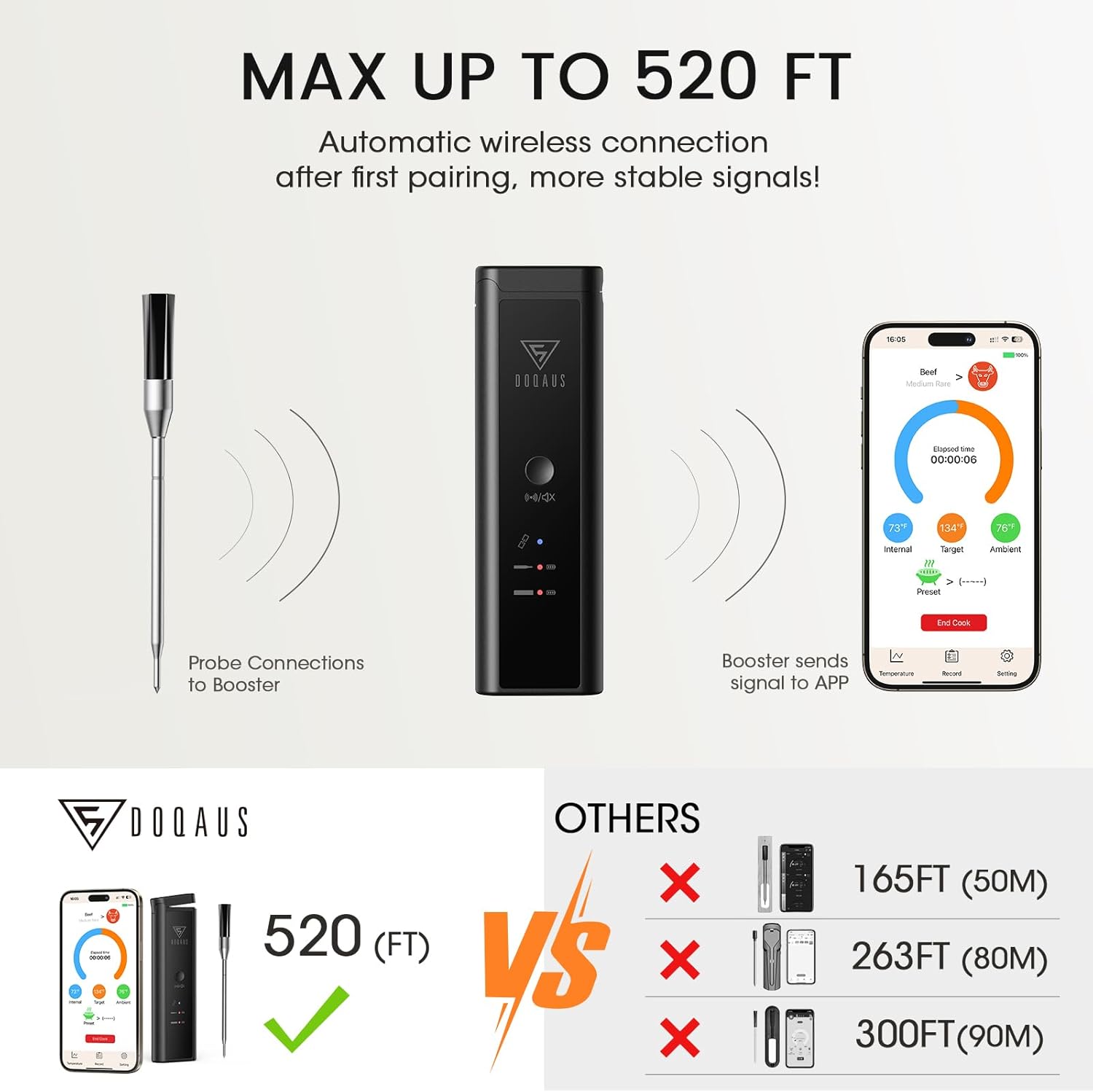
Image: A diagram demonstrating the wireless connection flow from the probe to the booster, and then from the booster to the smartphone app, highlighting the maximum range of 520 feet.
4. Operating Instructions
4.1 Using the Probe
The DOQAUS probe features dual temperature sensors for comprehensive monitoring:
- Internal Temperature Sensor: Monitors the internal temperature of the food (range: 14°F to 212°F / -10°C to 100°C). Insert the probe into the thickest part of the meat, avoiding bones.
- Ambient Temperature Sensor: Monitors the external/ambient temperature of the cooking environment (range: 14°F to 572°F / -10°C to 300°C). This sensor is located at the top of the probe, above the food line.
The probe provides rapid temperature readings within 1 second, ensuring accuracy within ±1.8°F.

Image: A meat probe accurately inserted into a cooked roast, illustrating the positions of the internal and ambient temperature sensors.
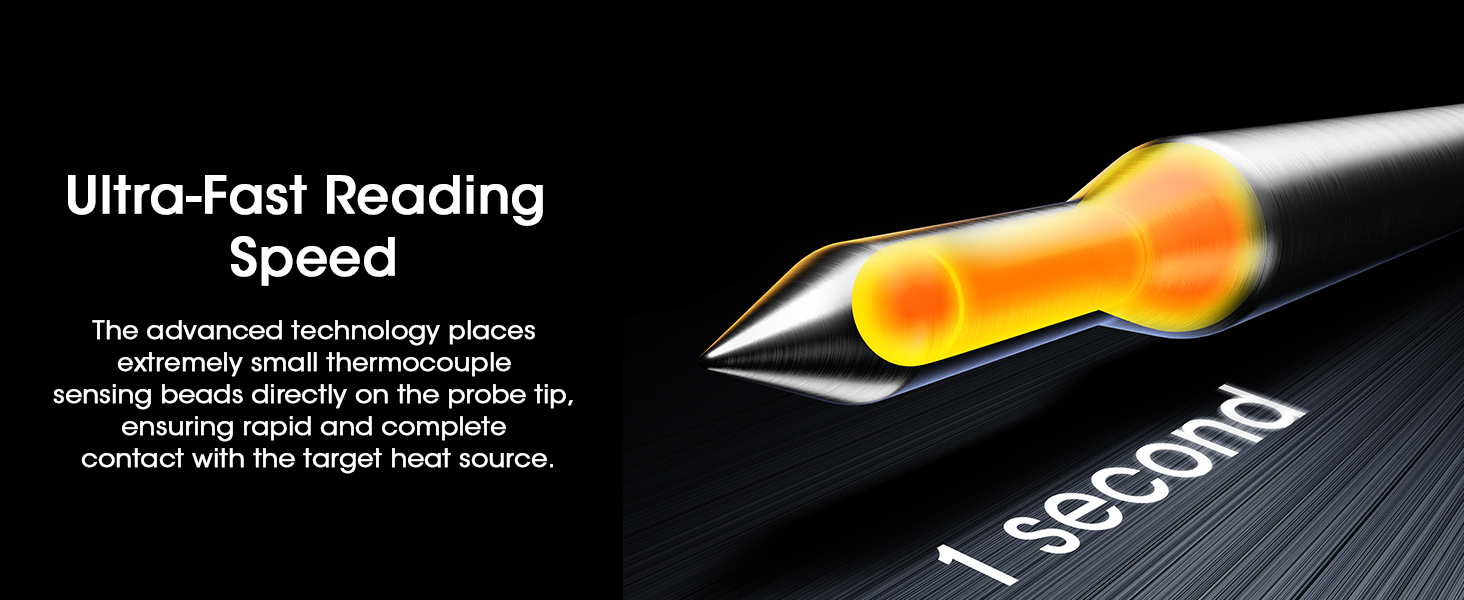
Image: A visual representation highlighting the ultra-fast 1-second reading speed of the thermometer probe, achieved by advanced thermocouple sensing beads at the tip.
4.2 Using the Smart App
The companion app offers a range of features to simplify your cooking process:
- USDA-Recommended Presets: Select from various preset temperatures for different types of meat (e.g., beef, chicken, pork, fish) and desired doneness levels.
- Customizable Timer and Temperature Graphs: Set custom target temperatures and monitor real-time temperature changes through intuitive graphs.
- Real-time Alerts: Receive notifications on your smartphone when the target temperature is reached or if temperatures deviate significantly.
- Cooking History: Review past cooking sessions and temperature data.
- Estimated Cooking Time: The app can provide an estimated time remaining for your cook.
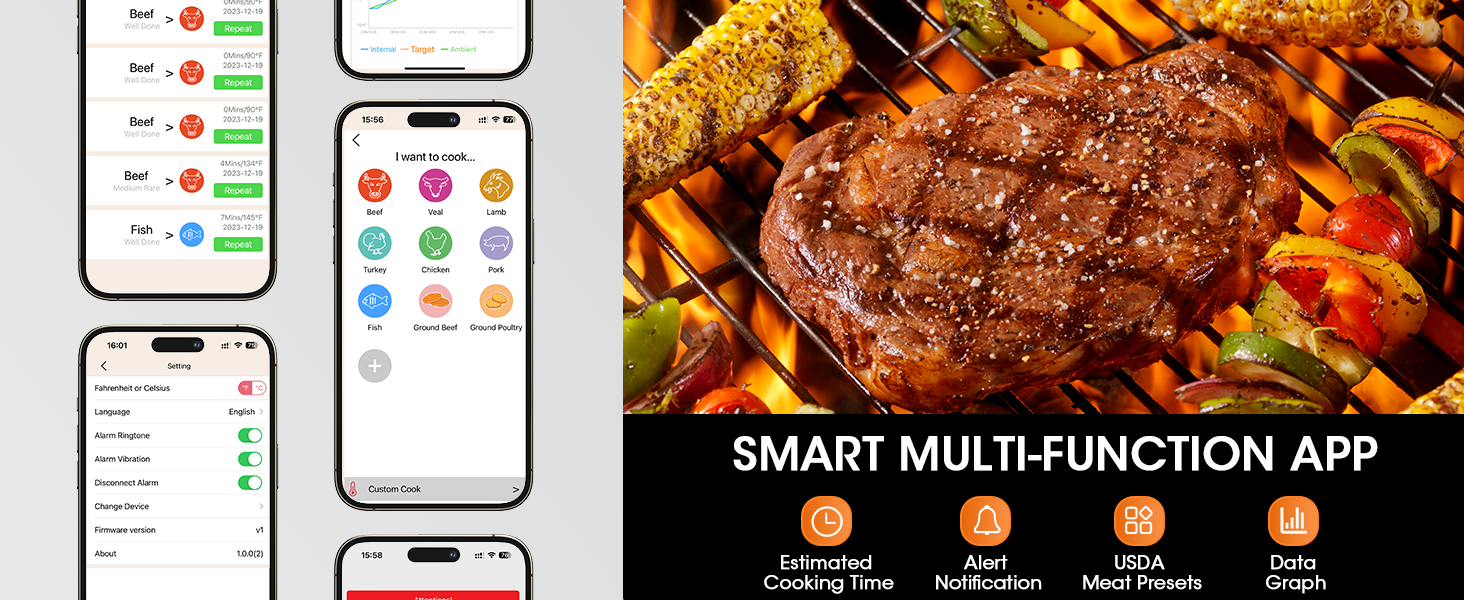
Image: A collage of app screenshots highlighting key features such as estimated cooking time, alert notifications, USDA meat presets, and data graphs.
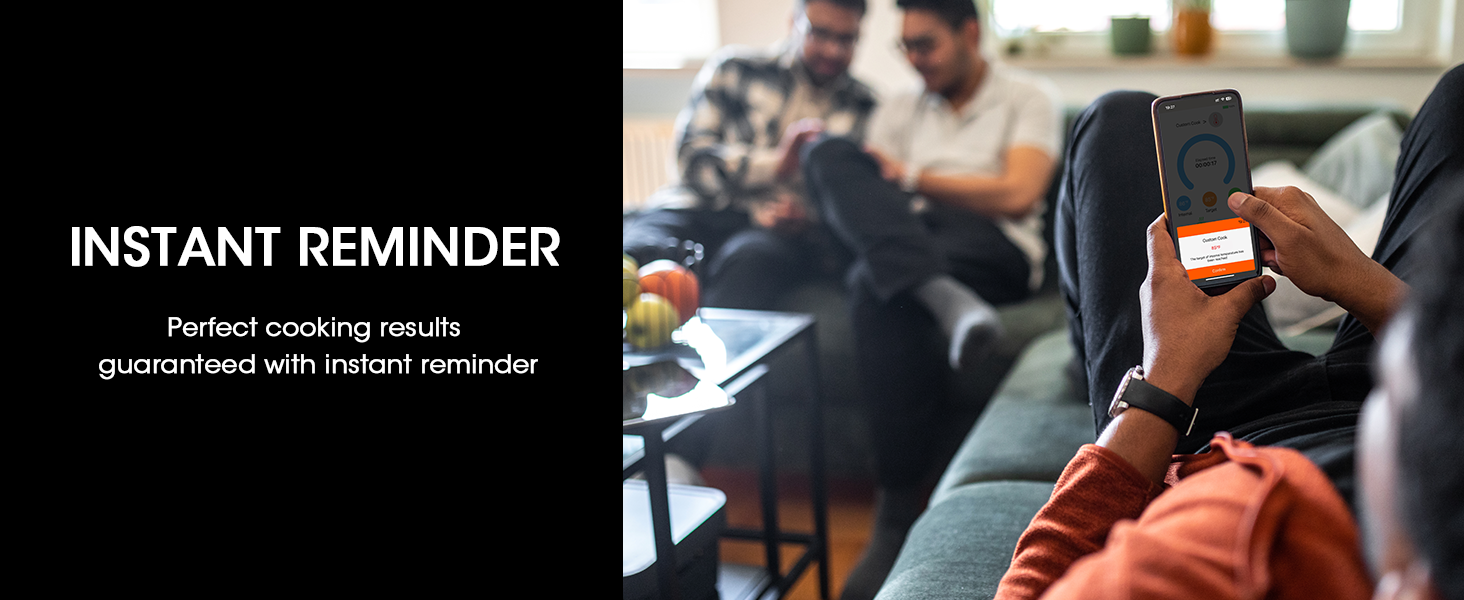
Image: A person checking their smartphone, which displays an "Instant Reminder" from the thermometer app, indicating perfect cooking results.
4.3 Cooking Applications
The DOQAUS Wireless Meat Thermometer is suitable for both indoor and outdoor cooking environments:
- Outdoor Cooking: Ideal for use with smokers, grills, and rotisseries.
- Indoor Cooking: Perfect for ovens, air fryers, and pans.
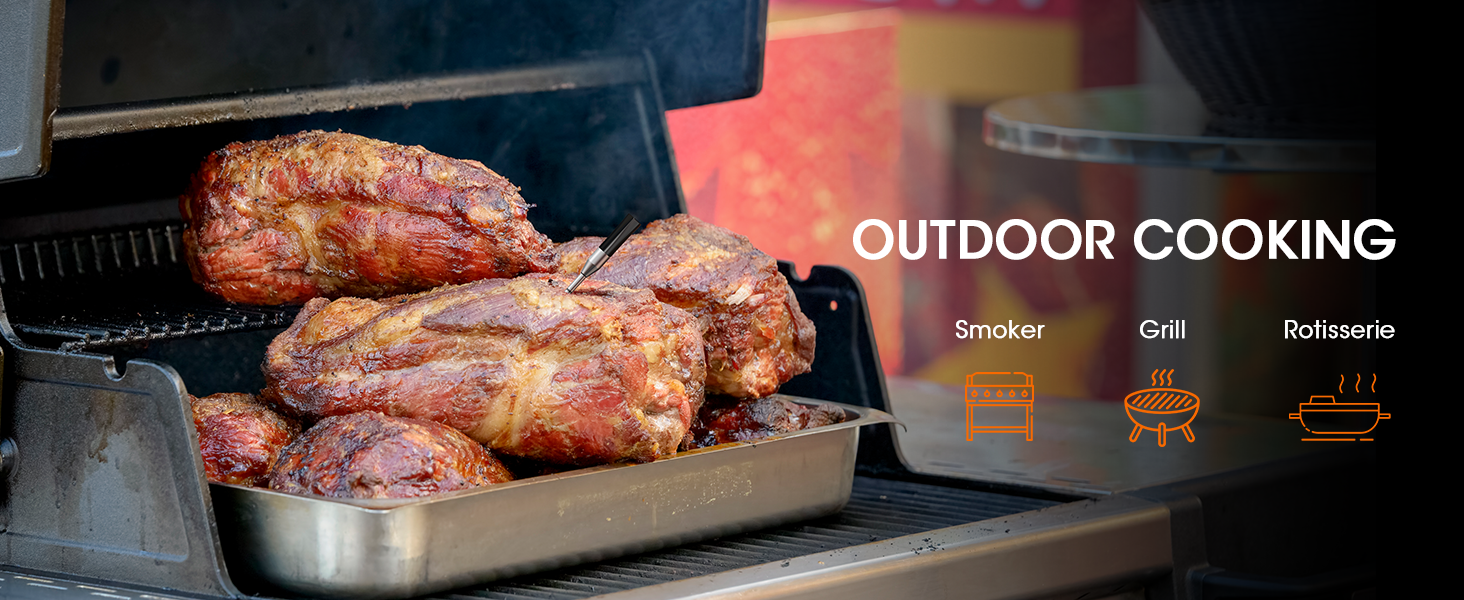
Image: Large cuts of meat cooking on an outdoor grill, demonstrating the thermometer's suitability for outdoor cooking methods like smoking, grilling, and rotisserie.
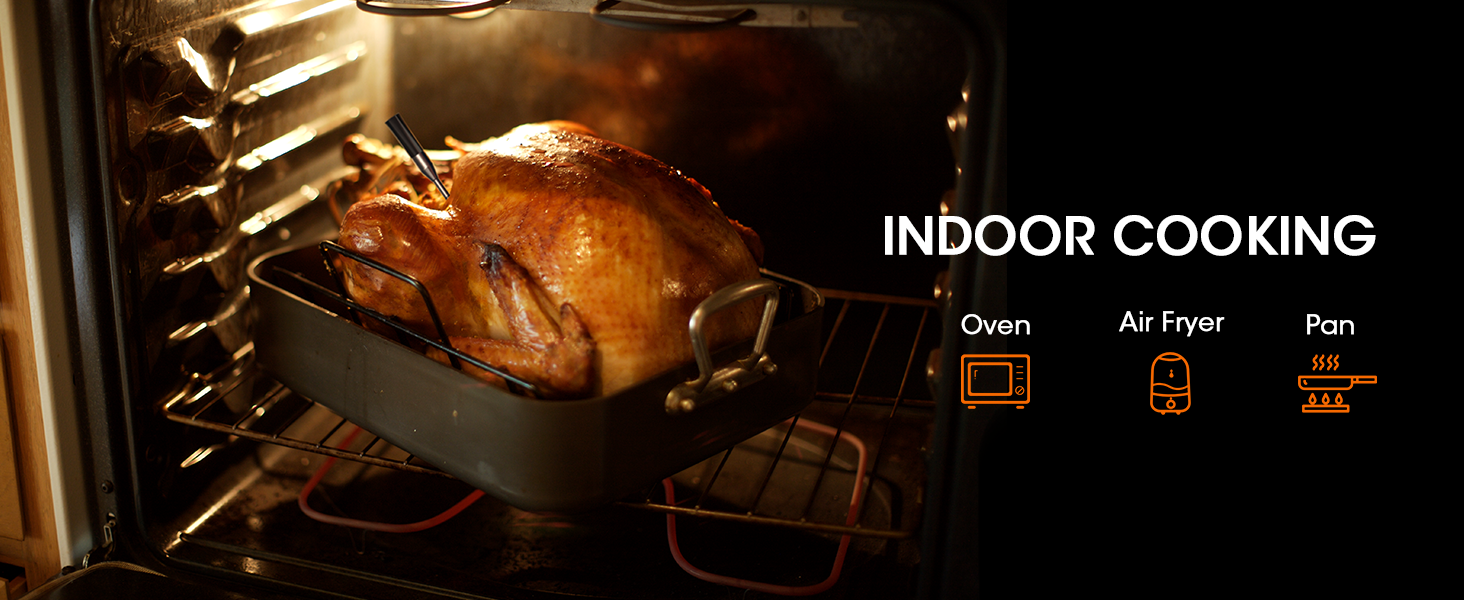
Image: A whole turkey roasting inside an oven, illustrating the thermometer's application for indoor cooking methods such as oven baking, air frying, and pan cooking.
5. Maintenance
5.1 Cleaning Instructions
The probe is designed for easy cleaning:
- The probe features an IPX7 waterproof rating, meaning it can be cleaned under flushing water.
- It is also dishwasher safe for convenient sanitization.
- Wipe the booster clean with a damp cloth. Do not submerge the booster in water.

Image: Hands cleaning the thermometer probe under running water in a sink, demonstrating its IPX7 waterproof capability for easy hand washing or dishwasher cleaning.

Image: A graphic emphasizing the IPX7 waterproof rating of the probe, indicating its durability and dishwasher-safe feature.
5.2 Battery Life and Charging
The thermometer is designed for extended use:
- The probe can be used for up to 48 hours on a full 30-minute charge.
- The booster, equipped with a 650mAh high-capacity battery, can recharge the probe up to 100 times on a single 1-hour charge.
- The booster's battery life is approximately 3+ months on a full charge.
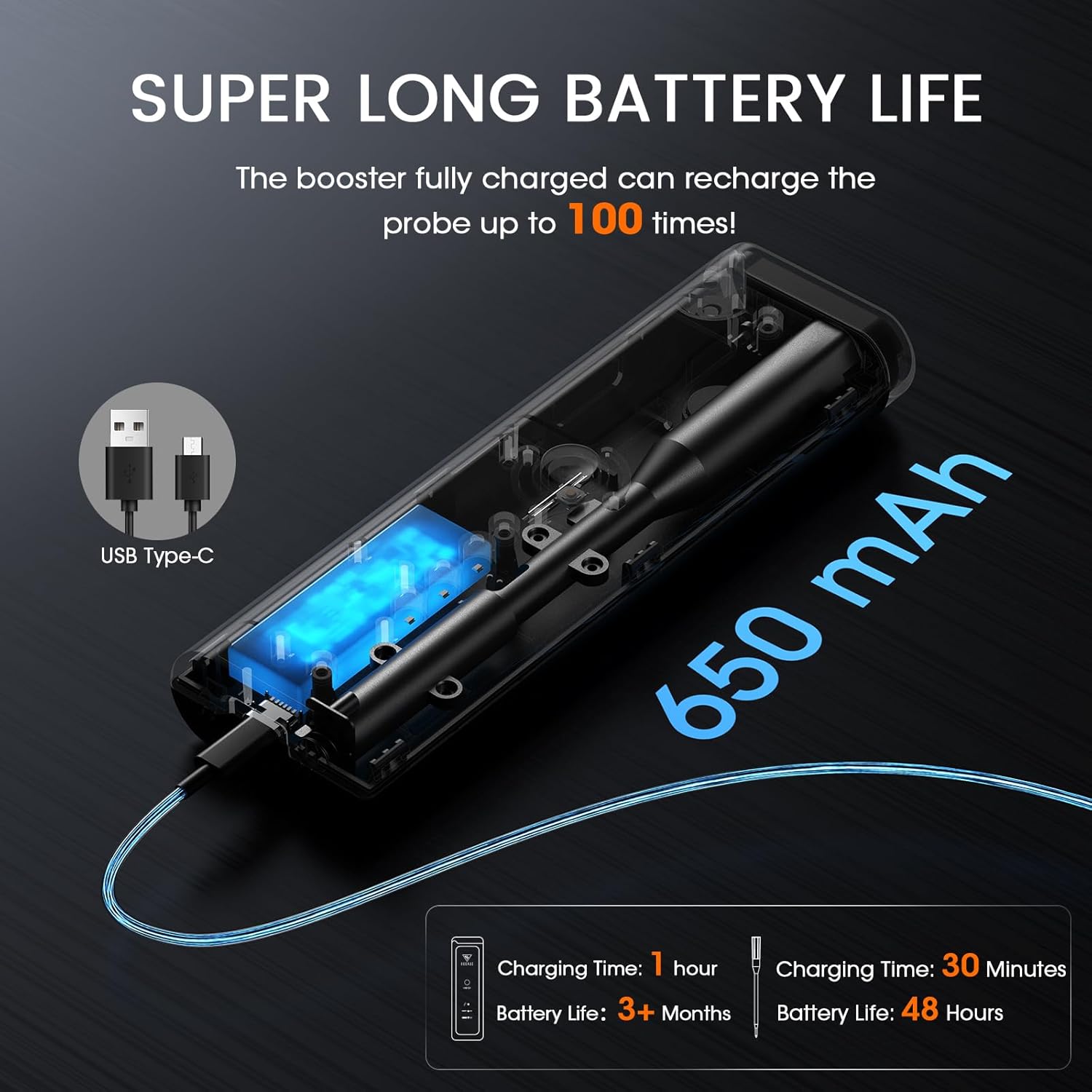
Image: An internal view of the booster showing the 650mAh battery and USB Type-C charging port, with text detailing the probe's 48-hour battery life and the booster's ability to charge the probe up to 100 times.
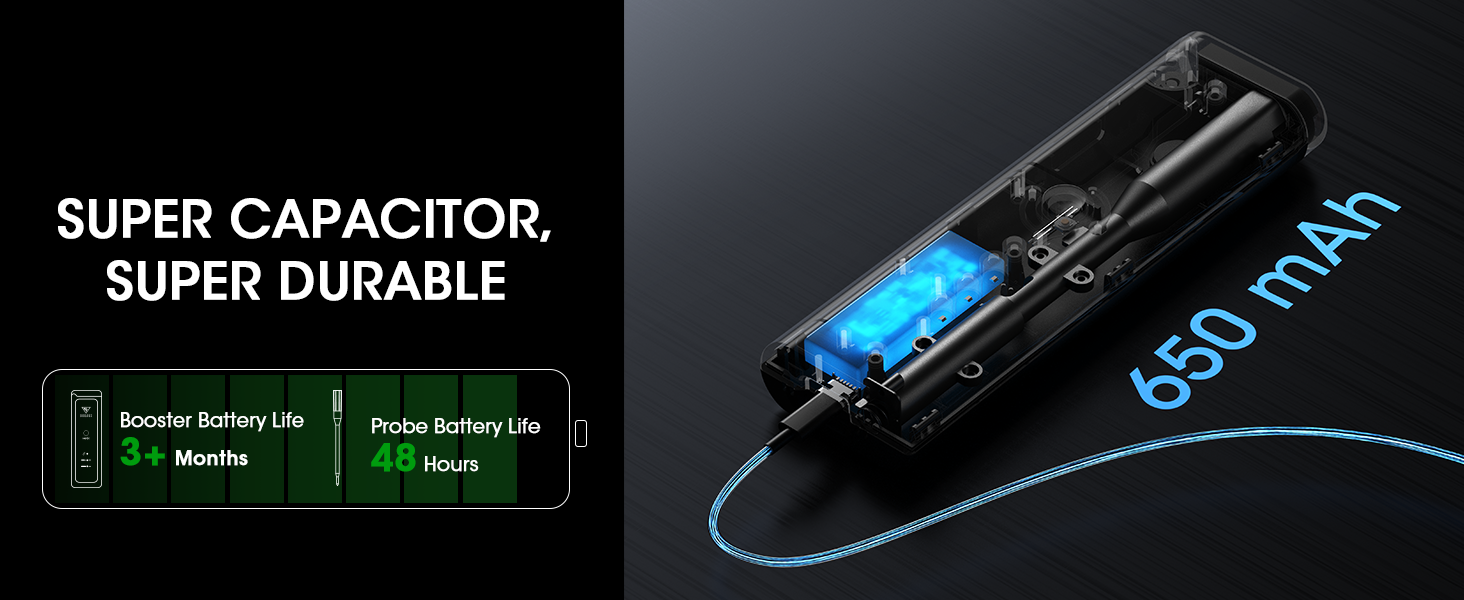
Image: A graphic illustrating the "Super Capacitor, Super Durable" battery life, showing the booster's 3+ months battery life and the probe's 48 hours of use.
5.3 Storage
The booster features a built-in magnet, allowing it to be conveniently fixed onto metal surfaces like grills, smokers, or refrigerators for easy access and storage.
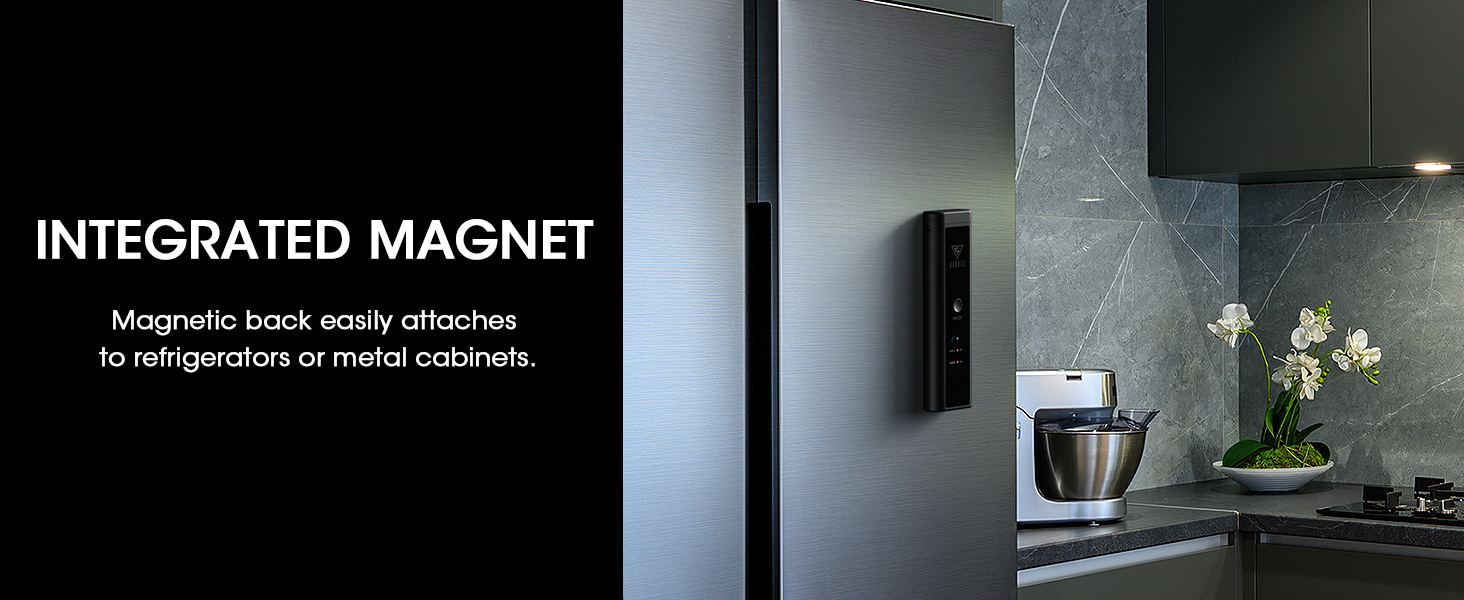
Image: The thermometer booster magnetically attached to a refrigerator, demonstrating its integrated magnet feature for convenient storage.
6. Troubleshooting
| Issue | Possible Cause | Solution |
|---|---|---|
| No connection between app and booster. | Bluetooth is off; Booster is out of range; Booster battery is low. | Ensure Bluetooth is on. Move closer to the booster. Charge the booster. |
| No temperature reading from probe. | Probe not properly inserted into booster; Probe battery is low; Probe is damaged. | Ensure probe is fully seated in the booster. Charge the probe (via booster). Contact support if damaged. |
| Inaccurate temperature readings. | Probe not inserted correctly into food; Sensor is dirty; Extreme temperature fluctuations. | Re-insert probe into the thickest part of the meat, avoiding bones. Clean the probe thoroughly. Allow probe to stabilize. |
| App crashes or freezes. | Outdated app version; Software conflict; Low phone memory. | Update the app to the latest version. Restart your phone. Close other background apps. |
7. Product Specifications
| Brand | DOQAUS |
| Model Name | CP5 (Bluetooth wireless meat thermometer) |
| Connectivity Technology | Bluetooth |
| Wireless Range | Up to 520 feet |
| Internal Temperature Range | 14°F to 212°F (-10°C to 100°C) |
| Ambient Temperature Range | 14°F to 572°F (-10°C to 300°C) |
| Accuracy | ±1.8°F |
| Response Time | 1 second |
| Waterproof Rating | IPX7 (Probe) |
| Power Source | Battery Powered (1 C battery included) |
| Probe Battery Life | Up to 48 hours (30 min charge) |
| Booster Battery Life | 3+ months (1 hour charge) |
| Outer Material | Plastic (Booster), 304 Stainless Steel (Probe) |
| Display Type | Digital (via App) |
| Special Features | Rechargeable, Waterproof, Alarm, App Companion, Fast Reading System, Bluetooth Compatible, High Accuracy, Programmable, Built-in Magnet |
| Indoor/Outdoor Usage | Outdoor, Indoor |
| Item Length | 6 Inches (Probe) |
| Item Weight | 11.3 ounces |
| Manufacturer | DOQAUS |
8. Warranty and Support
For warranty information and customer support, please refer to the contact details provided in your product packaging or visit the official DOQAUS website. If you encounter any issues or have questions regarding your DOQAUS Wireless Meat Thermometer, our support team is available to assist you.
Please retain your proof of purchase for any warranty claims.
Ask a question about this manual
Ask about setup, troubleshooting, compatibility, parts, safety, or missing instructions. Manuals+ will review the question and use this page’s manual context to help answer it.