
Introduction
This manual provides detailed instructions for the setup, operation, and maintenance of your WDZP AKB76039904 MR22GA Voice Magic Remote Control. Please read this manual thoroughly before using the remote control to ensure proper functionality and to maximize your viewing experience.
Compatibility
The AKB76039904 MR22GA Voice Magic Remote Control is compatible with various LG Smart TV models, including but not limited to:
- 43UQ75006LF, 43UQ80006LB, 43UQ9000PSD
- 50UQ75006LF, 50UQ80006LB, 50UQ9000PSD
- 55UQ75006LF, 55UQ80006LB, 55UQ9000PSD
- 65UQ75006LF, 65UQ80006LB, 65UQ9000PSD
- 75UQ9000PSD, 86UQ9000PSD
- LG OLED48A2PUA, LG OLED48C2AUA, LG OLED55B2PUA, LG OLED77Z2PUA, LG OLED88Z2PUA

Setup
1. Installing Batteries
The remote control requires two (2) 1.5V AAA batteries (not included). Follow these steps to install them:
- Open the battery compartment cover on the back of the remote control.
- Insert two AAA batteries, ensuring the positive (+) and negative (-) terminals align correctly with the markings inside the compartment.
- Close the battery compartment cover securely.

2. Pairing the Remote Control
For full functionality, especially voice control, the new remote control must be paired with your LG Smart TV. Follow these steps:
- Step 1: Open the package and visually inspect the remote control to ensure it is complete and undamaged.
- Step 2: Install the batteries as described above.
- Step 3: Press the Wheel (OK) button on the remote control. This initiates the pairing process.
- Step 4 (If pairing fails): If the initial pairing attempt is unsuccessful, press and hold the "GUIDE" button for more than 5 seconds to re-register the voice magic remote control.
- Step 5 (Unpairing an old remote): If you are replacing an old remote, unpair it first. Hold the middle scroll button (Wheel/OK) on your original remote until the red light blinks 3 times. An alert box should appear on the top right side of your TV screen confirming unpairing.
- Step 6 (Retry pairing): If pairing is still not successful, try the pairing process again. If issues persist, refer to the Troubleshooting section or contact support.

Operating Instructions
Basic Functions
The remote control features standard buttons for TV operation:
- Power Button: Turns the TV on or off.
- Number Buttons (0-9): For direct channel input.
- Volume Up/Down: Adjusts the TV volume.
- Channel Up/Down: Changes TV channels.
- Navigation Pad (Up, Down, Left, Right) and Wheel (OK): Used to navigate menus and select items.
- Back Button: Returns to the previous screen or menu.
- Home Button: Accesses the TV's home screen or smart features.
Voice Search Function
The remote control includes a sensitive voice function for convenient control. To use voice search:
- Press and hold the Microphone Button (usually located below the navigation pad).
- Speak your command clearly into the remote control. Examples include:
- "Turn off the TV"
- "Play a movie"
- "Play music"
- "Lower the voice" (adjust volume)
- "Open Netflix"
- Release the Microphone Button when you are finished speaking.

Quick Access Buttons
Dedicated buttons provide quick access to popular streaming services and voice assistants:
- NETFLIX: Launches the Netflix application.
- VIDEO (Prime Video): Launches the Prime Video application.
- DSNY (Disney+): Launches the Disney+ application.
- MOVIES: Accesses movie content or a specific movie app.
- Alexa: Activates the Alexa voice assistant for smart home control and queries.
Maintenance
Battery Replacement
Replace batteries when the remote control's response becomes sluggish or it stops functioning. Always replace both AAA batteries at the same time with new ones. Do not mix old and new batteries, or different types of batteries.
Cleaning
To clean the remote control, gently wipe it with a soft, dry cloth. Do not use liquid cleaners, sprays, or abrasive materials, as these can damage the remote's surface or internal components.
Troubleshooting
If you encounter issues with your remote control, please refer to the following common solutions:
- Remote not responding:
- Check if the batteries are correctly installed and have sufficient charge. Replace them if necessary.
- Ensure there are no obstructions between the remote control and the TV's infrared receiver.
- Try re-pairing the remote control as described in the "Pairing the Remote Control" section.
- Voice function not working:
- Ensure the remote is properly paired with the TV.
- Speak clearly and hold the microphone button while speaking.
- Check for any software updates on your LG Smart TV that might affect remote functionality.
- Buttons not working correctly:
- Clean the remote control to remove any dirt or debris that might be obstructing the buttons.
- If only some buttons are not working, it might indicate a pairing issue or a specific TV setting. Try re-pairing.
If problems persist after attempting these solutions, please contact WDZP customer support for further assistance.
Specifications
| Feature | Description |
|---|---|
| Model Name | MR22GA Voice |
| Model Number | AKB76039904 |
| Brand | WDZP |
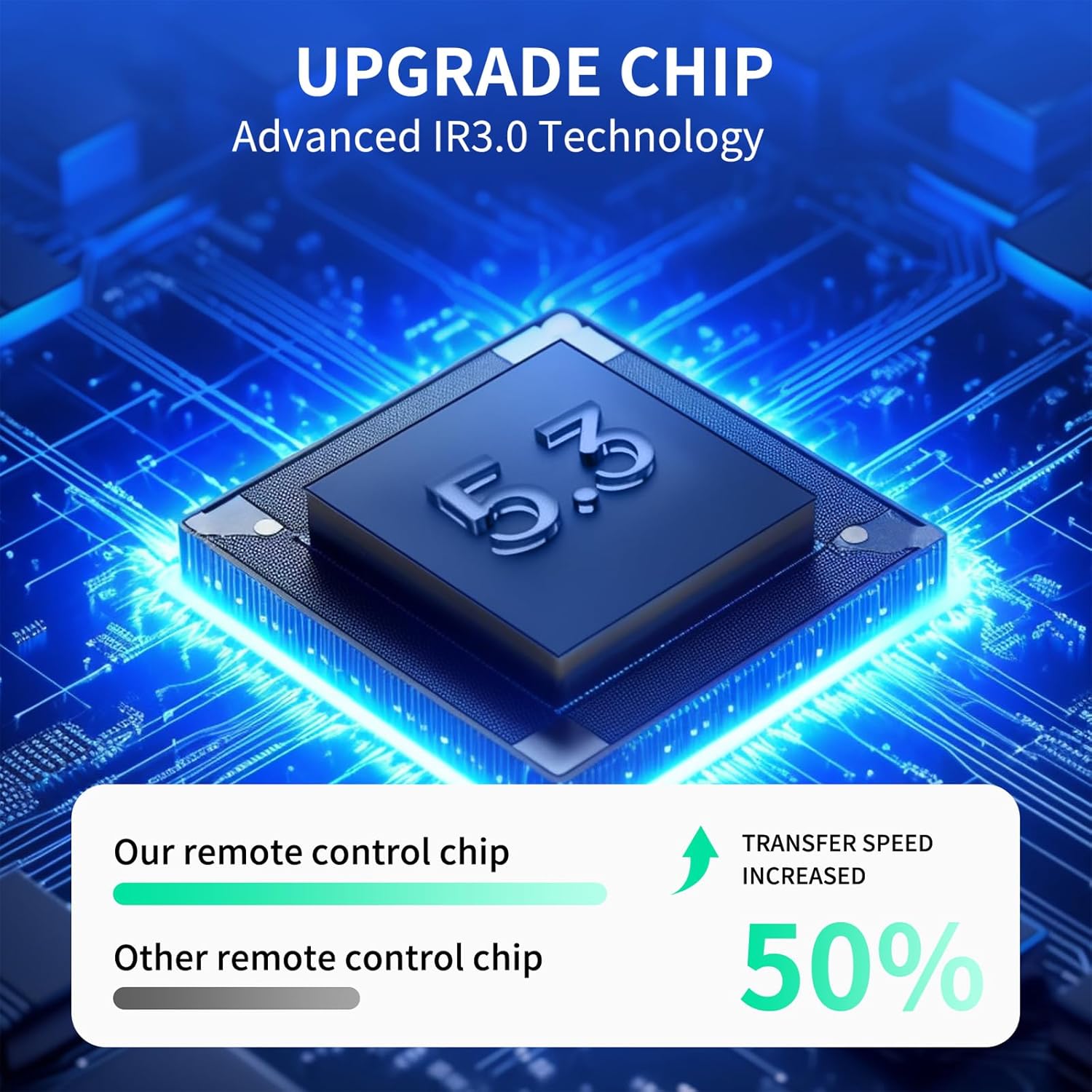
| Connectivity Technology | Infrared (IR) |
| Special Feature | Voice Control, Ergonomic Design |
| Color | BLACK |
| Max Number of Supported Devices | 1 (Television) |
| Maximum Range | 40 Feet |
| Battery Type | 2 x AAA Alkaline Batteries (not included) |
| Control Angle | 180° |
| Reaction Rate | 38kHz+ |


Warranty and Support
This WDZP remote control comes with a 6-month warranty. For warranty claims, technical support, or any questions not covered in this manual, please contact WDZP customer service. Please have your product model number (MR22GA Voice) and purchase information ready when contacting support.
For additional information or to visit the WDZP store, please refer to the following link: WDZP Store on Amazon