
Cousopo T90
Cousopo T90 Wireless Gaming Mouse User Manual
Model: T90
Introduction
The Cousopo T90 is a versatile wireless gaming mouse designed for optimal performance and comfort. Featuring three connectivity modes (2.4G, Bluetooth 1, and Bluetooth 2), adjustable DPI settings, and a long-lasting rechargeable battery, it offers a seamless experience across various devices. Its ergonomic and lightweight design ensures comfortable use for extended periods, while the customizable RGB backlight enhances your gaming setup.

Image: The Cousopo T90 wireless gaming mouse in white, showcasing its ergonomic design and RGB lighting, alongside its USB receiver.
Package Contents
- Cousopo T90 Wireless Gaming Mouse
- USB Receiver (2.4G)
- USB-C Charging Cable
- User Manual

Image: The contents of the Cousopo T90 package, including the mouse, USB receiver, USB-C charging cable, and the user manual.
Setup
Charging the Mouse
Before first use, it is recommended to fully charge the mouse. Connect the supplied USB-C charging cable to the mouse's charging port and the other end to a USB power source (e.g., computer USB port, USB wall adapter). The LED indicator on the mouse will show charging status and turn off when fully charged. A full charge provides up to 30 days of use.
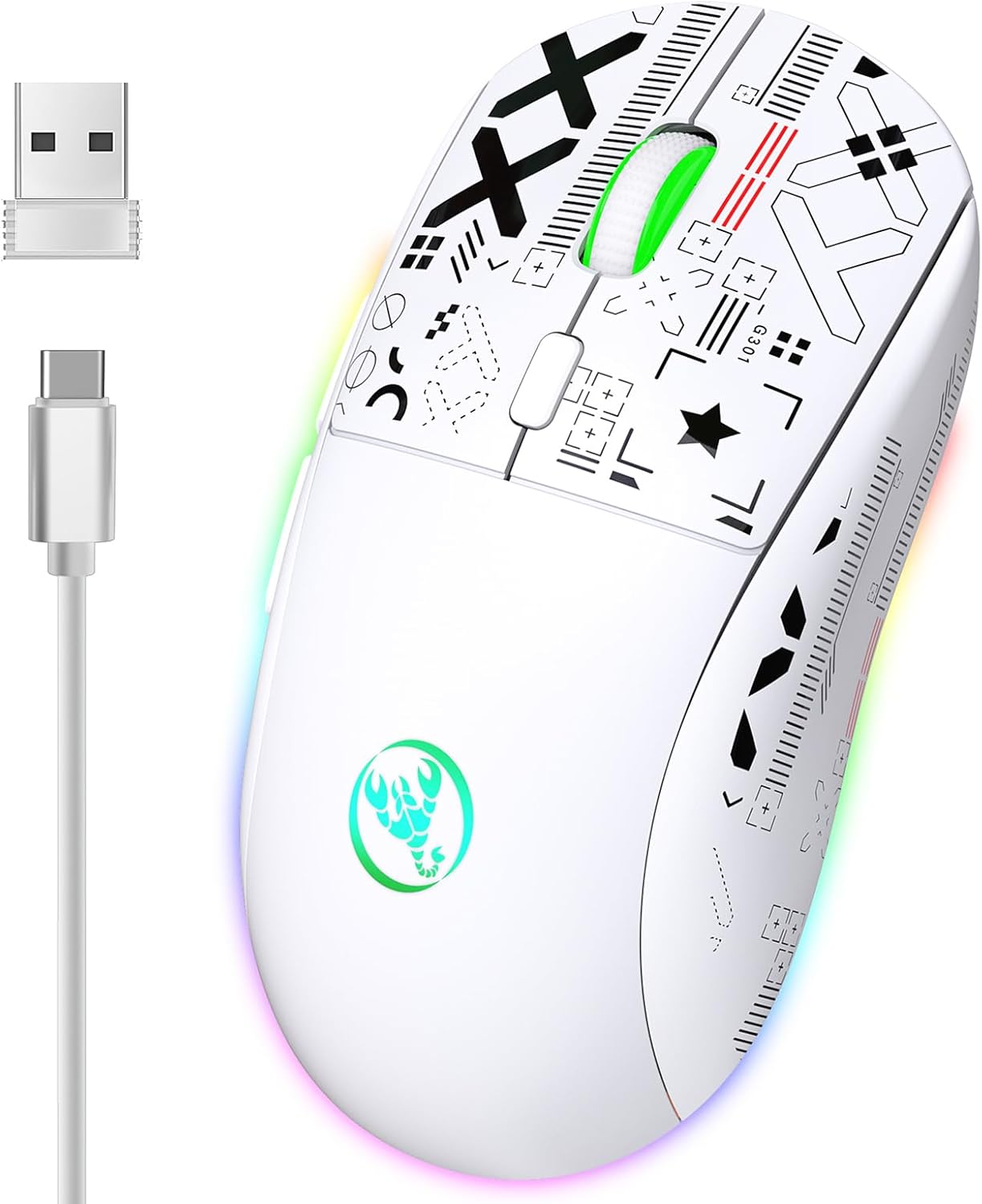
Image: The Cousopo T90 mouse connected to a USB-C charging cable, illustrating the charging process.
Connecting the Mouse
The Cousopo T90 supports three connection modes: 2.4G Wireless, Bluetooth 1 (BT1), and Bluetooth 2 (BT2). You can switch between modes using the switch on the bottom of the mouse.

Image: The underside of the Cousopo T90 mouse, showing the mode switch for 2.4G, BT3.0, and BT5.0 connections.
2.4G Wireless Mode:
- Locate the USB receiver stored in the compartment on the bottom of the mouse.
- Plug the USB receiver into an available USB port on your computer.
- Switch the mode selector on the bottom of the mouse to the "2.4G" position.
- The mouse will automatically connect to your computer.
Bluetooth Mode (BT1 / BT2):
- Switch the mode selector on the bottom of the mouse to either "BT1" or "BT2" position.
- The mouse's indicator light will start blinking, indicating it's in pairing mode.
- On your device (computer, tablet, smartphone), go to Bluetooth settings.
- Search for new devices and select "Cousopo T90" (or similar name) from the list.
- Once paired, the indicator light will become solid.
- Repeat for the other Bluetooth channel (BT2) if you wish to connect to a second Bluetooth device.

Image: An illustration showing the three connectivity modes of the Cousopo T90 mouse: 2.4G wireless with USB receiver, Bluetooth 1, and Bluetooth 2.
Operating the Mouse
DPI Adjustment
The mouse features 5 adjustable DPI settings to suit your precision needs. Press the DPI button (usually located behind the scroll wheel) to cycle through the following settings: 800, 1200, 1600, 2400, and 3600 DPI. Each press will change the sensitivity, allowing for quick adjustments during gaming or general use.

Image: A visual representation of the 5 DPI settings (800-3600) and the 125Hz polling rate available on the Cousopo T90 mouse.
Polling Rate
The mouse operates at a 125Hz polling rate across all three modes (2.4G, BT1, BT2), ensuring responsive and smooth cursor movement.
Backlight Modes
The Cousopo T90 features an RGB backlight with 11 different modes. You can cycle through these modes using a dedicated button (refer to the mouse diagram in the physical manual for exact button location, often near the scroll wheel or on the side). This allows you to customize the aesthetic of your gaming setup.
Silent Click Design
The mouse is designed with silent left and right click buttons, reducing noise during use, which is ideal for quiet environments or late-night gaming sessions.
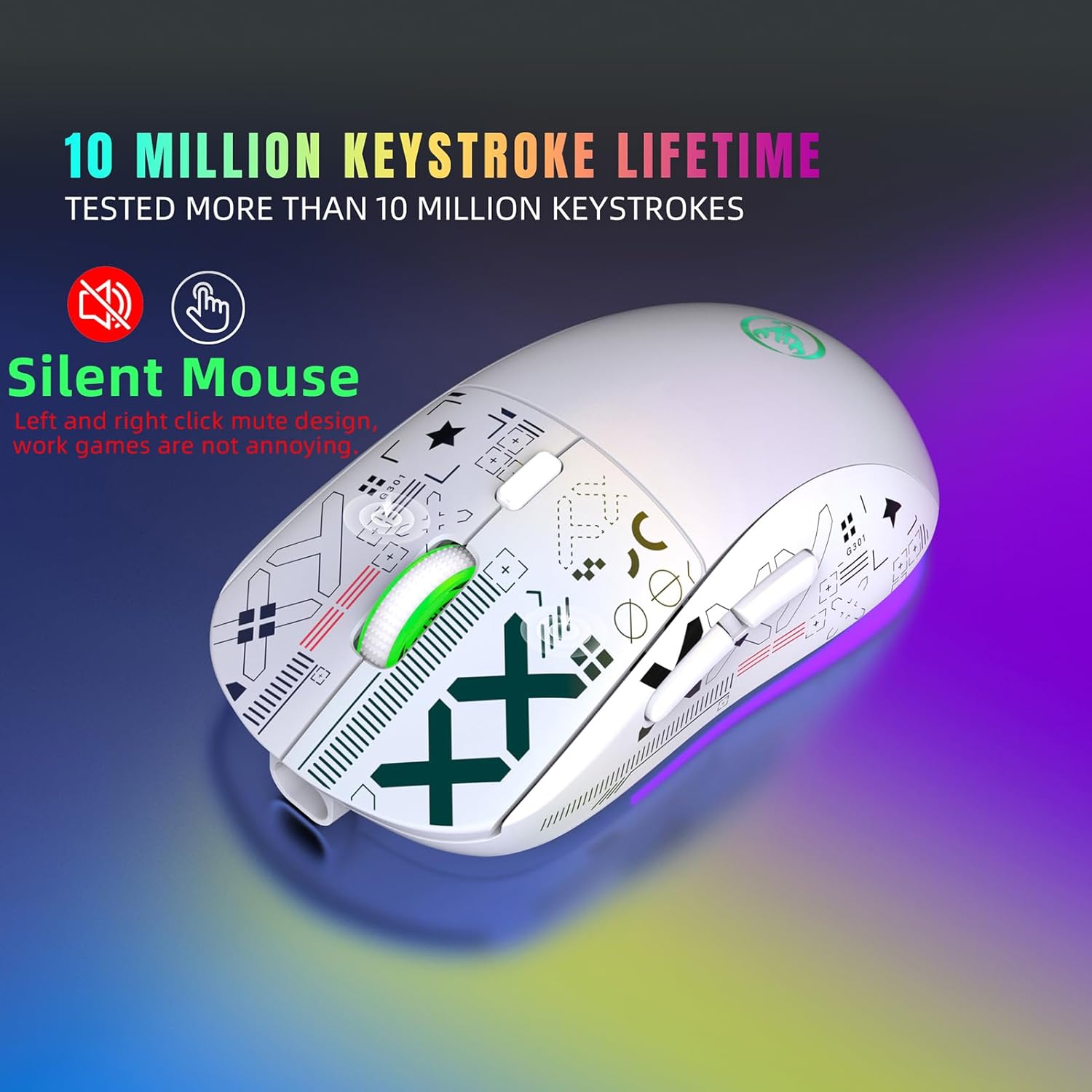
Image: The Cousopo T90 mouse highlighting its silent click design and 10 million keystroke lifetime.

Image: An illustration emphasizing the light, ergonomic design and noiseless click sound of the Cousopo T90 mouse, along with its 10 million click test durability.
Maintenance
Cleaning
To clean the mouse, use a soft, dry cloth. For stubborn dirt, a slightly damp cloth can be used, but ensure no moisture enters the mouse's internal components. Avoid using harsh chemicals or abrasive cleaners.
Battery Care
To prolong battery life, avoid fully discharging the mouse frequently. Charge it when the battery indicator is low. If storing the mouse for an extended period, charge it to about 50% and store it in a cool, dry place.

Image: The Cousopo T90 mouse illustrating its long-term standby capability and automatic sleep function after 5 seconds, powered by a 750mAh high-capacity lithium battery.
Troubleshooting
| Problem | Possible Cause | Solution |
|---|---|---|
| Mouse not responding | Low battery; Incorrect mode selected; USB receiver not connected (2.4G); Bluetooth not paired. | Charge the mouse; Ensure correct mode (2.4G/BT1/BT2) is selected; Re-insert USB receiver; Re-pair Bluetooth. |
| Lagging or choppy movement | Interference; Distance from receiver/device; Low battery. | Move closer to the receiver/device; Ensure no major obstructions; Charge the mouse; Try a different USB port. |
| DPI not changing | DPI button not pressed correctly; Mouse frozen. | Press the DPI button firmly; Turn the mouse off and on again. |
| Backlight not working | Backlight mode off; Low battery. | Press the backlight mode button to cycle through modes; Charge the mouse. |
Specifications
| Feature | Detail |
|---|---|
| Brand | Cousopo |
| Model | T90 |
| IC | PixArt 3212 |
| Connectivity | 2.4 GHz Wireless, Bluetooth 1 (BT3.0), Bluetooth 2 (BT5.0) |
| DPI Settings | 800 / 1200 / 1600 / 2400 / 3600 |
| Polling Rate | 125 Hz |
| Operation Mode | Opto-electronic |
| Number of Keys | 6 keys |
| Key Life | 10 million switches |
| Light Type | 11 RGB Backlight Modes |
| Wireless Distance | Up to 10 meters (33 feet) |
| Battery Capacity | 750 mAh rechargeable lithium battery |
| Rated Voltage/Current | 3.7V / 15mA |
| Movement Speed | 30 IPS |
| Refresh Rate | 4800 FPS |
| Acceleration | 10G |
| Product Weight | 101g (3.56 ounces) |
| Product Dimensions | 12.8 x 6.3 x 4 cm (5.04 x 2.48 x 1.57 inches) |
Warranty and Support
Cousopo products are manufactured to the highest quality standards. This product comes with a standard manufacturer's warranty against defects in materials and workmanship. Please refer to the warranty card included in your package for specific terms and conditions, or visit the official Cousopo website for more information.
For technical support, troubleshooting assistance, or warranty claims, please contact Cousopo customer service through the contact information provided on the product packaging or the official website. When contacting support, please have your product model (T90) and purchase details ready.
Ask a question about this manual
Ask about setup, troubleshooting, compatibility, parts, safety, or missing instructions. Manuals+ will review the question and use this page’s manual context to help answer it.