
1. Introduction
This manual provides detailed instructions for the safe and effective use of your ZBK Breathalyzer Model Mr black 02. This device is designed to estimate blood alcohol content (BAC) through breath analysis. Please read this manual thoroughly before operating the device.
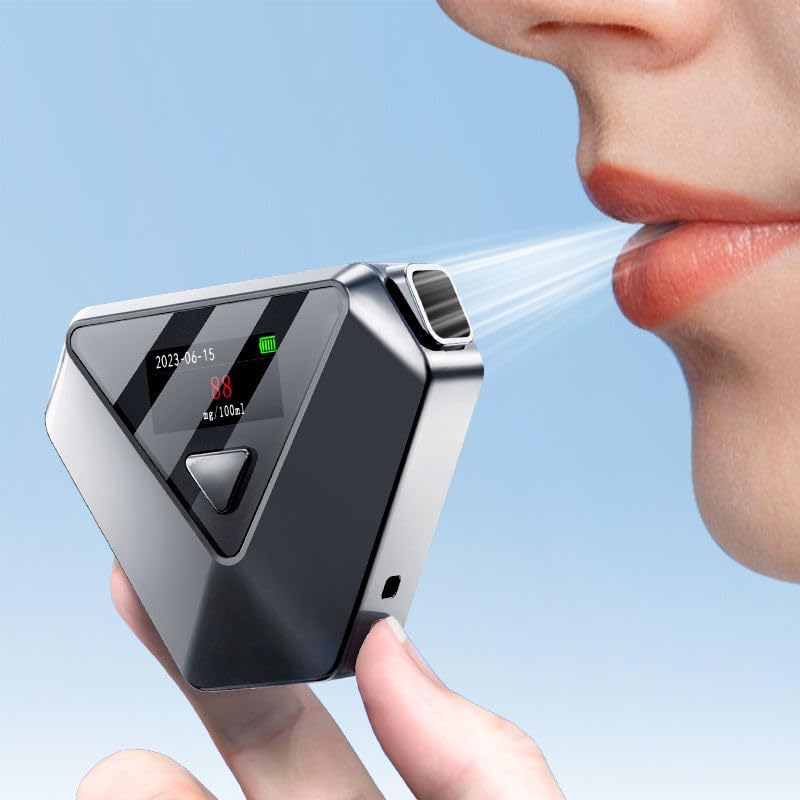
Image 1.1: ZBK Breathalyzer in operation.
2. Important Safety Information
- This device is intended for informational purposes only and should not be used to determine whether a person is capable of operating a vehicle or machinery.
- The manufacturer, distributor, and seller assume no responsibility for the use of this product for any illegal purposes.
- Always adhere to local laws and regulations regarding alcohol consumption and driving.
- Do not operate the device immediately after consuming alcohol. Wait at least 20 minutes after drinking, eating, or smoking to ensure accurate readings.
- Keep the device out of reach of children.
3. Product Features
The ZBK Breathalyzer Model Mr black 02 incorporates advanced technology for reliable alcohol detection:
- High-Precision Electrochemical Sensor: Provides accurate and consistent alcohol detection.
- Clear LCD Colorful Display: Shows results with color-coded indicators (Safe, Warning, Danger) for easy interpretation.
- Fast Warm-up and Recovery: Minimizes waiting time between tests.
- USB-C Rechargeable: Convenient charging via a Type-C cable.
- Compact and Portable Design: Easy to carry and store.
- Data Storage: Capable of storing up to 100 detection records.
- Automatic Gas Sampling Control System: Ensures accurate and stable results by controlling blowing distance, pressure, and time.
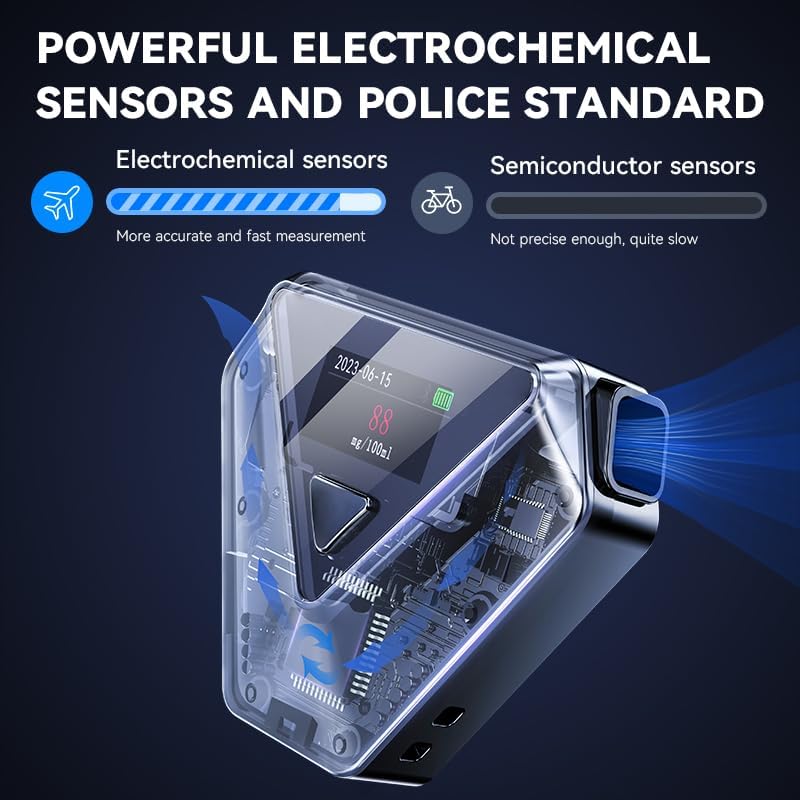
Image 3.1: Illustration of the electrochemical sensor technology.
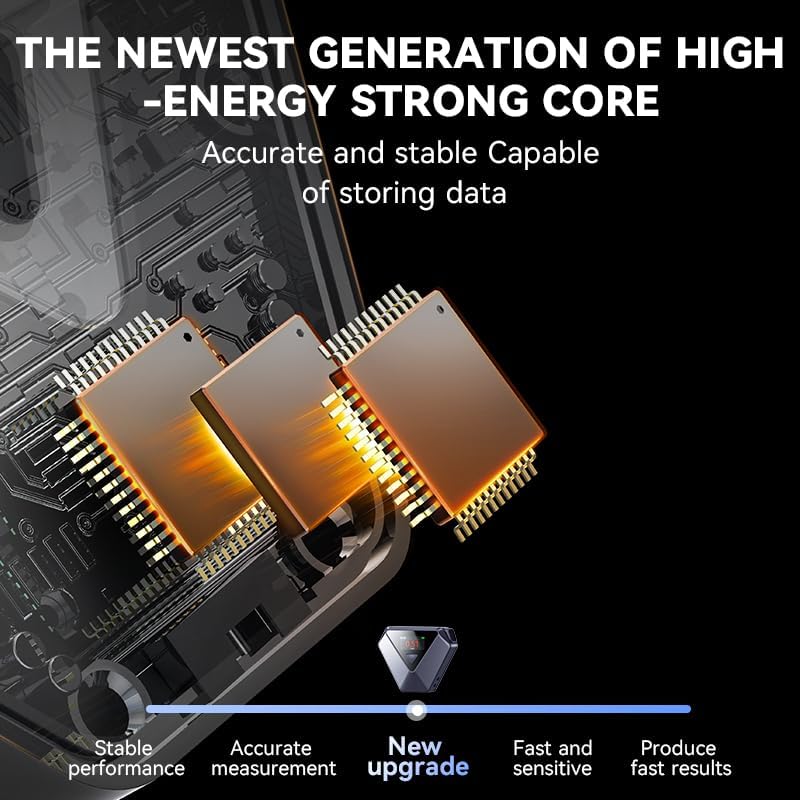
Image 3.2: Internal components showing the high-energy core.
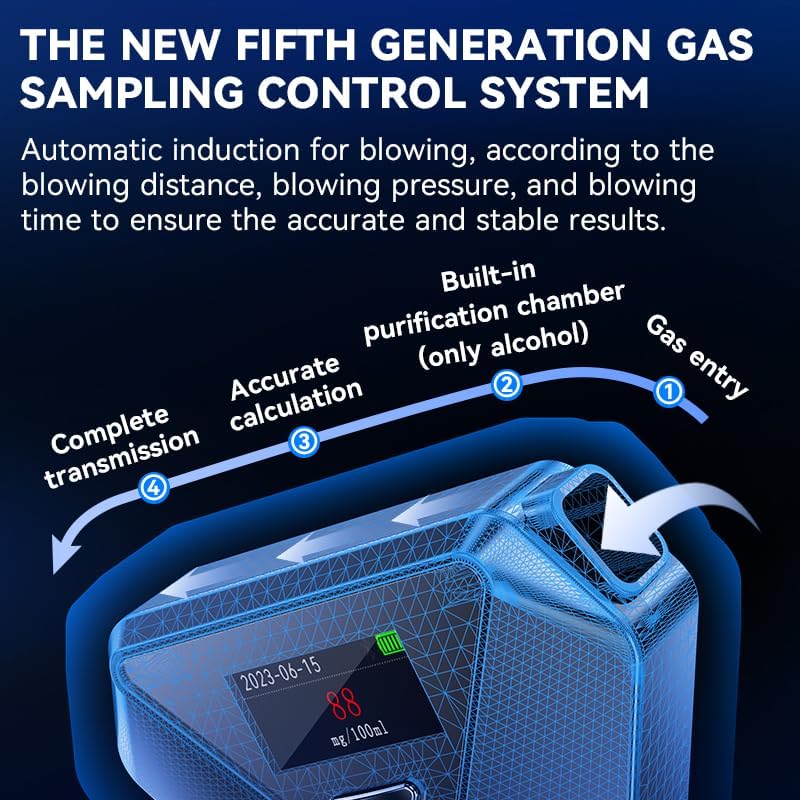
Image 3.3: Explanation of the gas sampling control system.
4. Setup
4.1 Initial Charging
Before first use, fully charge the device. Connect the provided USB-C cable to the charging port on the breathalyzer and plug the other end into a compatible USB power source (e.g., computer, wall adapter). The charging indicator on the display will show charging status.

Image 4.1: USB-C charging interface.
5. Operating Instructions
5.1 Power On
Press and hold the main button on the breathalyzer for a few seconds to power on the device. The LCD display will illuminate.
5.2 Performing a Test
- Once the device is powered on and ready (indicated by a prompt on the screen), press the main button to initiate the test.
- Blow steadily and continuously into the right end of the front of the instrument.
- Continue blowing until the progress bar displayed on the screen is full. This ensures sufficient breath sample collection.
- The device will process the sample and display the result on the screen.
5.3 Device Settings
The buttons in the lower left corner of the device allow for test settings, instrument calibration, and restoring factory settings. Refer to the on-screen prompts for navigation and selection.
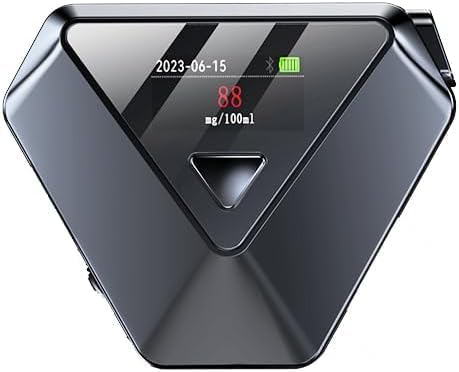
Image 5.1: Top view of the ZBK Breathalyzer.
6. Understanding Results
The ZBK Breathalyzer provides clear, color-coded results on its LCD display to indicate the estimated alcohol level:
- Green: Indicates a low or zero alcohol content (e.g., 0 mg/100ml), suggesting a 'Safe' level.
- Yellow/Orange: Indicates a moderate alcohol content (e.g., 25 mg/100ml), serving as a 'Warning'.
- Red: Indicates a high alcohol content (e.g., 88 mg/100ml), signaling 'Danger'.
Always exercise caution and responsible judgment regardless of the displayed result.

Image 6.1: Color-coded display for alcohol levels.
7. Charging
The ZBK Breathalyzer is equipped with a USB-C charging port. Use the provided Type-C cable to recharge the device. A full charge ensures optimal performance and readiness for use. Regular charging helps maintain battery health and reduces environmental impact by eliminating the need for disposable batteries.
8. Maintenance
- Cleaning: Wipe the exterior of the device with a soft, dry cloth. Do not use abrasive cleaners or immerse the device in water.
- Storage: Store the breathalyzer in a cool, dry place, away from direct sunlight and extreme temperatures.
- Sensor Care: Avoid blowing anything other than breath into the sensor opening. Do not block the sensor opening.
9. Troubleshooting
- Device not turning on: Ensure the device is fully charged. Connect it to a USB-C power source and allow it to charge for at least 30 minutes before attempting to power on again.
- Inaccurate readings: Ensure you have waited at least 20 minutes after consuming alcohol, food, or smoking before taking a test. Ensure a continuous and steady breath sample is provided until the progress bar is full.
- Error message on display: Refer to the device's on-screen prompts for specific error codes and recommended actions. If issues persist, contact customer support.
10. Specifications
| Feature | Detail |
|---|---|
| Brand | ZBK |
| Model | Mr black 02 |
| Sensor Type | Electrochemical |
| Display | LCD Colorful Display |
| Charging Interface | USB-C |
| Battery Type | Lithium Polymer (1 included) |
| Data Storage | Up to 100 records |
| Parcel Dimensions | 11.61 x 8 x 3.91 cm |
| Item Weight | 100 g |
11. Warranty and Support
The ZBK Breathalyzer Model Mr black 02 comes with a one-year warranty. If you encounter any problems during the use of this product, please contact our after-sales support team. We are committed to providing the best quality service to assist you with any issues.
For support, please refer to the contact information provided with your purchase or visit the official ZBK website.