
HelloBaby HB2688-2
Hellobaby DECT 6.0 Cordless Phone User Manual
Model: HB2688-2 | Brand: HelloBaby
Introduction
Thank you for purchasing the Hellobaby DECT 6.0 Cordless Phone. This manual provides detailed instructions for setting up, operating, and maintaining your new phone system. Please read this manual thoroughly before using the product to ensure proper function and safety.
Safety Information
- Use only the power adapter and batteries provided with the unit.
- Do not expose the phone to water or moisture.
- Avoid placing the phone near heat sources or direct sunlight.
- Keep out of reach of children.
- Do not attempt to disassemble or repair the unit yourself. Contact customer support for assistance.
Package Contents
Verify that all items are included in your package:
- Cordless Handset(s)
- Base Unit
- AC Power Adapter
- Telephone Line Cord
- Rechargeable Batteries
- User Manual (this document)
Product Overview
The Hellobaby DECT 6.0 Cordless Phone system includes a base unit and one or more cordless handsets. Each handset features a blue backlit display and large, easy-to-use buttons for clear visibility and operation.

Image: Hellobaby DECT 6.0 Cordless Phone with two handsets and base units, showcasing the sleek design and backlit display.
Setup
1. Charging the Handset
Before initial use, place the handset on the base unit and charge for a minimum of 15 hours. A full charge provides up to 10 hours of talk time or 7 days of standby time.
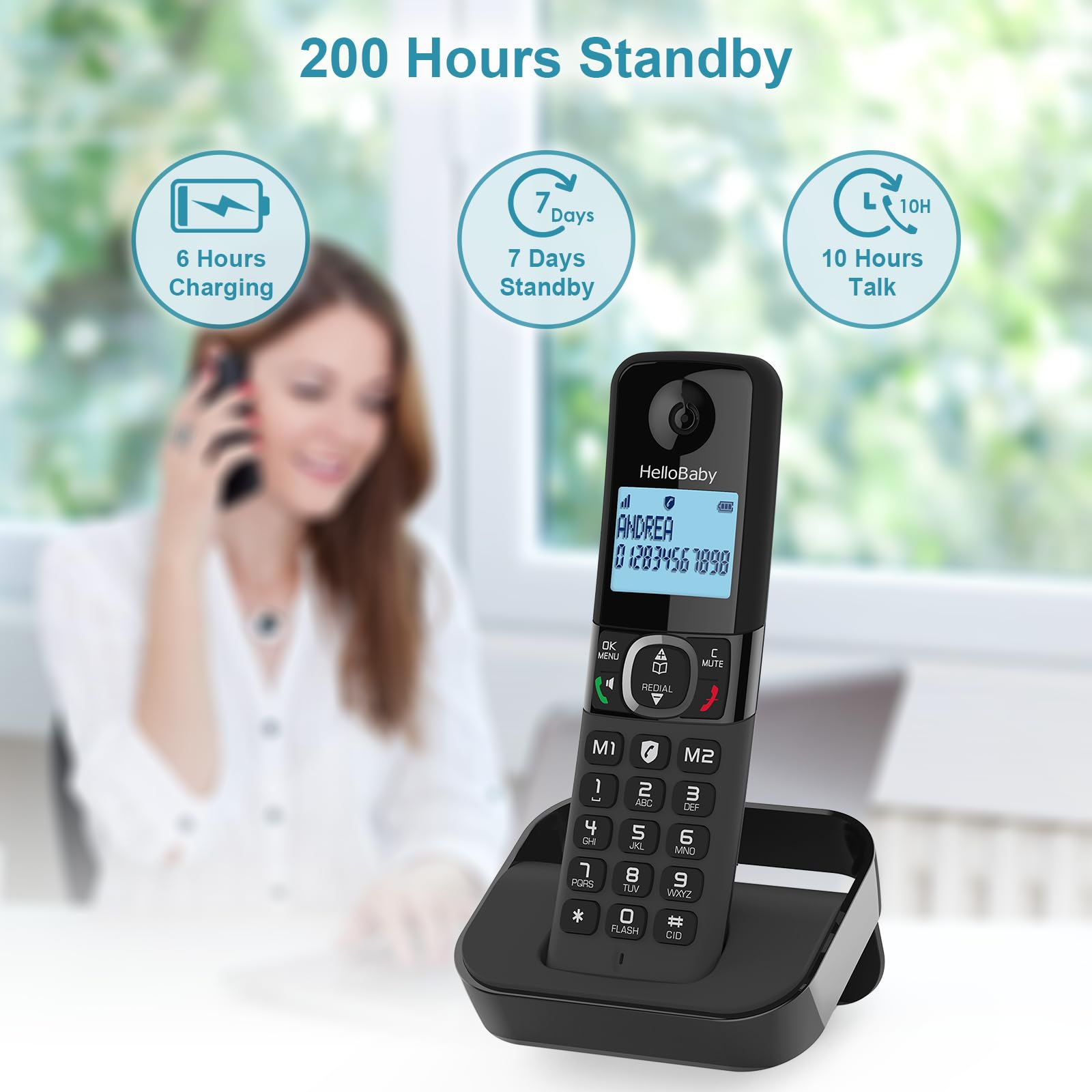
Image: A Hellobaby cordless phone on its base, illustrating its impressive battery life with icons for 6 hours charging, 7 days standby, and 10 hours talk time.
2. Connecting the Base Unit
- Plug the AC power adapter into the base unit and a wall outlet.
- Connect one end of the telephone line cord to the base unit and the other end to your telephone wall jack.
- Ensure all connections are secure.
Operating Instructions
Making and Receiving Calls
- To Make a Call: Press the Talk button, then dial the number.
- To Receive a Call: Press the Talk button when the phone rings.
- To End a Call: Press the End button or place the handset back on the base.
Phonebook Directory
The phonebook can store up to 100 names and numbers. Use the navigation keys to access and manage your contacts. The handset also features two direct memory keys (M1 and M2) for quick dialing of frequently called numbers.
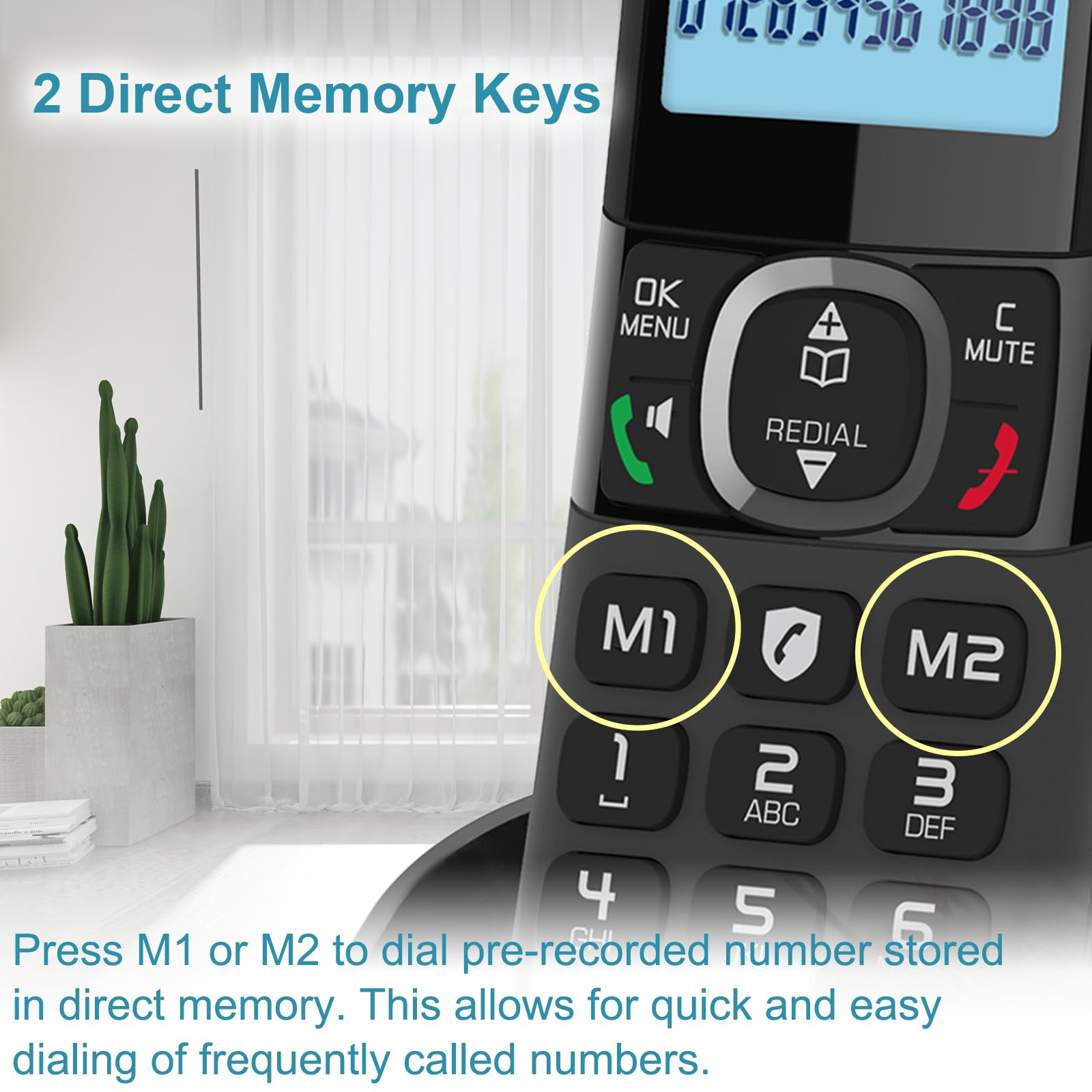
Image: A close-up of the Hellobaby cordless phone keypad, highlighting the M1 and M2 direct memory keys for quick dialing.
Smart Call Block
Block unwanted calls with the Smart Call Block feature. You can block up to 100 numbers. This feature allows you to selectively permit only specific numbers to make your phone ring, effectively filtering out nuisance calls.
- Manual Call Block Mode: Block calls one by one during or after incoming calls using the dedicated key.
- Automatic Call Block Mode: Only registered numbers are able to make the phone ring.
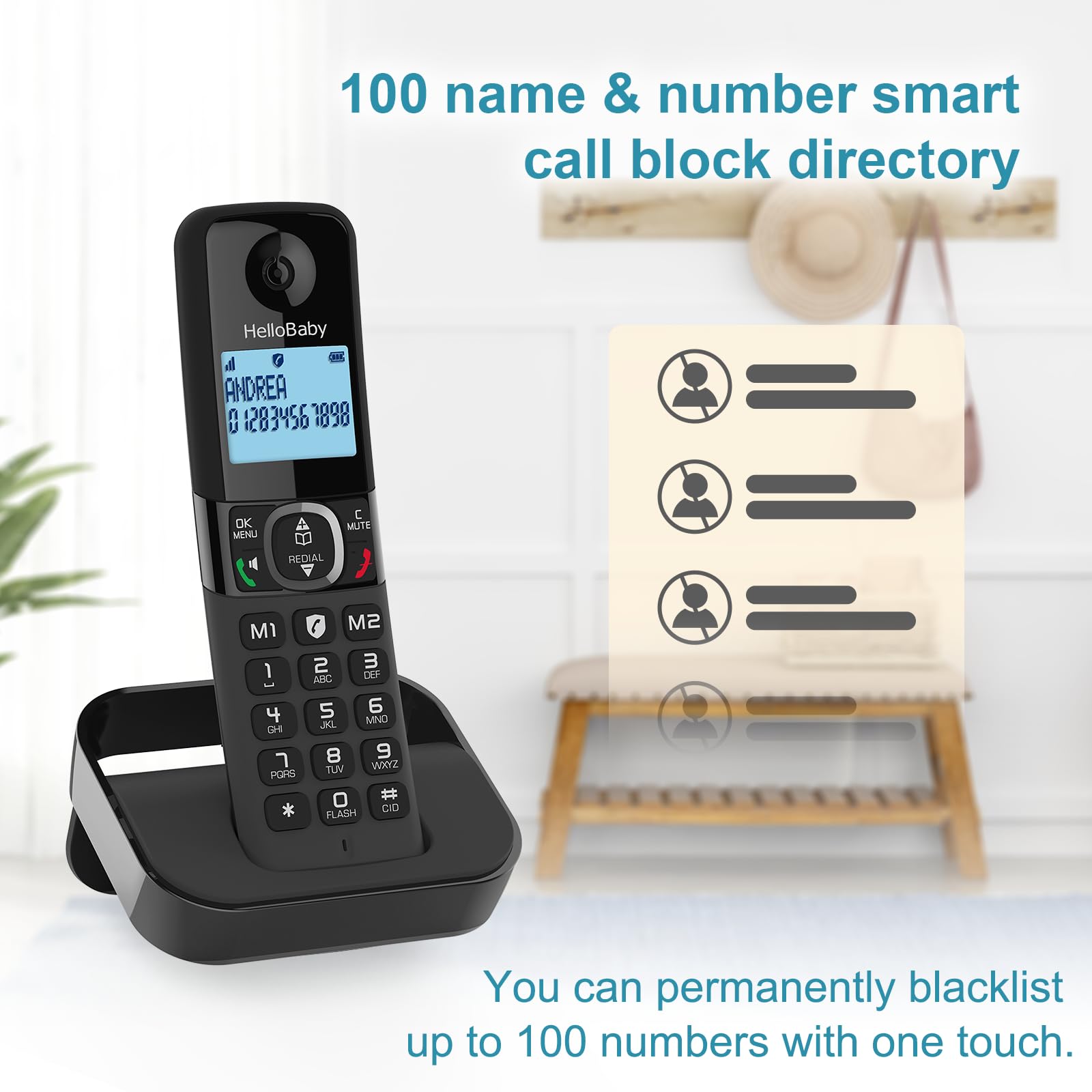
Image: The Hellobaby cordless phone next to an illustration of a call block directory, emphasizing the ability to permanently blacklist up to 100 numbers.
3-Way Conference Call
Facilitate communication with multiple parties. You can transfer an external call to another registered handset or set up a 3-way conference call between two internal handsets and one external caller.
ECO Mode
ECO mode optimizes power usage, minimizing energy consumption and maximizing battery performance. This contributes to the impressive 10 hours of talk time and 7 days of standby time.
Flash Function
The Flash function allows you to switch back and forth between calls, useful for call waiting or transferring calls.
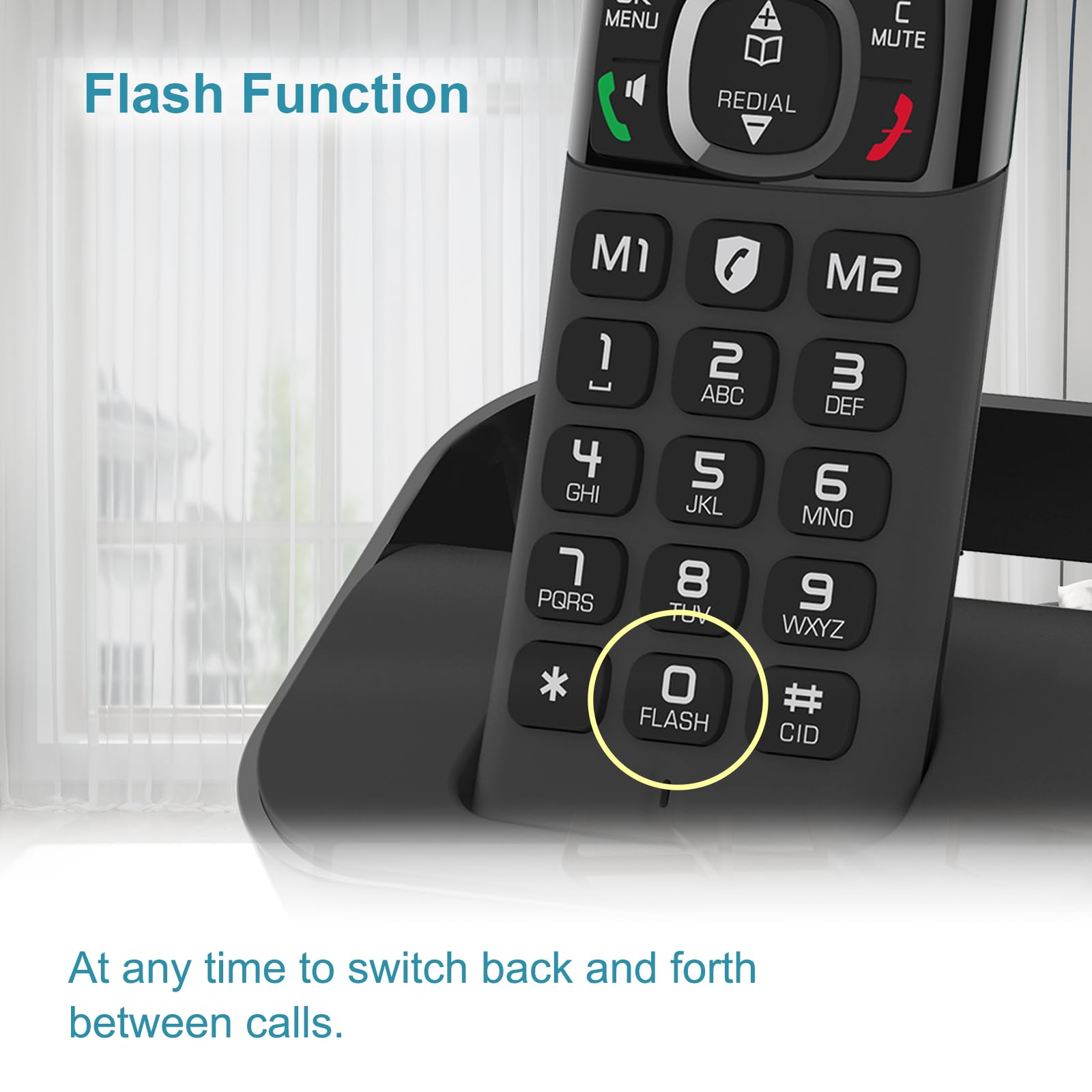
Image: A close-up of the Hellobaby cordless phone keypad, highlighting the '0 FLASH' button for switching between calls.
Caller ID / Call Waiting
The phone stores caller ID records for up to 50 names and numbers, allowing you to see who called. Caller ID subscription may be required from your service provider.

Image: A close-up of the Hellobaby cordless phone display, showing an incoming call with Caller ID information.
Intercom Between Handsets
Communicate privately between handsets within your home. This feature allows for convenient internal communication without using the landline.
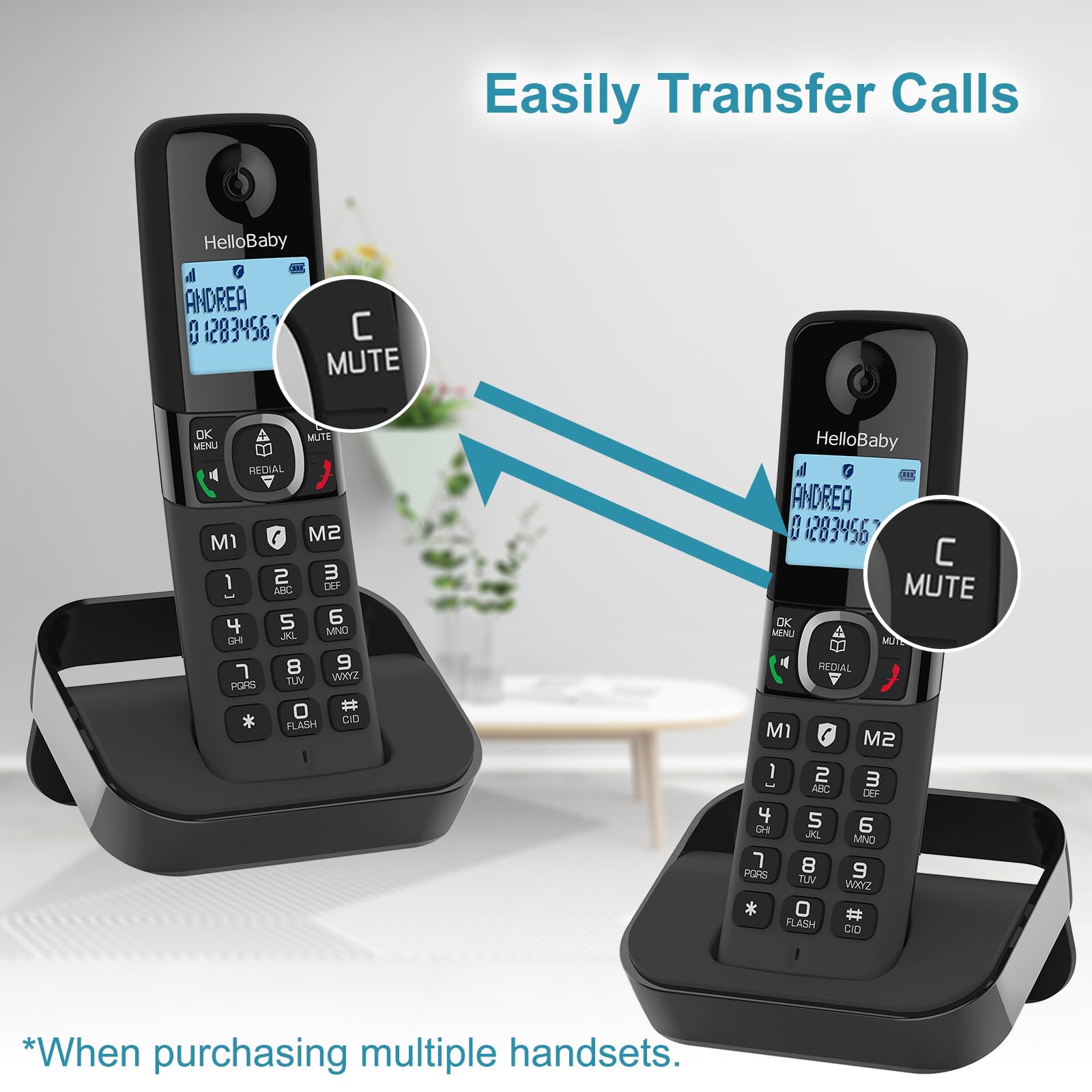
Image: Two Hellobaby cordless phones demonstrating the ability to easily transfer calls between handsets, indicated by arrows.
Time Stamp View Function for Missed Calls
To view the date and time stamp of missed calls: Long press the "#" key, then press the "OK" key, then press the "OK" key again. Use the "+" or "-" arrow keys to navigate through detailed caller ID records.
Unsurpassed Range
Experience reliable communication with an extended range of up to 1000 feet, ensuring clear calls throughout your home or office.
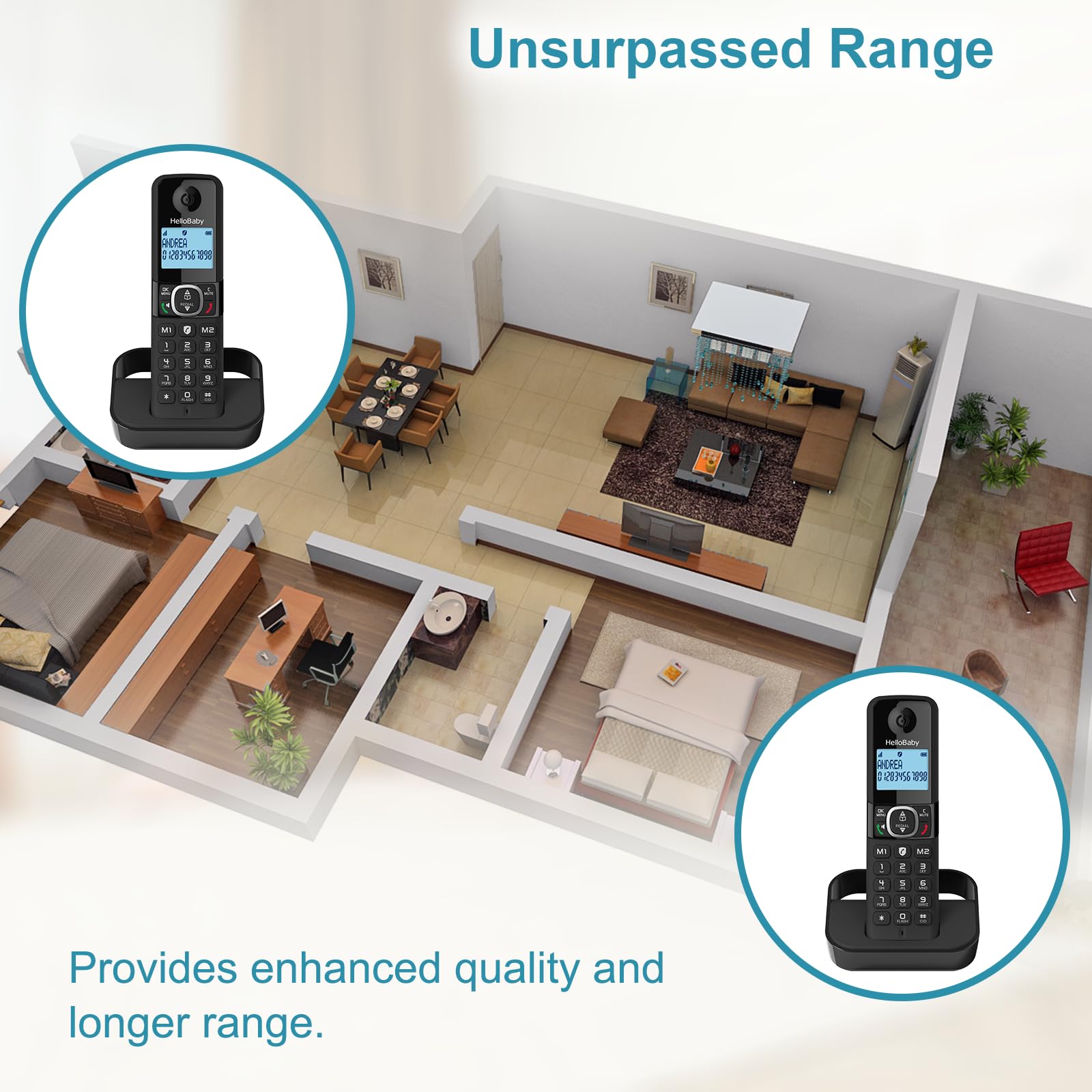
Image: An overhead diagram of a house with two Hellobaby cordless phones, illustrating the enhanced quality and longer range provided by the system.
Bright Backlit Display and Big Buttons
The phone features a clear, blue backlit display and large, well-spaced buttons for easy readability and comfortable dialing, even in low light conditions.

Image: A close-up of the Hellobaby cordless phone's bright backlit display and large buttons, demonstrating their visibility in a dimly lit environment.
Maintenance
- Cleaning: Wipe the phone and base unit with a soft, damp cloth. Do not use abrasive cleaners or solvents.
- Battery Care: To prolong battery life, avoid overcharging by removing the handset from the charger once fully charged if not in use for extended periods. If the phone will not be used for a long time, remove the batteries.
Troubleshooting
If you encounter any issues with your Hellobaby Cordless Phone, refer to the table below for common problems and solutions.
| Problem | Possible Cause | Solution |
|---|---|---|
| No dial tone | Telephone line cord is loose or disconnected. | Check all cable connections. |
| Handset not charging | Handset not properly seated in cradle; dirty charging contacts. | Ensure handset is correctly placed; clean charging contacts with a dry cloth. |
| Poor call quality / Static | Out of range; interference from other electronic devices. | Move closer to the base unit; move phone away from other electronics. |
| Cannot make/receive calls | Phone line issue; handset not registered. | Check phone line connection; refer to manual for handset registration steps. |
Specifications
| Feature | Detail |
|---|---|
| Brand | HelloBaby |
| Model | HB2688-2 |
| Telephone Type | Cordless |
| Color | HB2688-2 (Black) |
| Material | Plastic |
| Power Source | Battery Powered |
| Phone Talk Time | 10 Hours |
| Standby Time | 7 Days (approx. 200 hours) |
| Phonebook Capacity | 100 names and numbers |
| Call Block Capacity | Up to 100 numbers |
| Caller ID Records | Up to 50 names and numbers |
| Answering System Type | Digital |
| Recording Capacity | 18 minutes |
| Item Weight | 1.43 pounds |
| Package Dimensions | 7.99 x 6.93 x 3.9 inches |
Warranty and Support
HelloBaby provides a 1-year warranty for this product, which also applies to gift orders. For technical support, troubleshooting assistance, or warranty claims, please contact HelloBaby customer service. You can also visit the official HelloBaby store on Amazon for more information and products:
Related documentsHB2688-2


Ask a question about this manual
Ask about setup, troubleshooting, compatibility, parts, safety, or missing instructions. Manuals+ will review the question and use this page’s manual context to help answer it.