
Guntsous ST38-10050-SS-6W
Guntsous Solar String Lights User Manual
Model: ST38-10050-SS-6W
Introduction
Thank you for choosing Guntsous Solar String Lights. This manual provides essential information for the safe and efficient operation of your new solar string lights. Please read it thoroughly before installation and use, and retain it for future reference.
Safety Information
- Ensure the solar panel is placed in an area that receives direct sunlight for optimal charging.
- Do not attempt to disassemble or modify the product. This may void the warranty and pose safety risks.
- Keep the solar panel and bulbs clean to maintain efficiency.
- While the bulbs are shatterproof, avoid excessive force or impact.
- This product is designed for outdoor use and is IP65 waterproof. However, avoid submerging the solar panel or string lights in water.
- Operating temperature range is -4℉ to 122℉ (-20℃ to 50℃). Do not use outside this range.

Image: The string lights with water droplets, demonstrating their IP65 waterproof and weather-resistant design for outdoor use.
Package Contents
Verify that all components are present in the package:
- 1 x Guntsous Solar String Lights (100FT with 50 ST38 bulbs)
- 1 x Solar Panel with integrated battery
- 1 x Ground Stake for solar panel
- Mounting Screws (for wall mounting solar panel)
- 2 x Replacement ST38 Bulbs
- 1 x User Manual (this document)

Image: The complete set of Guntsous Solar String Lights, including the solar panel and the string of 50 ST38 bulbs.
Setup and Installation
Follow these steps to set up your solar string lights:
1. Solar Panel Placement
The solar panel is crucial for charging the lights. Choose a location that receives 4-6 hours of direct sunlight daily. Avoid shaded areas from trees, buildings, or other obstructions.
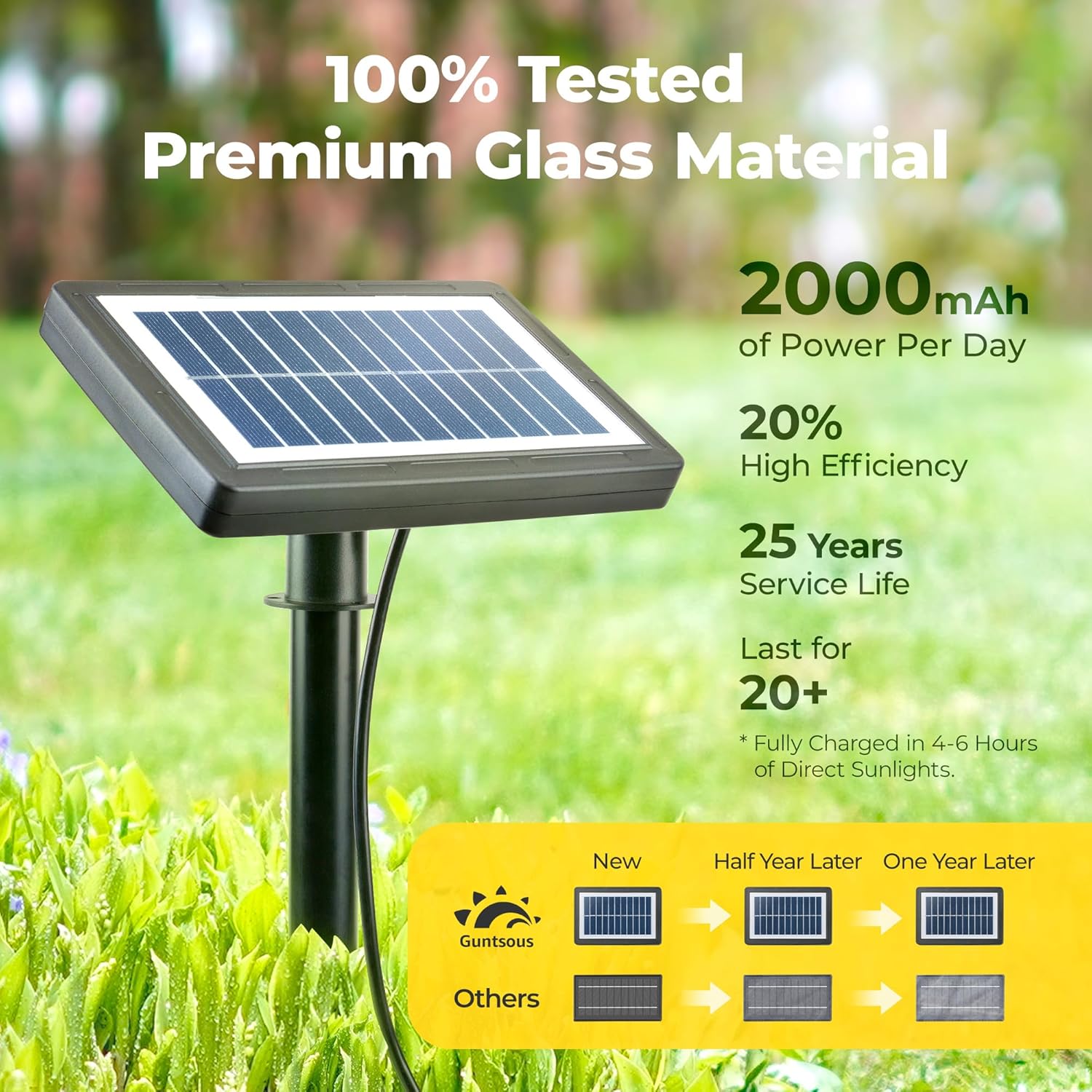
Image: A close-up of the solar panel highlighting its efficiency, power capacity, and long service life.
- Ground Installation: Attach the ground stake to the solar panel. Insert the stake firmly into the ground in your chosen sunny location.
- Wall Mounting: Use the provided screws to mount the solar panel on a wall or fence. Ensure it is securely fastened and angled towards the sun.

Image: Visual guide demonstrating how to install the solar panel either by inserting it into the ground with a stake or mounting it on a wall using screws.
2. String Light Arrangement
Uncoil the string lights carefully. The 100-foot string features 50 bulbs spaced approximately 2 feet apart. Each bulb has a built-in hook for easy hanging.
- Hang the string lights along your desired path, such as a patio, garden, pergola, or fence.
- Utilize the built-in hooks on each bulb for secure attachment.
- Ensure the cable connecting the solar panel to the first bulb is long enough to reach your chosen solar panel location.

Image: A detailed diagram illustrating the total length of the string lights (100FT), the spacing between bulbs (2FT), and the dimensions of an individual ST38 bulb.
Operating Instructions
Automatic Operation (Dusk to Dawn)
The Guntsous Solar String Lights are equipped with a photosensitive system for automatic operation:
- The lights will automatically turn on at dusk when ambient light levels decrease.
- The lights will automatically turn off at dawn when ambient light levels increase.
- Ensure the solar panel is not obstructed by other light sources at night, as this may prevent the lights from turning on.

Image: A visual representation of the automatic dawn-to-dusk functionality, showing the lights off during the day and on at night.
Charging the Solar Panel
The solar panel has two charging methods:
- Solar Power: Under direct sunlight, the panel will fully charge in 4-6 hours. This provides over 20 hours of illumination.
- USB-C Charging: For faster charging or during prolonged cloudy periods, you can charge the solar panel via a USB-C cable (not included). A full charge takes approximately 3 hours using USB-C.

Image: Illustration showing the two charging methods for the solar panel: direct solar power and USB-C charging for cloudy days or faster charging.
Light Modes
The string lights feature 4 dimmable modes to suit different ambiances. These modes are typically controlled by a button on the solar panel unit:
- Strong: Full brightness for maximum illumination.
- Weak: Reduced brightness for a softer glow.
- Flash: Lights flash on and off.
- Breath: Lights slowly fade in and out.
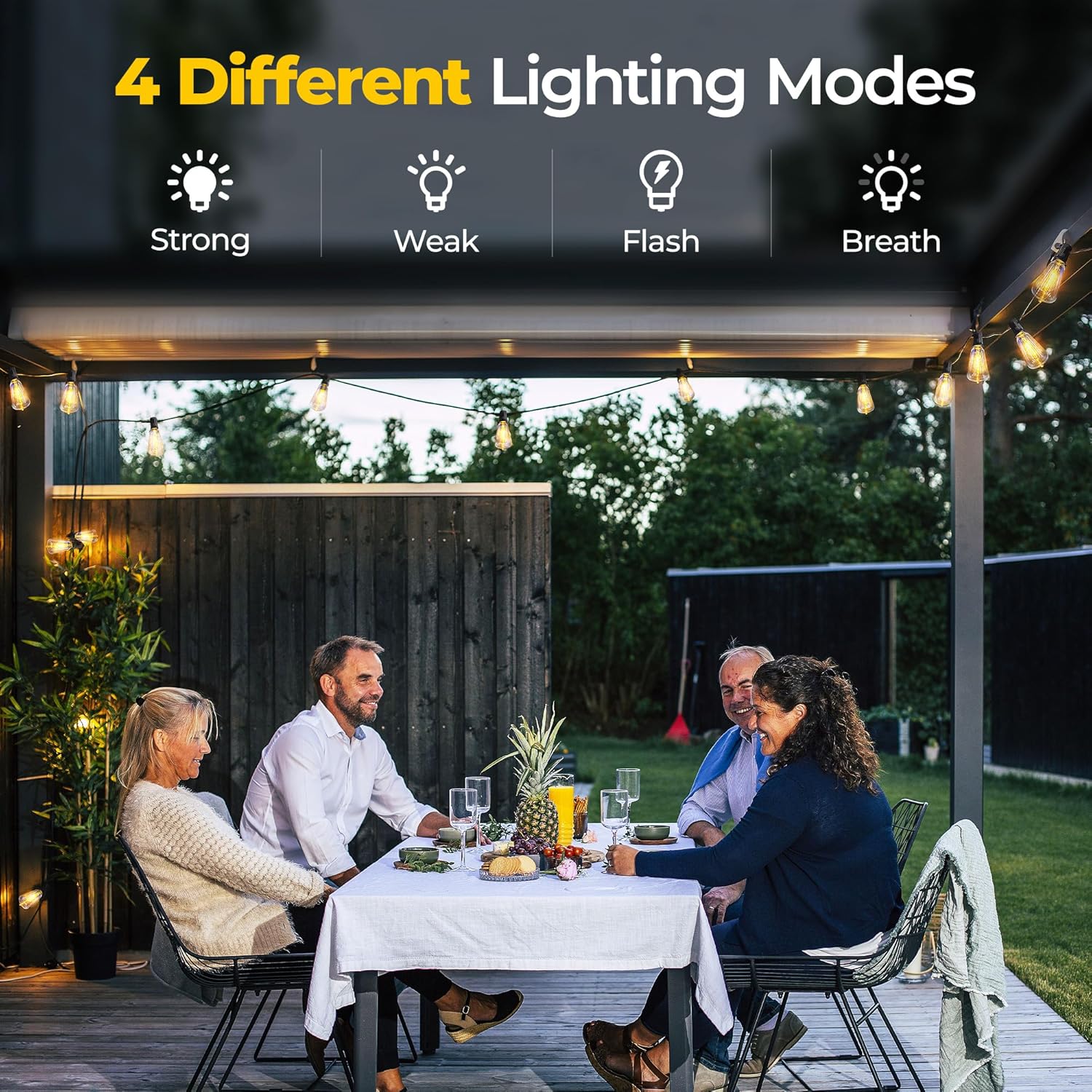
Image: Icons representing the four available lighting modes: Strong, Weak, Flash, and Breath, indicating different light behaviors.
Maintenance
Proper maintenance ensures the longevity and optimal performance of your solar string lights:
- Clean Solar Panel: Regularly wipe the solar panel with a soft, damp cloth to remove dust, dirt, or debris. A clean panel ensures maximum sunlight absorption and charging efficiency.
- Bulb Replacement: The ST38 bulbs are replaceable. If a bulb fails, gently twist it counter-clockwise to remove and replace it with one of the two provided spare bulbs or a compatible E12 base LED bulb.
- Seasonal Storage: If storing the lights for an extended period, ensure the solar panel is fully charged before storage. Store in a cool, dry place.
- Check Connections: Periodically inspect all connections and cables for any signs of wear or damage.
Troubleshooting
| Problem | Possible Cause | Solution |
|---|---|---|
| Lights do not turn on at night. |
|
|
| Lights are dim or only stay on for a short time. |
|
|
| Individual bulb not working. |
|
|
Specifications
| Feature | Detail |
|---|---|
| Model Number | ST38-10050-SS-6W |
| Total Length | 100 feet (approx. 30.5 meters) |
| Number of Bulbs | 50 + 2 spare bulbs |
| Bulb Type | ST38 LED, Shatterproof Acrylic |
| Bulb Base | E12 |
| Color Temperature | 2700K Warm Yellow |
| Wattage | 3.6 Watts (total) |
| Power Source | Solar Powered (6W Polycrystalline Silicon Glass Solar Panel) |
| Charging Options | Solar (4-6 hours for full charge), USB-C (3 hours for full charge) |
| Battery Life (Full Charge) | Over 20 hours |
| Light Modes | Strong, Weak, Flash, Breath |
| Waterproof Rating | IP65 |
| Operating Temperature | -4℉ to 122℉ (-20℃ to 50℃) |
| Bulb Lifespan | Up to 25,000 hours |
| Item Weight | 5.44 pounds (approx. 2.47 kg) |
Warranty and Support
Guntsous provides a 2-Year Warranty for these solar string lights. This warranty covers any defects or failures in the light string under normal use.
For any questions, concerns, or warranty claims, please contact Guntsous customer service. Refer to the product packaging or the official Guntsous store on Amazon for the most current contact information.
We are committed to providing high-quality products and excellent customer service.
Ask a question about this manual
Ask about setup, troubleshooting, compatibility, parts, safety, or missing instructions. Manuals+ will review the question and use this page’s manual context to help answer it.