Introduction
This manual provides detailed instructions for assembling and enjoying your Max Build More Airport Playset. This set allows you to construct a complete airport environment, including an airport terminal, control tower, airplane, and ground support vehicles, along with minifigures to bring your airport to life. The set contains 793 high-quality building bricks designed for compatibility with leading brick brands.
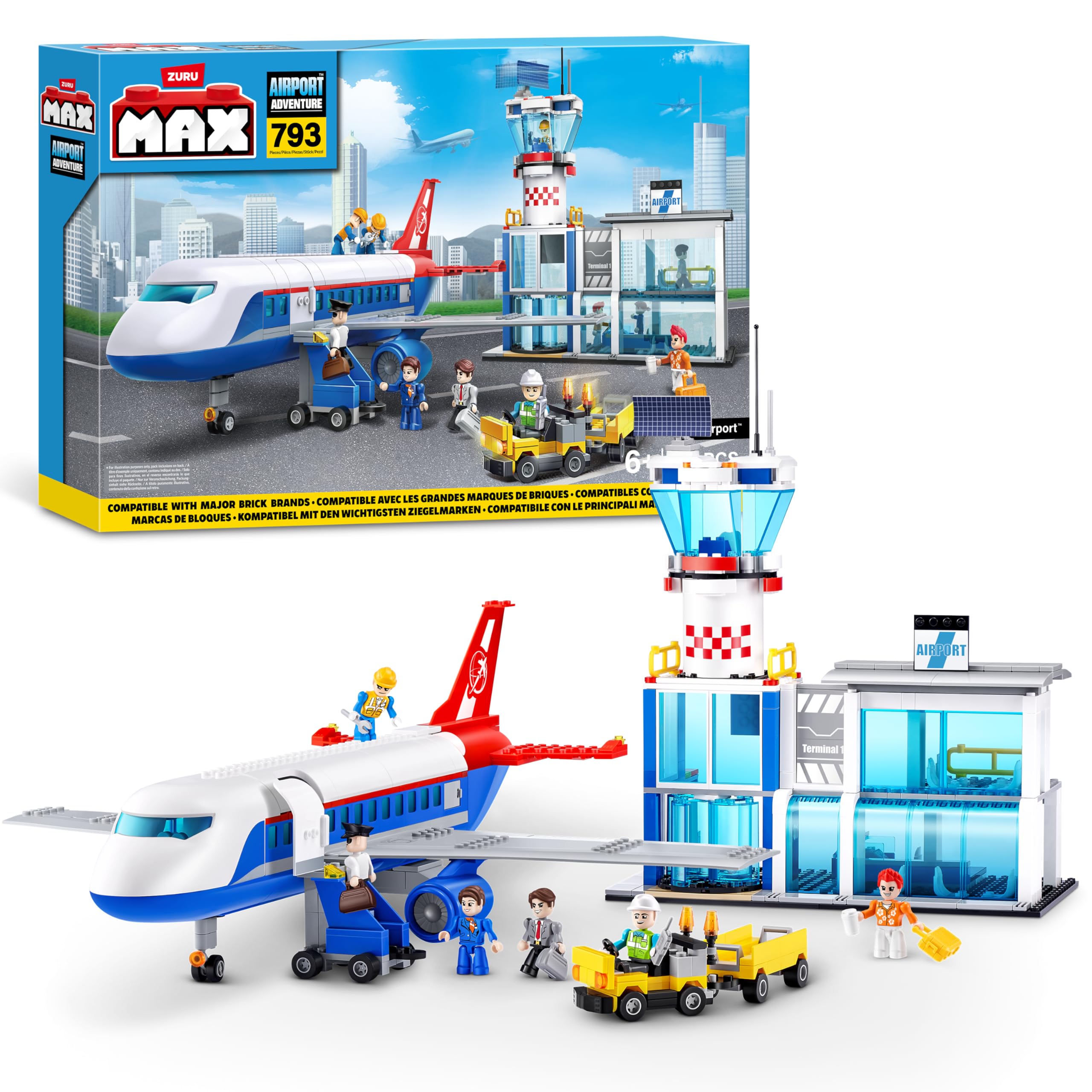
Image: The complete Max Build More Airport Playset, featuring the airplane, control tower, terminal, and various ground vehicles with minifigures.
Safety Information
WARNING: CHOKING HAZARD - Small Parts.
This product contains small parts and is not suitable for children under 3 years of age. Adult supervision is recommended during assembly and play to ensure safe use and prevent accidental ingestion of small components.
What's in the Box
Upon opening your Max Build More Airport Playset, you will find the following components:
- 793 MAX building parts
- 1 instruction booklet
- Components for 3 modular vehicles
- 6 minifigures
Please verify that all listed components are present before beginning assembly. If any parts are missing, please refer to the Support section.
Setup and Assembly
Follow the included instruction booklet step-by-step to assemble your Max Build More Airport Playset. The manual provides clear, visual guides for constructing each element of the airport.
1. Preparing for Assembly
- Unpack all building bricks and sort them by color or type to facilitate easier assembly.
- Ensure you have a clean, flat, and well-lit workspace.
- Keep the instruction booklet open to the current step you are working on.
2. Building the Airplane
Begin by assembling the main airplane structure. Pay close attention to the placement of interior components, such as seats and the cockpit, as shown in the instructions.

Image: The airplane with its top section removed, revealing the detailed interior including passenger seats and the cockpit.
3. Constructing the Airport Terminal and Control Tower
Proceed to build the airport terminal and the control tower. These structures form the central hub of your airport playset. Ensure all connections are firm for stability.
4. Assembling Ground Vehicles
Assemble the three modular ground vehicles, including the luggage trolley. These vehicles feature articulated movement for realistic play.
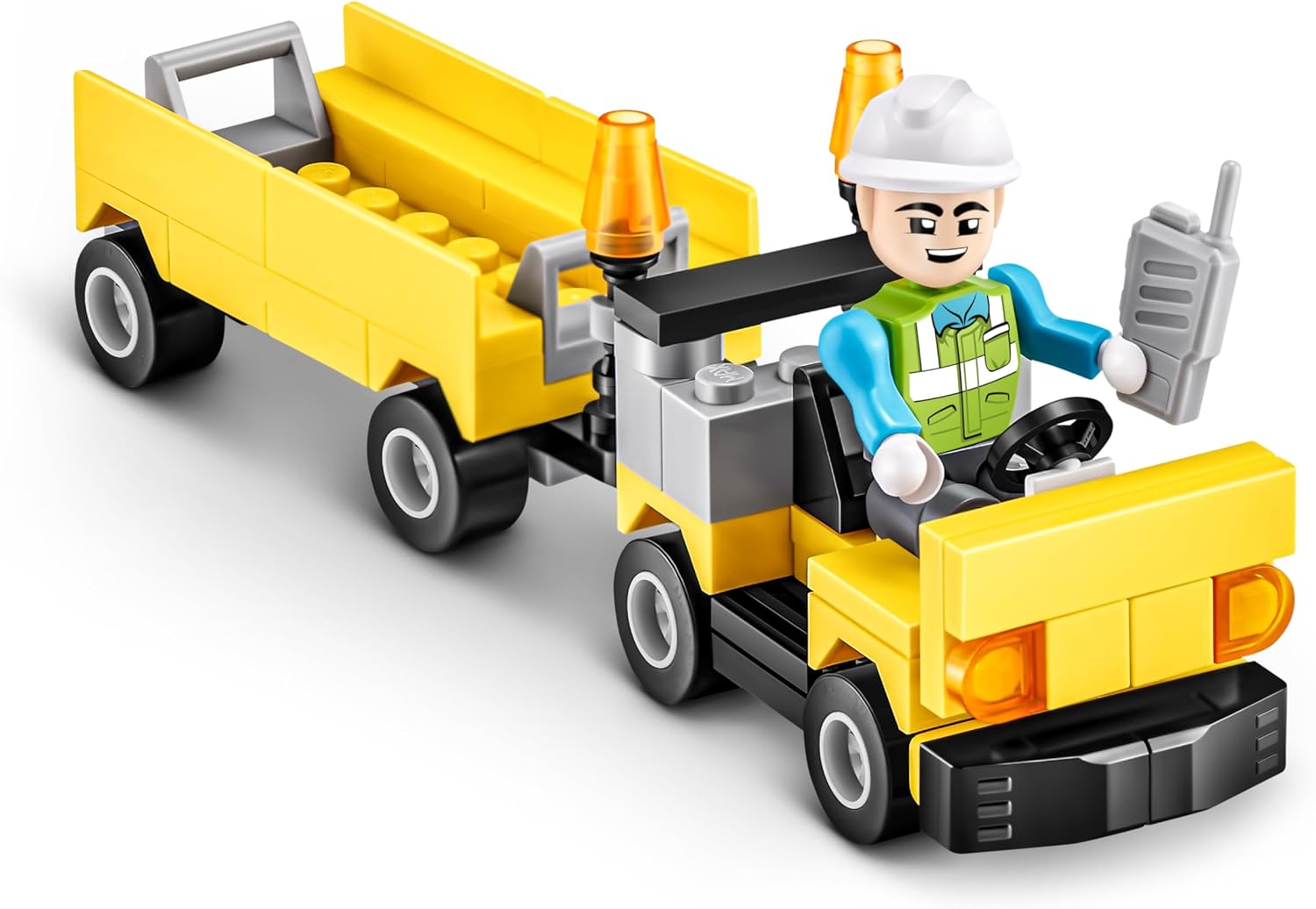
Image: A yellow luggage truck with a minifigure driver, ready for airport operations.
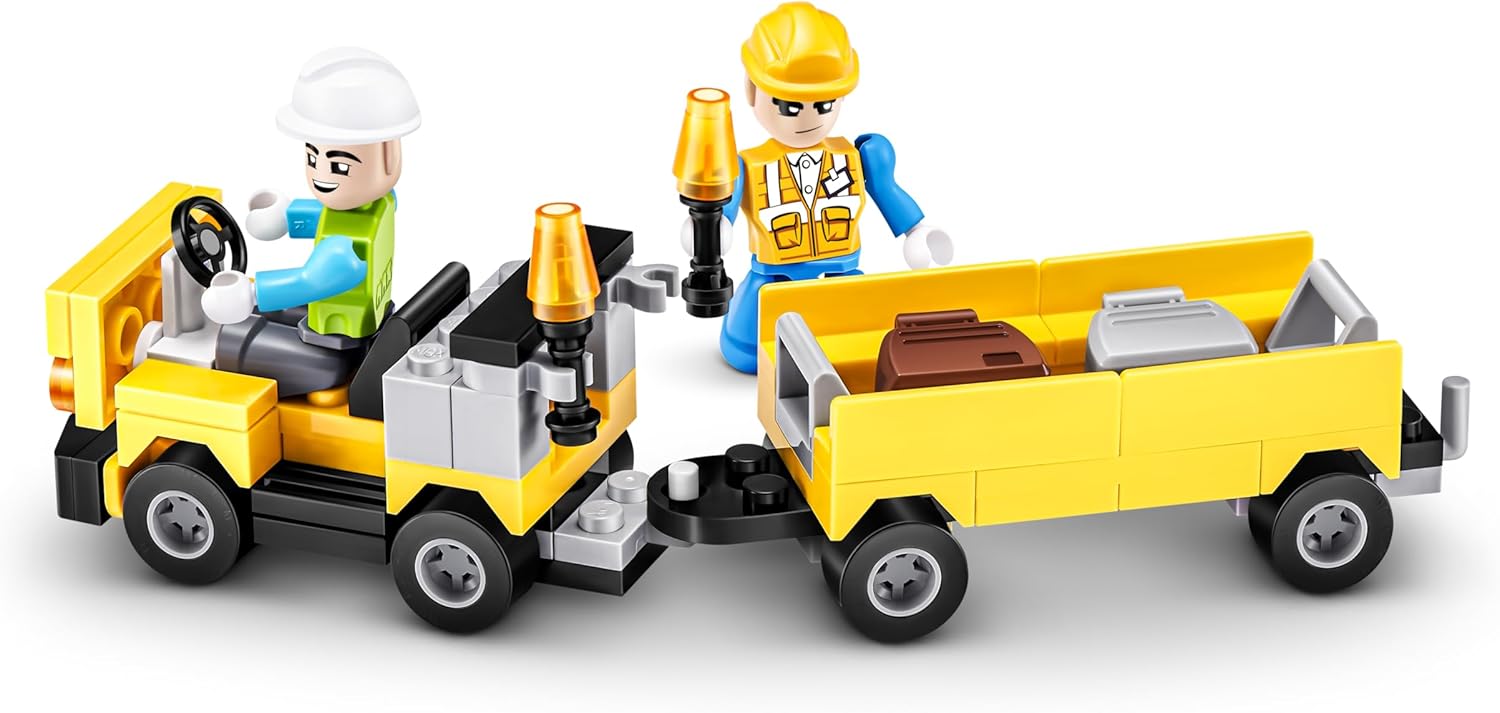
Image: The luggage truck connected to a trailer, loaded with luggage, demonstrating the articulated movement.
5. Placing Minifigures
Position the six minifigures around your airport to represent pilots, ground crew, and passengers, enhancing the play experience.
Operating the Playset
Once assembled, the Max Build More Airport Playset offers various interactive play scenarios:
- Airport Operations: Use the ground vehicles to transport luggage and passengers to and from the airplane. The luggage trolleys feature rotating wheels for smooth movement.
- Flight Preparations: Position minifigures as ground crew to prepare the plane for departure, or as pilots in the cockpit.
- Passenger Boarding: Simulate passengers boarding the airplane through the terminal.
- Air Traffic Control: Utilize the control tower with a minifigure air traffic controller to guide flights.

Image: A child engaging in imaginative play with the assembled Max Build More Airport Playset, holding the airplane.

Image: Two children collaboratively playing with the Max Build More Airport Playset, demonstrating shared play.
Maintenance
Proper care will ensure the longevity of your Max Build More Airport Playset:
- Cleaning: To clean the building bricks, wipe them with a damp cloth. For deeper cleaning, wash with mild soap and water, then rinse thoroughly and air dry. Avoid harsh chemicals or abrasive cleaners.
- Storage: Store the playset in a cool, dry place away from direct sunlight to prevent discoloration or warping of the plastic. Keep all pieces together in a container to avoid loss.
- Handling: Handle the assembled models with care to prevent pieces from detaching.
Troubleshooting
- Missing Pieces: If you discover any missing pieces upon opening the box, please contact customer support with details of the missing components.
- Difficulty Connecting Bricks: Ensure bricks are aligned correctly before applying gentle, even pressure. Avoid forcing bricks together, as this can cause damage.
- Assembled Model is Unstable: Double-check all connections according to the instruction booklet. Ensure each brick is fully pressed into place.
Specifications
| Feature | Detail |
|---|
| Product Dimensions | 21.5 x 13.98 x 2.99 inches |
| Item Weight | 3.72 pounds |
| Model Number | 83167 |
| Manufacturer Recommended Age | 6 - 18 years |
| Number of Pieces | 793 |
| Manufacturer | ZURU |
| Release Date | July 1, 2024 |
Warranty Information
Specific warranty details for the Max Build More Airport Playset are not provided in the product information. For inquiries regarding product defects or warranty claims, please retain your proof of purchase and contact the manufacturer directly.
Support
For further assistance, missing parts, or any questions regarding your Max Build More Airport Playset, please contact the manufacturer, ZURU. You can typically find contact information on the product packaging or by visiting the official ZURU website.
Please have your product model number (83167) and purchase details ready when contacting support.
Official Product Videos
No official product videos from the seller were found in the provided data for this Max Build More Airport Playset. Please refer to the instruction manual and images for assembly and operational guidance.
