
1. Introduction
This manual provides instructions for the safe and effective use of your CaliHutt 6.0Ah 14.4V Lithium-Ion Replacement Battery. This high-capacity battery is designed to extend the operating time of your iRobot Roomba robot vacuum, ensuring consistent and reliable performance. Please read this manual thoroughly before installation and use.
2. Safety Information
Observe the following safety precautions to prevent damage to the battery, your Roomba, and to ensure personal safety:
- Do not open, disassemble, or modify the battery.
- Keep the battery away from heat sources, direct sunlight, and flammable materials.
- Do not expose the battery to water or moisture.
- Avoid short-circuiting the battery terminals.
- Charge the battery only with the original iRobot Roomba charger or a compatible charger designed for Roomba batteries.
- If the battery shows signs of damage, leakage, or overheating, discontinue use immediately and dispose of it properly.
- Store the battery in a cool, dry place when not in use.
- This battery includes built-in protection against overcharging, overheating, overcurrent, over-loading, over-voltage, and short-circuiting to enhance safety and durability.

3. Compatibility
This CaliHutt 6.0Ah 14.4V replacement battery is specifically designed for iRobot Roomba robot vacuum models across the 500, 600, 700, 800, and 900 series. Compatible models include, but are not limited to:
- 500 Series: All models
- 600 Series: 614, 640, 675, 680, 690, 695, and others
- 700 Series: All models
- 800 Series: 860, 890, 895, and others
- 900 Series: 960, 980, and others
No adapters are needed for installation; the battery is designed for direct replacement.

4. Installation Instructions
Follow these steps to replace the battery in your iRobot Roomba:
- Power Off: Ensure your Roomba is turned off and disconnected from its charging base.
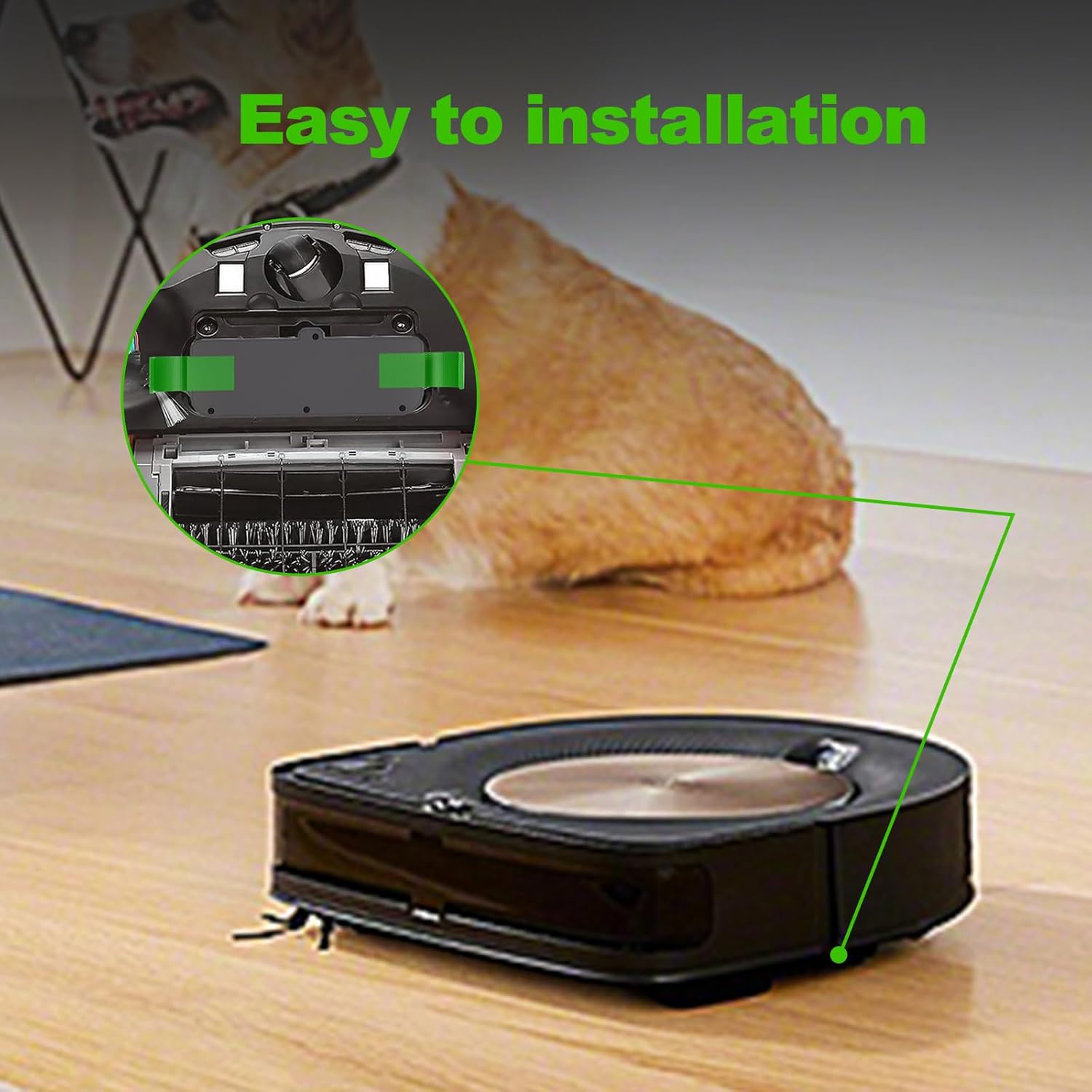
- Flip Roomba: Carefully turn your Roomba upside down on a clean, flat surface.
- Remove Screws: Locate the battery compartment cover. Depending on your Roomba model, you may need to remove 2 to 4 screws using a Phillips head screwdriver to access the battery.
- Remove Old Battery: Gently lift out the old battery. Note its orientation.
- Insert New Battery: Place the CaliHutt replacement battery into the compartment, ensuring it is oriented correctly and fits snugly. The green pull tabs should be accessible for future removal.
- Secure Cover: Replace the battery compartment cover and secure it with the screws.
- Initial Charge: Place your Roomba back on its charging base for an initial full charge before its first use.
5. Charging and Usage
The CaliHutt 6.0Ah battery provides extended cleaning time for your Roomba. For optimal performance:
- Initial Charge: Fully charge the battery before its first use. This may take several hours.
- Regular Charging: Always return your Roomba to its charging base after each cleaning cycle.
- Battery Life: The 6.0Ah capacity is designed to provide significantly longer run times compared to standard batteries, reducing the frequency of recharging during cleaning tasks.
- Recharge Cycles: This battery is engineered for over 1000 recharge cycles, ensuring long-lasting performance.

6. Maintenance
Proper maintenance can extend the life of your battery:
- Regular Cleaning: Periodically clean the battery contacts on both the battery and the Roomba with a dry cloth to ensure good electrical connection.
- Storage: If you plan not to use your Roomba for an extended period (e.g., several months), fully charge the battery, then remove it from the Roomba and store it in a cool, dry place. Recharge it every 3-6 months to maintain its health.
- Avoid Deep Discharge: While the battery has protection, try to avoid letting the Roomba completely run out of power frequently.
7. Troubleshooting
If you encounter issues with your CaliHutt replacement battery, consider the following:
| Problem | Possible Cause | Solution |
|---|---|---|
| Roomba not charging or showing error. | Dirty battery contacts, improper installation, or a Roomba system error. |
|
| Short run time after full charge. | Battery not fully charged, or Roomba components (brushes, wheels) are obstructed, causing increased power draw. |
|
| Battery feels unusually hot during charging or operation. | Overheating due to environmental factors or internal issue. |
|
8. Specifications
| Feature | Detail |
|---|---|
| Brand | CaliHutt |
| Model Name | for iRobot Roomba R3 500 600 700 800 900 Series |
| Battery Type | Lithium-Ion |
| Voltage | 14.4V |
| Capacity | 6.0Ah (6000mAh) |
| Energy | 86.4Wh |
| Reusability | Rechargeable |
| Item Weight | 1.01 pounds |
| Package Dimensions | 5.94 x 2.48 x 2.24 inches |
9. Warranty and Support
CaliHutt offers an 18-month warranty for this product. If you are not satisfied with the product within 18 months of purchase, please contact CaliHutt customer support. They will provide a replacement product or a full refund according to your preference.
For further assistance or inquiries, please visit the CaliHutt Store on Amazon.
