
RecorCam HC-881A
RecorCam Wildlife Camera HC-881A Instruction Manual
Model: HC-881A
Product Overview
The RecorCam HC-881A Wildlife Camera is a high-performance trail camera designed for capturing clear images and videos of wildlife, monitoring property, or observing plant growth. It features advanced imaging capabilities, rapid motion detection, and robust weather resistance.

Image: The RecorCam HC-881A Wildlife Camera, showcasing its rugged, waterproof exterior and included 32GB Micro SD card. The camera is designed for outdoor use in various weather conditions.
Key Features:
- 50MP Ultra-Clear Images & 4K Ultra HD Video: Capture highly detailed photos and smooth videos, adjustable for optimal quality.
- 0.2s Trigger Time & 120° Detection Angle: Ensures rapid capture of moving subjects within a wide detection range of up to 82 feet (25 meters).
- Ultra Clear Night Vision: Equipped with 940nm IR LEDs for discreet and clear black-and-white imaging in low-light conditions without disturbing wildlife.
- IP65 Waterproof and Dustproof: Durable construction allows the camera to operate reliably in harsh outdoor environments, including rain, snow, and dust.
- Multi-Functions: Includes 3 shooting modes (photo, video, photo + video), 1-10 photo burst, time-lapse, time stamp, programmable settings, working time control, and loop recording.
Setup Guide
1. Battery Installation
The RecorCam HC-881A requires batteries for operation (not included). Ensure you use the correct type and number of batteries as specified in the Specifications section. Open the camera casing to access the battery compartment. Insert batteries according to the polarity indicators (+/-) inside the compartment.
2. SD Card Insertion
A 32GB Micro SD card is included with your camera. Locate the SD card slot, typically near the battery compartment or control panel. Insert the Micro SD card with the gold contacts facing down until it clicks into place. Ensure the card is properly seated to avoid data loss or recording issues.

Image: The internal view of the RecorCam HC-881A, displaying the control panel, LCD screen, and slots for battery and SD card. This view is essential for initial setup and configuration.
3. Mounting the Camera
The camera supports wall mounting. Use the included strap or mounting accessories to secure the camera to a tree, pole, or other stable surface. Position the camera to cover the desired detection area, considering the 120° detection angle and 82ft detection distance for optimal coverage.
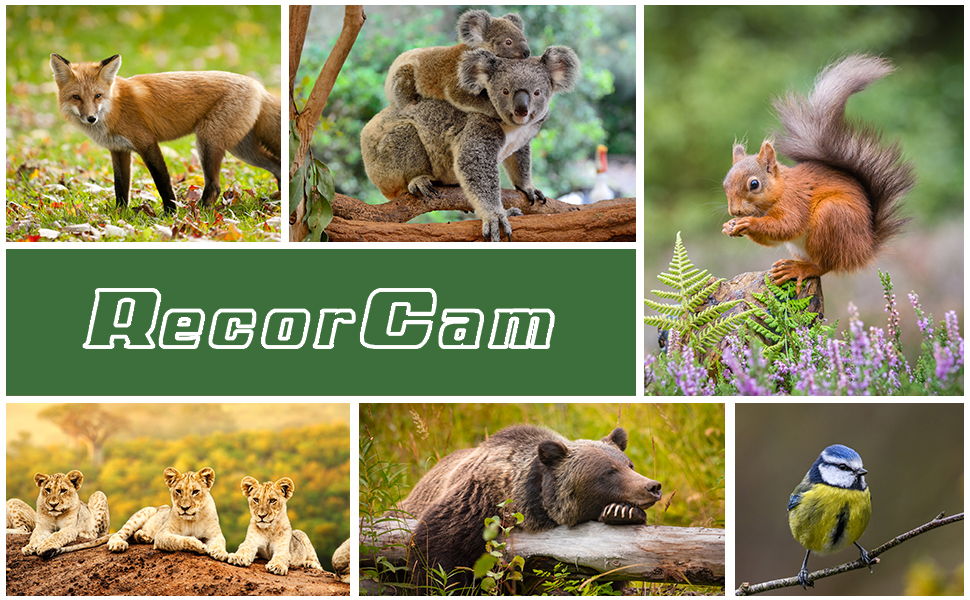
Image: Examples of various applications for the RecorCam wildlife camera, such as wildlife monitoring, hunting, farm security, home security, camping security, and plant growth observation. This illustrates the versatility of the camera's mounting and usage.
Operating Instructions
Powering On and Mode Selection
After installing batteries and the SD card, use the slide switch on the camera to select the desired mode: OFF, TEST, or ON.
- OFF: Camera is powered off.
- TEST: Allows you to access the menu, view recorded media, and adjust settings. The PIR sensor is active in this mode for testing detection.
- ON: The camera enters active monitoring mode. The screen will turn off after a few seconds, and the camera will begin recording based on motion detection and your configured settings.
Configuring Settings
In TEST mode, use the control buttons (MENU, UP, DOWN, LEFT, RIGHT, OK, SHOT, REPLAY) to navigate the menu and adjust settings. Key settings include:
- Mode: Select Photo, Video, or Photo + Video.
- Photo Resolution: Up to 50MP. Higher resolution provides more detail but uses more storage.
- Video Resolution: Up to 4K. Higher resolution provides clearer video but uses more storage.
- PIR Interval: Set the delay between detections.
- Sensitivity: Adjust PIR sensor sensitivity (High, Medium, Low).
- Time Lapse: Enable time-lapse photography for observing slow processes like plant growth.
- Date/Time Stamp: Enable or disable date and time overlay on recordings.
- Loop Recording: When enabled, the camera will overwrite the oldest files when the SD card is full.

Image: A visual comparison demonstrating the superior detail captured by the RecorCam HC-881A's 50MP sensor compared to a 20MP camera, illustrated with images of cats. This highlights the camera's high-resolution capability.

Image: An illustration of the camera's night vision capabilities, showing a deer illuminated by the 940nm IR LEDs in a dark forest setting. The image demonstrates the effective range of 65 feet (20 meters) for clear night recordings.
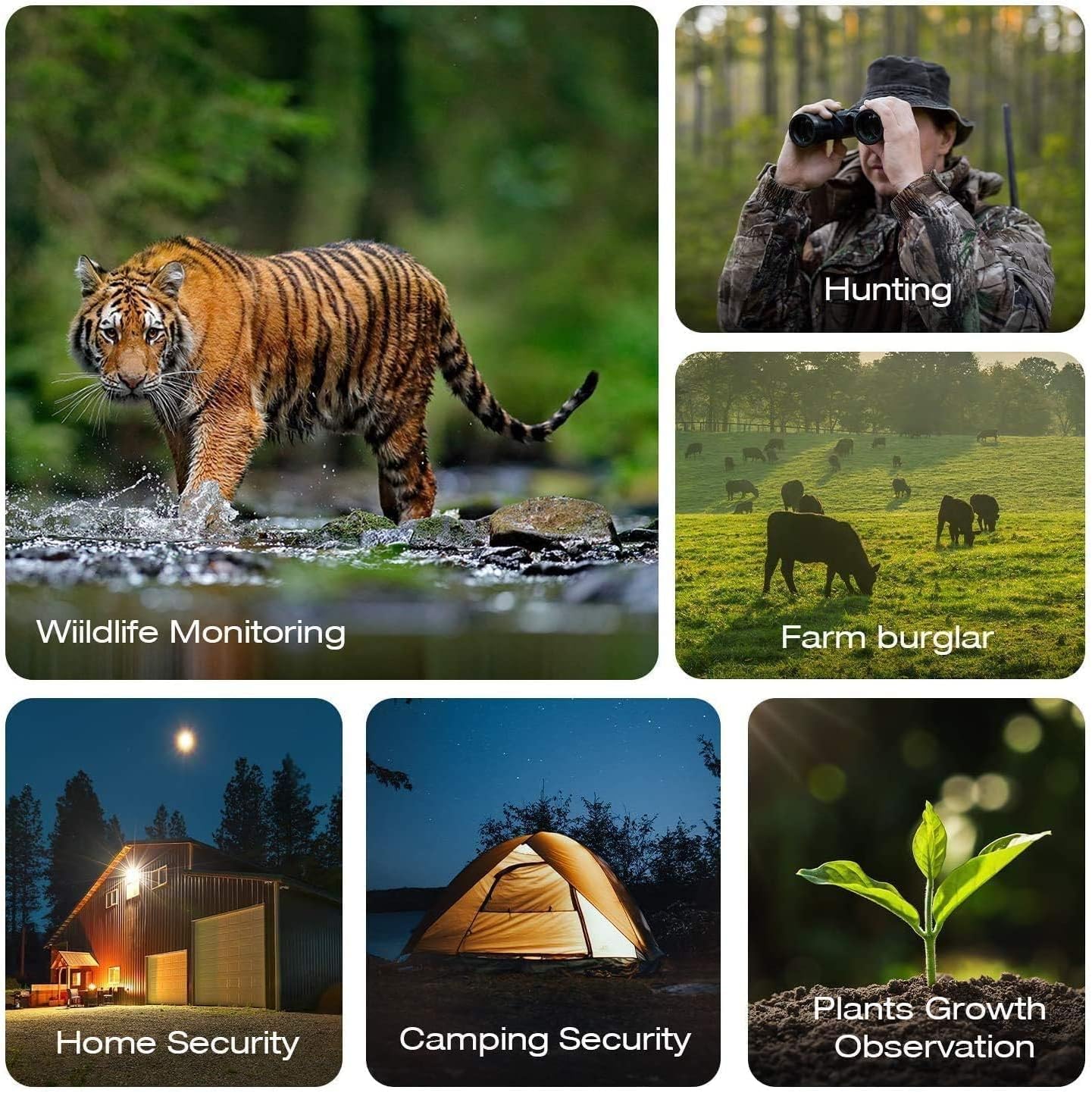
Image: A diagram illustrating the 120-degree detection angle of the RecorCam camera, showing how its wide field of view captures multiple deer in a broad landscape. This highlights the extensive coverage provided by the advanced PIR sensors.
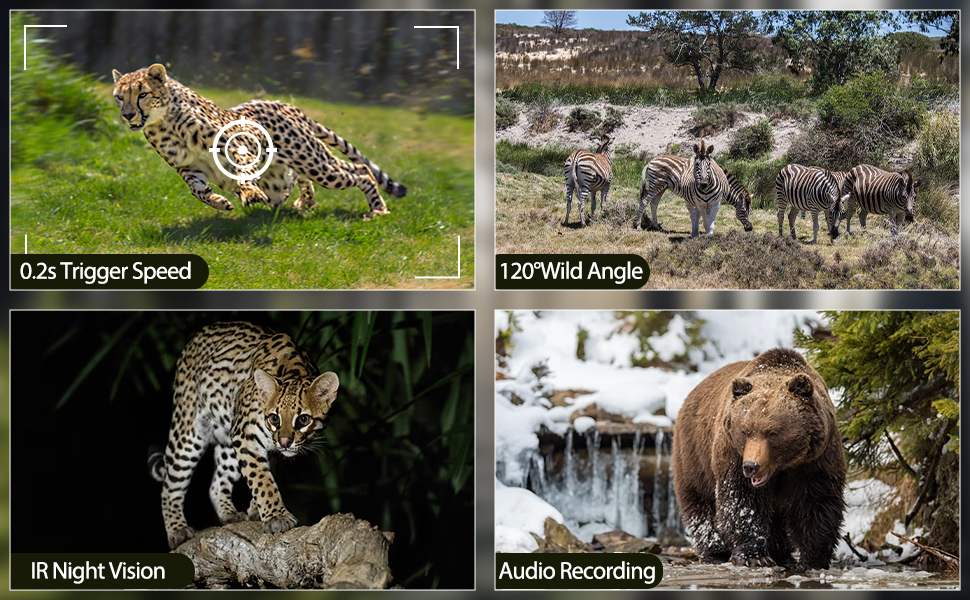
Image: A comparison demonstrating the RecorCam HC-881A's rapid 0.2-second trigger speed against a slower 0.5-second trigger speed, illustrated by capturing an eagle in mid-flight. This emphasizes the camera's ability to catch fast-moving subjects.

Image: A still frame from a 4K video with audio, captured by the RecorCam camera, depicting two deer in a natural setting. This illustrates the camera's capability to record high-definition video with accompanying sound.
Image: A sequence of images demonstrating the time-lapse feature, showing the progression of a plant's growth from a small sprout to a larger plant. This highlights the camera's utility for observing long-term natural processes.
Viewing Recordings
In TEST mode, press the REPLAY button to view captured photos and videos on the built-in screen. Use the navigation buttons to scroll through files. To transfer files to a computer, connect the camera via the USB Type-C port or remove the SD card and insert it into a card reader.
Maintenance
To ensure the longevity and optimal performance of your RecorCam HC-881A Wildlife Camera, follow these maintenance guidelines:
- Cleaning: Regularly wipe the camera lens and PIR sensors with a soft, lint-free cloth to remove dirt, dust, or moisture. Avoid abrasive materials or harsh chemicals.
- Battery Management: Replace batteries when the low battery indicator appears. For extended periods of non-use, remove batteries to prevent leakage and damage.
- SD Card Care: Format the SD card periodically (in-camera or on a computer) to maintain performance and prevent data corruption. Back up important recordings before formatting.
- Storage: When not in use, store the camera in a cool, dry place away from direct sunlight and extreme temperatures.
- Waterproof Integrity: Although IP65 rated, ensure the battery compartment and USB port covers are securely closed before exposing the camera to rain or moisture.
Troubleshooting
This section addresses common issues you might encounter with your RecorCam HC-881A Wildlife Camera.
| Problem | Possible Cause | Solution |
|---|---|---|
| Camera not powering on. |
|
|
| Camera not taking pictures/videos. |
|
|
| Poor night vision quality. |
|
|
| Excessive battery drain. |
|
|
Technical Specifications
| Feature | Detail |
|---|---|
| Model Name | HC-881A Wildlife Camera |
| Brand | RecorCam |
| Image Resolution | Up to 50MP |
| Video Resolution | Up to 4K (10fps), 2.7K (20fps), 1080P (30fps) |
| Trigger Speed | 0.2 seconds |
| Detection Angle | 120 Degrees |
| Detection Distance | 82 feet (25 meters) |
| Night Vision Range | 65 feet (20 meters) |
| IR LEDs | 2pcs 940nm High Power LEDs |
| Waterproof Rating | IP65 |
| Power Source | Battery Powered (Batteries not included) |
| Connectivity | USB Type-C, Wireless |
| Storage | Micro SD Card (32GB included) |
| Dimensions (L x W x H) | 9 x 7.6 x 13.5 cm |
| Weight | 490 g |
| Material | Plastic |
| Mounting Type | Wall Mount |
| Recommended Use | Game & Trail, Surveillance, Observe wildlife |
Ask a question about this manual
Ask about setup, troubleshooting, compatibility, parts, safety, or missing instructions. Manuals+ will review the question and use this page’s manual context to help answer it.