
1. Introduction
Thank you for choosing the Antarctic Star 1.7 Cu. Ft. Mini Fridge with Freezer. This compact refrigerator is designed for convenience and efficiency, suitable for various small spaces such as bedrooms, offices, or dorm rooms. This manual provides essential information for the safe and effective use, installation, operation, and maintenance of your appliance. Please read it thoroughly before use and retain it for future reference.
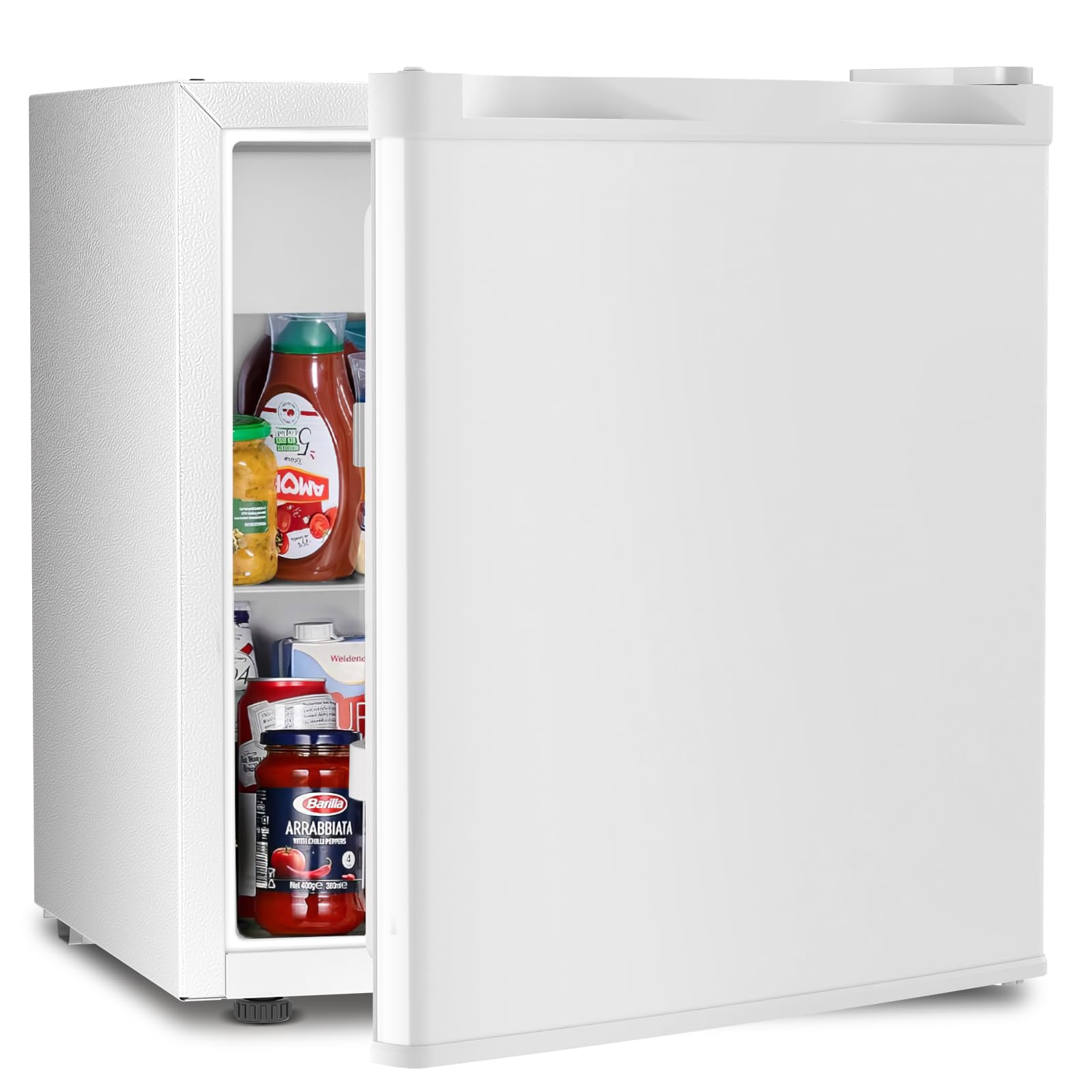
Image 1: Overview of the Antarctic Star 1.7 Cu. Ft. Mini Fridge.
2. Safety Information
To reduce the risk of fire, electric shock, or injury when using your refrigerator, follow these basic precautions:
- Read all instructions before using the appliance.
- Connect to a properly grounded outlet only.
- Do not attempt to repair or replace any part of your refrigerator unless specifically recommended in this manual. All other servicing should be referred to a qualified technician.
- Before cleaning or performing any maintenance, unplug the appliance from the power outlet.
- Do not store explosive substances such as aerosol cans with a flammable propellant in this appliance.
- Ensure proper ventilation around the appliance. Do not block ventilation openings.
- Do not use mechanical devices or other means to accelerate the defrosting process, other than those recommended by the manufacturer.
3. Product Features
- Compact Design: Ideal for small spaces, offering efficient cooling without occupying excessive room.
- Capacity: 1.7 Cu. Ft. total capacity, including a 0.2 Cu. Ft. freezer compartment.
- Adjustable Temperature: Features a 7-speed adjustable thermostat, allowing temperature settings from 32℉ (0℃) to 50℉ (10℃).
- Reversible Door: The door can be adjusted to open from either the left or right side to suit your space and preference.
- Wire Shelf: Includes one durable wire shelf for organized storage of beverages and food items.
- Manual Defrost: Equipped with a defrost button for convenient manual defrosting of the freezer compartment.
- Low Noise Operation: Designed for quiet performance, making it suitable for bedrooms and offices.
- Adjustable Feet: Support feet at the bottom can be adjusted for leveling the appliance.

Image 2: Key features highlighting the compact design, energy efficiency, manual defrost, and freshness capabilities.

Image 3: Illustration of the interior space and dimensions, indicating 0.2 Cu. Ft. freezer and 1.5 Cu. Ft. fridge area.
4. Setup
4.1 Unpacking
Carefully remove all packaging materials, including foam and adhesive tape. Inspect the refrigerator for any damage. Keep packaging materials out of reach of children.
4.2 Placement
- Place the refrigerator on a flat, stable surface strong enough to support the appliance when fully loaded.
- Allow at least 4 inches (10 cm) of space between the back and sides of the refrigerator and any adjacent walls to ensure proper air circulation.
- Avoid placing the refrigerator in direct sunlight or near heat sources (e.g., stoves, heaters).
- Ensure the appliance is level by adjusting the adjustable feet.
4.3 Door Reversal (Optional)
The door hinges can be reversed to change the opening direction from right to left, or vice versa. Refer to the detailed diagrams in the full manual for step-by-step instructions on how to perform this procedure. This typically involves unscrewing and reattaching hinges and plugs.

Image 4: Illustration of the reversible door feature and adjustable leveling feet.
4.4 Initial Cleaning
Before first use, clean the interior and exterior of the refrigerator with a soft cloth and mild detergent. Rinse thoroughly and dry completely.
4.5 Power Connection
Plug the refrigerator into a dedicated, grounded 115 Volt AC outlet. Allow the appliance to stand upright for at least 2-4 hours before plugging it in to allow the refrigerant to settle.
5. Operating Instructions
5.1 Temperature Control
The refrigerator features a 7-speed adjustable thermostat located inside the unit. Turn the dial to select your desired cooling level:
- Setting '0' indicates the appliance is off.
- Setting '1' is the warmest temperature (approximately 50℉ / 10℃).
- Settings '2-6' provide partial freezing and progressively colder temperatures.
- Setting '7' is the coldest temperature (approximately 32℉ / 0℃).
Adjust the dial according to your needs and the ambient temperature. It may take several hours for the refrigerator to reach the set temperature.

Image 5: Guide to the adjustable temperature control dial.
5.2 Food Storage
Utilize the wire shelf for organizing items in the main compartment. The small freezer compartment is suitable for short-term storage of frozen foods or making ice. Avoid overloading the shelves to ensure proper air circulation.
6. Maintenance
6.1 Cleaning
- Always unplug the refrigerator before cleaning.
- Clean the interior with a soft cloth dampened with a solution of baking soda and water (2 tablespoons of baking soda to 1 quart of water).
- Wash the removable wire shelf with a mild detergent solution.
- Clean the exterior with a soft cloth and mild detergent. Avoid abrasive cleaners or harsh chemicals.
- Ensure the door gasket is clean and free of debris to maintain a proper seal.
6.2 Defrosting
This refrigerator features manual defrost. When frost accumulates to about 1/4 inch (6 mm) thick in the freezer compartment, it is time to defrost:
- Unplug the refrigerator from the power outlet.
- Remove all food items from the freezer and refrigerator compartments. Place them in a cooler to keep them cold.
- Press the defrost button (if available) or leave the door open to allow the frost to melt naturally. Place towels at the bottom to absorb melted water.
- Once defrosted, clean and dry the interior thoroughly.
- Plug the refrigerator back in and return food items once the temperature has stabilized.

Image 6: Details of the defrost button and internal components.
7. Troubleshooting
Before contacting customer service, review this section for common issues and solutions:
| Problem | Possible Cause | Solution |
|---|---|---|
| Refrigerator does not operate. | Not plugged in; circuit breaker tripped; temperature control set to '0'. | Ensure plug is secure; reset circuit breaker; set temperature control to a higher setting. |
| Temperature inside is not cold enough. | Door opened too frequently; warm food placed inside; poor ventilation; temperature control set too low. | Minimize door openings; allow hot food to cool before storing; ensure adequate space around unit; adjust temperature control to a colder setting. |
| Excessive frost buildup. | Door not closed properly; high humidity; frequent door openings. | Check door seal and ensure it closes completely; defrost the unit as per instructions. |
| Unusual noises. | Appliance not level; objects vibrating against the unit; normal operating sounds. | Adjust leveling feet; ensure nothing is touching the unit; gurgling or humming sounds are normal. |
8. Specifications
| Feature | Specification |
|---|---|
| Brand | Antarctic Star |
| Model Number | F6840-W (also KS-40R) |
| Capacity | 1.7 Cubic Feet |
| Refrigerator Fresh Food Capacity | 1.28 Cubic Feet |
| Freezer Capacity | 0.12 Cubic Feet |
| Product Dimensions (D x W x H) | 17.52 x 17.52 x 19.09 inches |
| Item Weight | 28.6 pounds |
| Voltage | 115 Volts |
| Annual Energy Consumption | 549 Watts |
| Installation Type | Countertop |
| Defrost System | Manual Defrost |
| Door Hinges | Reversible |
| Number of Doors | 1 |
| Shelf Type | Wire (Glass mentioned in specifications, but wire in feature bullets, prioritizing feature bullets for user-facing info) |
| Color | White |
9. Warranty and Support
Antarctic Star products are manufactured to high-quality standards and are warranted against defects in manufacturing for a period of one year from the original date of purchase. This warranty covers defects in materials and workmanship. It does not cover damage caused by misuse, accident, unauthorized modification, or normal wear and tear.
For warranty claims, technical support, or general inquiries, please contact Antarctic Star customer service. Please have your model number (F6840-W) and proof of purchase ready when contacting support.
Contact information can typically be found on the manufacturer's website or on the product packaging.