
1. Introduction
The BoxWave ClearTouch Crystal Screen Protector is designed to provide a protective layer for your Corehan COCS-JD-AN-03 device screen. This high-quality thermoplastic film shields against scratches, dust, and minor impacts while maintaining up to 99% visual clarity for an optimal viewing experience. This manual provides instructions for proper installation, usage, maintenance, and troubleshooting.
2. Package Contents
Verify that all items are present in your package:
- Two (2) ClearTouch Crystal Screen Protectors
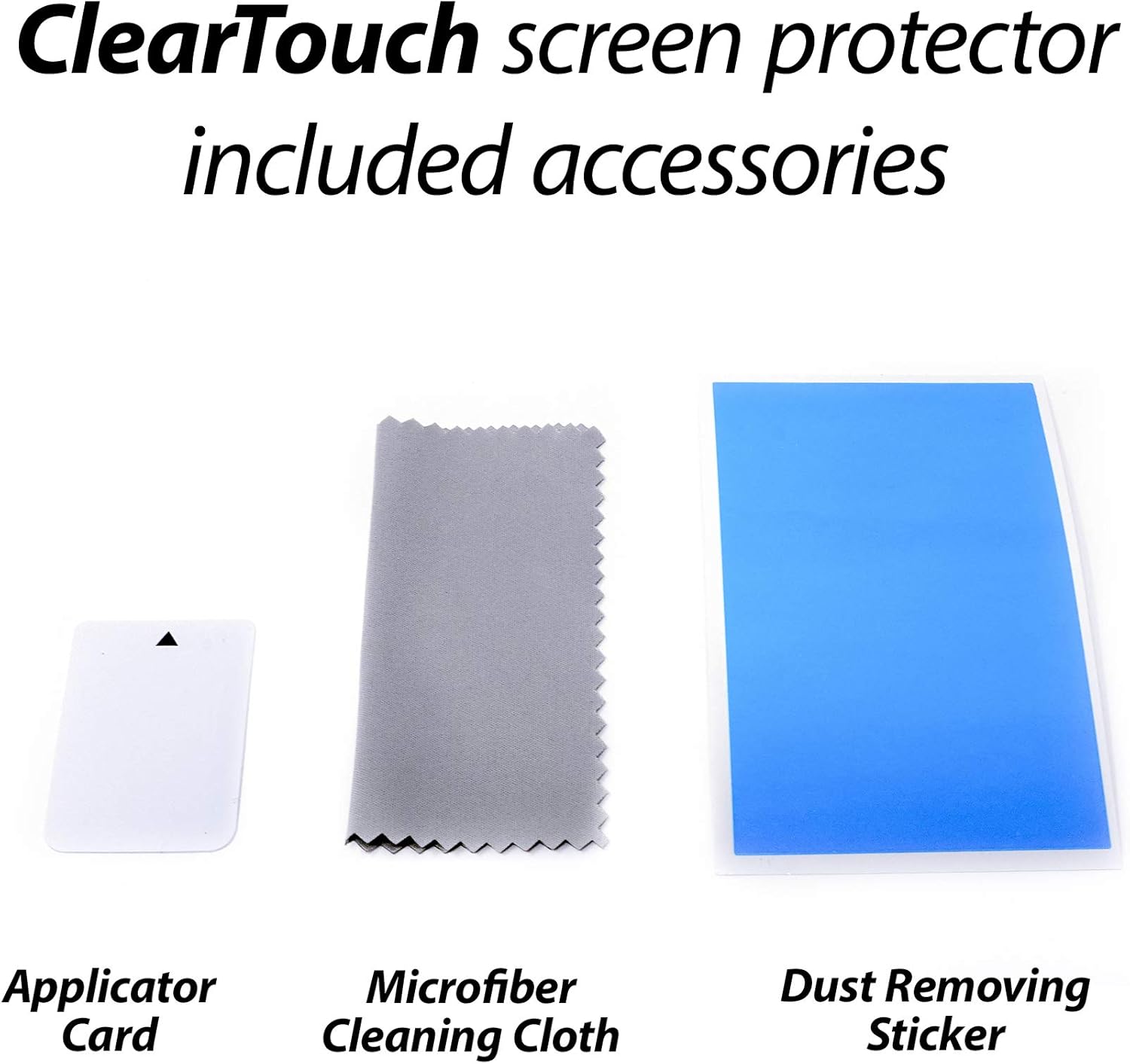
- One (1) Applicator Card
- One (1) Microfiber Cleaning Cloth
3. Setup and Installation
Follow these steps carefully for optimal screen protector application. Ensure your device is powered off before beginning.
- Clean the Device Screen: Use the included microfiber cleaning cloth to thoroughly clean the screen of your Corehan COCS-JD-AN-03. Ensure all dust, fingerprints, and smudges are removed. For stubborn marks, a screen cleaner (not included) can be used sparingly.
- Remove Dust: Use a dust-removing sticker (if included, or clear tape) to lift any remaining dust particles from the screen surface. This step is crucial for preventing bubbles.
- Align the Protector: Carefully peel back a small portion of the protective layer (usually marked '1' or 'Back') from one end of the screen protector. Align the exposed edge of the screen protector with the corresponding edge of your device screen. Pay close attention to cutouts for cameras, speakers, and buttons.
- Apply Gradually: Once aligned, slowly and steadily lower the screen protector onto the device screen. As you do so, use the applicator card to gently push out any air bubbles from the center towards the edges. Continue peeling back the protective layer '1' as you apply.
- Remove Top Layer: After the screen protector is fully adhered, carefully peel off the top protective layer (usually marked '2' or 'Front').
- Final Smoothing: Use the microfiber cloth to gently wipe down the newly applied screen protector, ensuring it is smooth and free of any remaining small bubbles.

Note: The low-tack adhesive may take up to 48 hours to fully settle along the edges. Any initial small air bubbles typically clear with regular use as the adhesive cures.
4. Operating (Usage)
Once installed, the ClearTouch Crystal Screen Protector functions seamlessly with your device. It provides:
- High Transparency: Enjoy up to 99% visual clarity, ensuring your screen's vibrant colors and sharpness are preserved without distortion.
- Durable Protection: The high-quality thermoplastic material helps protect your screen from daily scratches, scuffs, and minor impacts, extending the lifespan of your device's display.
- Touch Sensitivity: The screen protector is designed to maintain the original touch sensitivity of your device, allowing for smooth and accurate interaction.

5. Maintenance
To keep your screen protector clean and maintain its clarity:
- Use the included microfiber cleaning cloth to gently wipe away dust and fingerprints.
- For more persistent smudges, lightly dampen the microfiber cloth with water or a screen-safe cleaning solution (avoid harsh chemicals).
- Avoid using abrasive materials or paper towels, as these can scratch the screen protector.
6. Troubleshooting
If you encounter issues during or after installation:
- Air Bubbles: Small bubbles are common immediately after installation. Many will dissipate within 24-48 hours as the adhesive settles. For larger bubbles, gently lift the nearest edge of the protector and reapply, using the applicator card to push the air out. Ensure the screen is free of dust.
- Dust Under Protector: If dust particles are trapped, causing bubbles, you may carefully lift the protector, use a dust-removing sticker or clear tape to remove the dust from both the screen and the adhesive side of the protector, then reapply.
- Misalignment: If the protector is significantly misaligned, carefully peel it off, clean the screen and protector, and attempt reapplication. The glueless adhesive allows for residue-free removal and reapplication.
7. Specifications
| Feature | Detail |
|---|---|
| Product Name | ClearTouch Crystal Screen Protector |
| Compatibility | Corehan COCS-JD-AN-03 |
| Material | High-quality Thermoplastics (PET) |
| Transparency | Up to 99% |
| Adhesive Type | Glueless (Residue-Free) |
| Package Quantity | 2 Screen Protectors |
| Item Weight | 1.6 ounces |
8. Warranty Information
Specific warranty details for the BoxWave ClearTouch Crystal Screen Protector are not provided in this document. Please refer to the product packaging or visit the official BoxWave website for the most current warranty information and terms.
9. Support
For further assistance, technical support, or to inquire about other BoxWave products, please visit the official BoxWave website or contact their customer service department. Contact information can typically be found on the product packaging or the company's website.
Website: www.boxwave.com