
1. Introduction
The km5 Instant Disk Audio CP2 is a portable CD player designed for easy enjoyment of your CD collection. It features an integrated speaker, Bluetooth 5.1 connectivity, and a rechargeable lithium-ion battery for extended playback. The unique design allows for displaying CD jacket art, and it can be used as a standalone unit or mounted on a wall with an optional bracket.
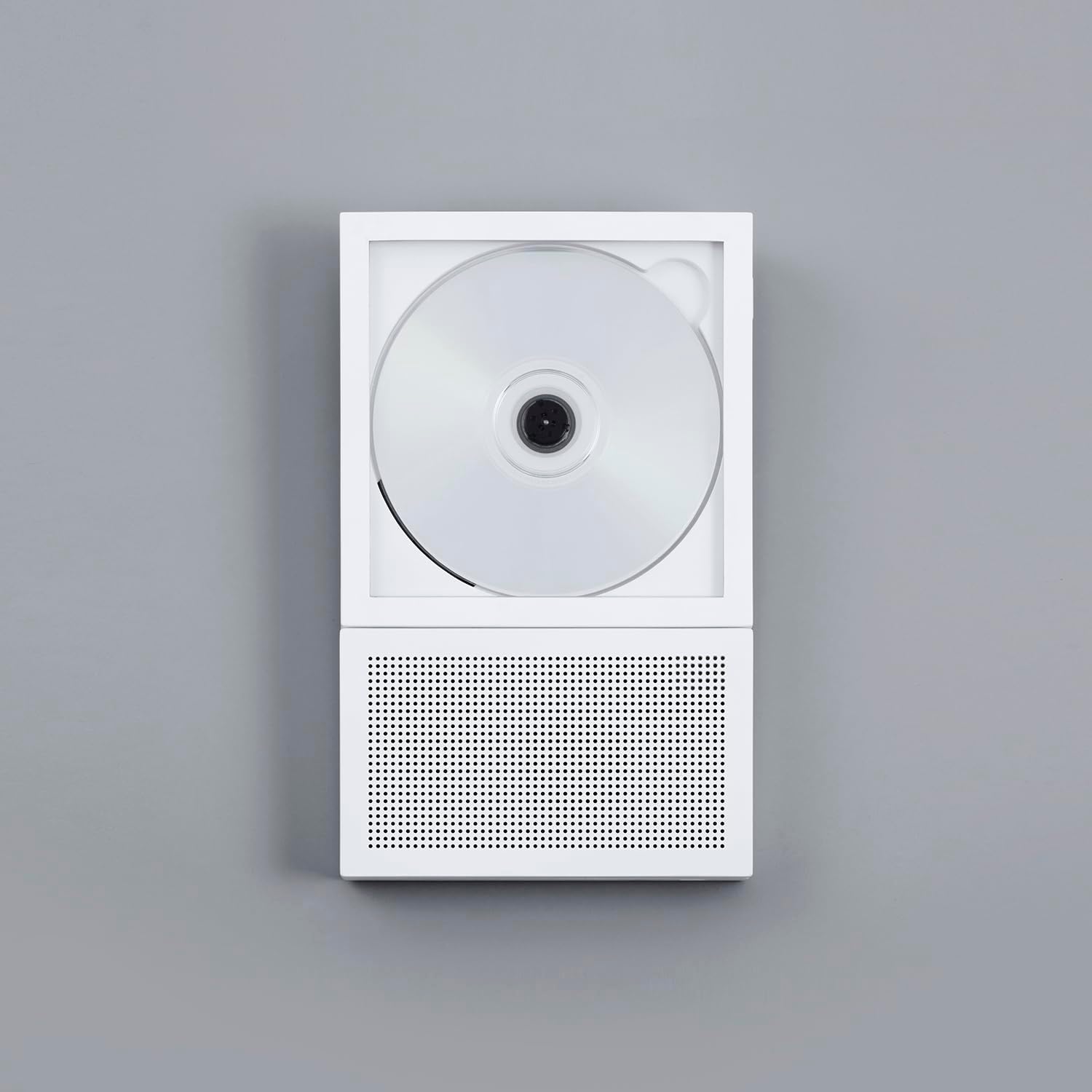
Image 1.1: The km5 Instant Disk Audio CP2 CD Player in white, showcasing its compact design.
2. Package Contents
Please check that all items are present in the package:
- km5 Instant Disk Audio CP2 CD Player
- Instructions Manual (this document)
- Warranty Card
- USB-C Charging Cable (not explicitly listed but implied by 'USB-C Connector Type')
3. Product Features
- Instant Photo Frame Design: Allows for displaying CD jackets, enhancing aesthetic appeal. Can be wall-mounted (bracket sold separately).
- Integrated Speaker: A 27mm-thin speaker with a passive radiator provides balanced audio reproduction.
- Bluetooth 5.1 Connectivity: Enables wireless connection to Bluetooth earbuds or external speakers.
- Rechargeable Battery: Provides 6-7 hours of continuous playback with the internal speaker or 7-8 hours via Bluetooth.
- Compact and Lightweight: Dimensions of 225mm x 140mm x 27mm and a weight of 735g for portability.
- CD-R/RW and MP3 Compatible: Supports various CD formats.
- 3.5mm Headphone Jack: For private listening.
- USB-C Charging: Modern and convenient charging interface.
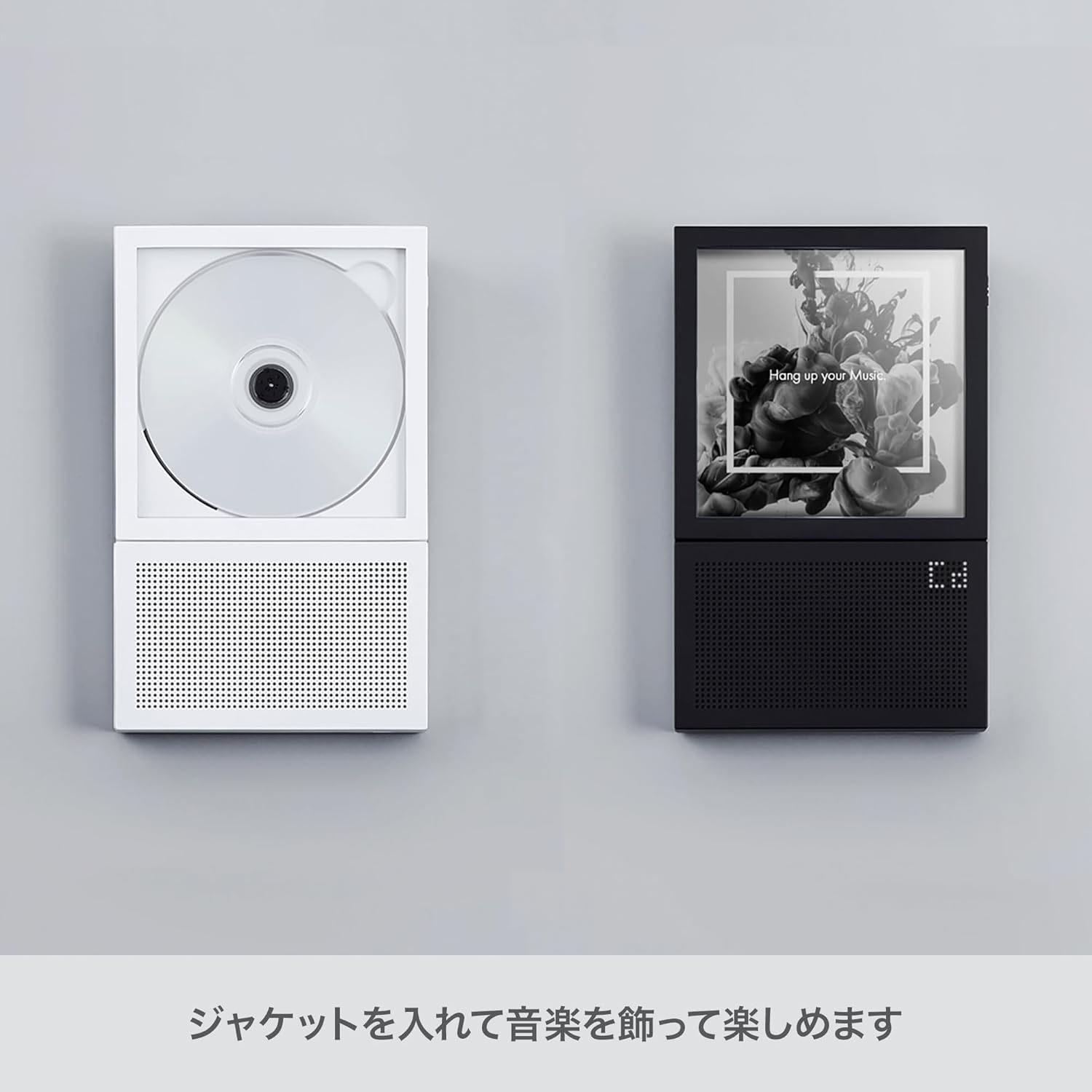
Image 3.1: The CP2 player's design allows for displaying CD jacket art, integrating music into your decor.
4. Setup
4.1 Charging the Device
- Locate the USB-C port on the side of the CP2 player.
- Connect the provided USB-C cable to the player and the other end to a compatible USB power adapter (not included) or a computer USB port.
- The charging indicator light will illuminate. Once fully charged, the light may change color or turn off, depending on the model.
4.2 Inserting a CD
- Gently open the CD compartment cover.
- Place the CD onto the spindle with the label side facing up. Ensure the CD is securely seated.
- Close the CD compartment cover firmly until it clicks into place.
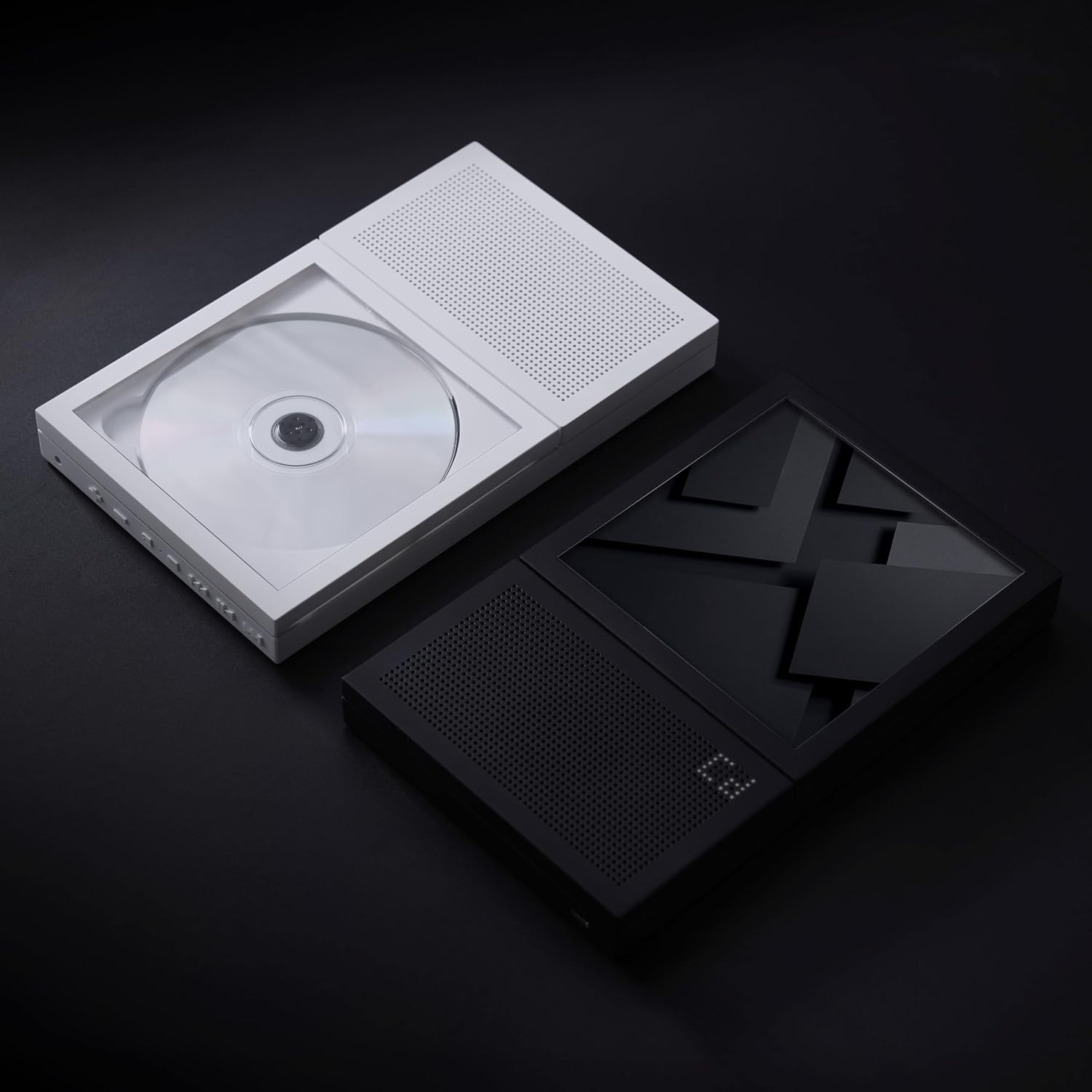
Image 4.1: A CD correctly inserted into the CP2 player's transparent compartment.
4.3 Powering On/Off
- To power on, press and hold the Power button (usually located on the side or top edge) for a few seconds until the display illuminates.
- To power off, press and hold the Power button again until the display turns off.
5. Operating Instructions
5.1 CD Playback
- After inserting a CD and powering on the device, the player will typically begin reading the disc automatically.
- Use the Play/Pause button to start or temporarily stop playback.
- Use the Next Track and Previous Track buttons to skip between songs.
- Press and hold the Next Track or Previous Track buttons to fast-forward or rewind within a track.
- Adjust the volume using the dedicated Volume Up and Volume Down buttons.
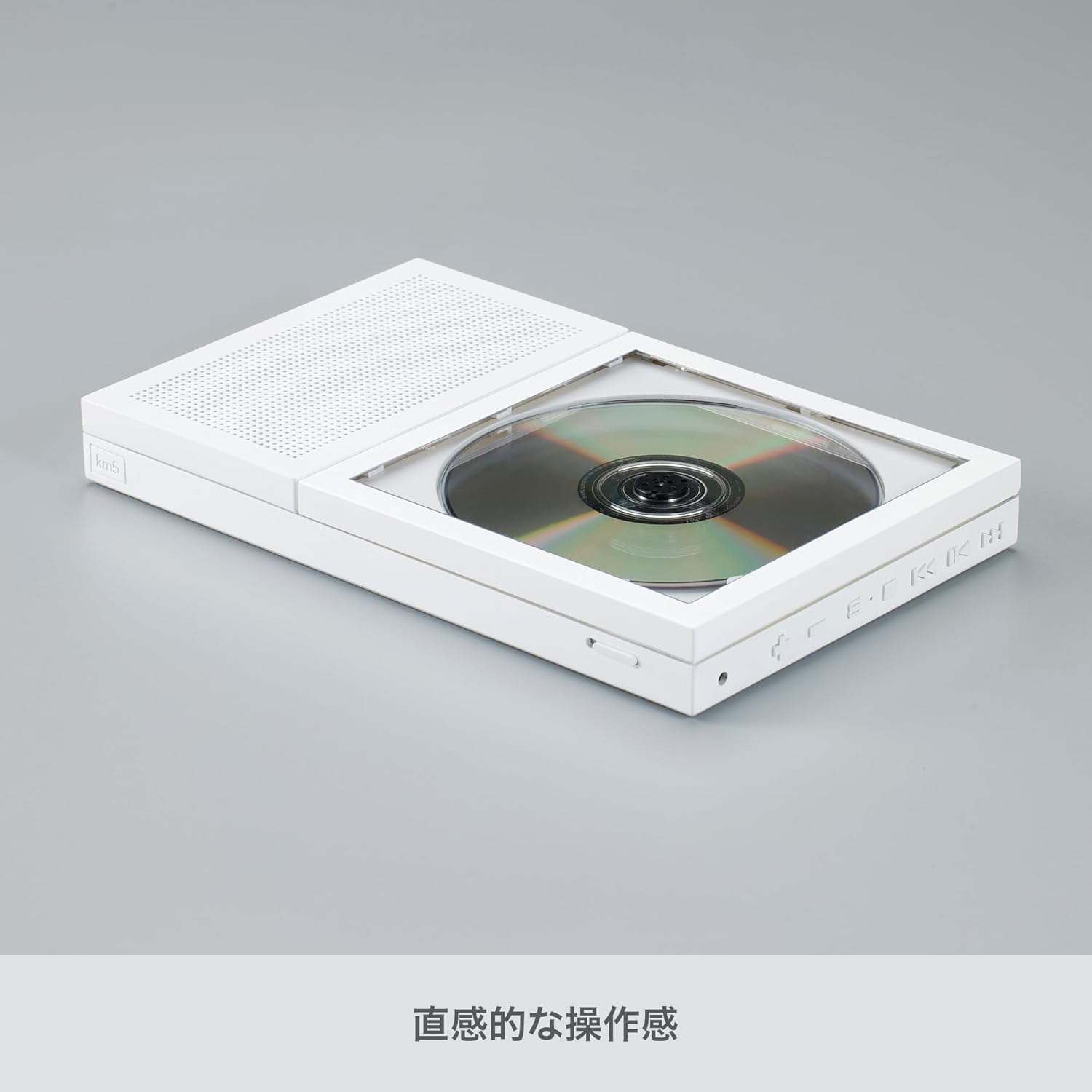
Image 5.1: Side view of the CP2, highlighting the control buttons for playback and volume.
5.2 Bluetooth Pairing
The CP2 can connect wirelessly to Bluetooth earbuds or speakers.
- Ensure the CP2 is powered on.
- Press the Bluetooth button on the player. The Bluetooth indicator light will flash, indicating it is in pairing mode.
- Activate Bluetooth on your desired receiving device (earbuds, speaker) and put it into pairing mode.
- Select "km5 CP2" from the list of available devices on your receiving device.
- Once connected, the Bluetooth indicator light on the CP2 will become solid, and audio will stream to your paired device.
5.3 Using the 3.5mm Headphone Jack
For private listening, plug any standard 3.5mm headphones into the headphone jack located on the side of the player.
5.4 Wall Mounting (Optional)
The CP2 can be mounted on a wall using a separately sold wall bracket. Refer to the instructions provided with the wall bracket for proper installation.

Image 5.2: The CP2 player displayed on an optional aluminum stand.
6. Maintenance
- Cleaning: Use a soft, dry cloth to clean the exterior of the player. Do not use liquid cleaners or abrasive materials.
- CD Handling: Always handle CDs by their edges. Avoid touching the playing surface. Store CDs in their cases to prevent scratches and dust accumulation.
- Storage: When not in use for extended periods, store the player in a cool, dry place away from direct sunlight and extreme temperatures.
7. Troubleshooting
| Problem | Possible Cause | Solution |
|---|---|---|
| Player does not power on. | Battery is depleted. | Connect the player to a power source using the USB-C cable and allow it to charge. |
| CD does not play or skips. | CD is dirty, scratched, or inserted incorrectly. | Clean the CD with a soft cloth. Check for scratches. Re-insert the CD correctly with the label side up. |
| No sound from speaker/headphones. | Volume is too low or muted. Headphones not fully plugged in. | Increase the volume. Ensure headphones are securely connected. |
| Bluetooth device cannot connect. | CP2 is not in pairing mode. Bluetooth device is out of range or not in pairing mode. | Ensure the CP2's Bluetooth indicator is flashing. Put your receiving device into pairing mode. Move devices closer together. |
8. Specifications
- Brand: km5
- Model Name: CP2
- Model Number: CP2-002(W)
- Color: White
- Connectivity Technology: Bluetooth 5.1
- Special Feature: CD-R/RW Compatible
- Number Of Discs: 1
- Supported Audio Format: MP3
- Connector Type: USB-C
- Specific Uses For Product: CD Playback
- Number of Channels: 2
- Media Format Type: Audio CD
- Battery Average Life: 7-8 Hours (Bluetooth), 6-7 Hours (Speaker)
- Compatible Devices: Bluetooth Speakers, Bluetooth Earbuds
- Headphones Jack: 3.5mm Jack
- MP3 Player: Yes
- Number of Batteries: 1 Lithium Ion (included)
- Item Dimensions (L x W x H): 8.86" x 5.51" x 1.06" (225mm x 140mm x 27mm)
- Item Weight: 735g
9. Warranty and Support
The km5 Instant Disk Audio CP2 comes with a 1 Year Warranty from the date of purchase. Please retain your proof of purchase for warranty claims.
For technical support, troubleshooting assistance, or warranty inquiries, please contact km5 customer service through the retailer where the product was purchased or visit the official km5 website for contact information.