
Introduction
Thank you for purchasing the Generic1 7.5' Dual LED Ez Plug Tree. This artificial tree is designed for easy assembly and features integrated dual LED lighting for a festive display. Please read this manual thoroughly before assembly and operation to ensure safe and proper use of your product. Keep this manual for future reference.
Safety Instructions
To reduce the risk of fire, electric shock, or injury, always follow these basic precautions:
- Read all instructions before using this product.
- Do not use seasonal products outdoors unless marked suitable for indoor and outdoor use. When products are used in outdoor applications, connect the product to a Ground Fault Circuit Interrupting (GFCI) outlet. If one is not provided, contact a qualified electrician for proper installation.
- This seasonal product is not intended for permanent installation or use.
- Do not mount or place near gas or electric heaters, fireplaces, candles, or other similar sources of heat.
- Do not secure the wiring of the product with staples or nails, or place on sharp hooks or nails.
- Do not let lamps rest on the supply cord or on any wire.
- Unplug the product when leaving the house, when retiring for the night, or if left unattended.
- This is an electrical product, not a toy! To avoid risk of fire, burns, personal injury and electric shock, it should not be played with or placed where small children can reach it.
- Do not use this product for other than its intended use.
- Do not hang ornaments or other objects from cord, wire, or light string.
- Do not close doors or windows on the product or extension cords as this may damage the wire insulation.
- Do not cover the product with cloth, paper, or any material not part of the product when in use.
- Read and follow all instructions that are on the product or provided with the product.
Package Contents
Please check to ensure all components are present:
- Tree Sections (A, B, C - typically 3 sections for a 7.5' tree)
- Tree Stand
- Power Adapter/Cord
Setup Instructions
Follow these steps for proper assembly:
- Assemble the Tree Stand: Open the tree stand legs to form an 'X' shape. Insert the bottom tree section (Section A) into the stand and tighten the thumb screw securely.
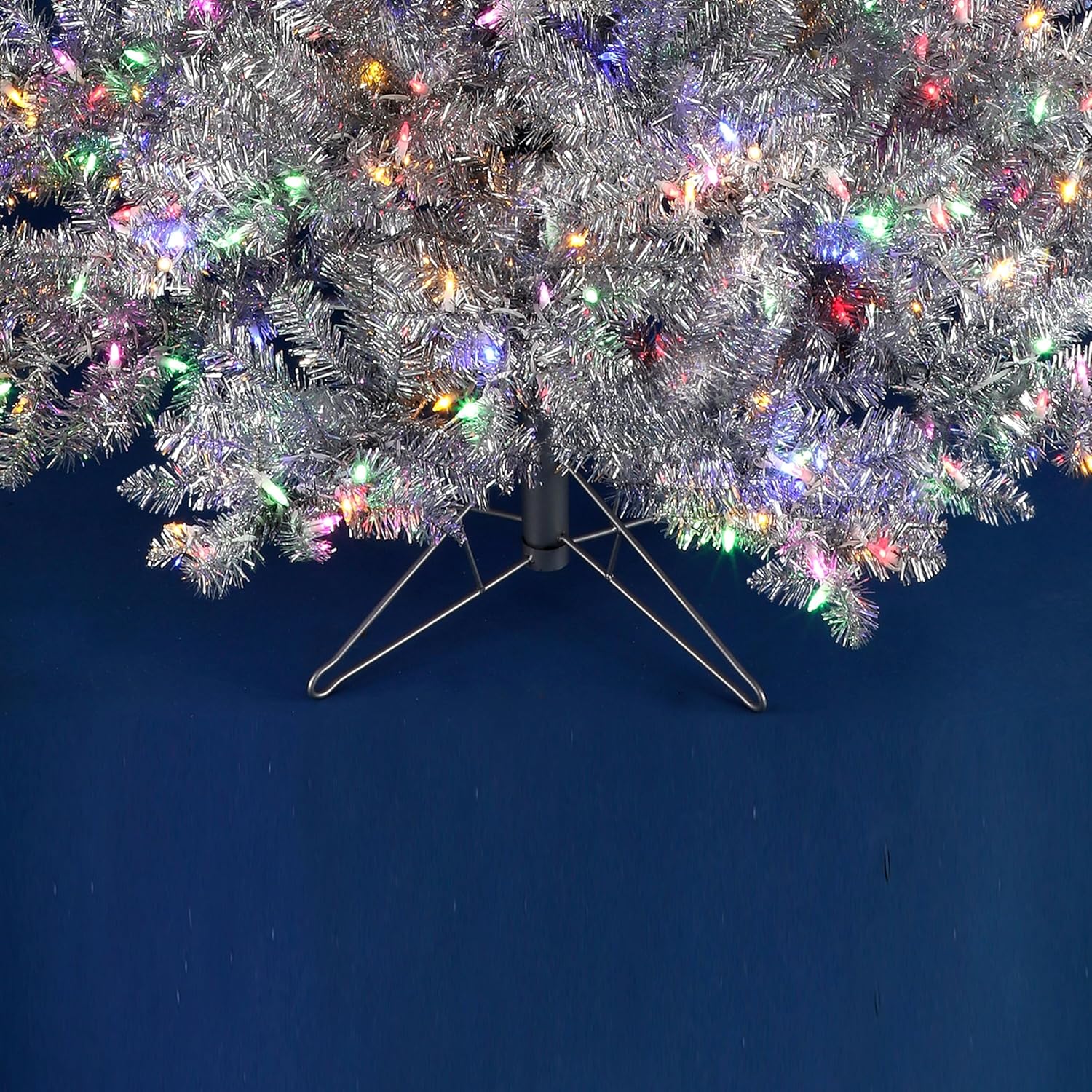
Image: The sturdy metal tree stand supporting the base of the silver artificial tree.
- Connect Tree Sections: Insert the middle tree section (Section B) into Section A. Ensure the internal electrical connections (Ez Plug) align and connect automatically. Repeat for the top section (Section C) into Section B.
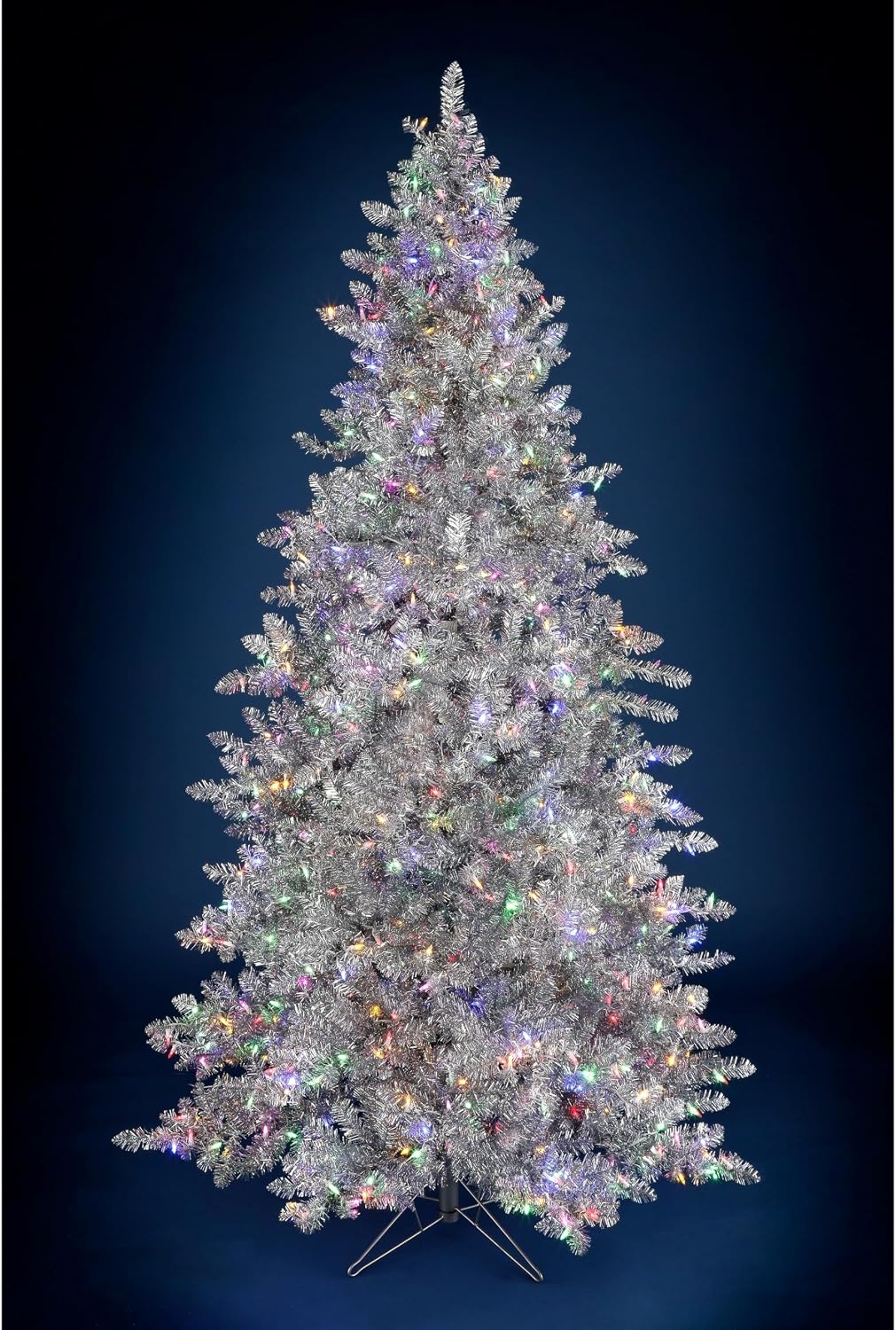
Image: A fully assembled 7.5-foot silver artificial tree with warm white LED lights, standing in a modern living space.
- Shape the Branches: Gently pull apart and spread out the individual branches and tips to give the tree a full and natural appearance. Start from the bottom sections and work your way up.

Image: A detailed view of the silver tinsel branches adorned with vibrant multi-colored LED lights.
- Connect to Power: Plug the power adapter into the wall outlet. Your tree lights should illuminate.
Operating Instructions
The Generic1 7.5' Dual LED Ez Plug Tree is designed for simple operation:
- Power On/Off: Plug the power cord into a standard electrical outlet to turn the lights on. Unplug to turn them off.
- Light Modes: This tree features dual LED lights. If there is a foot pedal or switch on the cord, use it to cycle through different light functions (e.g., warm white, multi-color, alternating). (Note: Specific light modes may vary by model and are not detailed in product specifications.)
Maintenance
- Cleaning: To clean the tree, gently wipe the branches with a soft, dry cloth. Do not use harsh chemicals or abrasive cleaners. Ensure the tree is unplugged before cleaning.
- Storage: Before storing, ensure the tree is completely dry. Disassemble the tree in reverse order of assembly. Carefully compress the branches and place the sections back into their original packaging or a suitable storage bag. Store in a cool, dry place away from direct sunlight.
- Bulb Replacement: This tree uses integrated LED lights designed for long life. Individual bulb replacement is generally not required or possible. If a section of lights fails, refer to the troubleshooting section.
Troubleshooting
| Problem | Possible Cause | Solution |
|---|---|---|
| Lights are not illuminating. |
|
|
| Only part of the tree lights up. |
|
|
| Tree is unstable. |
|
|
Specifications
| Feature | Detail |
|---|---|
| Product Dimensions | 54"D x 90"W x 90"H (7.5 feet tall) |
| Color | Silver |
| Material | PVC, Mix |
| Item Package Quantity | 1 |
| Special Feature | Energy Efficient |
| Base Type | Stand |
| Built-in Light | Yes |
| Light Color | Silver (referring to the tree's overall color; lights are warm white/multi-color based on images) |
| UPC | 371410772239 |
| Manufacturer | Generic1 |
| Assembly required | No (Minimal assembly required for setup) |
Warranty and Support
This product comes with a standard manufacturer's warranty. For specific warranty details, product support, or to report any issues, please contact the retailer or manufacturer directly. Keep your proof of purchase for warranty claims.
For further assistance, please refer to the contact information provided at the point of purchase or on the product packaging.