
1. Introduction
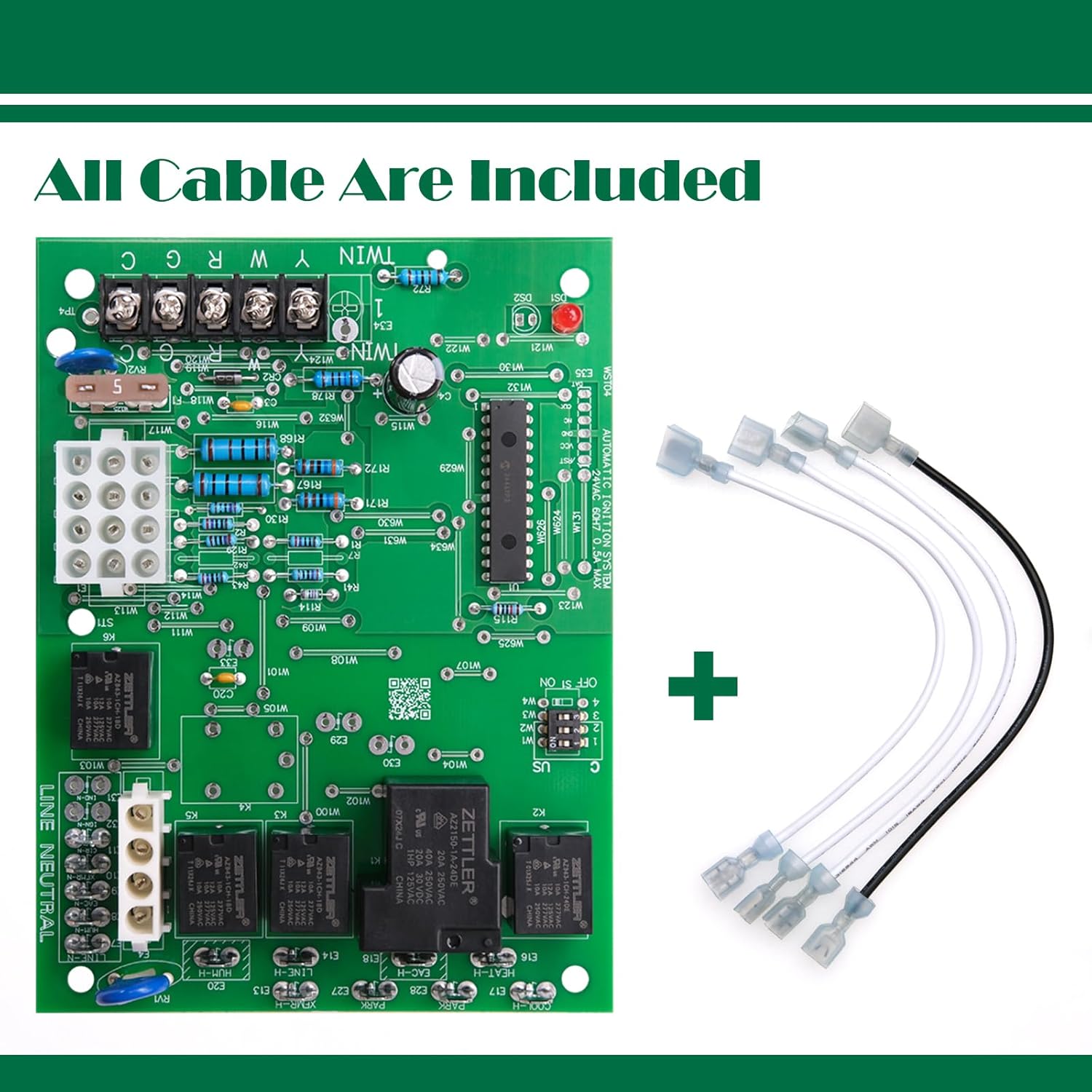
This manual provides essential information for the proper installation, operation, and maintenance of the NEALMART WST04 Furnace Control Board. This integrated furnace control board is designed to monitor, analyze, and control the operation of gas burners, inducers, and fans in compatible furnace systems. Please read these instructions thoroughly before proceeding with installation or use.
2. Compatibility
The NEALMART WST04 Furnace Control Board is a direct replacement for various furnace control panels. It is compatible with the following models:
- White-Rodgers: 50A55-3797, 50A55-474, 50A55-476, 50A55-571
- Trane/American Standard: CNT02891, CNT03799, CNT02789

3. Product Features
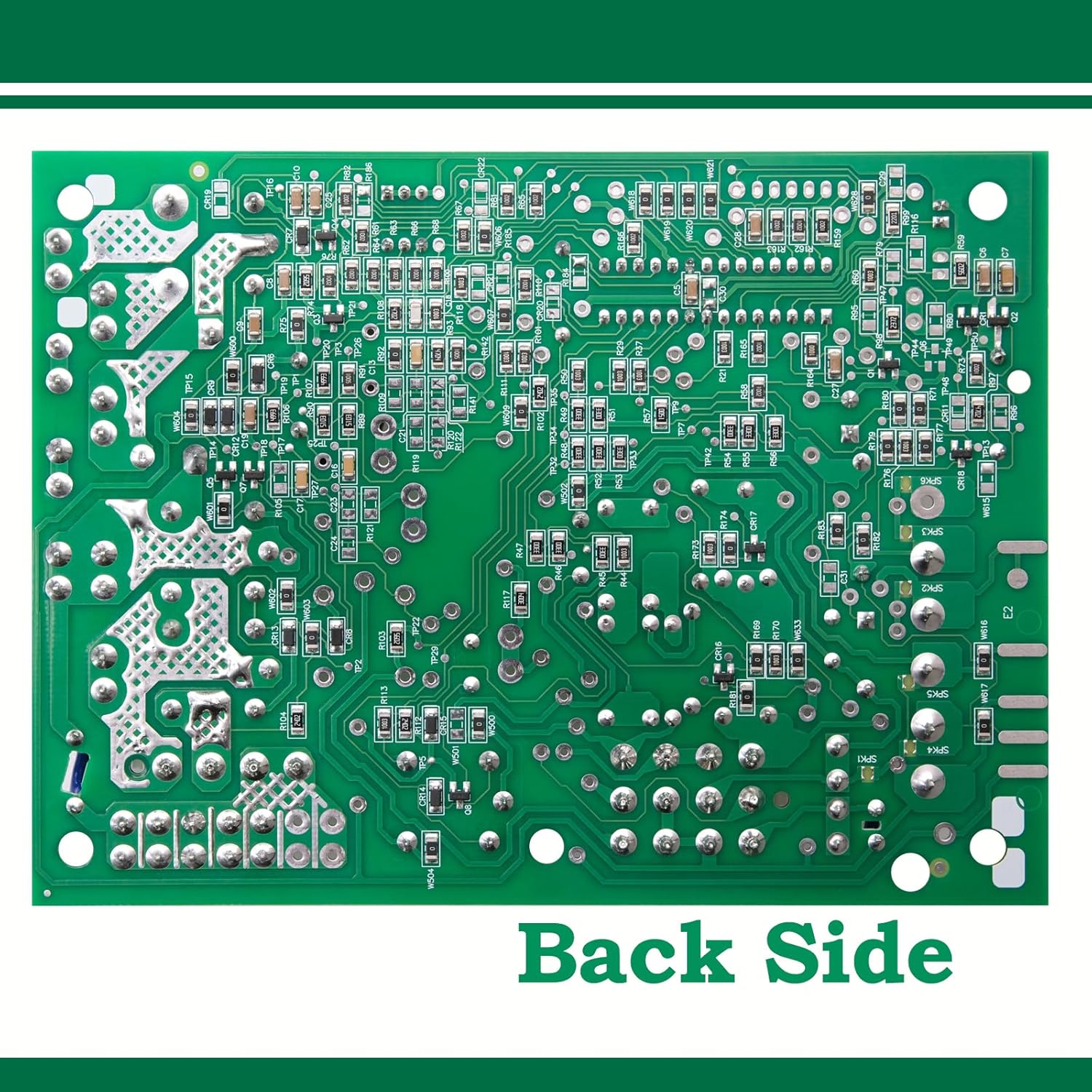
The WST04 Furnace Control Board is engineered with high-quality electronic components and an advanced circuit design to ensure reliable performance even in demanding environments.
- Automatic Gas Interrupted Ignition Control: Employs a microprocessor for continuous monitoring and control of the gas burner, inducer, and fan.
- High-Quality Components: Utilizes durable components such as ZETTLER Relays, Littelfuse fuses, and TE/AMP connectors for enhanced stability and longevity.
- Diagnostic LED: Features an LED indicator for displaying failure codes, aiding in troubleshooting.
- High Temperature and Corrosion Resistance: Designed to withstand harsh working conditions.


4. Technical Specifications
| Specification | Value |
|---|---|
| Model Number | WST04 |
| Input Voltage | 25 VAC 50/60 Hz |
| Max. Input Current at 25 VAC | 0.45 amp |
| Valve Relay Rating | 1.5 amp at 25 VAC 50/60 Hz 0.6 pf |
| Ignitor Relay Rating | 6.0 amp at 120 VAC 50/60 Hz (resistive) |
| Inducer Relay Rating | 2.2 FLA - 3.5 LRA at 120 VAC |
| Circulator Relay Rating | 14.5 FLA - 25.0 LRA at 120 VAC |
| Operating Temperature | 22 Degrees Celsius |
| Product Dimensions | 7.5"L x 5.5"W x 2.5"H (19.05 cm L x 13.97 cm W x 6.35 cm H) |
| Item Weight | 1.17 pounds (0.53 kg) |
| Display Type | LED or LCD (Diagnostic) |

5. Installation
Safety First: Before attempting any installation or maintenance, ensure the main power supply to the furnace is completely disconnected at the circuit breaker or fuse box. Failure to do so can result in electrical shock, injury, or death.
Installation Steps:
- Power Disconnection: Turn off all power to the furnace unit. Verify power is off using a voltage tester.
- Access Control Board: Locate and open the furnace access panel to expose the existing control board.
- Document Wiring: Before disconnecting any wires, take clear photographs of the existing wiring connections. This will serve as a crucial reference during the installation of the new board. Label wires if necessary.
- Remove Old Board: Carefully disconnect all wires and mounting hardware from the old control board. Remove the old board from the furnace.
- Install New Board: Mount the NEALMART WST04 control board in the same location as the old board. Ensure it is securely fastened.
- Connect Wiring: Refer to your photographs and labels to connect all wires to the correct terminals on the new WST04 board. Double-check all connections for accuracy and tightness.
- Close Access Panel: Once all connections are secure, close and fasten the furnace access panel.
- Restore Power: Restore power to the furnace unit at the circuit breaker or fuse box.
- Test Operation: Initiate a heating cycle to verify proper operation of the furnace.
6. Operation
The WST04 control board continuously monitors its own operation and the operation of the entire furnace system. It manages the sequence of operations for the gas burner, inducer motor, and circulating fan to ensure efficient and safe heating.
Upon receiving a call for heat from the thermostat, the board initiates the inducer motor, verifies proper airflow, then activates the ignitor and gas valve. Once the flame is established and proven, the circulating fan is engaged to distribute heat. The board will shut down the system if any safety limits are exceeded or if a fault is detected.
7. Troubleshooting
The WST04 control board includes a diagnostic LED that indicates system status and fault codes. If a failure occurs, the LED will flash a specific code to help identify the issue. Consult your furnace's specific service manual for a complete list of fault codes and their meanings, as these can vary by furnace model.
If the LED remains off when power is supplied to the board, this may indicate an internal failure of the control board itself. In such cases, the entire control board should be replaced, as it is not field-repairable.
Common Troubleshooting Steps:
- Check Power: Ensure the furnace has power and the circuit breaker is not tripped.
- Verify Thermostat Settings: Confirm the thermostat is set to heat mode and the temperature is above the ambient room temperature.
- Inspect Filters: A clogged air filter can restrict airflow and cause safety shutdowns.
- Examine Vents: Ensure all supply and return air vents are open and unobstructed.
- Reset Furnace: Turn off power to the furnace for 30 seconds, then restore power to reset the control board.
8. Safety Information
Always prioritize safety when working with electrical and gas appliances. Improper installation, adjustment, alteration, service, or maintenance can cause property damage, personal injury, or loss of life.
- Qualified Personnel: Installation and servicing should be performed by a qualified installer, service agency, or gas supplier.
- Electrical Hazard: Disconnect all electrical power before servicing the furnace.
- Gas Leak: If you smell gas, immediately follow the gas leak safety procedures provided by your gas supplier. Do not operate any electrical switches or appliances.
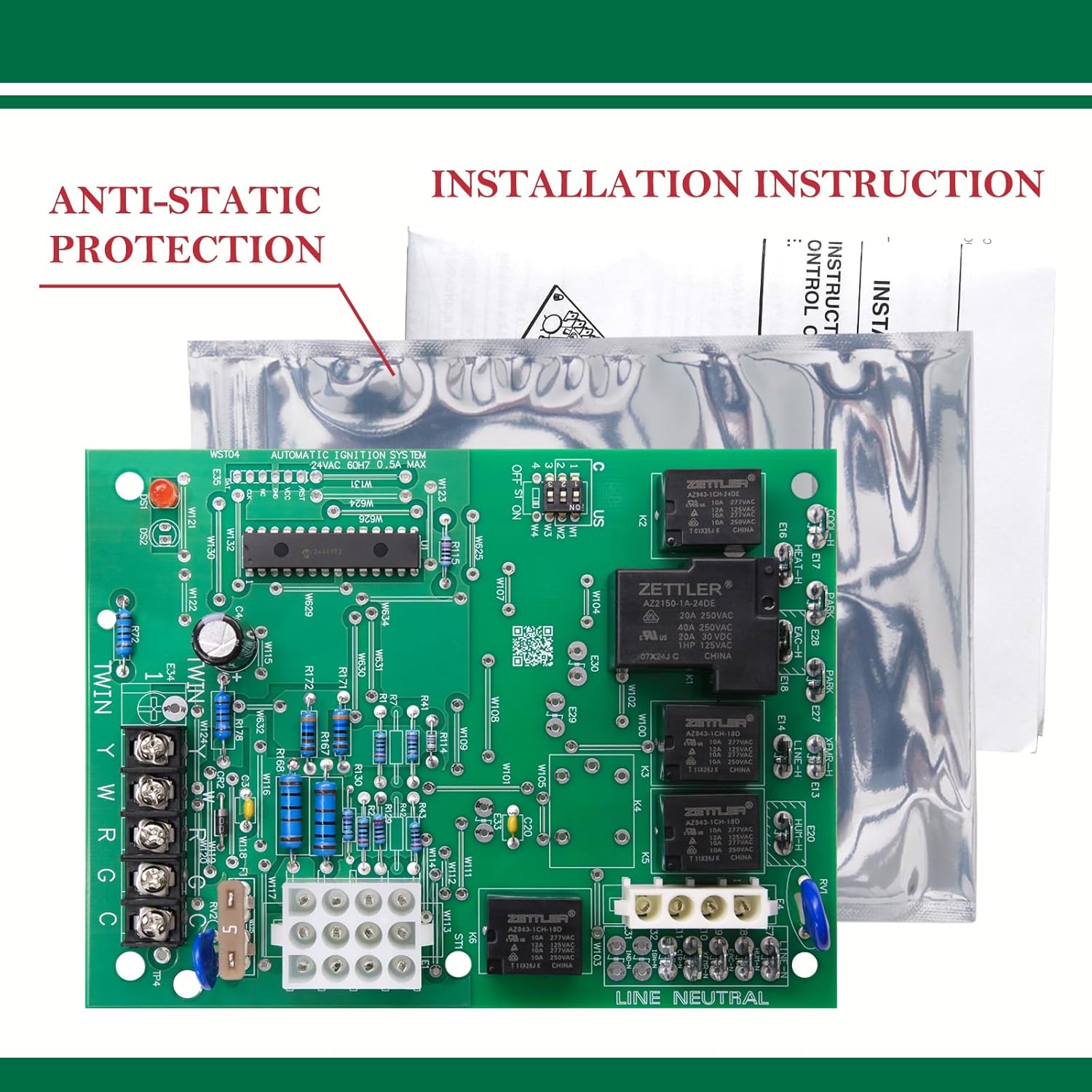
- Static Electricity: Discharge any static electricity from your body before touching the control board by touching a grounded metal surface.
- Component Handling: Handle the control board by its edges to avoid damaging components.
9. Product Video Overview
Watch this video for a visual overview of the NEALMART WST04 Furnace Control Board, demonstrating its physical characteristics and key features.
10. Warranty and Support
For warranty information or technical support regarding your NEALMART WST04 Furnace Control Board, please refer to the documentation included with your purchase or contact NEALMART customer service directly. Ensure you have your product model number (WST04) and purchase details available when seeking support.