
Introduction
This manual provides detailed instructions for the installation, operation, and maintenance of your RudiUsoy WB5003 Electric Wheelchair Power Joystick Controller. Please read this manual thoroughly before using the product to ensure safe and efficient operation. This controller is designed for 24V DC brush motors in electric wheelchairs and similar mobility devices.
Important Safety Information
- Always ensure the controller is securely connected before operation.
- Do not attempt to modify the controller. Unauthorized modifications can lead to malfunction and void the warranty.
- Keep the controller dry and away from extreme temperatures. The waterproof level is IPX3, offering protection against spraying water.
- Regularly inspect cables and connections for any signs of damage.
- The controller features a ramp parking brake function to prevent unintended movement. Always ensure the wheelchair is on a stable surface when parking.
- In case of malfunction, disconnect power immediately and consult a qualified technician.
Package Contents
Please verify that all items are present in the package:
- 1 x Electric Wheelchair Power Joystick Controller (Model: WB5003)
- 1 x Adapter Cable
- Other Accessories for Installation (as supplied)
Setup and Installation
The RudiUsoy WB5003 controller is designed for straightforward installation. Ensure the wheelchair's power is off before beginning installation.
- Mounting the Controller: Securely attach the joystick controller to the wheelchair's handlebar or designated mounting point. The mounting hole pitch is 40mm/1.57in.
- Connecting the Adapter Cable: Connect the provided adapter cable to the ML2P connector on the controller.
- Connecting to the Wheelchair: Connect the other end of the adapter cable to the appropriate port on your electric wheelchair's motor system. Ensure a firm and secure connection. This controller is compatible with 24V DC brush motors.
- Power Check: After installation, double-check all connections before turning on the wheelchair's power.
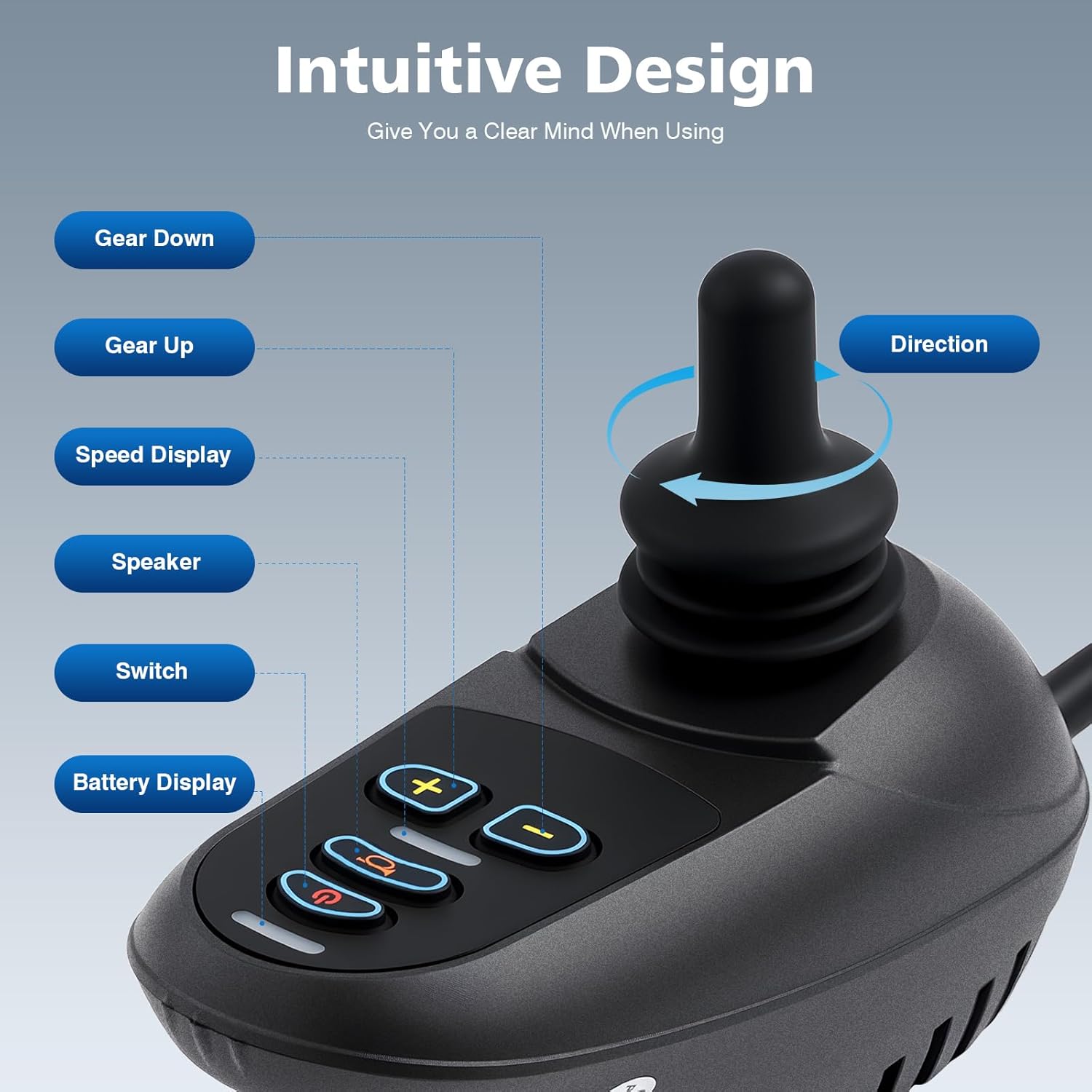
Figure 1: Intuitive Design of the WB5003 Controller with labeled functions.
Operating Instructions
Familiarize yourself with the controller's functions before operating the wheelchair.
- Power On/Off: Press the power key (usually marked with a power symbol) to turn on the controller. The battery indicator light will illuminate, and the system will initiate. Press the key again for more than 0.5 seconds to turn off the power, preventing accidental shutdowns.
- Deceleration Key: Press this key (usually marked with a minus sign "-") to decrease the maximum driving speed. Each press reduces the speed by one gear. The current speed gear is indicated on the speed display.
- Accelerator Key: Press this key (usually marked with a plus sign "+") to increase the maximum driving speed. Each press increases the speed by one gear. The current speed gear is indicated on the speed display. The controller offers 5 adjustable speed gears.
- Joystick Control: Use the joystick to control the speed and direction of the wheelchair. Pushing the joystick forward, backward, left, or right will move the wheelchair in the corresponding direction. Releasing the joystick to its central (middle) position will stop the wheelchair. The controller provides smooth acceleration and deceleration.
- Horn Key: Press the horn key (usually marked with a speaker symbol) to activate the horn/buzzer. This can be used to alert others to your presence.

Figure 2: Accessible Design demonstrating 360-degree control with the joystick.
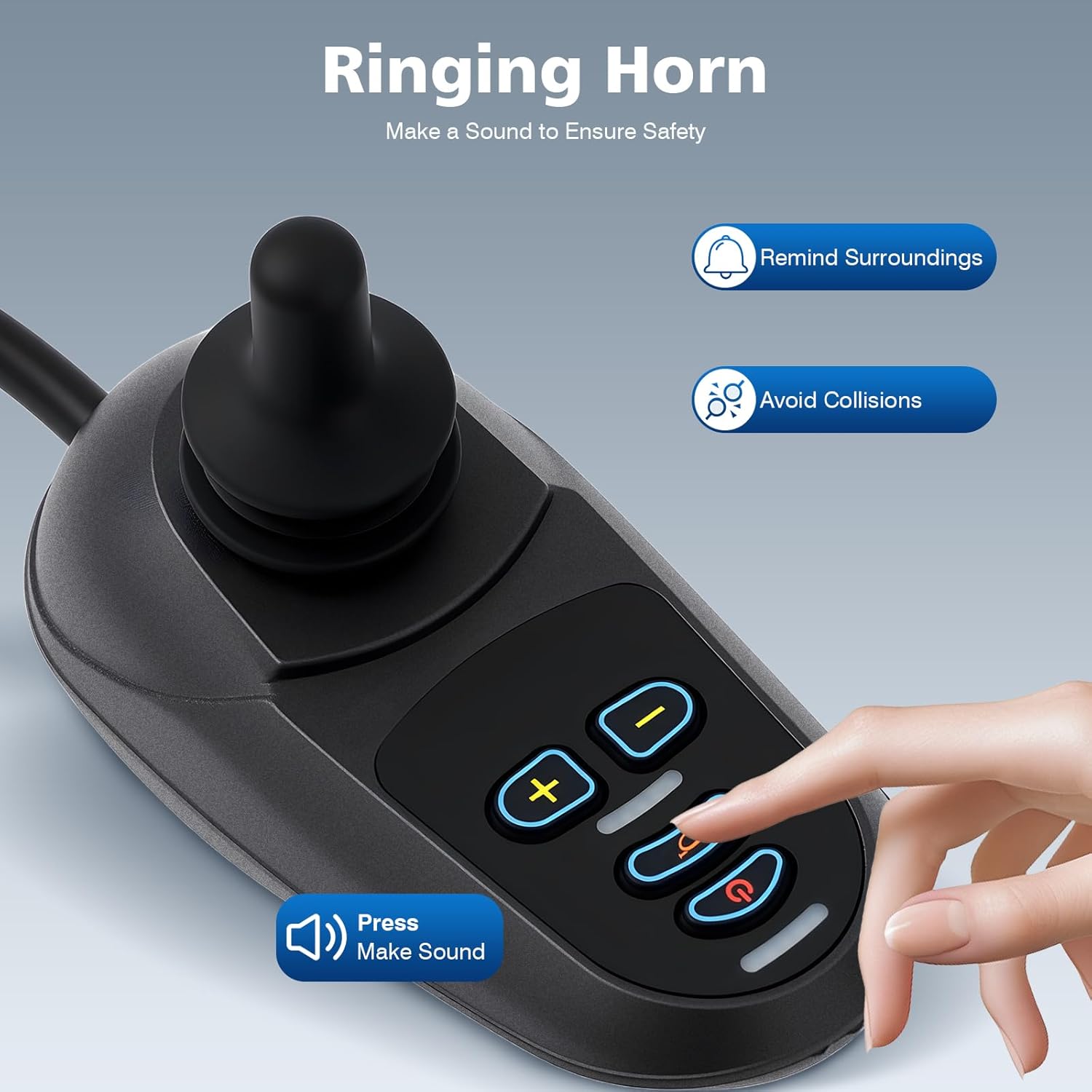
Figure 3: The horn button on the controller for safety.
Key Features
- Safety and Reliability: Equipped with a ramp parking brake, short-circuit protection, battery output protection, temperature protection, anti-electromagnetic interference, charging inhibition, and connector off protection.
- Smooth Control: Intelligent control system ensures smooth start, acceleration, deceleration, and speed changes without abrupt stops.
- Intuitive Interface: Clear power indicator light, speed status light, and 360° free-steering joystick for accurate and flexible control.
- Adjustable Speed: 5 adjustable speed gears to adapt to various driving requirements.
- Integrated Speaker: Includes a speaker function for audible alerts.
- External Charging Interface: Features an external interface for charging other devices.

Figure 4: Safety features including the ramp parking brake.
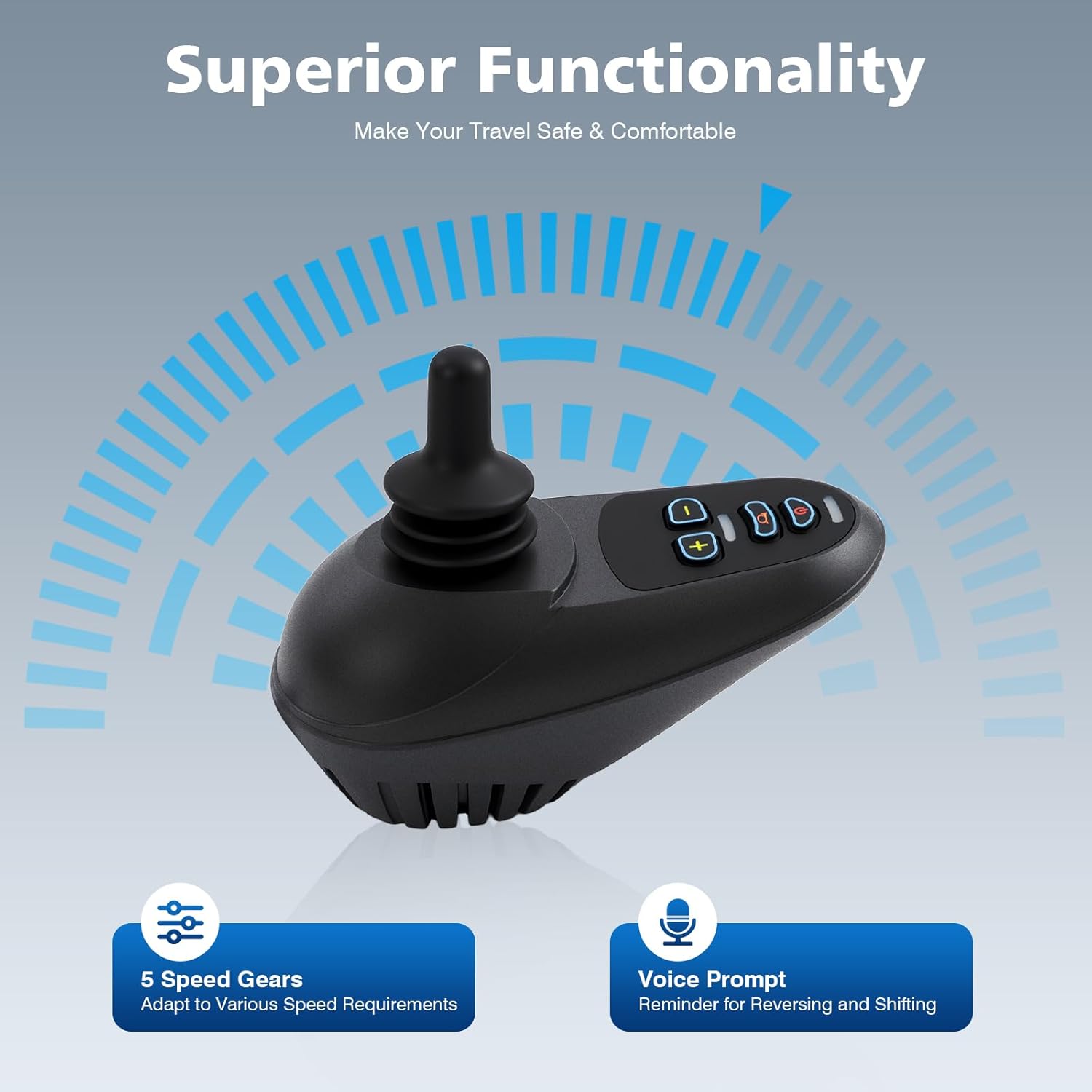
Figure 5: Superior Functionality with 5 speed gears and voice prompts.

Figure 6: The controller's capability for easy climbing with strong power output.
Technical Specifications
| Model | WB5003 |
| Connection Mode | ML2P + Adapter Cable |
| Brake Voltage | 24V |
| Output Current | 50A |
| Operating Voltage | DC 19-32V |
| Charging Current | Max. 6A |
| Peak Voltage | DC 35V |
| Supply Voltage | DC 24V |
| Standby Current (At rest) | ≤50 mAmps |
| Standby Current (Power off) | 0.1 + 0.05 mAmps |
| Waterproof Level | IPX3 |
| Adjustable Speed | 5 Gears |
| Operating Temperature | -25°C to 60°C (-13°F to 140°F) |
| Storage Temperature | -45°C to 80°C (-49°F to 176°F) |
| Applicable Drive Motor | 24V DC Brush Motor |
| Material | Aluminum, Plastic |
| Product Size | 19 x 9.3 x 8.8 cm (7.48 x 3.66 x 3.46 inch) |
| Mounting Hole Pitch | 40mm (1.57 inch) |
Maintenance
Proper maintenance ensures the longevity and reliable performance of your controller.
- Cleaning: Wipe the controller with a soft, damp cloth. Do not use abrasive cleaners or solvents. Ensure no liquid enters the internal components.
- Inspection: Periodically check all cables and connectors for wear, fraying, or damage. Ensure connections remain secure.
- Environmental Protection: Avoid exposing the controller to direct sunlight for extended periods, extreme temperatures, or heavy moisture, despite its IPX3 rating.
- Storage: When not in use for extended periods, store the controller in a cool, dry place.
Troubleshooting
If you encounter issues with your controller, refer to the following common problems and solutions:
| Problem | Possible Cause / Solution |
|---|---|
| Controller does not power on. |
|
| Wheelchair does not move when joystick is operated. |
|
| Speed adjustment keys are not responsive. |
|
| Horn does not sound. |
|
If these steps do not resolve the issue, please contact customer support.
Warranty and Support
The RudiUsoy WB5003 Electric Wheelchair Power Joystick Controller comes with a free lifetime warranty and replacement parts policy. For any questions, technical assistance, or warranty claims, please contact our customer service department. Our team is committed to responding to inquiries within 24 hours.
For support, please refer to the contact information provided with your purchase or visit the official RudiUsoy website.