
Bluey 17663
Bluey Cash Register Playset Instruction Manual
Model: 17663
Introduction
This manual provides instructions for the Bluey Cash Register Playset, Model 17663. This interactive toy is designed to simulate a shopping experience, featuring a cash register with sound effects, a detachable scanner, a toy credit card, and play money. It is intended for children aged 3 years and above.
What's in the Box
The Bluey Cash Register Playset includes the following components:
- 1 x Bluey Cash Register Unit
- 1 x Detachable Scanner
- 1 x Toy Credit Card (Bluey C. Heeler design)
- Assorted Dollar Bucks play money
- Assorted play coins
- 3 x AAA Batteries (pre-installed or included separately)
- Assorted play food items (cardboard boxes)

Image: The Bluey Cash Register Playset, showcasing the main unit, detachable scanner, toy credit card, play money, and cardboard play food items.
Setup
- Battery Installation: The cash register requires 3 AAA batteries. These are typically included. Locate the battery compartment on the underside of the unit, open it with a small screwdriver, insert the batteries according to the polarity markings (+/-), and secure the cover.
- Scanner Attachment: The scanner can be attached to the side of the cash register unit or used handheld.
- Organize Play Money: Place the Dollar Bucks and play coins into the cash drawer for easy access during play.

Image: The Bluey Cash Register Playset shown in its retail packaging, indicating features and contents.
Operating Instructions
The Bluey Cash Register Playset offers various interactive features for an engaging play experience.
1. Using the Keypad
Press the yellow number buttons on the keypad to simulate entering prices. The cash register will produce beeping sounds with each press.
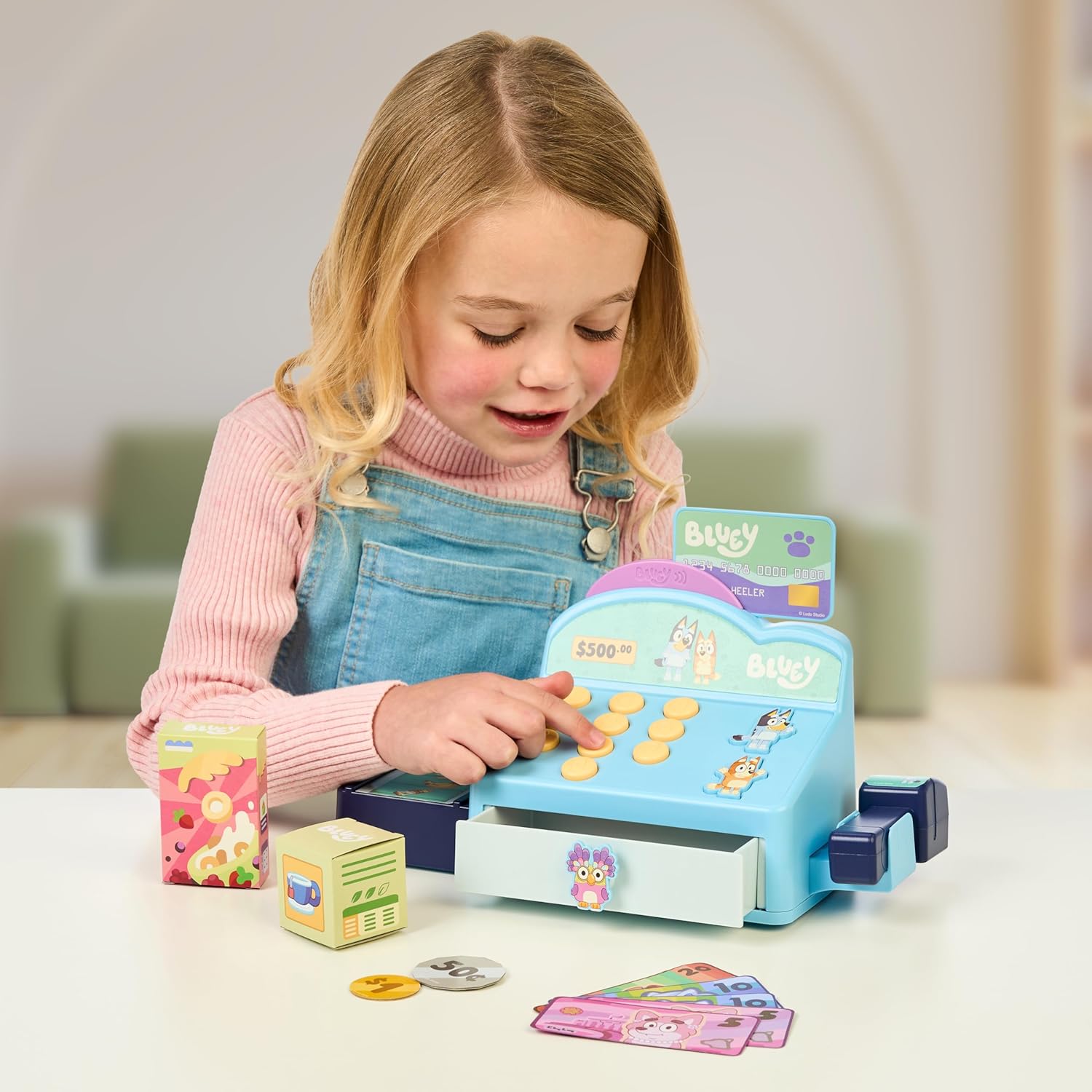
Image: A child interacting with the cash register, pressing the yellow number buttons on the keypad.
2. Bluey and Bingo Buttons
Press the dedicated Bluey and Bingo character buttons to hear music and fun phrases from the Bluey TV show, enhancing the roleplay experience.
3. Detachable Scanner
The scanner can be used to "scan" play items. While it does not produce electronic sounds, it allows for realistic pretend play. It can be detached from the main unit for handheld use.

Image: A child demonstrating how to use the detachable scanner with a small cardboard play item.

Image: The Bluey Cash Register unit with the scanner detached and placed next to it, ready for handheld use.
4. Credit Card Swiper
Insert the toy credit card into the designated slot on the cash register to simulate a card transaction. This feature adds another layer of realism to the pretend play.
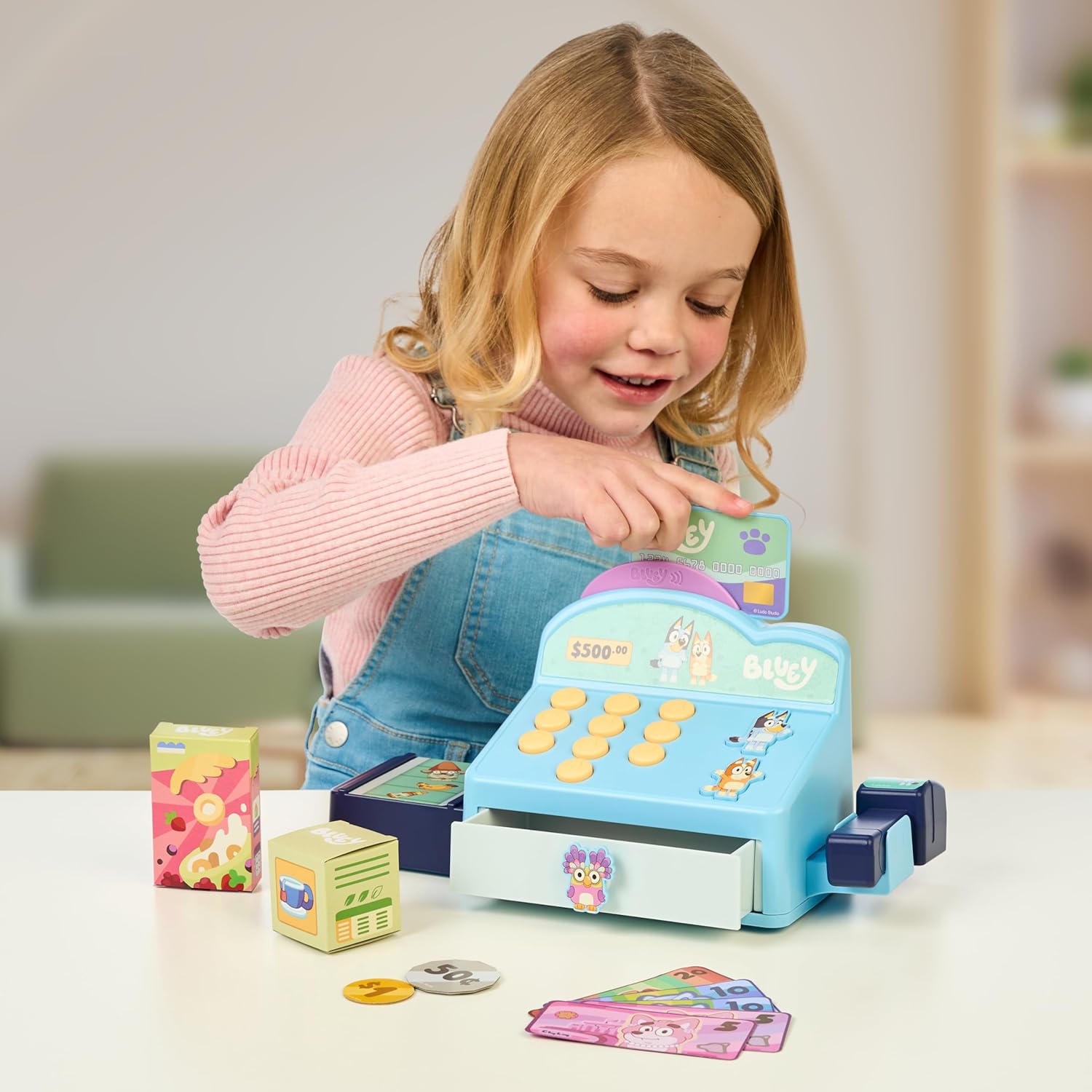
Image: A child demonstrating how to swipe the Bluey-themed toy credit card through the cash register's card reader slot.
5. Cash Drawer
The cash drawer opens to store the included Dollar Bucks play money and coins. This allows children to manage their play currency during transactions.

Image: The back of the product packaging, showing a diagram of the cash register with an arrow pointing to the storage drawer for play money.
Demonstration Video
Video: A demonstration of the Bluey Cash Register Playset's interactive features, including button sounds, scanner use, and cash drawer operation.
Maintenance
- Cleaning: Wipe the cash register and accessories with a soft, damp cloth. Do not immerse in water.
- Storage: Store the playset and its components in a dry place away from direct sunlight when not in use. Ensure all play money and cards are stored securely in the cash drawer.
- Battery Care: If the toy will not be used for an extended period, remove the batteries to prevent leakage.
Troubleshooting
| Problem | Solution |
|---|---|
| No sound or intermittent sound. | Check battery installation. Ensure batteries are correctly inserted and not depleted. Replace with new AAA batteries if necessary. |
| Cash drawer does not open smoothly. | Ensure no items are obstructing the drawer mechanism. Gently pull the drawer open. Avoid forcing it. |
| Scanner not "scanning" items. | The scanner is a pretend play accessory and does not have electronic scanning capabilities. It is designed for imaginative play. |
Safety Information
WARNING: CHOKING HAZARD - Small parts. Not for children under 3 years.
Adult supervision is recommended during play. Regularly inspect the toy for any damage or loose parts that could pose a hazard.
Specifications
| Brand: | Bluey |
| Model Number: | 17663 |
| Product Dimensions: | 5.16 x 11.73 x 5.91 inches |
| Recommended Age: | 36 months - 15 years |
| Batteries: | 3 AAA batteries required (included) |
| Manufacturer: | MOOSE TOYS LLC |
| ASIN: | B0CPMGPTX7 |
Warranty and Support
For warranty information or customer support, please refer to the contact details provided on the product packaging or visit the official Bluey or Moose Toys website. Keep your purchase receipt for warranty claims.
Ask a question about this manual
Ask about setup, troubleshooting, compatibility, parts, safety, or missing instructions. Manuals+ will review the question and use this page’s manual context to help answer it.