
1. Introduction
The Maxi-Cosi See Pro 360 Baby Monitor is designed to provide comprehensive monitoring of your child's environment. This system includes a 2K HD camera unit with pan, tilt, and zoom (PTZ) capabilities, and a 5-inch parent display unit. Key features include CryAssist™ AI cry translation, two-way audio, soothing lullabies, and environmental sensors for temperature and humidity. This manual provides instructions for proper setup, operation, and maintenance of your baby monitor.

Image 1.1: The Maxi-Cosi See Pro 360 Baby Monitor, showing both the camera unit and the parent display unit.
2. Package Contents
Verify that all components are present in the package:
- Maxi-Cosi See Pro 360 Camera Unit
- Maxi-Cosi See Pro 360 Parent Display Unit
- USB-C Cable
- Power Adapter
- Wall Mount Kit
- User Manual (this document)
3. Product Overview
3.1 Camera Unit
The camera unit captures video and audio from your child's room. It features a 2K HD sensor, pan, tilt, and zoom functionality, night vision, a built-in soother, CryAssist™ microphone, and environmental sensors.
3.2 Parent Display Unit
The parent unit features a 5-inch display, rechargeable battery, two-way talk function, and controls for camera operation and settings. It can operate without a Wi-Fi connection for local monitoring.
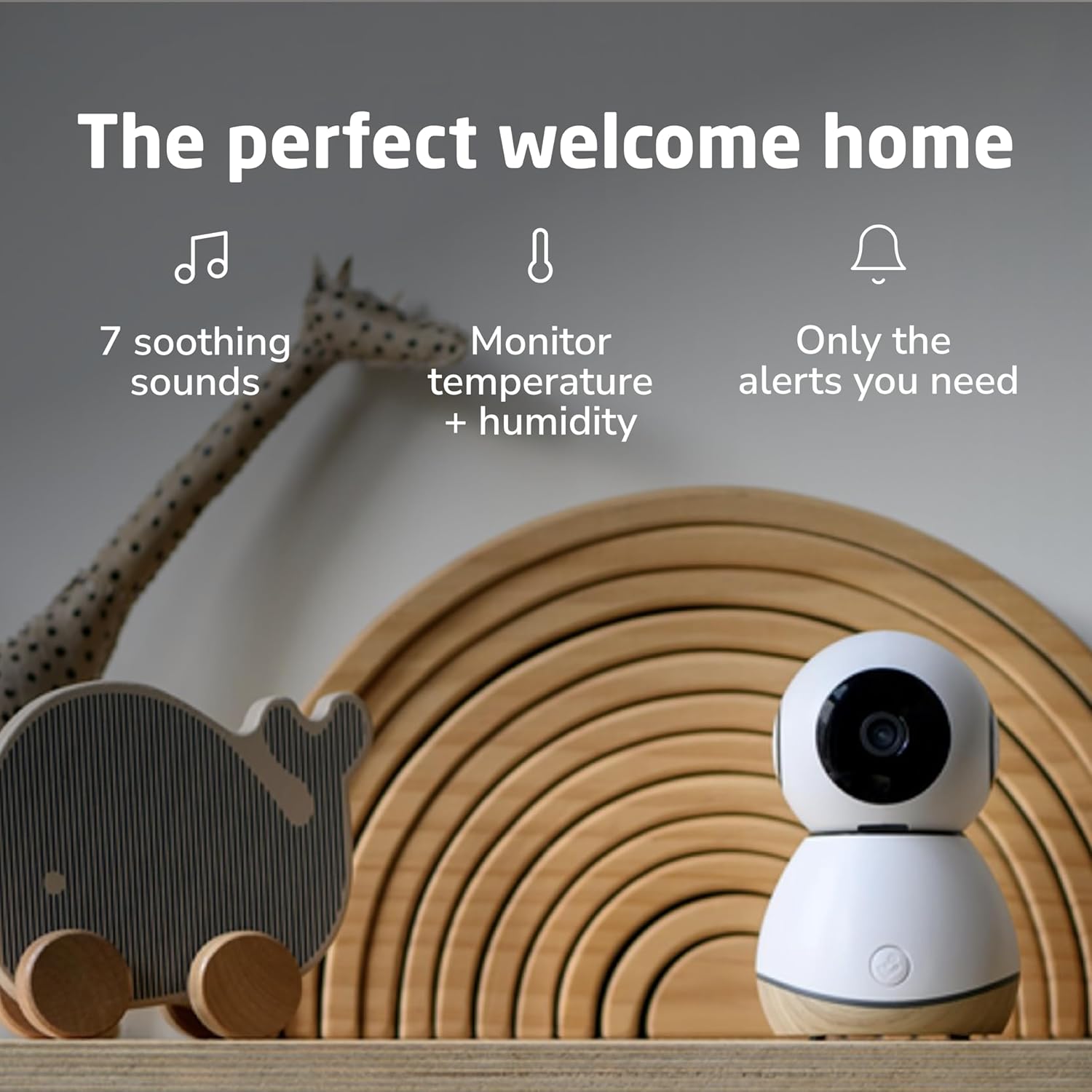
Image 3.1: Overview of the camera and parent unit, highlighting features such as 2K Ultra HD live stream, CryAssist™ microphone, noise + motion detection, built-in soother, pan, tilt, zoom, two-way talk, temperature + humidity sensors, 5" Parent Display, and 10-hour battery.
4. Setup Guide
4.1 Camera Placement
Place the camera unit on a flat, stable surface or mount it to a wall using the provided kit. Ensure the camera has a clear, unobstructed view of your child's crib or play area. Keep the camera at a safe distance from your child, out of their reach.
4.2 Powering On
- Connect the USB-C cable to the camera unit and the power adapter. Plug the adapter into a power outlet. The camera will power on automatically.
- Connect the USB-C cable to the parent display unit and the power adapter. Plug the adapter into a power outlet to charge the parent unit. Press and hold the power button to turn it on.
4.3 Initial Pairing (Parent Unit)
The parent unit and camera unit are typically pre-paired at the factory. If they do not connect automatically, refer to the 'Baby Monitor Pairing' option in the parent unit's menu to initiate pairing.

Image 4.1: The parent unit displaying a live feed of a sleeping baby in a crib, indicating successful setup.
4.4 Mobile App Connection (Optional)
For remote monitoring and advanced features, download the Maxi-Cosi Connected Family App from your device's app store. Follow the in-app instructions to connect your camera unit to your home Wi-Fi network (2.4GHz and 5.0GHz compatible).
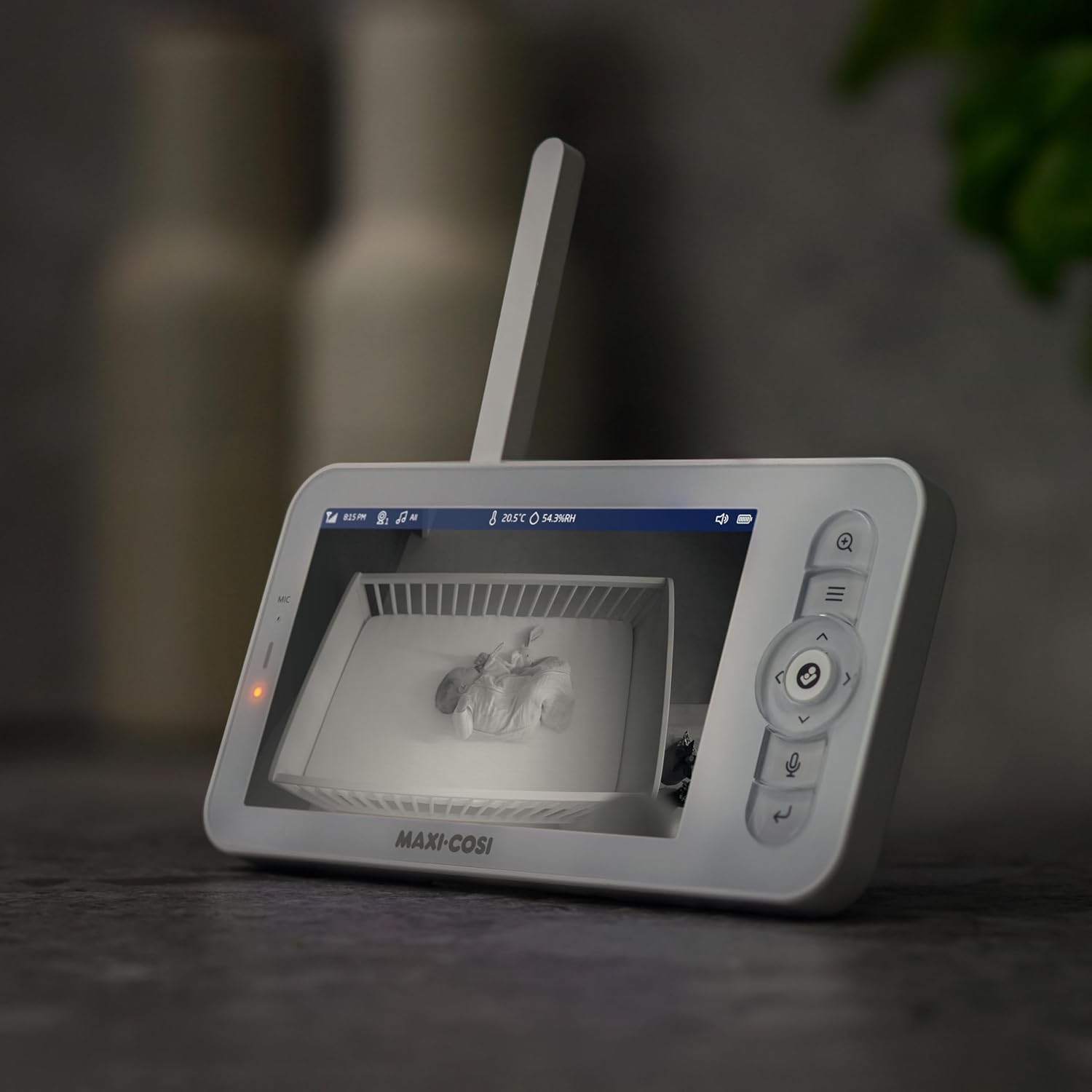
Image 4.2: The camera unit positioned on a shelf, with a smartphone displaying the live video feed of a baby in a crib, demonstrating remote connectivity.
5. Operating Instructions
5.1 Parent Unit Navigation
Use the directional buttons on the parent unit to navigate through menus and control camera functions. The menu typically includes options for camera pairing, temperature/humidity display, notifications, sleep mode, MicroSD storage, wallpaper, and date/time settings.

Image 5.1: The parent unit placed on a kitchen counter, showing a live view of a baby in a crib, illustrating its use in various home settings.
5.2 Camera Control (Pan, Tilt, Zoom)
From the parent unit or mobile app, use the directional controls to remotely pan (move horizontally), tilt (move vertically), and digitally zoom the camera to adjust your view of the nursery.

Image 5.2: A user's hands interacting with the mobile app on a smartphone, demonstrating the digital zoom function on the live video feed of a baby.
5.3 Two-Way Audio
Press and hold the microphone button on the parent unit or use the app to speak to your child through the camera's speaker. Release the button to listen.
5.4 CryAssist™ AI Cry Translation
The CryAssist™ feature, powered by Zoundream, uses AI to analyze your child's cries and provide insights into their potential needs (e.g., sleepy, fussy, gassy, agitated, or hungry). This information is displayed on the parent unit and in the mobile app.

Image 5.3: A visual representation of the CryAssist™ feature, illustrating how it translates a baby's cries into categories like 'Hungry', 'Gassy', 'Fussy', 'Sleepy', and 'Agitated'.

Image 5.4: A smartphone displaying the Maxi-Cosi app interface with the CryAssist™ feature, showing a 'Cry translation in progress...' notification and various cry categories.

Image 5.5: A smartphone screen showing a notification from the See Pro Baby Monitor indicating that a baby cry has been detected.
5.5 Soothing Sounds and Lullabies
Access the built-in soother function from the parent unit or app to play lullabies or white noise to help soothe your child.

Image 5.6: A baby sleeping soundly, accompanied by text highlighting features such as Ultra HD live-streaming, CryAssist™, clear night vision, soothing sounds, and pan, tilt & zoom.

Image 5.7: The camera unit positioned in a nursery, with icons representing 7 soothing sounds, temperature + humidity monitoring, and customizable alerts.
5.6 Environmental Monitoring
The camera unit includes sensors to monitor the temperature and humidity of your child's room. These readings are displayed on the parent unit and in the mobile app.
5.7 Recording and Playback
The camera supports a MicroSD card (not included) for local storage of video recordings. You can review recorded footage directly from the parent unit or through the mobile app.

Image 5.8: The parent unit displaying a baby in a crib, with text highlighting travel-friendly features such as a 10-hour rechargeable battery, MicroSD card support for memories, two-way talk, notifications, 600' range, and Wi-Fi/non-Wi-Fi operation.
5.8 Night Vision
The camera automatically switches to advanced night vision in low-light conditions, providing a clear black-and-white image on both the parent unit and the app.
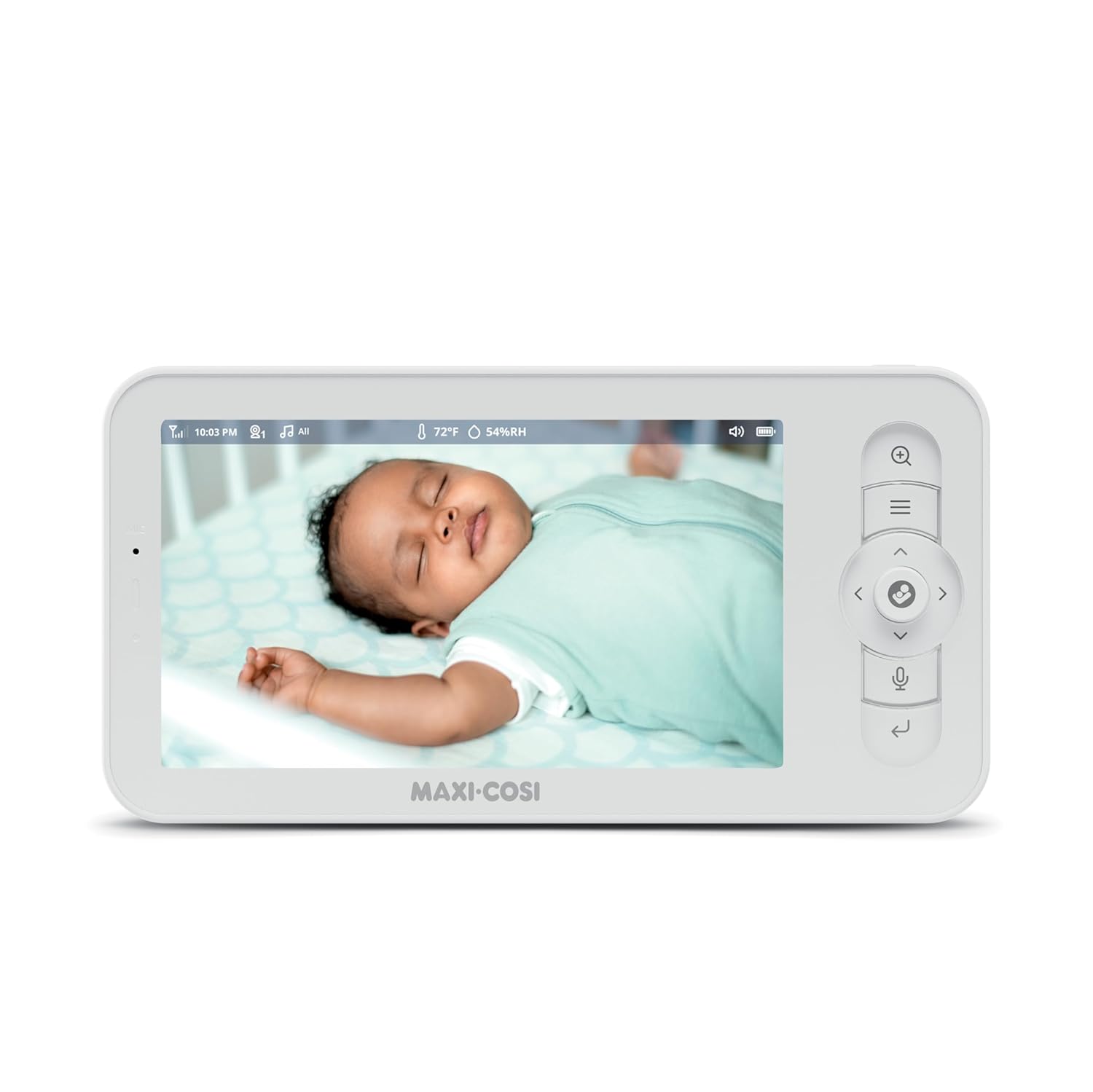
Image 5.9: The parent unit displaying a night vision view of a baby sleeping in a crib, demonstrating its low-light monitoring capability.
6. Maintenance
6.1 Cleaning
Wipe the camera and parent unit with a soft, dry cloth. Do not use abrasive cleaners or solvents. Ensure the devices are unplugged before cleaning.
6.2 Battery Care
The parent unit contains a rechargeable battery. For optimal battery life, avoid extreme temperatures and fully charge the unit before extended periods of non-use.
7. Troubleshooting
- No Picture/Sound: Ensure both units are powered on and within range. Check power connections. If using the app, verify Wi-Fi connectivity.
- Poor Picture Quality: Ensure the camera lens is clean. Check for obstructions. For app viewing, ensure a stable internet connection.
- Parent Unit Not Charging: Verify the power adapter and USB-C cable are securely connected and functioning.
- CryAssist™ Not Functioning: Ensure the camera's microphone is not obstructed. Check app settings for CryAssist™ activation.
- Interference: Move the units away from other electronic devices that may cause interference.
8. Specifications
| Model Number | MO1830920 |
| Camera Resolution | 2K HD |
| Parent Unit Display | 5-inch |
| Parent Unit Battery Life | Up to 10 hours |
| Connectivity | Wi-Fi (2.4GHz & 5.0GHz), Secure Non Wi-Fi (Parent Unit) |
| Range (Parent Unit) | Up to 600 feet |
| Features | CryAssist™ AI Cry Translation, PTZ, Night Vision, Two-Way Audio, Lullabies, White Noise, Temperature & Humidity Sensors, Noise & Motion Detection, MicroSD Support |
| Dimensions (Camera) | 3.87 x 6.6 x 5.66 inches |
| Weight (Total) | 1.58 Pounds |
9. Warranty and Support
For warranty information and technical support, please refer to the official Maxi-Cosi website or contact their customer service department. Keep your proof of purchase for warranty claims.