
Introduction
This manual provides detailed instructions for the Pautios Smartwatch Model EW1. It covers setup, operation, maintenance, and troubleshooting to ensure optimal use of your device. The Pautios EW1 is an IP68 waterproof fitness tracker designed for both men and women, featuring heart rate, SpO2, and sleep monitoring capabilities, along with various activity tracking functions.
1. Setup
1.1 Unboxing and Components
Upon opening the package, verify that all components are present:
- Pautios Smartwatch EW1
- Magnetic Charging Cable
- User Manual (this document)
1.2 Charging the Smartwatch
Before initial use, fully charge the smartwatch. Connect the magnetic charging cable to the charging contacts on the back of the watch. Ensure the cable is securely attached. A full charge typically takes approximately 1.5 hours.

Image 1.2.1: The magnetic charging cable connected to the Pautios Smartwatch. The watch's sensor area glows green, indicating it is ready for charging or actively monitoring. The cable features two contact points that align with the watch's charging ports.
1.3 App Installation and Pairing
To access all features and synchronize data, install the companion application on your smartphone. The smartwatch is compatible with smartphones running iOS 9.0 or above, and Android 6.0 or above.
- Download the official Pautios app from your device's app store (Apple App Store for iOS, Google Play Store for Android).
- Enable Bluetooth on your smartphone.
- Open the Pautios app and follow the on-screen instructions to create an account or log in.
- In the app, select 'Add Device' or 'Pair Device'. The smartwatch screen will display 'Binding APP' or 'Skip Binding'. Select 'Binding APP' to proceed with pairing.
- Confirm the pairing request on both your smartphone and the smartwatch.
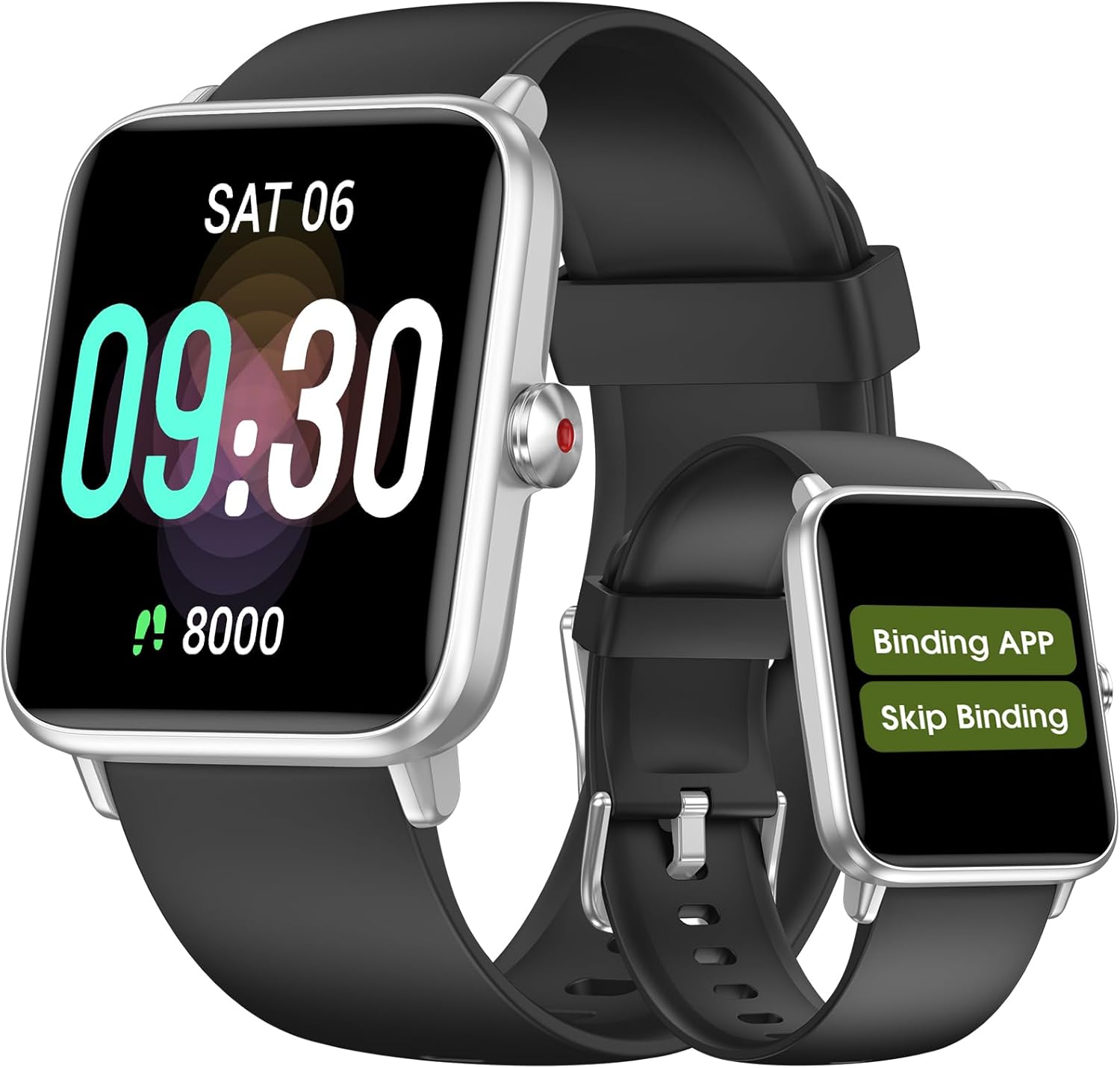
Image 1.3.1: The Pautios Smartwatch displaying the 'Binding APP' and 'Skip Binding' options, indicating it is ready for connection with the mobile application.
2. Operating Instructions
2.1 Basic Navigation
The Pautios EW1 features a 41mm color screen with responsive touch control. Navigate through menus and functions by swiping across the screen (up, down, left, right) and tapping to select items. A physical button on the side typically serves as a back button or to wake the screen.
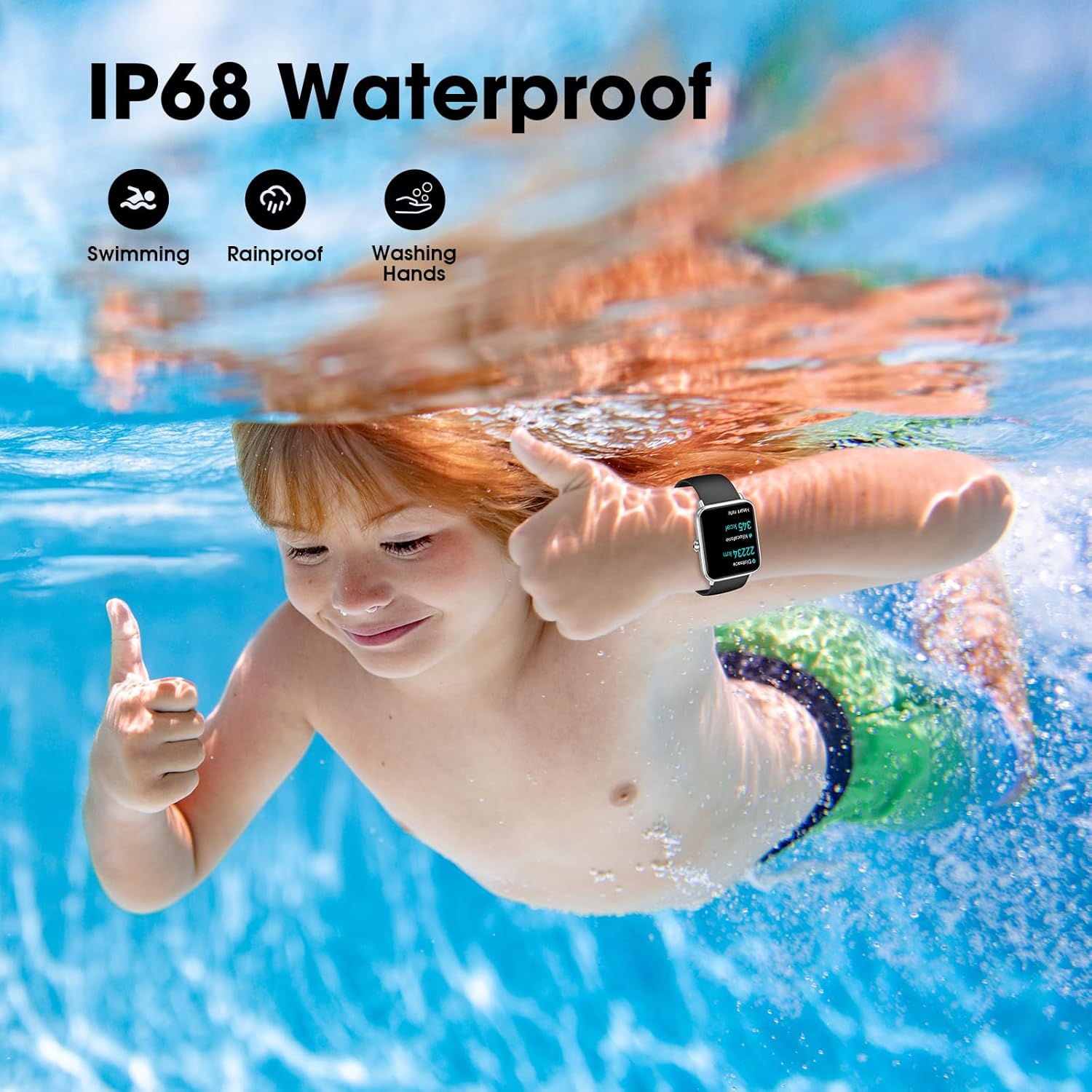
Image 2.1.1: A visual representation of the Pautios Smartwatch's responsive touch screen, showcasing various application icons such as Sleep, Weather, Music, and Settings, indicating intuitive navigation.
2.2 Activity Tracking
The smartwatch automatically tracks daily activities and supports various workout modes. It monitors steps taken, distance covered, and calories burned.
- Supported Modes: Walking, Running, Cycling, Swimming.
- To start a specific workout, navigate to the 'Workout' or 'Sports' menu on the watch and select your desired activity.
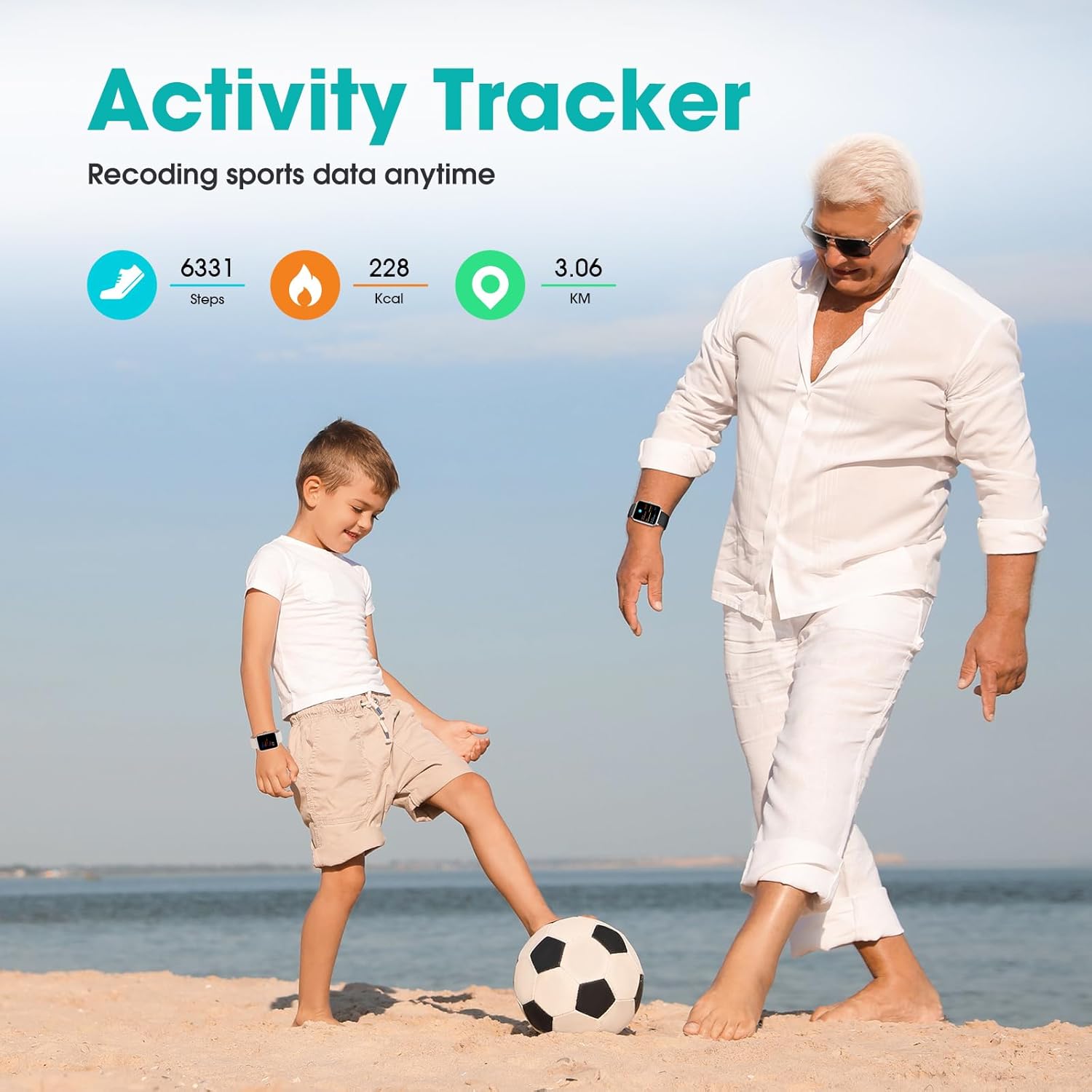
Image 2.2.1: The Pautios Smartwatch screen displaying activity tracking data, including steps taken, calories burned, and distance covered in kilometers.
2.3 Health Monitoring
The Pautios EW1 provides real-time health insights:
- Heart Rate Monitoring: Access the heart rate function on the watch to view your current heart rate. The watch continuously monitors your heart rate throughout the day.
- SpO2 (Blood Oxygen) Monitoring: Measure your blood oxygen saturation levels directly from your wrist.
- Sleep Monitoring: The watch automatically tracks your sleep patterns, including awake time, light sleep, and deep sleep, providing a detailed analysis in the app.
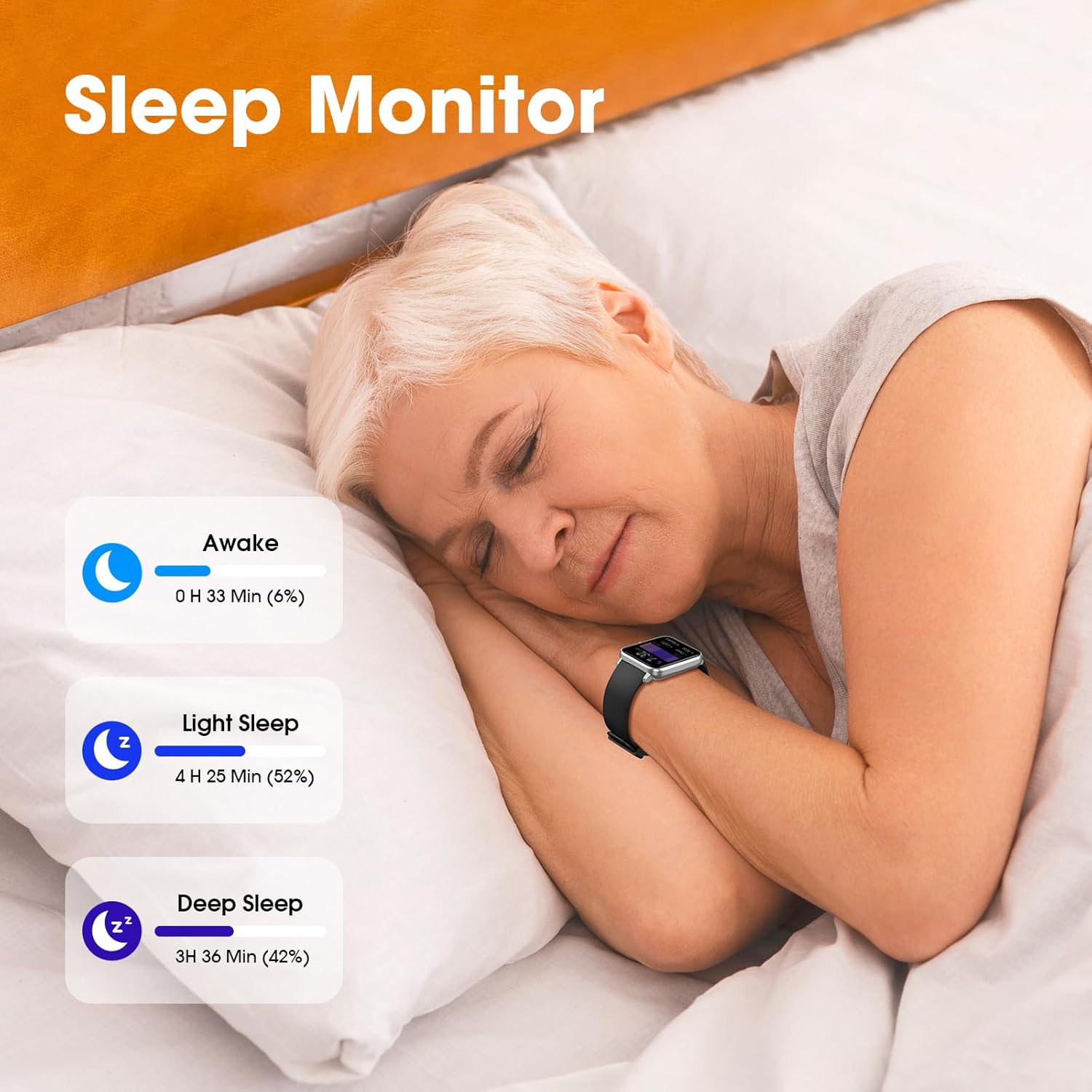
Image 2.3.1: The Pautios Smartwatch screen showing real-time heart rate and SpO2 (blood oxygen saturation) measurements.

Image 2.3.2: The Pautios Smartwatch screen illustrating sleep monitoring data, categorizing sleep into Awake, Light Sleep, and Deep Sleep with corresponding durations and percentages.
2.4 Smart Notifications
Receive notifications directly on your wrist for incoming calls, messages, and social media alerts (SNS). Ensure the smartwatch is paired with your phone and notification permissions are granted in the app.
2.5 Customization
Personalize your smartwatch experience by changing watch faces. You can select from pre-installed options or upload custom images via the companion app.
2.6 Additional Features
The Pautios EW1 includes several utility features:
- Breathing Exercise: Guided breathing sessions for relaxation.
- Music Control: Control music playback on your smartphone (play, pause, skip tracks).
- Camera Remote: Use the watch as a remote shutter for your phone's camera.
- Weather Forecast: View current weather conditions and forecasts.
- Timer & Stopwatch: Built-in timing functions.
- Alarm Clock: Set silent vibrating alarms.
- Find My Phone: Locate your paired smartphone.
- Screen Timeout Settings: Adjust how long the screen stays active.
2.7 Water Resistance (IP68)
The Pautios EW1 has an IP68 waterproof rating, making it suitable for swimming, rain, and washing hands. It is not recommended for hot water activities like showering or sauna, or for diving.

Image 2.7.1: The Pautios Smartwatch being worn underwater, illustrating its IP68 waterproof capability for activities such as swimming, being rainproof, and suitable for washing hands.
3. Maintenance
3.1 Cleaning the Device
Regularly clean your smartwatch to maintain its performance and appearance. Use a soft, dry, lint-free cloth to wipe the screen and body. For stubborn dirt, a slightly damp cloth can be used, followed by immediate drying. Avoid harsh chemicals or abrasive materials.
3.2 Strap Replacement
The watch strap is removable and interchangeable. The strap width is 22mm, and it is suitable for wrists measuring 16 to 22 cm in circumference. To replace, locate the quick-release pins on the underside of the strap and slide them to detach. Attach a new strap by reversing the process.
3.3 Battery Care
To maximize battery lifespan:
- Avoid fully discharging the battery frequently.
- Charge the watch using only the provided magnetic charging cable.
- Store the watch in a cool, dry place when not in use for extended periods.
4. Troubleshooting
If you encounter issues with your Pautios EW1 Smartwatch, refer to the following common solutions:
- Watch not turning on: Ensure the watch is fully charged. Connect it to the charger and wait a few minutes before attempting to power it on.
- Charging issues: Verify that the magnetic charging cable is correctly aligned and securely connected to the watch's charging contacts. Ensure the USB end is properly connected to a power source. Try a different USB port or power adapter.
- Connectivity problems (Bluetooth):
- Ensure Bluetooth is enabled on your smartphone.
- Make sure the watch is within Bluetooth range of your phone.
- Restart both your smartphone and the smartwatch.
- Unpair the device from your phone's Bluetooth settings and re-pair it through the Pautios app.
- Inaccurate data (steps, heart rate):
- Ensure the watch is worn snugly on your wrist, about one finger's width above the wrist bone.
- Clean the sensors on the back of the watch.
- Ensure your personal information (height, weight, age) is accurately entered in the Pautios app.
- Notifications not appearing:
- Check notification permissions for the Pautios app in your phone's settings.
- Ensure notifications are enabled within the Pautios app for the desired applications.
- Confirm the watch is connected via Bluetooth.
If these steps do not resolve the issue, please contact customer support.
5. Specifications
| Brand | Pautios |
| Model Number | EW1 |
| Screen Size | 41 Millimeters (1.8 inch TFT-LCD color touch screen) |
| Operating System | Compatible with iOS 9.0+/Android 6.0+ |
| Connectivity | Bluetooth |
| Battery Type | Lithium-polymer |
| Battery Life | Up to 7 days (typical use) |
| Charging Time | Approx. 1.5 hours |
| Water Resistance | IP68 |
| Strap Material | TPU |
| Strap Width | 22 mm |
| Wrist Circumference | 16 - 22 cm |
| Special Features | Blood Oxygen Monitor, Heart Rate Monitor, Sleep Monitor, Smart Notifications (email/messages/call/SNS), Sedentary Reminder, Music Control, Camera Remote, Weather Forecast, Timer, Stopwatch, Alarm, Find My Phone, Breathing Guide, Customizable Dials |
6. Warranty and Support
Pautios products are designed for reliability and performance. For warranty information or technical support, please refer to the warranty card included with your product or visit the official Pautios website. If you experience any issues not covered in this manual, please contact our customer service team for assistance.