
BALDR B2-250
BALDR Floating Pool Thermometer User Manual
Model: B2-250
1. Overview
The BALDR Floating Pool Thermometer is a solar-powered, digital device designed for accurate and easy temperature measurement in various water bodies such as swimming pools, hot tubs, aquariums, and hot springs. Its robust, waterproof design ensures durability and reliable performance.

Figure 1: BALDR Floating Pool Thermometer
2. Features
- IPX8 Waterproof: Constructed from high-quality ABS material with a covered LED protection screen, ensuring it withstands rain and harsh weather for long-term outdoor use.
- Solar Powered & Rechargeable: No external batteries or wires required. The built-in solar panel automatically charges the device, providing continuous operation.
- Easy-to-Read Digital Display: Features a large, clear LCD screen for quick and effortless temperature readings.
- High Accuracy: Equipped with a 3rd generation sensor probe for more sensitive and accurate temperature measurements, with an accuracy of ±2°F / 1°C.
- Quick Response: Provides temperature readings within 10 seconds.
- Unique Sealing Design: Anti-leakage construction ensures the device remains sealed and functional even if submerged.
- Built-in Desiccant: Helps prevent screen fogging, maintaining display clarity.
- Versatile Use: Suitable for swimming pools, hot springs, aquariums, and hot tubs.
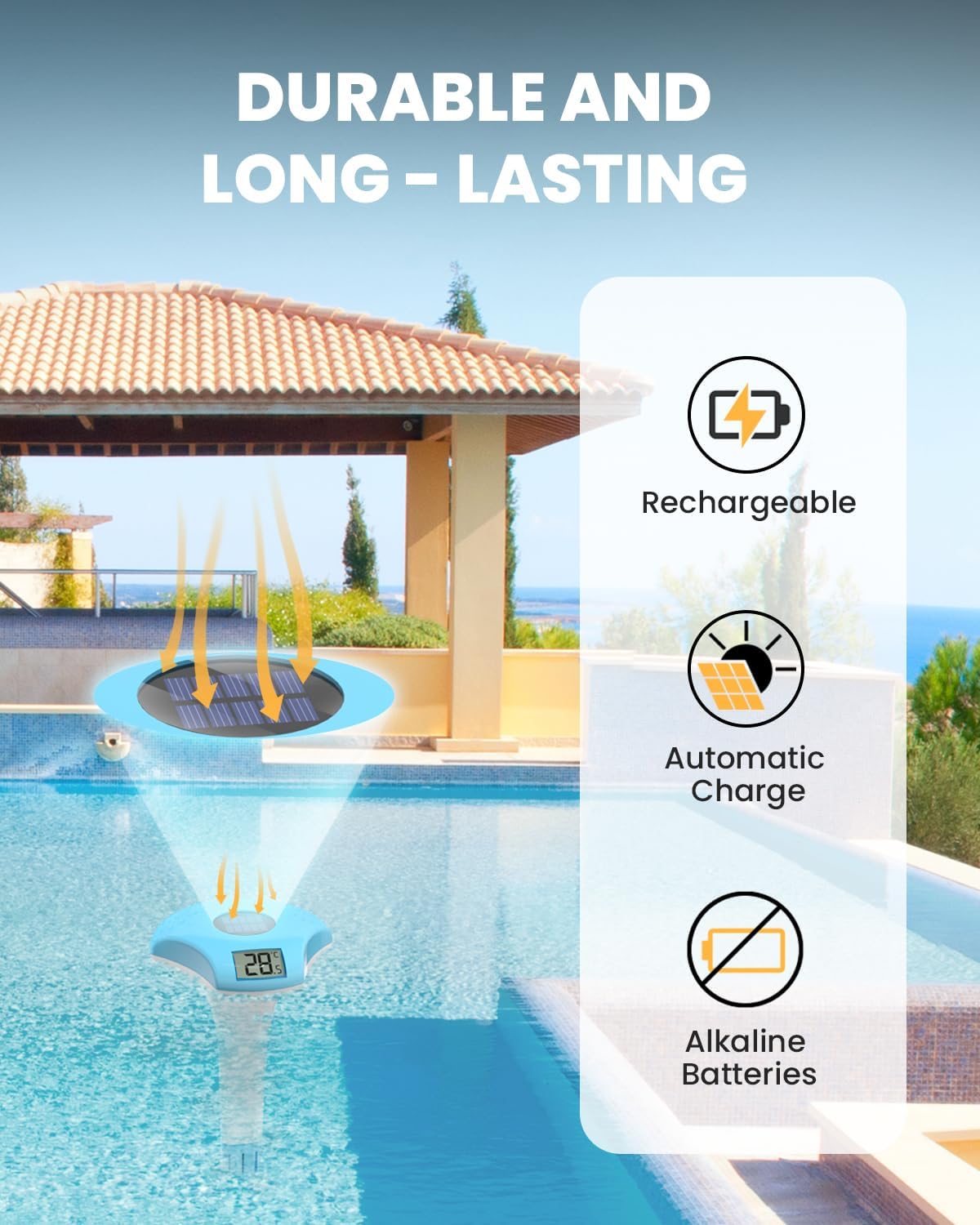
Figure 2: Key features including solar charging and durability.

Figure 3: The large LCD screen ensures easy readability of temperature.
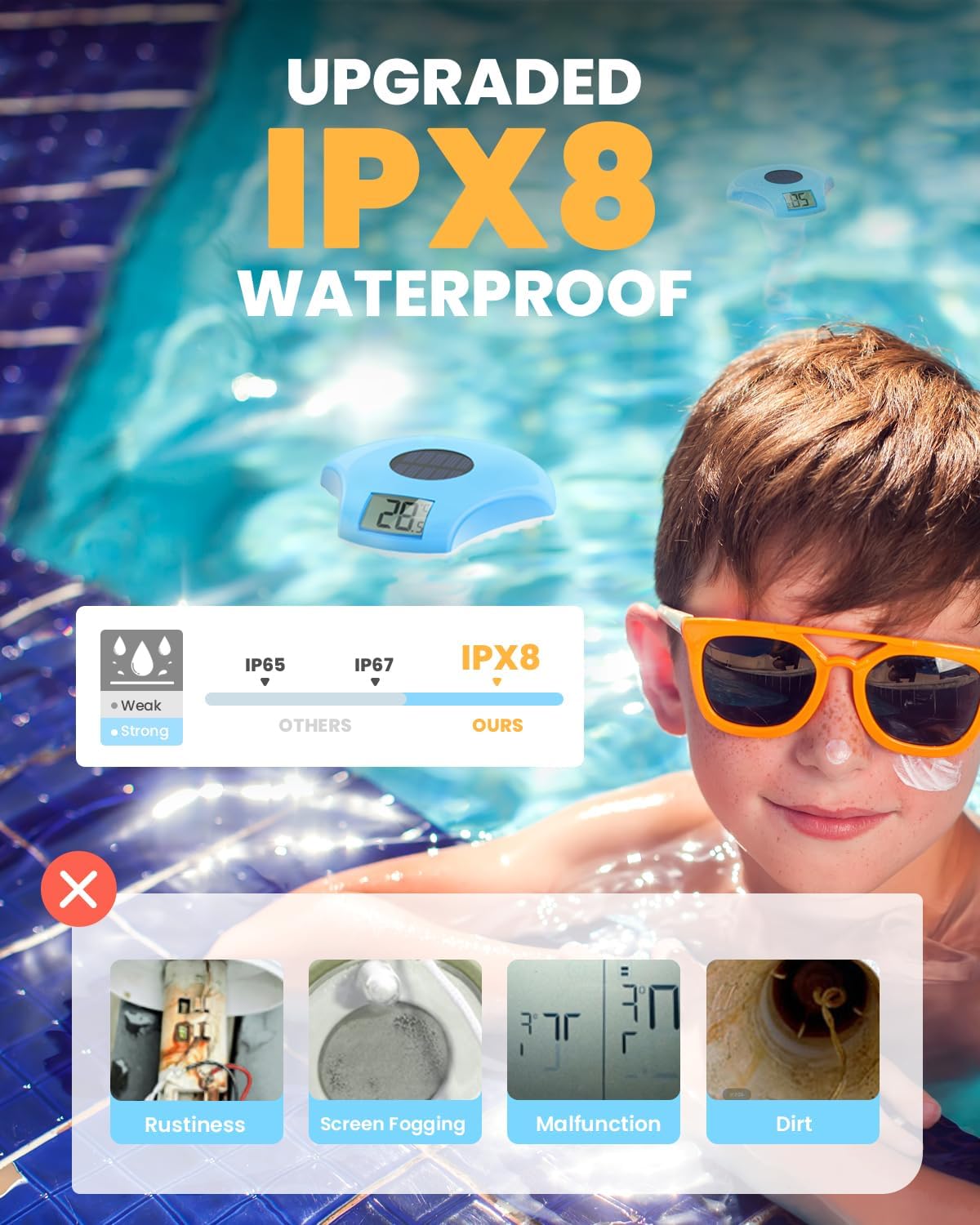
Figure 4: The IPX8 waterproof rating ensures protection against water ingress and common issues like fogging or rust.
3. Setup
The BALDR Floating Pool Thermometer is designed for simple, hassle-free setup.
- Initial Charge: Upon receiving the thermometer, place it in a location with sufficient daylight for a few hours to allow the solar panel to charge the internal battery. If the display is not showing numbers, it may need more time to charge.
- Placement: Once charged, simply place the solar pool thermometer into the water body you wish to monitor. It will float on the surface.
- Temperature Unit Selection: To switch between Fahrenheit (°F) and Celsius (°C), locate the small button on the underside of the thermometer (often labeled F/C). Press this button to toggle the display unit.

Figure 5: The thermometer's design ensures it floats and is sealed against water.
4. Operating Instructions
Using your BALDR Floating Pool Thermometer is straightforward:
- Automatic Operation: The thermometer continuously measures and displays the water temperature as long as it is in the water and exposed to light for charging.
- Reading Temperature: The digital display will show the current water temperature. Ensure the display is facing upwards for optimal readability.
- Solar Charging: For continuous operation, ensure the thermometer's solar panel is exposed to sunlight. The device will automatically recharge its internal battery.
Video 1: Demonstration of the BALDR Floating Pool Thermometer in use, showing its easy readability and solar charging capability.
5. Maintenance
To ensure the longevity and accuracy of your thermometer, follow these maintenance guidelines:
- Cleaning: Periodically clean the thermometer's surface, especially the solar panel and display screen, with a soft, damp cloth to remove any dirt, debris, or mineral buildup. Avoid abrasive cleaners.
- Storage: During off-season or extended periods of non-use, store the thermometer in a cool, dry place away from direct sunlight. Ensure it is clean and dry before storage.
- Water Exposure: While IPX8 waterproof, prolonged exposure to extreme chemicals or highly corrosive water may affect its lifespan.
- Sensor Protection: Avoid physical impact to the sensor probe located at the bottom of the device to maintain accuracy.
6. Troubleshooting
| Problem | Possible Cause | Solution |
|---|---|---|
| Display is blank or dim. | Insufficient solar charge. | Place the thermometer in direct sunlight for several hours to allow the internal battery to charge. |
| Inaccurate temperature reading. | Sensor probe is dirty or damaged; device not fully submerged. | Clean the sensor probe. Ensure the thermometer is floating freely and the probe is fully immersed in the water. Compare with another reliable thermometer. |
| Screen fogging. | Humidity or condensation inside the display. | The built-in desiccant should manage this. If persistent, ensure the device is not exposed to extreme temperature fluctuations. |
| Device not floating correctly. | Obstruction or damage. | Check for any debris or damage that might affect its buoyancy. |
7. Specifications
- Model: B2-250
- Temperature Range: -4°F to 122°F (-20°C to 50°C)
- Temperature Accuracy: ±2°F / 1°C
- Response Time: 10 seconds
- Waterproof Level: IPX8
- Power Source: Solar Powered (Built-in Ni-MH, 300mAh rechargeable battery)
- Outer Material: Acrylonitrile Butadiene Styrene (ABS)
- Display Type: Digital LCD
- Dimensions (Approx.): 7.99 inches (Length) x 4.72 inches (Width)
- Weight: 10.2 ounces

Figure 6: Approximate dimensions of the thermometer.

Figure 7: Detail of the 3rd generation sensor probe for enhanced accuracy.
8. Warranty and Support
For warranty information and customer support, please refer to the contact details provided on the product packaging or visit the official BALDR website.
US Toll Free: +1 833-381-5659 (Mon-Fri: 09:30 AM-5:30 PM PST)
Email: proservicequick@hotmail.com

Figure 8: Product packaging displaying contact information for support.
Ask a question about this manual
Ask about setup, troubleshooting, compatibility, parts, safety, or missing instructions. Manuals+ will review the question and use this page’s manual context to help answer it.