Introduction
Thank you for choosing the Pankoo 40X60 Monocular Telescope. This high-quality optical instrument is designed to provide clear, bright images for various outdoor activities such as hiking, hunting, climbing, bird watching, attending ball games or concerts, traveling, and observing scenery. This manual provides essential information for the proper setup, operation, and maintenance of your monocular telescope.
What's in the Box
- 40X60 Nitrogen-Filled Monocular
- Smartphone Holder
- Upgrade Tripod
- Velvet Bag and Straps
- Cleaning Cloth
- User Manual (this document)
Product Components
Familiarize yourself with the key components of your Pankoo 40X60 Monocular Telescope:

- Adjustable View Eyepiece: For comfortable viewing and diopter adjustment.
- Tripod Connector: A standard thread for attaching the monocular to a tripod.
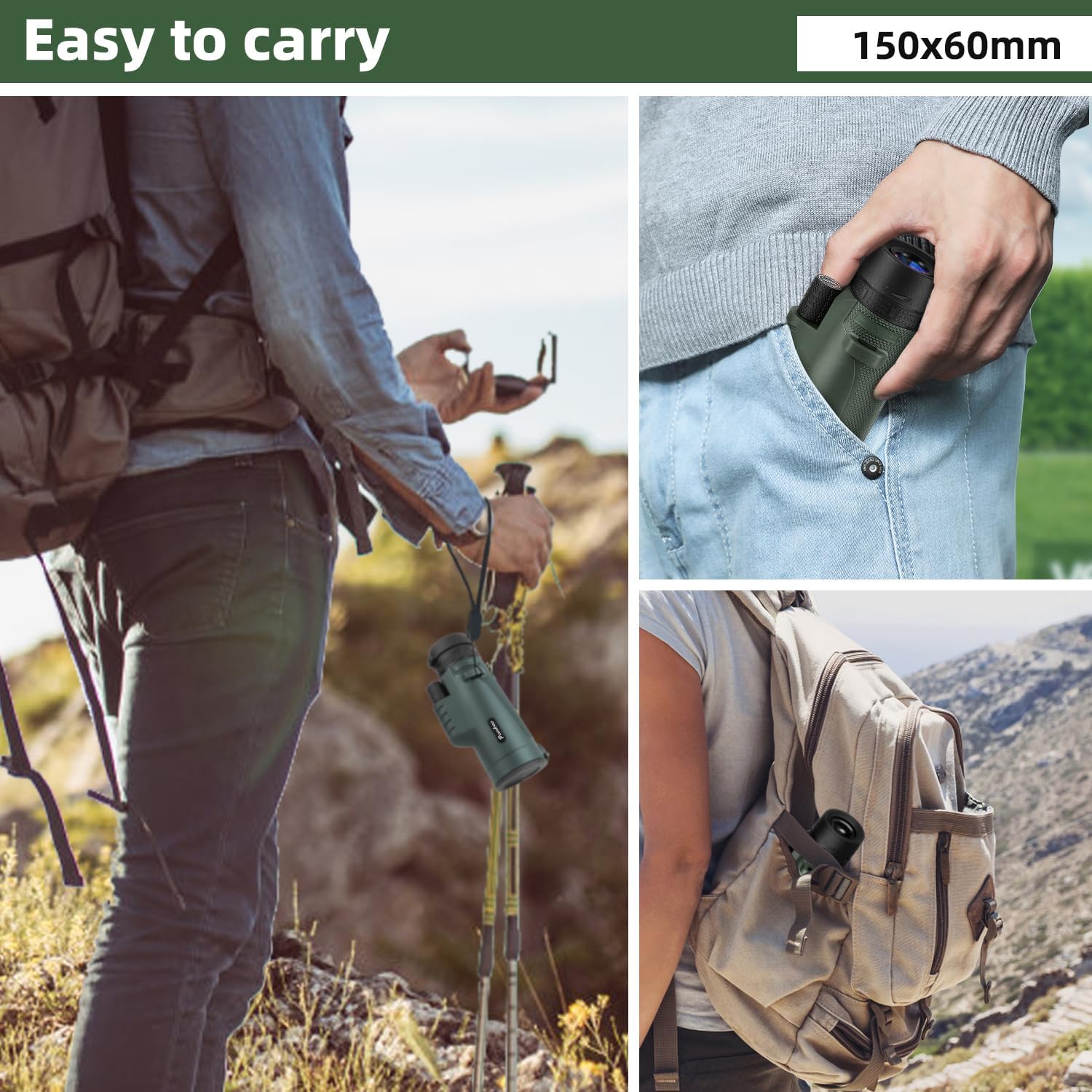
- Hand Strap: For secure handling and portability.
- Focus Knob: Used to adjust the focus for a clear image.
- Multi-coated Optics Objective Lens: The front lens that gathers light, featuring FMC (Fully Multi-Coated) and BAK4 prism for high contrast and resolution.
Setup Instructions
1. Attaching the Tripod
The included tripod provides stability for extended viewing or photography. It can be adjusted to various heights and angles.

- Locate the tripod connector on the bottom of the monocular.
- Screw the tripod's mounting screw into the monocular's tripod connector until secure.
- Adjust the tripod legs to your desired height and angle for stability.
2. Attaching the Smartphone Holder
The smartphone holder allows you to capture images or videos through the monocular.
- Secure your smartphone into the holder. Ensure it is firmly gripped.
- Align the smartphone camera lens with the monocular's eyepiece.
- Attach the smartphone holder assembly to the monocular's eyepiece, ensuring a snug fit.
Operating Instructions
1. Basic Viewing
- Remove the protective dust covers from both the objective lens and the eyepiece.
- Hold the monocular firmly with one hand.
- Bring the eyepiece to your eye and look through it.
- Rotate the focus knob (typically located on the top or side) until the image appears clear and sharp.
- Adjust the adjustable view eyepiece (if applicable) for comfortable viewing, especially if wearing glasses.
2. Using with Smartphone for Photography/Videography
Once the smartphone holder is attached and aligned:
- Open your smartphone's camera application.
- Adjust the phone's position within the holder until the monocular's view fills the screen and is centered.
- Use the monocular's focus knob to achieve a sharp image on your phone screen.
- Utilize your phone's zoom function (digital zoom) if needed, but be aware it may reduce image quality.
- Capture photos or videos as desired.
Maintenance
Proper care will ensure the longevity and performance of your monocular telescope.
- Cleaning Lenses: Use the provided cleaning cloth or a soft, lint-free microfiber cloth to gently wipe the lenses. Avoid using abrasive materials or harsh chemicals.
- Storage: When not in use, always replace the protective dust covers on both lenses. Store the monocular in its velvet bag or a sturdy case in a cool, dry place to prevent dust accumulation and potential damage.
- Waterproof/Fogproof: The monocular is designed to withstand heavy weather and humid environments. However, avoid submerging it in water. If it gets wet, wipe it dry promptly.
Troubleshooting
If you encounter issues with your monocular, consider the following:
- Blurred Image: Ensure the focus knob is properly adjusted. Check that the lenses are clean and free from smudges or dust.
- Dark or Obscured View: Verify that both lens covers have been removed. Ensure the objective lens is not obstructed.
- Smartphone Alignment Issues: Re-adjust your smartphone within the holder to ensure the camera lens is perfectly centered over the monocular's eyepiece.
Specifications
| Magnification | 12X |
| Objective Lens Diameter | 60mm |
| Prism Type | BAK4 |
| Lens Coating | FMC (Fully Multi-Coated) |
| Product Dimensions | 3.7 x 3.7 x 7.3 inches |
| Item Weight | 1.1 pounds |
| Focus Type | Manual Focus |
| Waterproof/Fogproof | Yes |
Safety Information
Please observe the following safety precautions:
- Do not look directly at the sun with the monocular! It may cause permanent damage to your eyes.
- Keep small parts, such as lens caps, away from children to prevent choking hazards.
Warranty and Support
Pankoo is committed to providing high-quality products and satisfactory service. If you are not 100% satisfied with your product or require assistance, please contact our customer support team. We aim to ensure a positive experience with our products.
Optimal Usage Scenarios
The Pankoo 40X60 Monocular Telescope is versatile for various outdoor and viewing activities:

- Bird Watching: Observe distant birds with clarity.
- Wildlife Observation: Ideal for viewing animals in their natural habitat.
- Hiking & Camping: Enhance your outdoor experience by viewing distant landscapes and points of interest.
- Concerts & Sports Events: Get a closer view of the action from afar.
- Travel & Scenery: Perfect for sightseeing and capturing memorable views with your smartphone.