
1. Introduction
Thank you for choosing the JZMATECH RGB Gaming Mouse Pad. This extra-large mouse pad is designed to enhance your gaming and work experience with its vibrant RGB lighting, smooth surface, and durable construction. This manual provides essential information for setup, operation, and maintenance to ensure optimal performance.

Image 1.1: Overview of the JZMATECH RGB Gaming Mouse Pad, showing the pad unrolled, the included USB cable, and a demonstration of its waterproof capability when rolled.
2. Package Contents
Please verify that all items are present in your package:
- 1 x JZMATECH RGB Gaming Mouse Pad (Model LTSBD-01)
- 1 x USB Cable (1.8 meters long)
3. Setup Instructions
- Unroll the Mouse Pad: Carefully unroll the JZMATECH RGB Gaming Mouse Pad on a flat, stable surface.
- Connect the USB Cable: Locate the USB port on the mouse pad, typically near the control button. Insert the smaller end of the included USB cable into this port.
- Connect to Power Source: Insert the standard USB-A end of the cable into an available USB port on your computer, laptop, or a compatible USB power adapter (not included). The mouse pad is Plug & Play and does not require driver installation.
- Power On: Once connected, the mouse pad should automatically power on or can be activated by a short press of the control button.

Image 3.1: Detailed view of the upgraded RGB control button and the 1.8m long USB cable, illustrating the connection point for power.
4. Operating Instructions
The JZMATECH RGB Gaming Mouse Pad features a single control button to manage its lighting functions.
- Power On: Short press the control button to turn on the RGB lighting.
- Switch Lighting Modes: Short press the control button repeatedly to cycle through the 14 available lighting modes. These include 7 dynamic lighting effects and 7 static monochrome colors (Red, Blue, Green, Purple, Cyan, Yellow, White).
- Power Off: Long press the control button for approximately 3 seconds to turn off the RGB lighting.
- Memory Function: The mouse pad is equipped with a memory function that saves your last selected brightness and lighting mode, which will be recalled the next time the device is powered on.

Image 4.1: Visual representation of the 7 LED colors and 14 lighting modes, demonstrating the variety of available RGB effects.
5. Maintenance and Care
To ensure the longevity and optimal performance of your JZMATECH RGB Gaming Mouse Pad, follow these care instructions:
- Cleaning: The mouse pad features a waterproof surface. In case of accidental spills, simply wipe the surface with a damp cloth. Avoid using harsh chemicals or abrasive cleaners.
- Storage: When not in use or for transport, the mouse pad can be rolled up. Its soft material is designed to prevent deformation upon unrolling.
- Avoid Extreme Conditions: Do not expose the mouse pad to extreme temperatures, direct sunlight for prolonged periods, or high humidity.

Image 5.1: Illustration of the mouse pad's extra-large dimensions (80cm x 30cm or 31.5 inches x 11.8 inches) and its 4mm thickness, highlighting the durable construction.
6. Troubleshooting
- Lighting Not Turning On:
- Ensure the USB cable is securely connected to both the mouse pad and a functioning USB port.
- Try connecting the USB cable to a different USB port or a different power source.
- Perform a short press on the control button to activate the lighting.
- Lighting Modes Not Changing:
- Ensure you are performing short presses on the control button to cycle through modes.
- If the button is unresponsive, try disconnecting and reconnecting the USB cable.
- Mouse Tracking Issues:
- Ensure the mouse pad surface is clean and free of debris.
- Check your mouse's sensor for any obstructions.
7. Product Specifications
| Brand | JZMATECH |
| Model Number | LTSBD-01 |
| Dimensions | 80 cm (L) x 30 cm (W) / 31.5 inches (L) x 11.8 inches (W) |
| Thickness | 4 mm |
| Lighting Modes | 14 (7 Dynamic, 7 Static) |
| Static LED Colors | Red, Blue, Green, Purple, Cyan, Yellow, White |
| Cable Length | 1.8 meters |
| Power Source | USB Powered (Plug & Play) |
| Material | Ultra-fine braided fiber surface, Non-slip rubber base |
| Features | Waterproof surface, Memory function for lighting mode/brightness |
| Certifications | FCC, CE, RoHS |
| UPC | 748899193549 |
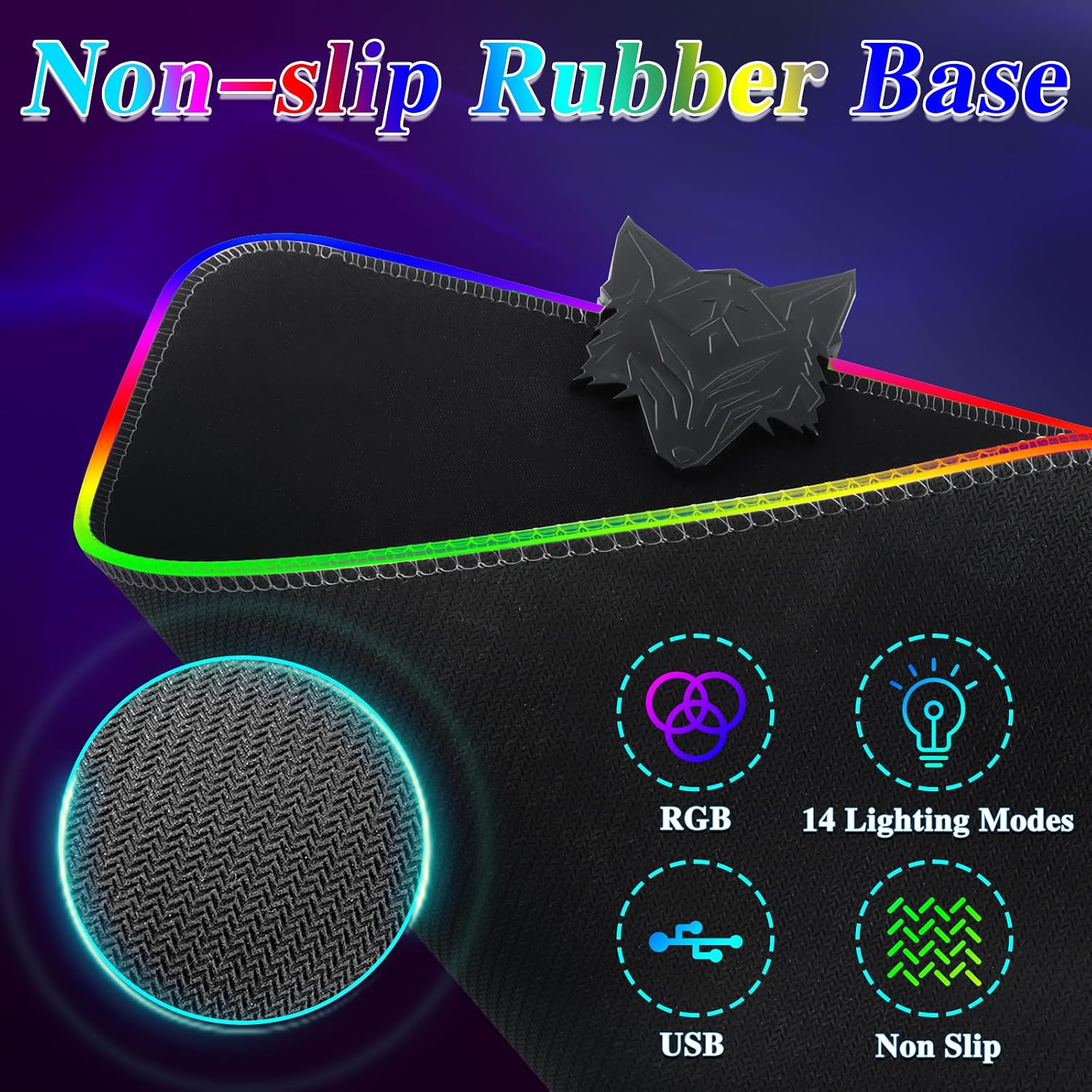
Image 7.1: Detailed view of the non-slip rubber base texture, ensuring stability during use, alongside icons highlighting key features like RGB lighting and USB connectivity.
8. Warranty and Support
The JZMATECH RGB Gaming Mouse Pad has been certified by FCC, CE, and RoHS, ensuring compliance with relevant safety and environmental standards.
If the mouse pad is damaged during transport or if you encounter any issues not covered in this manual, please contact JZMATECH customer support through the Amazon platform for assistance.
9. Additional Product Views

Image 9.1: A keyboard and mouse positioned on the JZMATECH RGB mouse pad, illustrating the ultra-smooth surface designed for precise mouse movements.

Image 9.2: The JZMATECH RGB mouse pad integrated into a typical desktop setup, featuring a monitor, keyboard, and mouse, highlighting its large surface area and ambient lighting.