
1. Product Overview
This manual provides instructions for the installation and maintenance of PonPed replacement parts, including the main brush, side brushes, and mop cloths, compatible with ILife L100, A10, and A10S robotic vacuum cleaners. These parts are essential for maintaining the cleaning performance of your robot vacuum.
The main brush is designed to effectively remove dust from the floor. The side brushes are engineered to collect hair and dirt while minimizing tangling. The microfiber mop cloths provide efficient cleaning, strong water absorption, and even moisture distribution for effective mopping. These accessory parts are designed for durability and ease of installation.
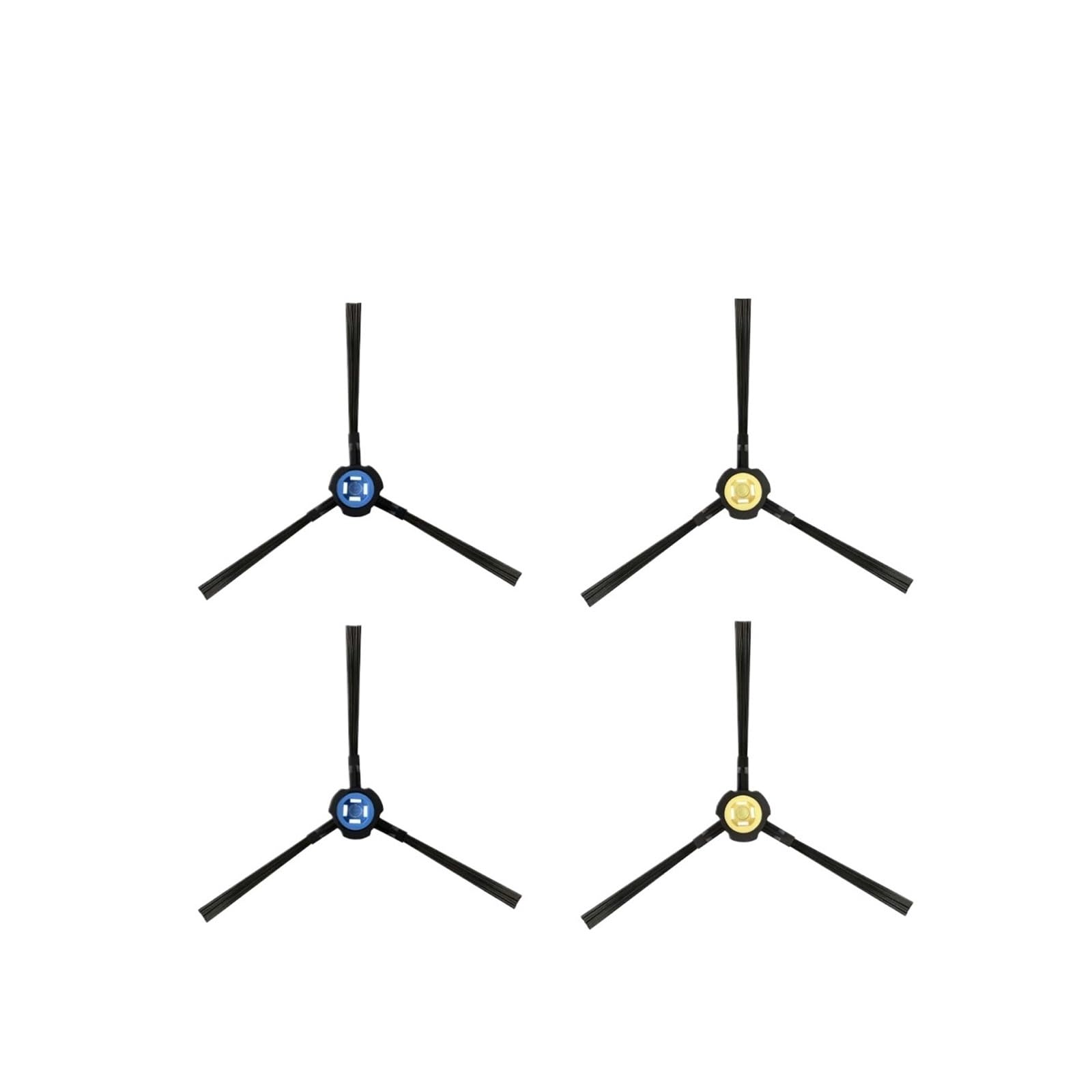
Image 1.1: Underside of a robotic vacuum cleaner with main brush, side brushes, and mop cloths installed. This image displays the typical configuration of these replacement parts when installed on the device.
2. Safety Information
- Always turn off and unplug your robotic vacuum cleaner before attempting any installation or maintenance.
- Keep small parts away from children to prevent choking hazards.
- Use only genuine or compatible replacement parts to ensure proper function and avoid damage to your device.
- If you encounter any difficulties, consult a qualified technician or contact customer support.
3. Package Contents
Your PonPed replacement parts package (Set F) typically includes:
- 1 x Main Roller Brush
- 2 x Side Brushes (Left and Right)
- 2 x Mop Cloths
Note: Actual contents may vary based on the specific set purchased. Please check your product packaging for a precise list.
4. Installation Guide
Follow these steps to replace the main brush, side brushes, and mop cloths on your ILife L100 / A10 / A10S robotic vacuum cleaner.
4.1. Replacing Side Brushes
- Turn the robot vacuum cleaner upside down on a flat surface.
- Using a screwdriver, carefully remove the screw holding each side brush in place.
- Gently pull off the old side brush.
- Align the new side brush with the post and push it down firmly.
- Secure the new side brush with the screw and screwdriver.
4.2. Replacing the Main Roller Brush
- With the robot vacuum still upside down, locate the main brush cover.
- Press the release tabs or clips on the main brush cover to open and remove it.
- Lift out the old main roller brush.
- Insert the new main roller brush into its compartment, ensuring the ends align with the slots.
- Replace the main brush cover and press firmly until it clicks into place.
4.3. Attaching Mop Cloths
- Locate the mop cloth attachment plates on the underside of the vacuum.
- Align the mop cloth with the attachment plate, ensuring the central hole matches.
- Press the mop cloth firmly onto the plate, utilizing the hook-and-loop fasteners for secure attachment.
Video 4.1: Installation of Robotic Vacuum Cleaner Replacement Parts. This video provides a step-by-step guide on how to replace the side brushes, main brush, and attach the mop cloths to a robotic vacuum cleaner.
5. Maintenance
- Cleaning: Regularly inspect and clean the main brush and side brushes to remove tangled hair and debris. Use the cleaning tool provided with your vacuum (if applicable) or a small brush.
- Mop Cloths: Wash mop cloths after each use to maintain hygiene and cleaning effectiveness. They can typically be hand-washed or machine-washed.
- Replacement Frequency: It is recommended to replace these accessories every 2 to 3 months, or more frequently depending on usage and environment, to ensure optimal cleaning performance.
6. Specifications
| Feature | Detail |
|---|---|
| Compatibility | ILife L100, ILife A10, ILife A10S Robotic Vacuum Cleaners |
| Package Dimensions | 1.18 x 0.79 x 0.39 inches |
| Item Weight | 12.7 ounces |
| Number of Pieces (Set F) | 5 (1 Main Brush, 2 Side Brushes, 2 Mop Cloths) |
7. Troubleshooting
- Brushes not spinning: Ensure brushes are correctly installed and free from obstructions like tangled hair. Check if the main brush cover is securely closed.
- Poor cleaning performance: Replace brushes and mop cloths as recommended in the maintenance section. Ensure mop cloths are clean before use.
- Parts do not fit: Verify that you have purchased the correct replacement parts for your specific ILife model (L100, A10, or A10S).
8. Warranty and Support
For any questions regarding your PonPed replacement parts, please contact the seller directly through your purchase platform. Refer to your original product documentation for warranty information specific to your robotic vacuum cleaner.