
1. Introduction
This manual provides detailed instructions for the installation, operation, and maintenance of your iUniker Raspberry Pi 5 Aluminum Passive Cooling Case. This case is specifically designed to protect your Raspberry Pi 5 and provide efficient passive cooling without the need for an active fan.

Figure 1: Assembled iUniker Raspberry Pi 5 Aluminum Passive Cooling Case, showcasing its compact design and ribbed top surface for heat dissipation.
2. Package Contents
Please verify that all items listed below are included in your package:
- 1x iUniker Raspberry Pi 5 Aluminum Passive Cooling Case (Upper and Lower halves)
- 4x Thermal Pads
- 4x Screws with Nuts
3. Setup and Installation
Follow these steps to correctly install your Raspberry Pi 5 into the iUniker passive cooling case:
- Prepare the Raspberry Pi 5: Ensure your Raspberry Pi 5 board is powered off and disconnected from all peripherals.
- Apply Thermal Pads: Carefully place the provided thermal pads onto the designated chips on your Raspberry Pi 5 board. These pads facilitate heat transfer to the case. Refer to Figure 3 for correct placement.

Figure 2: Illustration of thermal pad placement on the Raspberry Pi 5 board, ensuring contact with key heat-generating components.
- Position the Raspberry Pi 5: Place the Raspberry Pi 5 board into the lower half of the aluminum case. Ensure that all ports align correctly with the case cutouts.
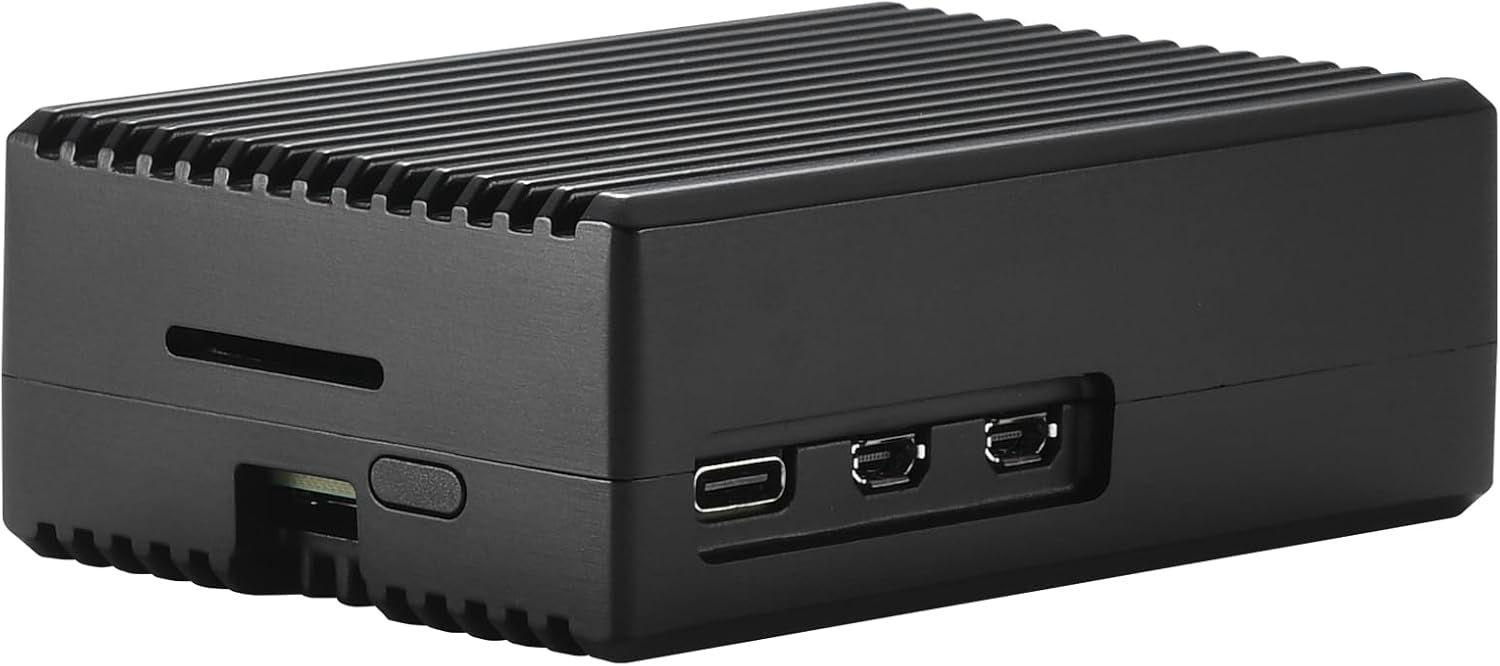
Figure 3: The Raspberry Pi 5 board being placed into the lower section of the iUniker case, with the upper section shown separately.
- Attach the Upper Case Half: Carefully place the upper half of the aluminum case onto the lower half, ensuring the thermal columns make firm contact with the thermal pads on the Raspberry Pi 5 chips.
- Secure with Screws: Use the provided screws and nuts to secure the two halves of the case together. Do not overtighten.
The case is designed with 4 thermal columns that directly touch the chip, facilitating efficient heat transfer to the aluminum body. This design ensures the system runs cool and silently.
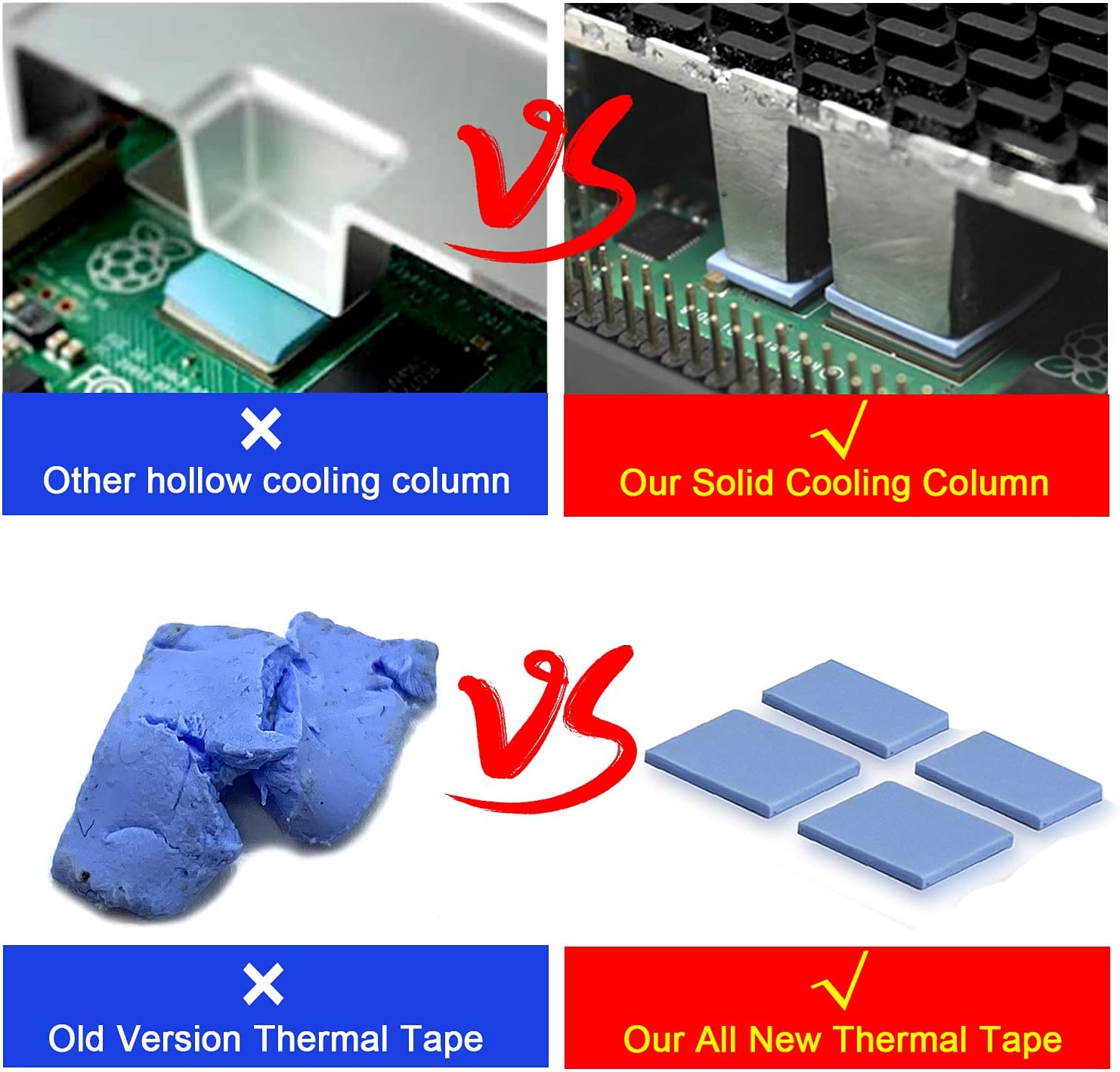
Figure 4: Visual comparison highlighting the solid cooling column design used in this case for superior heat dissipation.
4. Operating Considerations
Once assembled, the iUniker case provides a robust and passively cooled environment for your Raspberry Pi 5. No additional fan is required for cooling under normal operating conditions.
- Silent Operation: The passive cooling design ensures completely silent operation, as there are no moving parts like fans.
- Port Accessibility: All standard Raspberry Pi 5 ports (USB, Ethernet, HDMI, USB-C power) remain accessible through the case cutouts.
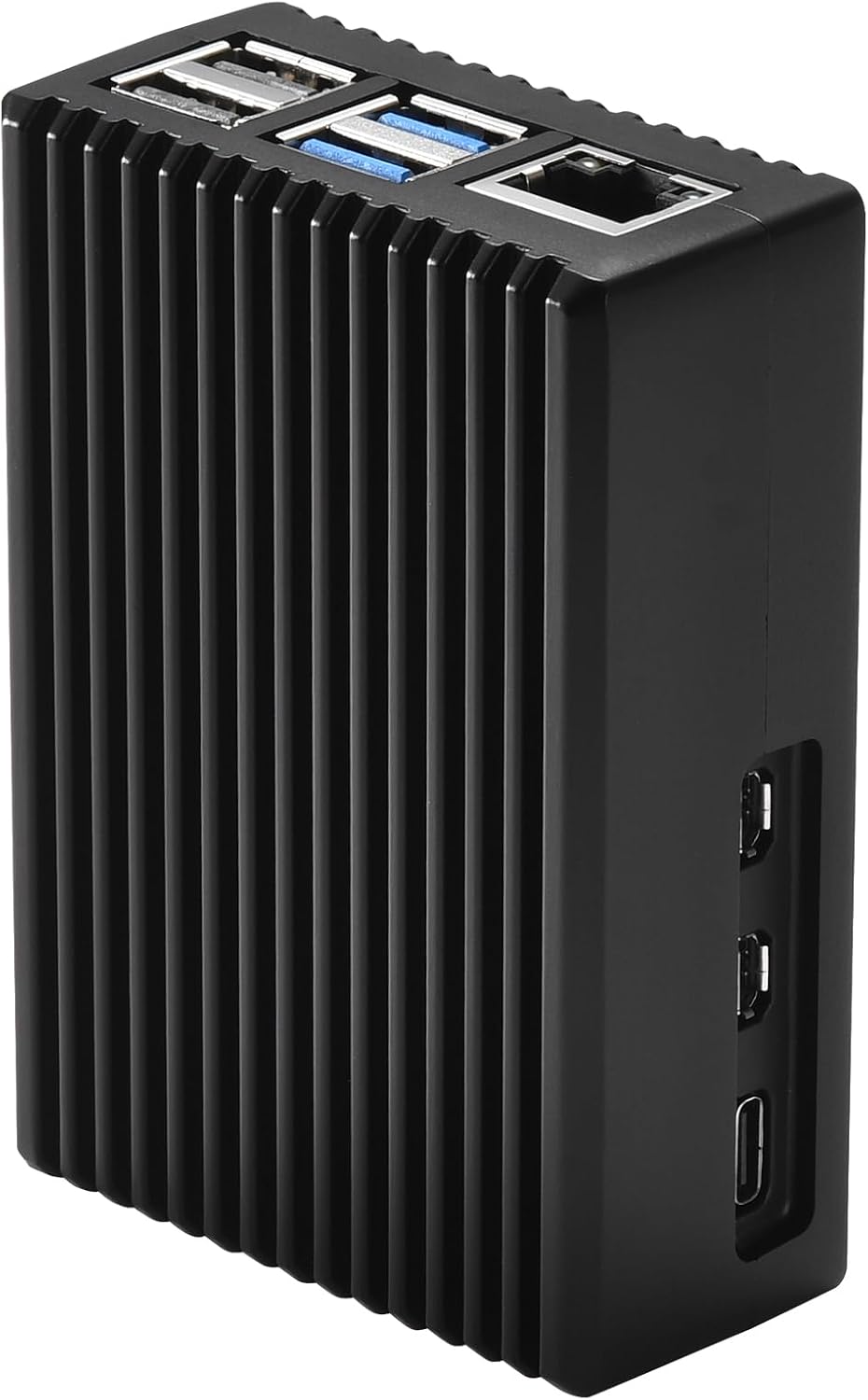
Figure 5: Side view of the assembled case, illustrating the clear access to all Raspberry Pi 5 ports.
5. Maintenance
To ensure optimal performance and longevity of your iUniker case and Raspberry Pi 5:
- Cleaning: Periodically wipe the exterior of the case with a soft, dry cloth to remove dust. Avoid using abrasive cleaners or solvents.
- Inspection: Occasionally check the screws to ensure they remain snug.
- Thermal Pads: The thermal pads are designed for long-term use. Replacement is generally not required unless the case is frequently disassembled.
6. Troubleshooting
If you encounter issues, consider the following:
- Overheating: Ensure thermal pads are correctly placed and making good contact with both the Raspberry Pi 5 chips and the case's thermal columns. Verify the case screws are tightened sufficiently to ensure proper contact.
- Reduced Wireless Performance: Aluminum cases can sometimes affect Wi-Fi and Bluetooth signal strength. If you experience significant degradation, consider using wired Ethernet or external USB wireless adapters if feasible for your application.
- Compatibility with Add-ons: This case is designed for the bare Raspberry Pi 5 board. It may not be compatible with HATs (Hardware Attached on Top) or other expansion boards that attach directly to the GPIO pins or sit above the main board.
7. Specifications
| Brand | iuniker |
| Model Name | Pi 5 Case |
| Case Type | Raspberry Pi |
| Motherboard Compatibility | Mini ITX (Raspberry Pi 5) |
| Material | CNC Aluminum Alloy |
| Color | Black |
| Cooling Method | Passive |
| Product Dimensions | 4 x 10 x 6 cm |
| Item Weight | 100 Grams |
8. Warranty and Support
For warranty information or technical support, please contact iUniker customer service through your purchase platform or refer to the contact details provided with your product packaging.