
1. Product Overview
The Wengart WG-C20 SPD (Surge Protective Device) is engineered to safeguard electrical systems and connected equipment from the damaging effects of lightning strikes and various transient overvoltages. This device integrates the functionalities of a lightning arrester and a surge protector into a single, compact unit.
Upon detection of an overvoltage event, such as a lightning strike, the lightning arrester component initiates the suppression process, diverting the excess energy to the ground. If the initial suppression is insufficient, the surge protector further reduces the overvoltage to a safe operating range, thereby protecting the electrical system and appliances from potential damage. The WG-C20 SPD offers an efficient and economical solution for comprehensive surge protection.
2. Safety Information
Important: Installation, maintenance, and any electrical work related to this device must be performed by qualified and certified personnel, strictly adhering to all local electrical codes and safety regulations.
- Always disconnect the main power supply before commencing any installation, wiring, or maintenance procedures on the device.
- Ensure that the device is properly and securely grounded to prevent electrical hazards.
- The device casing is constructed from flame-retardant materials to enhance safety.
- This product complies with EN 61643-11 safety standards and has received TUV certification.
- The safe operating temperature range for this device is -40°C to +70°C.
3. Product Features
The Wengart WG-C20 SPD incorporates several key features designed for reliable and effective electrical protection:
- Comprehensive Protection: Provides robust protection for electrical equipment against both direct and indirect lightning strikes and other instantaneous overvoltages.
- High Performance: Delivers a high discharge current capacity while maintaining a low residual voltage, ensuring superior protection for sensitive electronics.
- Visual Status Indicator: Equipped with a clear visual window that displays the device's operational status. A green indicator signifies normal operation, while a red indicator signals a fault or failure.
- DIN Rail Mountable: Designed for quick and secure installation on standard DIN rails, facilitating integration into existing electrical panels.
- Replaceable Module: Features a modular design with detachable components, allowing for easy and cost-effective replacement of the protection module if it fails.
- Durable Construction: Built with a flame-retardant shell, high-quality copper accessories, and precision internal chips, ensuring excellent conductivity, high accuracy, and long-term reliability.
- Certified Safety: Fully compliant with EN 61643-11 safety standards and TUV certified, guaranteeing adherence to stringent quality and safety requirements.

Image showing the Wengart WG-C20 SPD with icons representing its key features: 24-hour guard, quick response, fault indication, heat resistance, cold tolerance, and fire resistance.
4. Technical Specifications
| Parameter | Value |
|---|---|
| Nominal Operating Voltage (Uc) | 275 V AC |
| Nominal Discharge Current (In, 8/20µs) | 20 kA |
| Maximum Discharge Current (Imax, 8/20µs) | 40 kA |
| Voltage Protection Level (Up) | ≤ 1.5 kV |
| Hard Wiring Capacity | 10 ~ 25 mm² |
| Flexible Wiring Capacity | 10 ~ 16 mm² |
| Stripping Length | 10 mm |
| Protection Class | IP20 |
| Operating Temperature | -40°C to +70°C |
| Manufacturer | WENGART ELECTRIC CO.,LTD |
| Model Number | WG-C20 SPD |
| Country of Origin | China |
| Material | Polybutylene Terephthalate (PBT) |

Detailed view of the Wengart WG-C20 SPD, highlighting input terminals (L, N, PE), status indicators (green for normal, red for failure), and key specifications like rated voltage, nominal discharge current, maximum discharge current, and voltage protection level.

Diagram showing the physical dimensions of the Wengart WG-C20 SPD in millimeters and inches, including height, width, and depth measurements.
5. Installation Guide
The Wengart WG-C20 SPD is designed for easy installation on a DIN rail, typically within a power distribution box or electrical panel.
5.1. Mounting
To mount the device, simply clip it onto a standard DIN rail. Ensure that it is securely fastened and does not wobble. The modular design allows for straightforward integration alongside other electrical components.

Image demonstrating the Wengart WG-C20 SPD securely mounted on a standard DIN rail within an electrical panel.
5.2. Wiring
Connect the SPD in parallel with the main power supply to the protected electrical circuit. It is crucial to ensure correct polarity for the Line (L), Neutral (N), and Protective Earth (PE) connections.
- Connect the Line (L) input terminal to the phase conductor of the electrical system.
- Connect the Neutral (N) input terminal to the neutral conductor.
- Connect the Protective Earth (PE) terminal to the main grounding bar of the electrical installation.
- Recommended wiring cross-section: 10 ~ 25 mm² for hard (solid) wiring, and 10 ~ 16 mm² for flexible wiring.
- The recommended wire stripping length is 10 mm.
The SPD can be effectively used in conjunction with a circuit breaker within the distribution box for enhanced protection and system management.

Wiring diagram illustrating how to correctly connect the Wengart WG-C20 SPD to the Line (L), Neutral (N), and Protective Earth (PE) conductors, providing protection to a downstream electrical device.
6. Operation and Status Indication
The Wengart WG-C20 SPD operates automatically to detect and divert harmful electrical surges. Its operational status is clearly indicated by a visual window located on the front face of the device.
- Green Indicator: When the visual window displays a green color, it signifies that the device is in normal working condition. The SPD is active and continuously providing surge protection to your electrical system.
- Red Indicator: When the visual window displays a red color, it indicates a working state failure. This means that the internal protection module has been activated due to a significant overvoltage event and has sacrificed itself to protect your system. The module now requires replacement.
7. Maintenance
7.1. Module Replacement
The Wengart WG-C20 SPD features a user-friendly replaceable module design. If the status indicator in the visual window turns red, it signifies that the protection module has failed and must be replaced to restore full surge protection.
- Disconnect Power: Prior to any replacement procedure, ensure that the main power supply to the SPD and the associated circuit is completely disconnected and locked out.
- Remove Failed Module: Gently pull the failed protection module straight out from its base. The detachable design allows for easy and tool-free removal.
- Insert New Module: Take a new, compatible protection module. Align it correctly with the base and push it firmly until it clicks securely into place.
- Restore Power: Once the new module is properly and securely installed, restore power to the electrical system. The indicator on the new module should now display green, confirming normal operation.

Image demonstrating the easy replacement process of the Wengart WG-C20 SPD module. An arrow indicates how to detach and reattach the module when the indicator turns red, signifying a need for replacement.
8. Troubleshooting
| Problem | Indicator Status | Possible Cause | Solution |
|---|---|---|---|
| No surge protection / Device not functioning | Red | The internal protection module has failed due to an overvoltage event. | Replace the failed protection module. Refer to Section 7.1 for detailed instructions. |
| No indicator light / Device appears inactive | No light (or Red if failed) | No power supply to the device, or incorrect wiring connections. | Verify that power is supplied to the circuit where the SPD is installed. Check all wiring connections (L, N, PE) for correctness and security. Refer to Section 5.2. |
| Frequent module failure | Repeatedly turns Red | The electrical system is experiencing frequent or severe overvoltage events that may exceed the device's capacity, or there might be an underlying installation issue. | Consult a qualified electrician to thoroughly assess the electrical system for persistent issues. Consider upgrading to a higher-rated SPD if surges consistently exceed the WG-C20's limits. Ensure proper grounding and installation practices. |
9. Application Area
The Wengart WG-C20 SPD is primarily utilized for Type 2 (T2) lightning protection in a wide range of electronic equipment installations. It is particularly effective in residential and commercial environments where electrical systems are vulnerable to lightning-induced overvoltages and other transient surges.
This device is highly suitable for installation on the power distribution side or within AC electrical installations to provide robust protection for entire electrical systems and individual household appliances.
Typical application environments include:
- Main Distribution Cabinets
- JP Cabinets (Junction Panel Cabinets)
- Residential Electrical Panels
- Commercial and Industrial Electrical Systems
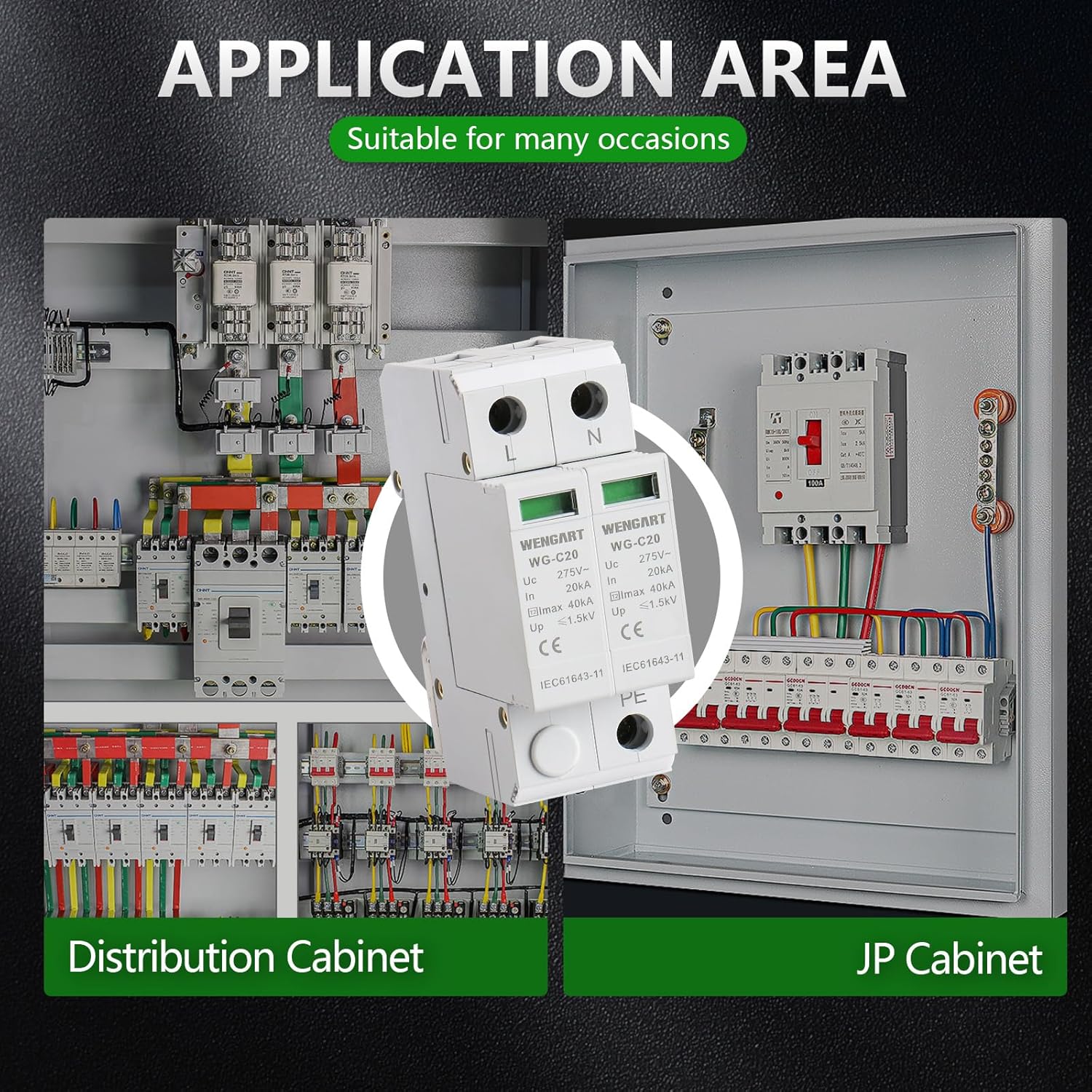
Image showing the Wengart WG-C20 SPD installed within typical electrical enclosures, such as a distribution cabinet and a JP cabinet, illustrating its common application environments.
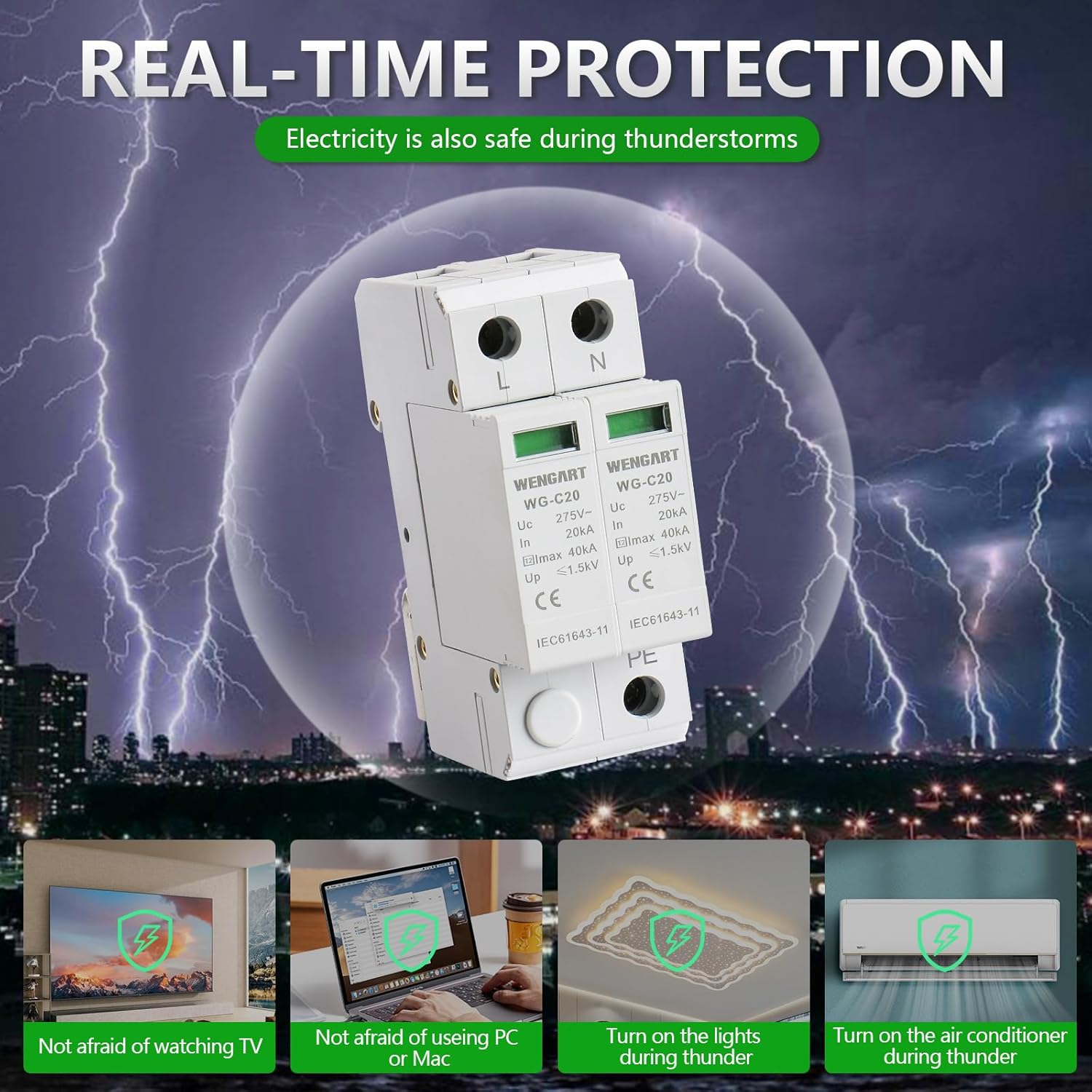
Illustrative image depicting the Wengart WG-C20 SPD providing real-time protection during thunderstorms, safeguarding household electronics like TVs, PCs, lights, and air conditioners from lightning-induced surges.
10. Warranty and Support
For detailed warranty information, technical assistance, or customer support, please contact your authorized retailer or the manufacturer, WENGART ELECTRIC CO.,LTD. Specific warranty terms and conditions may vary based on your region and the point of purchase.
Note: Specific warranty duration or direct contact details for support were not provided in the available product data. Please refer to your purchase documentation or the manufacturer's official website for the most current information.