
Introduction
The Black+Decker BXCG151E electric coffee grinder is designed to provide freshly ground coffee with ease and precision. This manual provides essential information for safe and efficient operation, maintenance, and troubleshooting of your appliance.
Important Safety Instructions
Always follow basic safety precautions when using electrical appliances to reduce the risk of fire, electric shock, and injury to persons.
- Read all instructions before operating the appliance.
- Do not immerse the motor unit, cord, or plug in water or other liquids.
- Close supervision is necessary when any appliance is used by or near children.
- Unplug from outlet when not in use, before putting on or taking off parts, and before cleaning.
- Avoid contact with moving parts.
- Do not operate any appliance with a damaged cord or plug, or after the appliance malfunctions or has been dropped or damaged in any manner.
- The appliance will only start when the lid is correctly placed, ensuring safety.
- This appliance is for household use only. Do not use outdoors.
Product Overview
Familiarize yourself with the components of your Black+Decker BXCG151E coffee grinder.

Figure 1: Front view of the Black+Decker BXCG151E Electric Coffee Grinder, showcasing its sleek design and the transparent bean hopper and ground coffee container. Coffee beans are scattered around the grinder, emphasizing its function.

Figure 2: The coffee grinder positioned on a kitchen counter, indicating its compact size and suitability for home use. A label "150W" is visible, highlighting the appliance's power rating.

Figure 3: An illustration showing the dimensions of the coffee grinder: approximately 18.5 cm in width, 13 cm in depth, and 23 cm in height, providing a clear understanding of its physical size.
Setup
Before first use, ensure all packaging materials are removed and the appliance is clean.
- Unpack the coffee grinder and all its components.
- Wipe the exterior of the grinder with a damp cloth.
- Wash the removable ground coffee container and the transparent lid with warm, soapy water. Rinse thoroughly and dry completely before reassembling.
- Place the grinder on a stable, flat, and dry surface. Ensure the non-slip base is firmly in contact with the countertop.
- Ensure the ground coffee container is correctly inserted into its compartment.
- Place the transparent lid securely on top of the bean hopper. The grinder will not operate if the lid is not properly closed.
Operating Instructions
Follow these steps to grind your coffee beans to your desired consistency.
- Add Coffee Beans: Open the transparent lid and pour whole coffee beans into the bean hopper. The reservoir has a capacity of 200 grams.
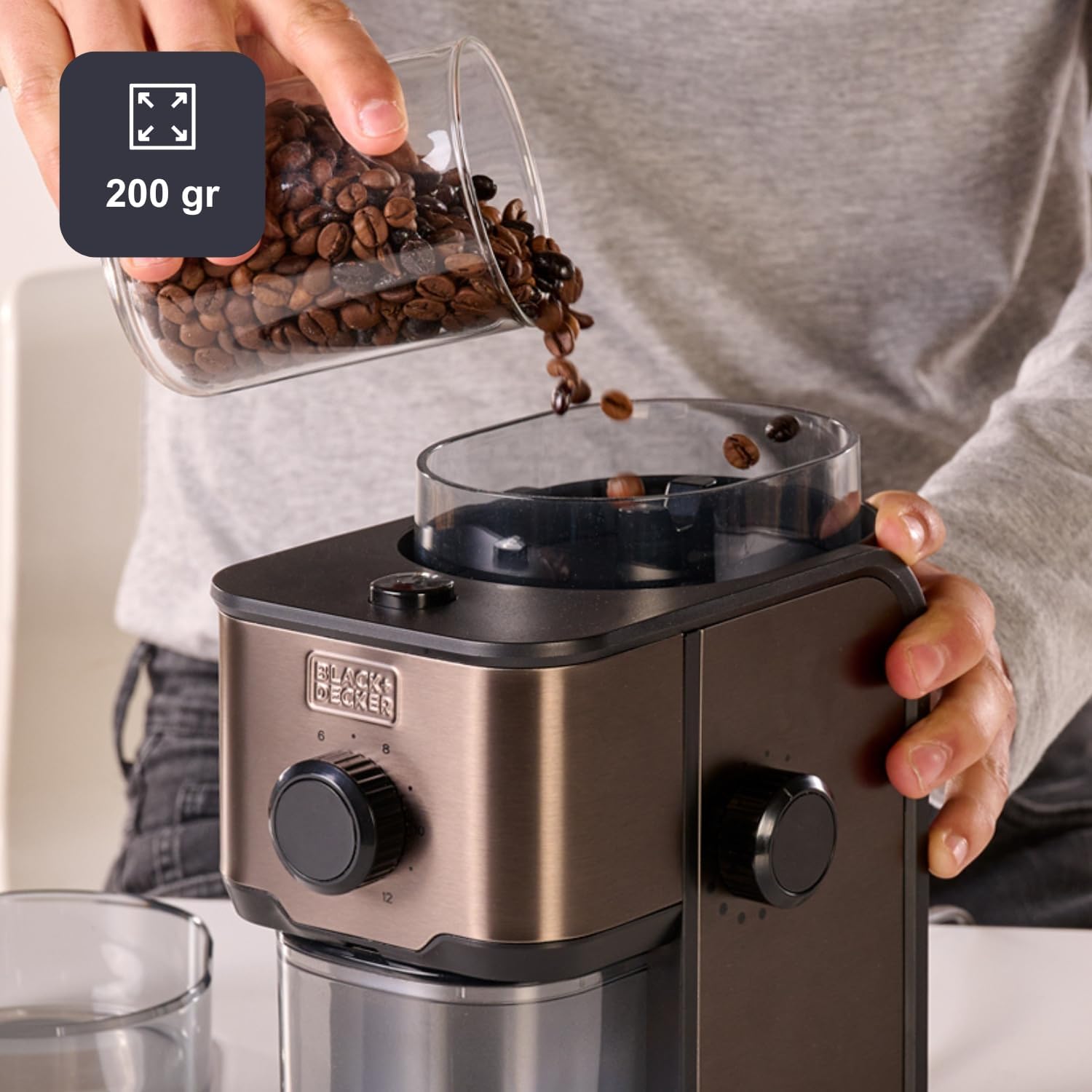
Figure 4: A user pouring coffee beans into the grinder's 200-gram capacity hopper, demonstrating the ease of loading.
- Select Grind Level: Use the grind level selector dial to choose your preferred fineness. There are 14 levels available, ranging from very fine for espresso to coarse for French press.

Figure 5: A hand adjusting the grind level dial, which offers 14 distinct settings for customized coffee grinding.
- Select Quantity: Use the quantity selector dial to choose the number of cups you wish to grind for, from 2 to 12 cups.
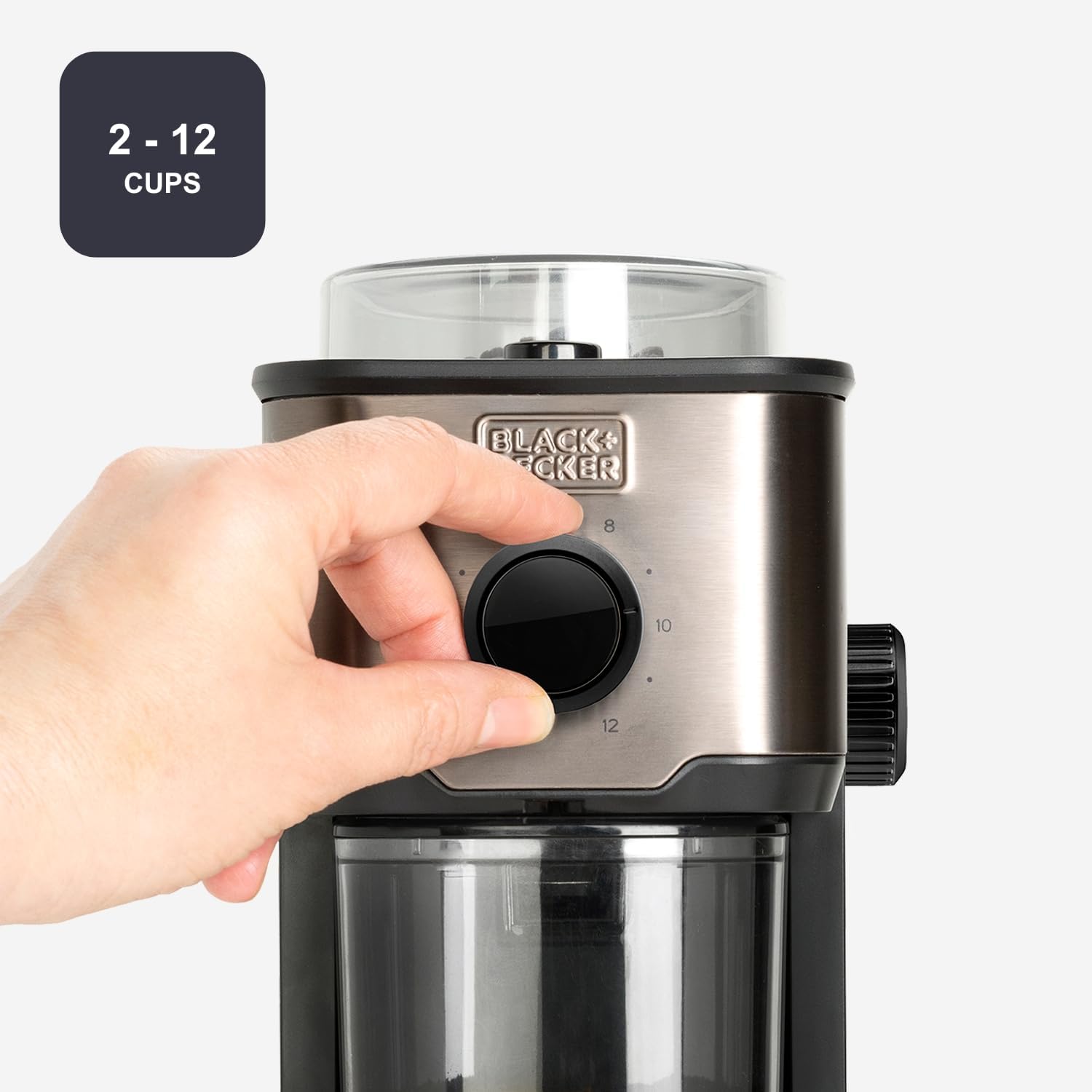
Figure 6: A hand rotating the cup quantity dial, allowing users to select the amount of coffee to grind for 2 to 12 cups.
- Start Grinding: Ensure the transparent lid is securely closed. Plug the appliance into a power outlet. The grinder will automatically start once the settings are selected and the lid is properly in place.

Figure 7: A close-up view of the transparent lid, which must be securely closed for the grinder to operate, ensuring user safety.
- Automatic Stop: The grinder will automatically stop once the selected quantity of coffee has been ground.
- Remove Ground Coffee: Unplug the appliance. Carefully remove the ground coffee container from its compartment.

Figure 8: A hand demonstrating the removal of the ground coffee container, which is designed for easy access and cleaning.
This grinder is also suitable for grinding other dry ingredients like pepper or spices.
Maintenance and Cleaning
Regular cleaning ensures optimal performance and extends the life of your grinder.
- Always unplug the grinder from the power outlet before cleaning.
- Remove the transparent lid and the ground coffee container. Wash these parts with warm, soapy water. Rinse thoroughly and dry completely.
- Use a small brush (often included with grinders) to remove any residual coffee grounds from the grinding chamber and burrs.
- Wipe the exterior of the motor unit with a soft, damp cloth. Do not use abrasive cleaners or scourers.
- Never immerse the motor unit in water or any other liquid.
- Ensure all parts are completely dry before reassembling and storing the grinder.
Troubleshooting
If you encounter issues with your coffee grinder, refer to the following common problems and solutions:
| Problem | Possible Cause | Solution |
|---|---|---|
| Grinder does not start. | Lid not properly closed. Appliance not plugged in. Overheating. | Ensure the transparent lid is securely in place. Check if the power cord is firmly plugged into a working outlet. Unplug the grinder and let it cool down for at least 30 minutes before attempting to use it again. |
| Coffee is not grinding or grinding poorly. | Bean hopper is empty. Grinding mechanism is clogged. Incorrect grind setting for bean type. | Add more coffee beans to the hopper. Unplug the grinder and carefully clean the grinding chamber and burrs of any obstructions. Experiment with different grind settings to find the optimal one for your beans. |
| Grinder makes unusual noise. | Foreign object in grinding chamber. Grinding mechanism misalignment. | Unplug the grinder and inspect the grinding chamber for any foreign objects. Remove them carefully. If the issue persists after cleaning, contact customer support. |
Specifications
| Feature | Detail |
|---|---|
| Model Number | BXCG151E |
| Brand | BLACK+DECKER |
| Power | 150 Watts |
| Voltage | 230 Volts (assuming standard European voltage from "2.3E+2 Volts") |
| Bean Hopper Capacity | 200 grams (approx. 7.05 ounces) |
| Grind Levels | 14 adjustable levels |
| Cup Capacity | 2 to 12 cups |
| Material | Stainless Steel, Plastic |
| Color | Black, Metallic |
| Dimensions (L x W x H) | 18.4 x 14.2 x 21.5 cm (approx. 7.24 x 5.59 x 8.46 inches) |
| Item Weight | 1.26 Kilograms (approx. 2.78 lbs) |
Warranty and Support
For warranty information and customer support, please refer to the warranty card included with your product or visit the official Black+Decker website. Keep your purchase receipt as proof of purchase for any warranty claims.
For technical assistance or spare parts inquiries, please contact Black+Decker customer service.