
BEENOCAM Dual-lens Security Camera
BEENOCAM Dual Lens 4K Solar Security Camera Instruction Manual
Model: Dual-lens Security Camera
Brand: BEENOCAM
1. Introduction
Thank you for choosing the BEENOCAM Dual Lens 4K Solar Security Camera. This manual provides detailed instructions for setting up, operating, maintaining, and troubleshooting your new security camera. Please read this manual thoroughly before use to ensure proper functionality and safety.

Image: The BEENOCAM Dual Lens 4K Solar Security Camera, showcasing its solar panel and the accompanying mobile application interface.
2. What's in the Box
Please check the contents of your package to ensure all items are present:
- Camera Body
- Solar Panel
- Bracket
- User manual
Video: Unboxing and initial setup of the BEENOCAM Solar Security Camera, demonstrating the contents of the package.
3. Setup Guide
3.1 TF Card Installation
The camera supports local storage via a Micro SD card (not included). Follow these requirements for optimal performance:
- TF card capacity is recommended between 8-126GB.
- SD card supports Class4 or above rate.
- SD card system file must be FAT32.
- Please be sure to use genuine memory cards, for cottage, poor quality and refurbished cards do not guarantee compatibility.

Image: Detailed view of the TF card slot and proper insertion technique.
3.2 Connecting Solar Panels
The camera is designed for continuous power with the included solar panel. Connect the solar panel cable to the camera's charging port.
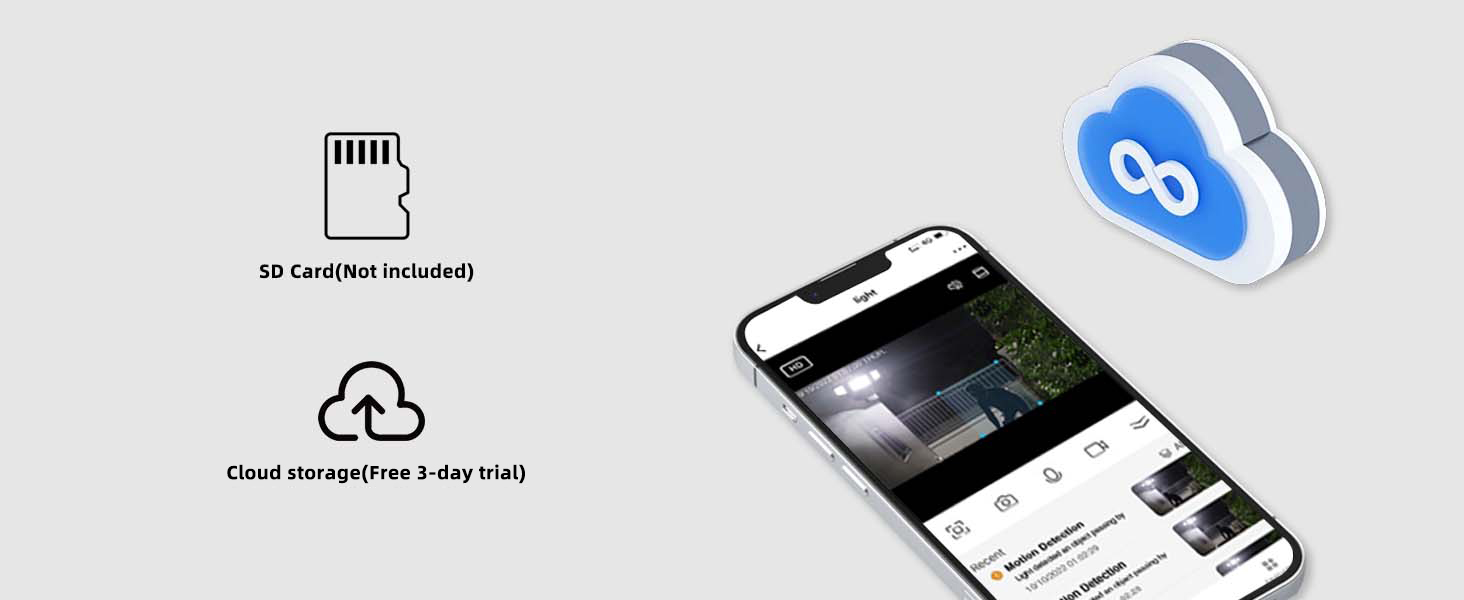
Image: The solar panel providing power to the camera, ensuring 24/7 protection.
3.3 App Download and Connection
To control and monitor your camera, download the O-KAM Pro app on your smartphone. Follow the in-app instructions to connect your camera to your Wi-Fi network (supports 2.4GHz and 5GHz). Ensure your phone is near the camera during the initial setup for a stable connection.
Video: A step-by-step guide on connecting the solar camera to the mobile application, including Wi-Fi setup.
4. Operating Instructions
4.1 Dual Lens Functionality
The BEENOCAM camera features two lenses: a 360° PTZ (Pan-Tilt-Zoom) rotating camera and a 110° fixed camera. This dual-lens system provides comprehensive coverage, allowing you to monitor a wide area without missing details.

Image: Illustration of the dual lens system capturing a wide, high-definition view of a property.
4.2 Pan-Tilt-Zoom (PTZ) and Fixed View
The spherical camera offers a 360° horizontal viewing angle and 90° vertical movement, while the gun-shaped camera provides a fixed 110° vision. This combination ensures all-round protection for your property.
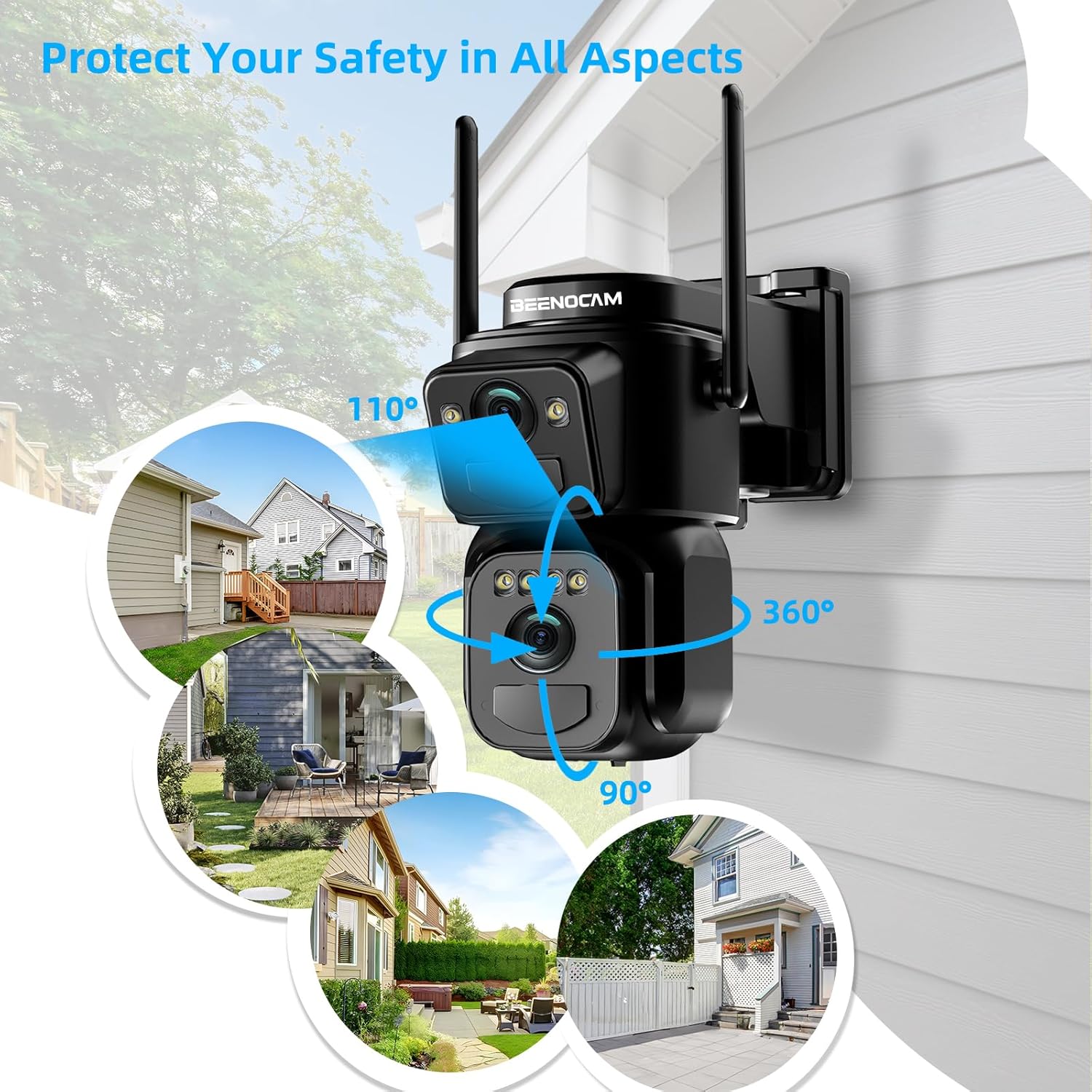
Image: Visual representation of the camera's 360° PTZ capabilities and 110° fixed lens coverage.
4.3 PIR Motion Detection & Auto Tracking
Equipped with dual PIR detection functions, the camera accurately distinguishes humans from other objects, reducing false alarms. Upon detecting an abnormality, you receive real-time push notifications on your mobile phone. The camera can automatically track intruders and activate an alarm sound and spotlight.
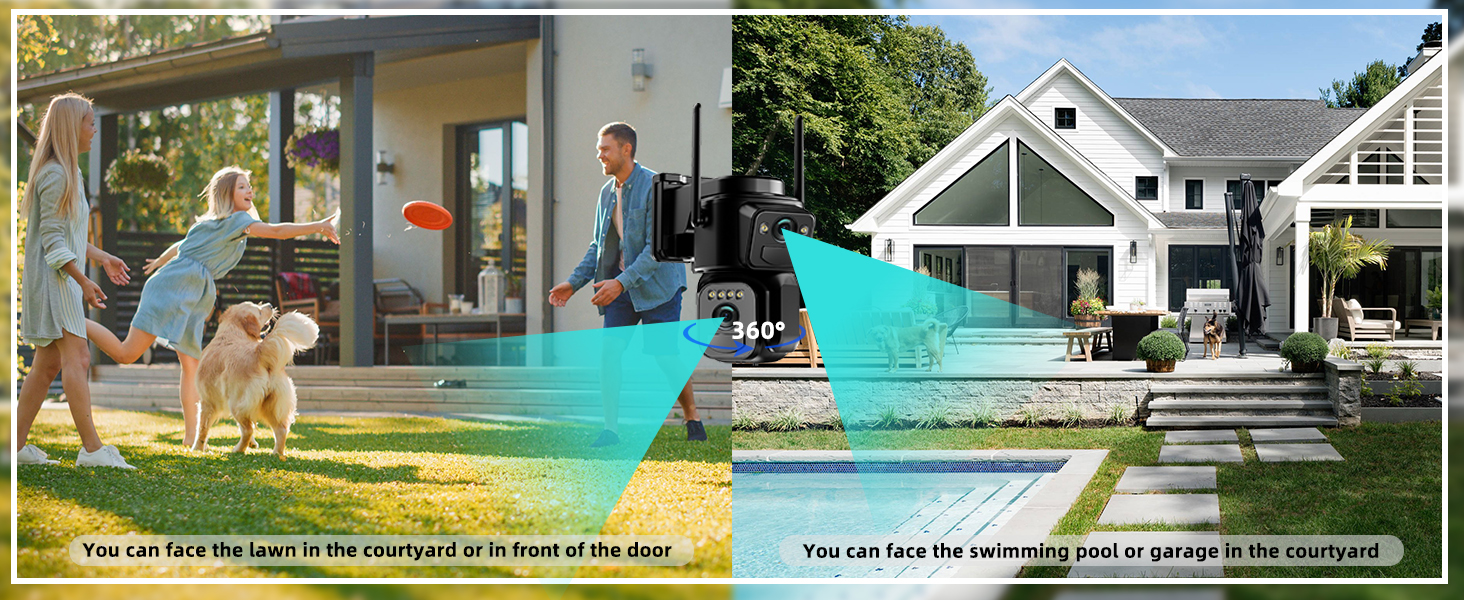
Image: Diagram illustrating the dual PIR motion detection and automatic tracking of human figures.
4.4 Two-Way Audio and Light Alarm
Communicate with visitors or deter intruders using the built-in two-way audio. The camera can also activate a light alarm to warn off unwanted guests.

Image: A visual of the camera's sound and light alarm function in action, deterring a potential intruder.
4.5 Night Vision Modes
Experience clear surveillance even in low-light conditions with 4K Quad-HD night vision. Choose between full-color night vision (with spotlight) or infrared night vision for discreet monitoring.

Image: Side-by-side comparison of full-color night vision and infrared night vision captured by the camera.
4.6 Storage Options
The camera supports both local storage (Micro SD card up to 128GB, not included) and cloud storage (subscription required for cloud storage). Access and play back recordings anytime, anywhere via the app.
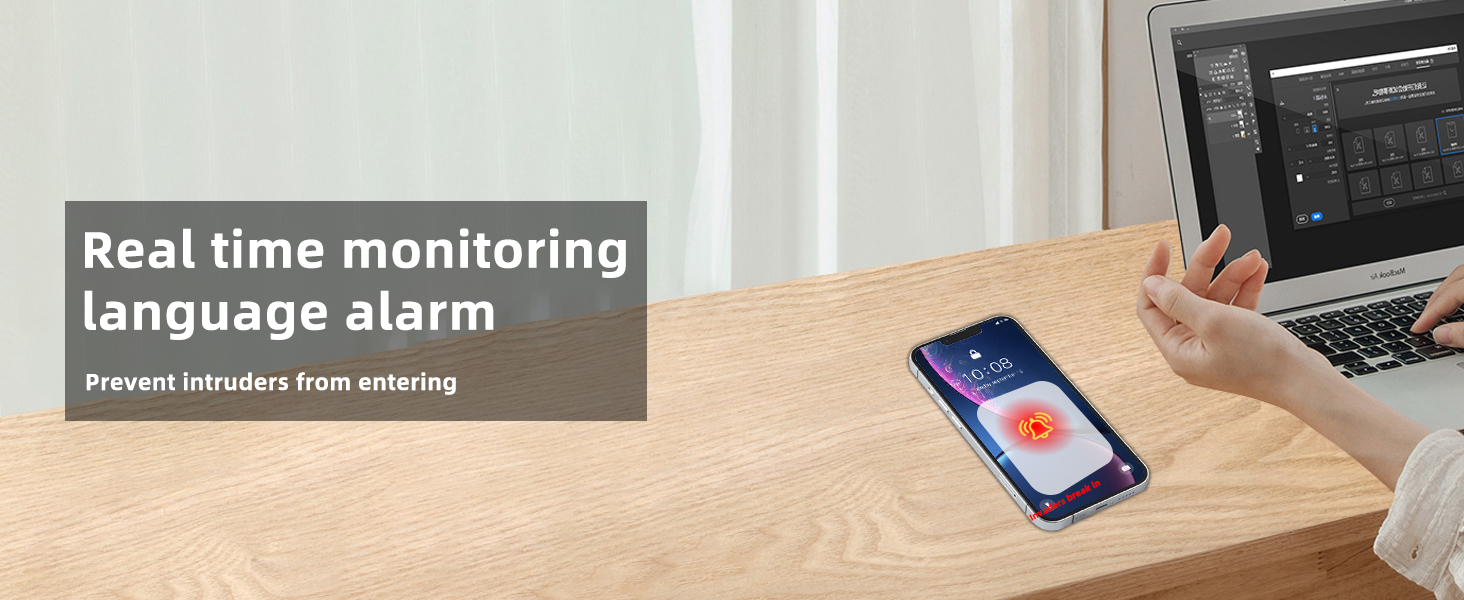
Image: Icons representing SD card and cloud storage options, with a smartphone displaying recorded footage.
4.7 Dual-Band WiFi Connectivity
The camera supports both 2.4GHz and 5GHz Wi-Fi, providing flexible and stable connection options for your home network.
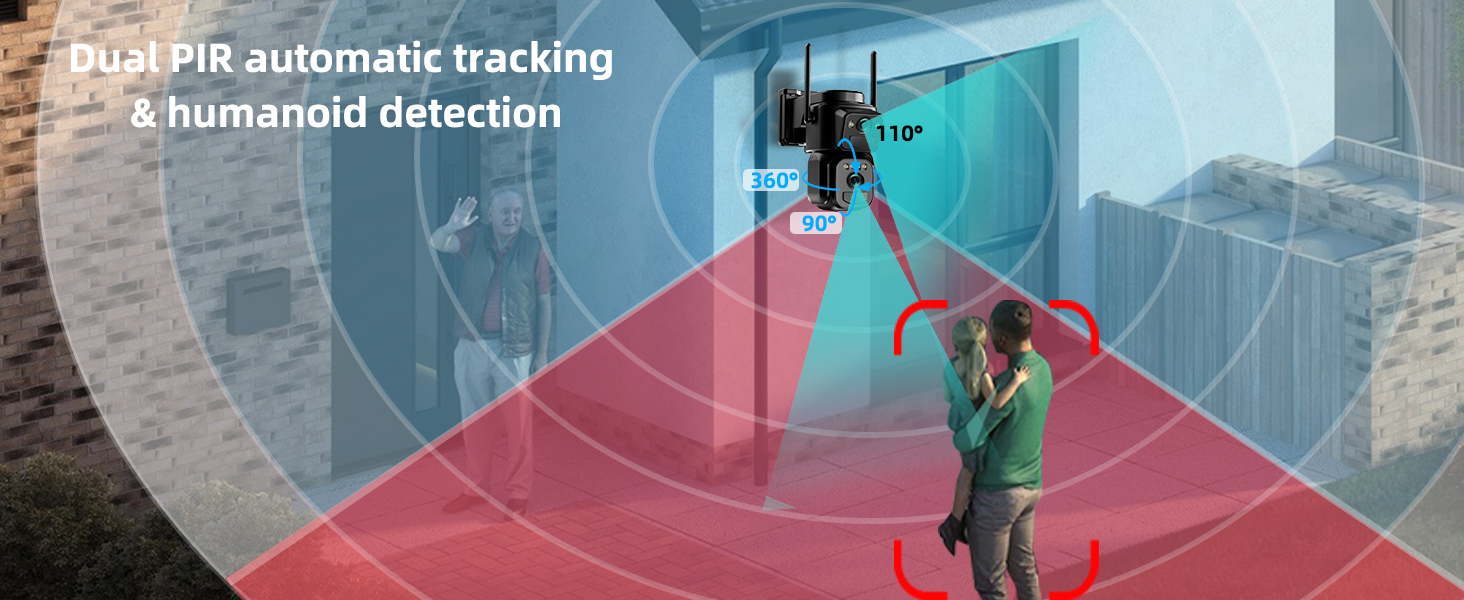
Image: Visual representation of the camera's compatibility with both 2.4GHz and 5GHz Wi-Fi networks.
4.8 Customizable Detection Areas
Focus on key areas by customizing detection zones within the app. This helps to reduce unnecessary alerts and optimize monitoring.
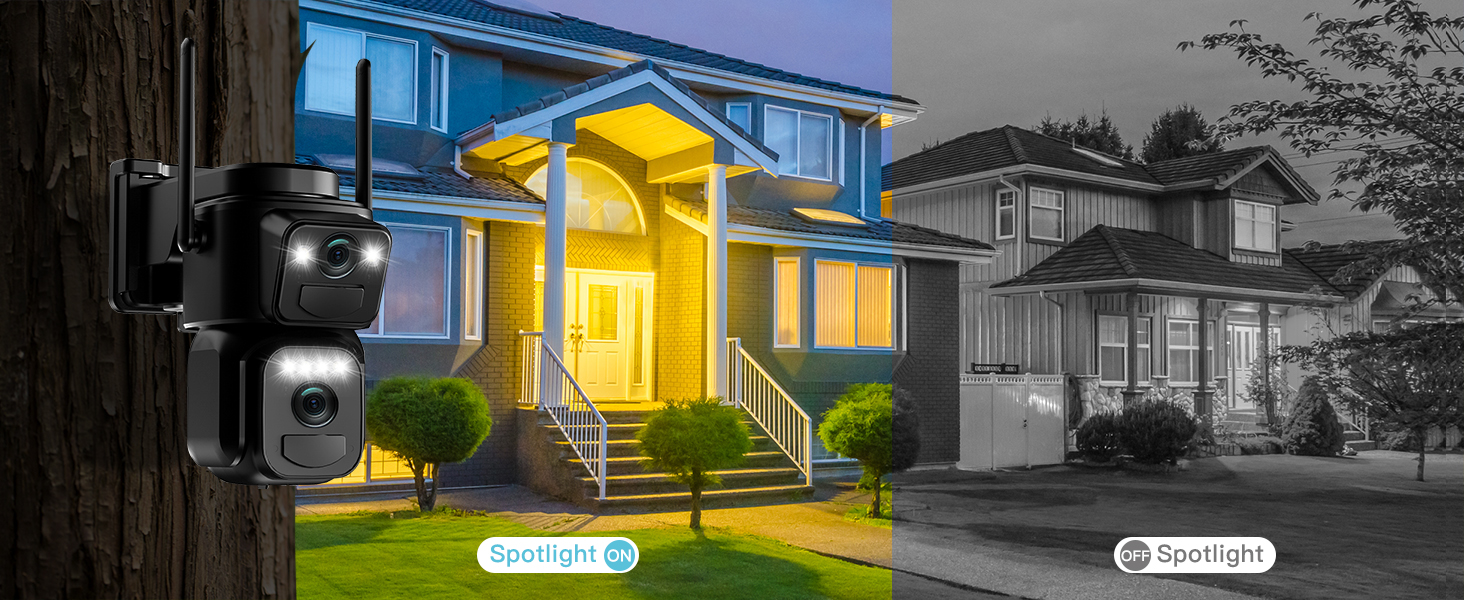
Image: A smartphone screen displaying the camera's interface with five customizable detection areas highlighted.
4.9 Multi-User Sharing
Share access to your camera's live feed and recordings with multiple users through the app, allowing family members or trusted individuals to monitor the property.
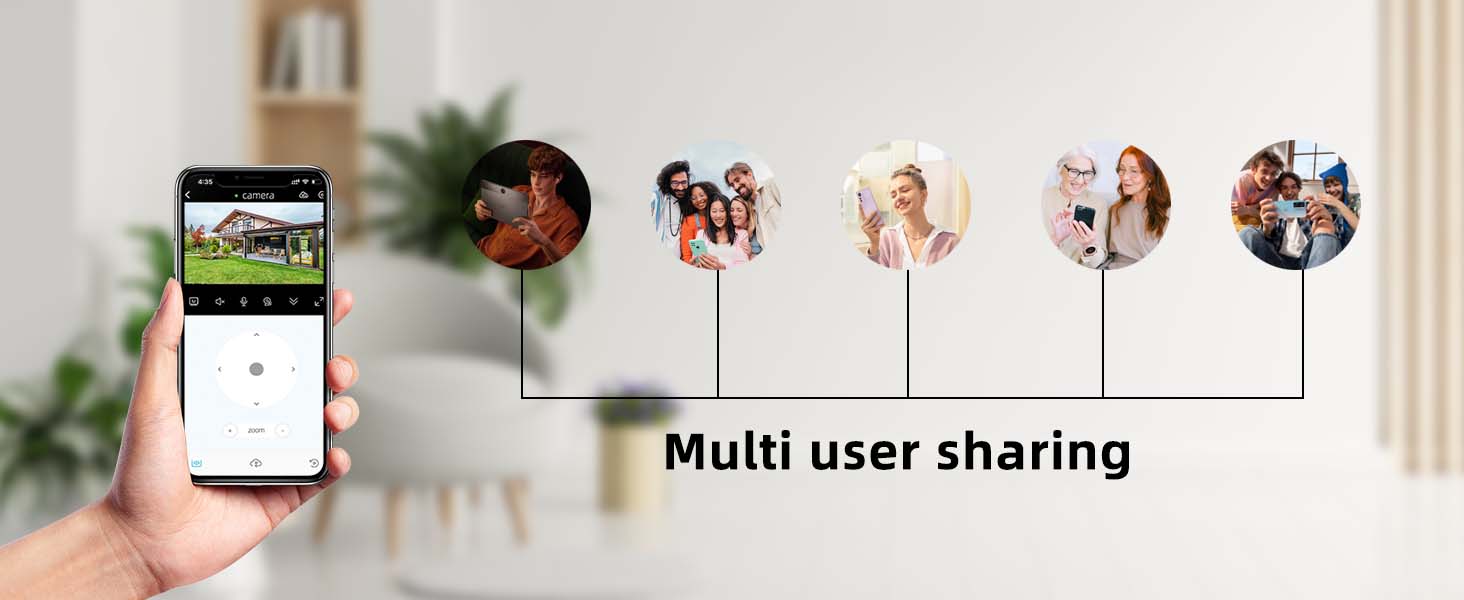
Image: An illustration showing how multiple users can share and view the camera's feed simultaneously.
5. Maintenance
5.1 Weather Resistance (IP66)
The BEENOCAM security camera is rated IP66 waterproof, ensuring durability against various weather conditions including rain, sun, dust, and cold. Regularly wipe the lens clean with a soft cloth to maintain clear image quality.

Image: The camera with icons indicating its IP66 waterproof, sunproof, dustproof, and cold resistance features.
5.2 Solar Charging
The solar panel provides continuous power. Ensure the solar panel is positioned in an area that receives ample direct sunlight to maximize charging efficiency. Periodically clean the solar panel surface to remove any dirt or debris that may obstruct sunlight.
6. Troubleshooting
| Problem | Possible Cause | Solution |
|---|---|---|
| Camera not connecting to Wi-Fi | Incorrect Wi-Fi password; Camera too far from router; Router not supporting 2.4GHz/5GHz. | Double-check password; Move camera closer to router; Ensure router supports both frequencies. |
| Poor image quality | Dirty lens; Low light conditions; Network bandwidth issues. | Clean the lens; Ensure adequate lighting or use night vision; Check network speed. |
| Motion detection not working or too sensitive | Incorrect sensitivity settings; Obstructions in detection area; Environmental factors (e.g., strong wind). | Adjust sensitivity in app; Clear obstructions; Define custom detection areas. |
| Battery not charging via solar panel | Insufficient sunlight; Dirty solar panel; Damaged cable/panel. | Relocate panel to direct sunlight; Clean panel surface; Check cable connections. |
| SD card not recognized | Incorrect format (not FAT32); Card capacity outside recommended range; Faulty card. | Format card to FAT32; Use 8-126GB Class4+ card; Try a different genuine SD card. |
7. Specifications
| Feature | Detail |
|---|---|
| Indoor/Outdoor Usage | Outdoor |
| Compatible Devices | Smartphone |
| Power Source | Solar Powered |
| Connectivity Protocol | Wi-Fi (2.4GHz and 5GHz) |
| Controller Type | O-KAM Pro App |
| Mounting Type | Wall Mount |
| Video Capture Resolution | 4K |
| Color | Black |
| Number of Items | 1 |
| Number of Channels | 2 (Dual Lens) |
| Viewing Angle | 360 Degrees (PTZ) |
| Night Vision Range | 33 Feet |
| Material | Plastic |
| Voltage | 5 Volts |
| Item Dimensions L x W x H | 5 x 3 x 2.7 inches |
| Item Weight | 2.38 pounds |
| Batteries | 2 Lithium Polymer batteries (included) |
| Flash Memory Type | Micro SD |
| Video Encoding | MP4 |
| Low Light Technology | Night Color |
| Alert Type | Motion Only |
| Light Source Type | Infrared |
| Specific Uses For Product | Surveillance |
| International Protection Rating | IP66 |
| Control Method | App |
| Recommended Uses For Product | Outdoor Security, Front door, Garage, Garden |
| Special Feature | 2-Way Audio, Built In Light, Motion Sensor, Night Vision, PTZ Technology |
8. Warranty and Support
BEENOCAM products come with a manufacturer's warranty. For detailed warranty information, technical support, or service inquiries, please refer to the contact information provided on the product packaging or visit the official BEENOCAM website.
For additional support, you may also refer to the BEENOCAM Store on Amazon.
Related Documents - Dual-lens Security Camera
 |
HEIYOUCAM and WorldGolbal Wireless Outdoor Security Cameras: User Manual and Product Details Explore the range of HEIYOUCAM and WorldGolbal wireless outdoor security cameras. This document provides details on models including IP66, BW4, QW5, 3MP, A20/A20QQ, and the Four Lens Four Screen camera. Features cover resolutions from 2K to 10K, advanced night vision, AI motion detection, two-way audio, IP66 waterproofing, and solar power options. |
 |
VisiPower Pet Robot Cam User Manual: Dual Lens, Mobile Surveillance Comprehensive user manual for the VisiPower Pet Robot Cam, detailing its dual-lens, mobile smart camera features, two-way audio, night vision, and pet interaction capabilities for home monitoring. |
 |
ICSee Dual-Lens PTZ Camera User Guide A comprehensive guide to setting up and using the ICSee Dual-Lens PTZ Camera, covering installation, app connection, and features like zoom, night vision, and two-way audio. |
 |
Bluavido Mini 4G 2K Dash Cam User Manual P83 User manual for the Bluavido Mini 4G 2K Dash Cam (Model P83), covering installation, operation, features, specifications, and troubleshooting for this vehicle recording device. |
 |
JOOAN WiFi Camera Quick User Guide A concise guide to setting up and using the JOOAN WiFi Camera, covering installation, network connection (WiFi and wired), app usage, sharing features, playback options, and troubleshooting. |
 |
Maxtoss 4K Dash Cam User Manual Comprehensive user manual for the Maxtoss 4K dash cam, covering performance parameters, operation, WiFi connectivity, interface details, playback, settings, and troubleshooting. Learn how to use your dual-lens car DVR effectively. |