
Introduction
Thank you for choosing the LEXIP Madara Design Headset. This manual provides detailed instructions for setting up, operating, and maintaining your headset. Please read this manual thoroughly before use to ensure optimal performance and longevity of your device.
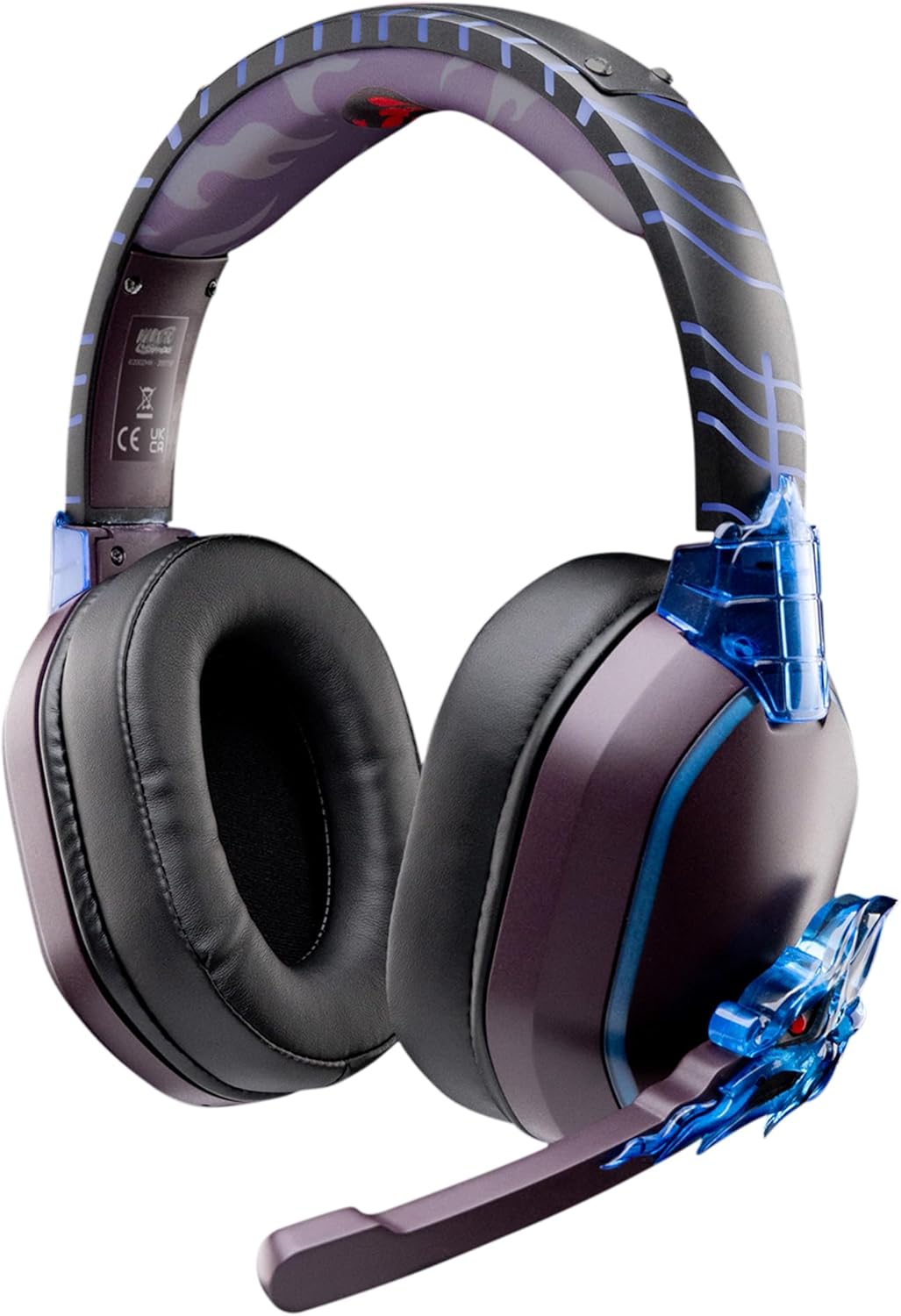
Image: The LEXIP Madara Design Headset, featuring a distinctive purple and blue color scheme with intricate design elements inspired by Madara.
Package Contents
Ensure all items are present in the package:
- LEXIP Madara Design Headset
- Detachable Microphone
- 3.5mm Audio Cable
- USB Charging Cable
- User Manual
Product Overview
Familiarize yourself with the components and design features of your headset.

Image: Close-up of the headset's ear cup, highlighting the intricate blue dragon design element.

Image: View of the soft earcups and adjustable headband, designed for comfort during extended use.
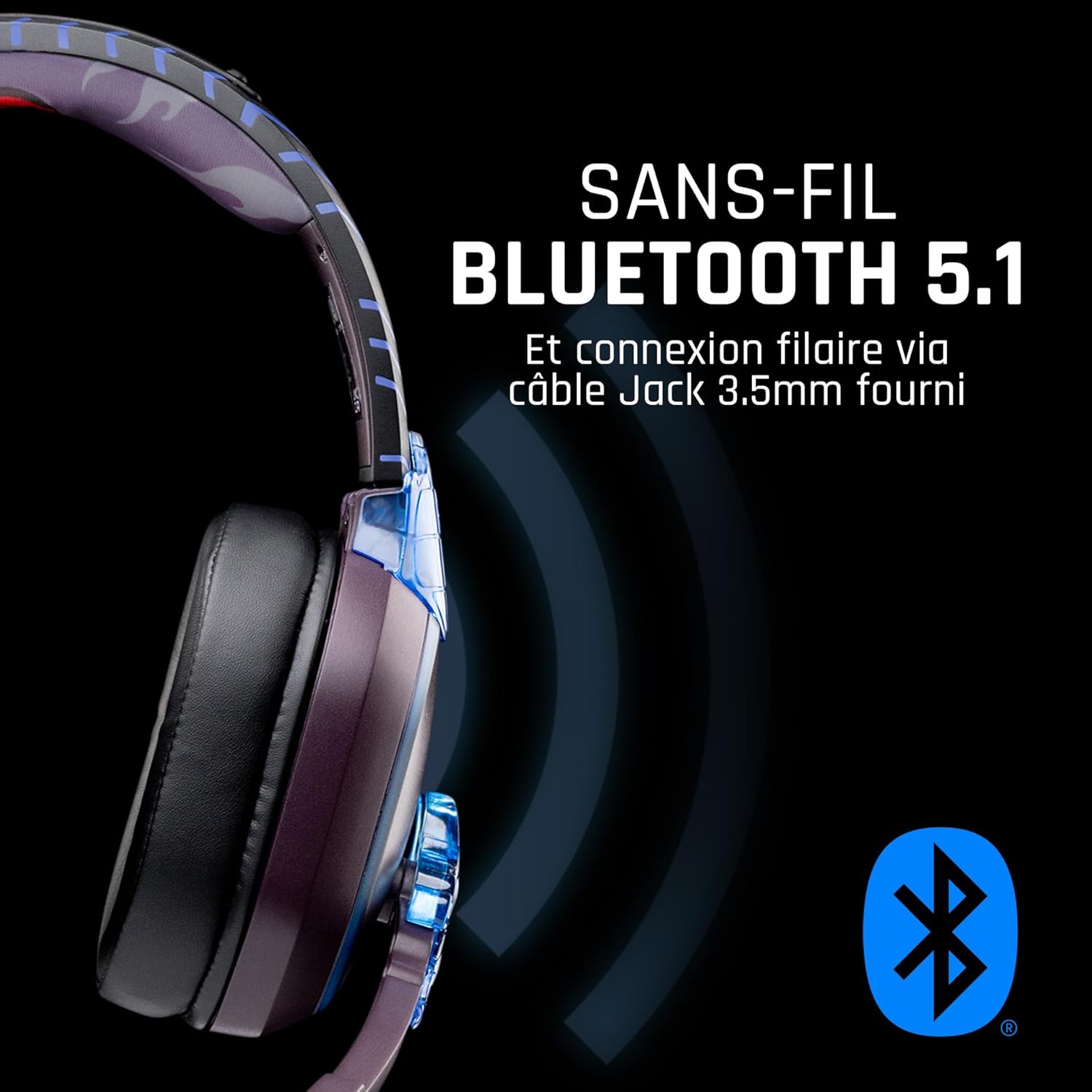
Image: Side view of the headset, illustrating its wireless Bluetooth 5.1 capability and connection points.

Image: The headset displayed on a stand, alongside a matching game controller, showcasing its gaming application.
Key Features:
- Wireless Bluetooth 5.1: For seamless wireless audio.
- Wired Connectivity: Via the included 3.5mm Jack cable.
- Detachable Microphone: For clear communication and versatility.
- Volume Control: Integrated controls for easy audio adjustment.
- Noise Isolation: Passive noise reduction for an immersive experience.
- Comfortable Design: Adjustable headband and over-ear form factor.
Setup
1. Charging the Headset
- Connect the USB charging cable to the charging port on the headset.
- Connect the other end of the USB cable to a compatible USB power source (e.g., computer USB port, USB wall adapter).
- The LED indicator on the headset will show the charging status. A full charge typically takes approximately 2-3 hours.
2. Attaching the Microphone
- Locate the microphone input port on the headset, usually on the left earcup.
- Align the detachable microphone connector with the port and gently push it in until it clicks into place.
- Adjust the microphone's position for optimal voice pickup.
Operating Instructions
1. Powering On/Off
- To Power On: Press and hold the Power button for approximately 3 seconds until the LED indicator lights up.
- To Power Off: Press and hold the Power button for approximately 5 seconds until the LED indicator turns off.
2. Bluetooth Pairing (Wireless Mode)
- Ensure the headset is powered off.
- Press and hold the Power button for approximately 5-7 seconds until the LED indicator flashes rapidly, indicating pairing mode.
- On your device (Windows 10/11, Mac, PS5, PS4, Xbox Series X/S, Xbox One, Nintendo Switch, Android, iOS, tablets), navigate to Bluetooth settings.
- Search for available devices and select "LEXIP Madara Headset" (or similar name).
- Once paired, the LED indicator will stop flashing and remain solid blue.
3. Wired Connection (3.5mm Jack)
- Insert one end of the 3.5mm audio cable into the headset's audio jack.
- Insert the other end into the 3.5mm audio port of your desired device.
- The headset will operate in passive wired mode, even if the power is off.
4. Volume Control
- Use the volume control dial or buttons located on the headset to adjust the audio level.
Maintenance
- Cleaning: Use a soft, dry cloth to clean the headset. Do not use abrasive cleaners or solvents.
- Storage: Store the headset in a cool, dry place away from direct sunlight and extreme temperatures.
- Battery Care: For optimal battery life, avoid fully discharging the headset frequently. Charge it regularly.
- Water Resistance: The headset is not waterproof. Avoid exposure to liquids.
Troubleshooting
| Problem | Possible Cause | Solution |
|---|---|---|
| No sound from headset | Headset not powered on; Volume too low; Not paired/connected; Incorrect audio output selected on device. | Ensure headset is powered on and charged. Increase volume. Re-pair Bluetooth or check 3.5mm cable connection. Select headset as audio output on your device. |
| Cannot pair via Bluetooth | Headset not in pairing mode; Device Bluetooth off; Too far from device; Interference. | Ensure headset is in pairing mode (flashing LED). Turn device Bluetooth off and on again. Move headset closer to device. Avoid strong Wi-Fi signals or other Bluetooth devices. |
| Microphone not working | Microphone not properly attached; Muted on headset/device; Incorrect input selected on device. | Ensure microphone is securely attached. Check if microphone is muted. Select headset microphone as input device in your device's sound settings. |
| Short battery life | Headset not fully charged; Old battery. | Ensure headset is fully charged before use. Battery performance may degrade over time. |
Specifications
| Model Number | TSXLXHS0003 |
| Brand | Lexip |
| Connectivity Technology | Wireless (Bluetooth 5.1), Wired (3.5mm Jack) |
| Frequency Range | 20 Hz - 20,000 Hz |
| Impedance | 3 ohms |
| Sensitivity | 116 dB |
| Noise Isolation | Passive Noise Reduction |
| Microphone | Detachable |
| Controls | Volume Control, Remote Control |
| Compatible Devices | Windows 10/11, Mac, PS5, PS4, Xbox Series X/S, Xbox One, Nintendo Switch, Android, iOS, tablets |
| Form Factor | Over-ear, Extra-aural |
| Material | Mixed Materials |
| Age Range | Adult |
| Water Resistance Level | Not Water Resistant |
| Battery | 1 non-standard battery (included) |
Warranty and Support
The LEXIP Madara Design Headset comes with a 2-year manufacturer's warranty from the date of purchase. This warranty covers defects in materials and workmanship under normal use.
For warranty claims, technical support, or further assistance, please contact LEXIP customer service through their official website or the retailer where the product was purchased. Please have your proof of purchase and model number (TSXLXHS0003) ready when contacting support.
Note: Information regarding spare parts availability and software updates is not available at this time.


