
Tenveo TEVO-VHD10U
Tenveo PTZ Video Conference Camera User Manual
Model: TEVO-VHD10U | Brand: Tenveo
1. Introduction
Thank you for choosing the Tenveo TEVO-VHD10U PTZ Video Conference Camera. This manual provides detailed instructions for setting up, operating, and maintaining your camera to ensure optimal performance. This camera is designed for professional video conferencing, live streaming, and educational applications, offering high-quality video and flexible control.

Figure 1: Tenveo TEVO-VHD10U PTZ Video Conference Camera with included remote control.
2. Safety Information
- This product is designed for indoor use only.
- Do not expose the camera to moisture or extreme temperatures.
- Avoid placing the camera in direct sunlight or near heat sources.
- Use only the provided power adapter.
- Do not attempt to disassemble or modify the camera. Refer all servicing to qualified personnel.
- Keep the camera away from strong electromagnetic fields.
- Unplug the camera during lightning storms or when unused for long periods.
3. Package Contents
Please check the package contents upon unboxing:
- Tenveo TEVO-VHD10U PTZ Camera (1 unit)
- USB Cable (1 unit)
- IR Remote Control (1 unit)
- Wall Mount Bracket (1 unit)
- DC12V Power Adapter (1 unit)
- User Manual (This document)
4. Product Overview
The TEVO-VHD10U camera features a 10x optical zoom lens and a 1080P 60FPS CMOS sensor for high-definition video. It supports multiple output interfaces and offers smooth, silent pan and tilt movements.
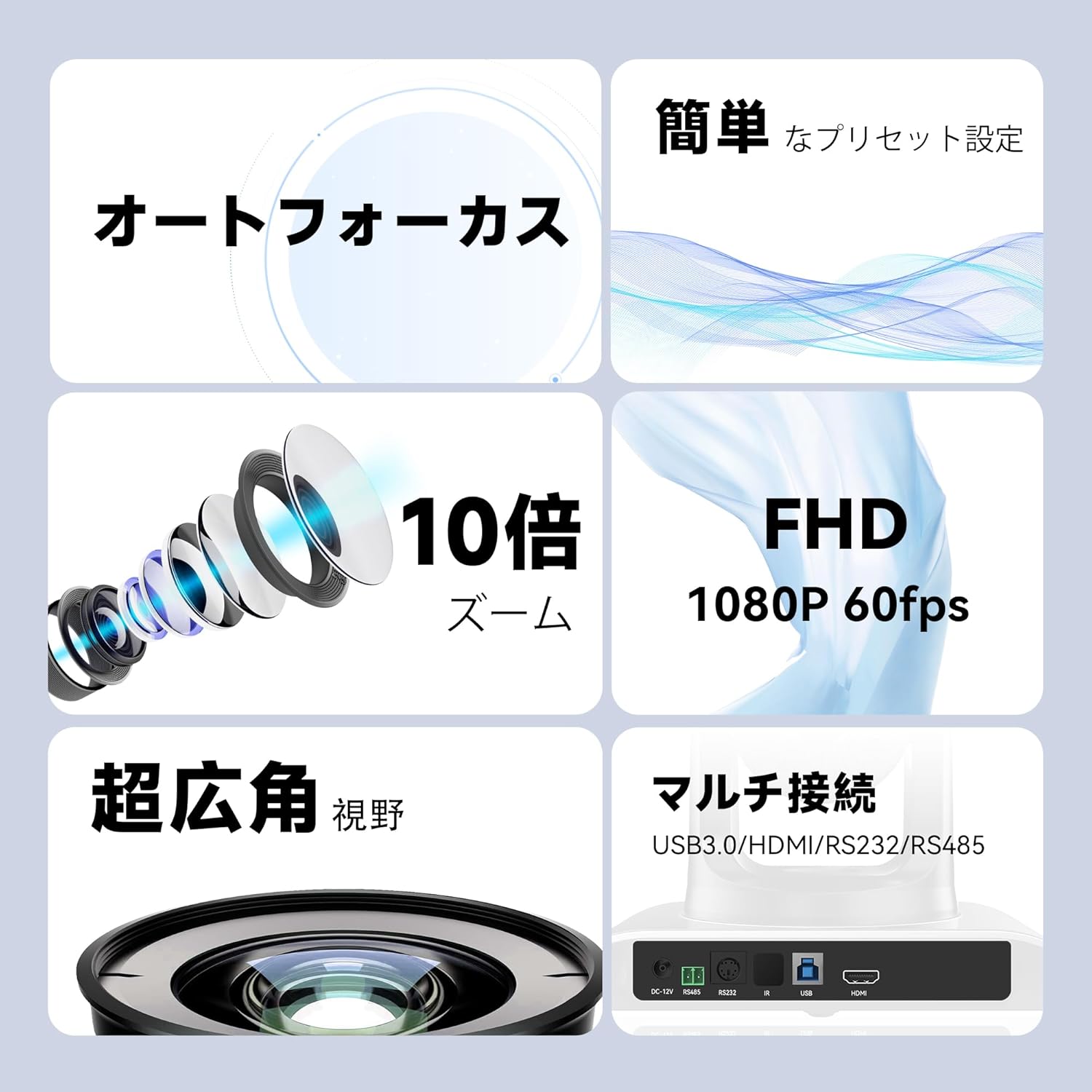
Figure 2: Key features including 10x optical zoom, 1080P 60FPS, autofocus, and multi-connection options.
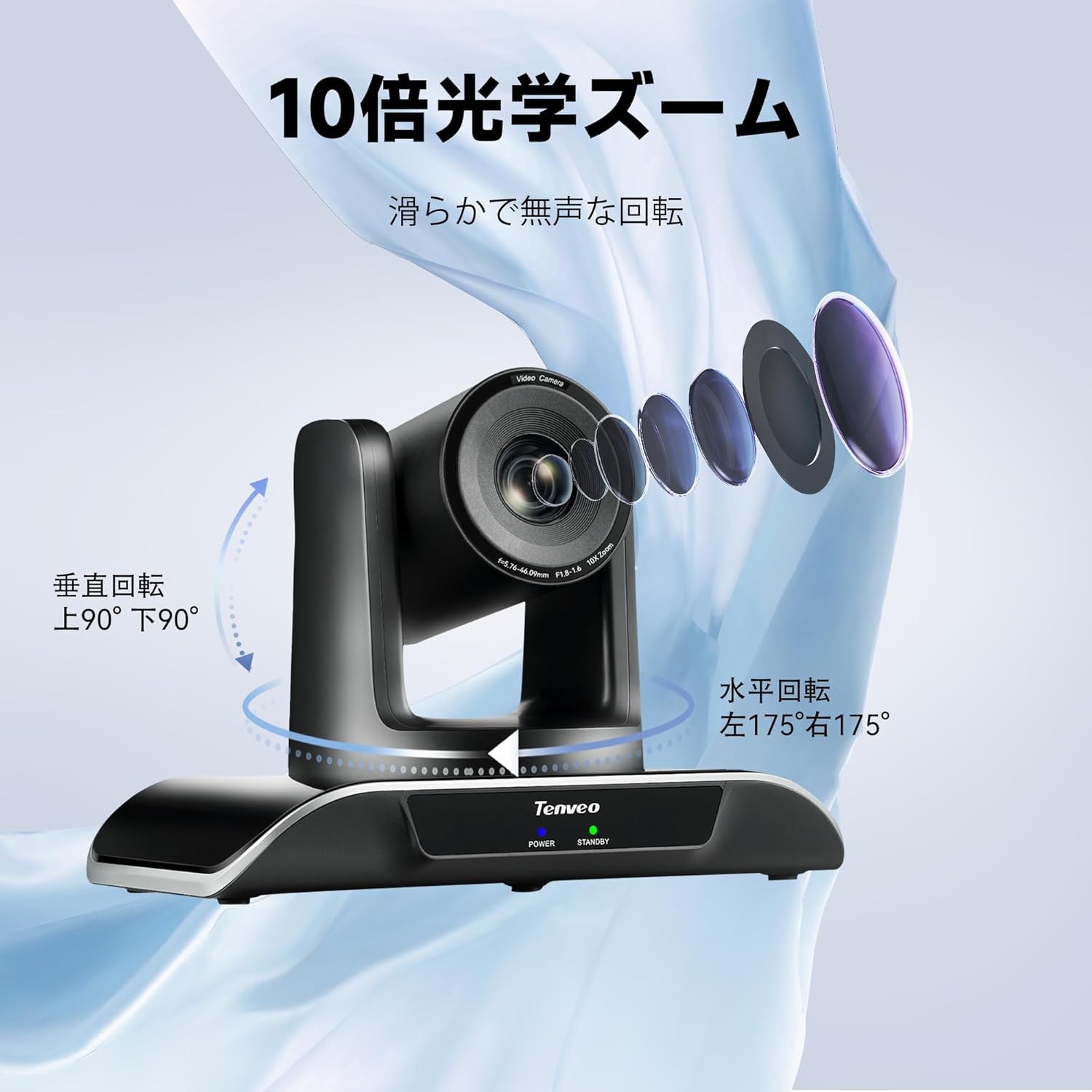
Figure 3: Smooth and silent pan (horizontal) and tilt (vertical) rotation capabilities.

Figure 4: High-quality 1080P 60FPS video output for clear visuals.
5. Setup
5.1 Physical Connection
Connect the camera to your devices using the appropriate cables:
- USB 3.0: For video output to a computer. Provides plug-and-play functionality.
- HDMI: For high-definition video output to a display or capture device.
- RS232/RS485: For external PTZ control via a serial joystick or control system.
- DC12V: Connect the power adapter to the camera and a power outlet.

Figure 5: Connection diagram for USB, HDMI, RS232/RS485, and power.
5.2 Mounting Options
The camera offers flexible installation to suit various environments:
- Tabletop Placement: Simply place the camera on a flat surface.
- Wall Mount: Use the included bracket to mount the camera on a wall.
- Tripod Mount: Attach the camera to a standard tripod for portable setups.
- Ceiling Mount: Invert the camera and use a compatible ceiling mount (sold separately) for overhead views.

Figure 6: USB Plug & Play setup on a tabletop.

Figure 7: Multiple installation methods for diverse applications.
6. Operating Instructions
6.1 Basic Operation
Once connected, the camera is generally plug-and-play with most operating systems. Open your video conferencing software (e.g., Zoom, Microsoft Teams) and select the Tenveo camera as your video input device.

Figure 8: High compatibility with popular video conferencing software.
6.2 Remote Control Functions
The included IR remote control allows for easy adjustment of camera settings and movements.
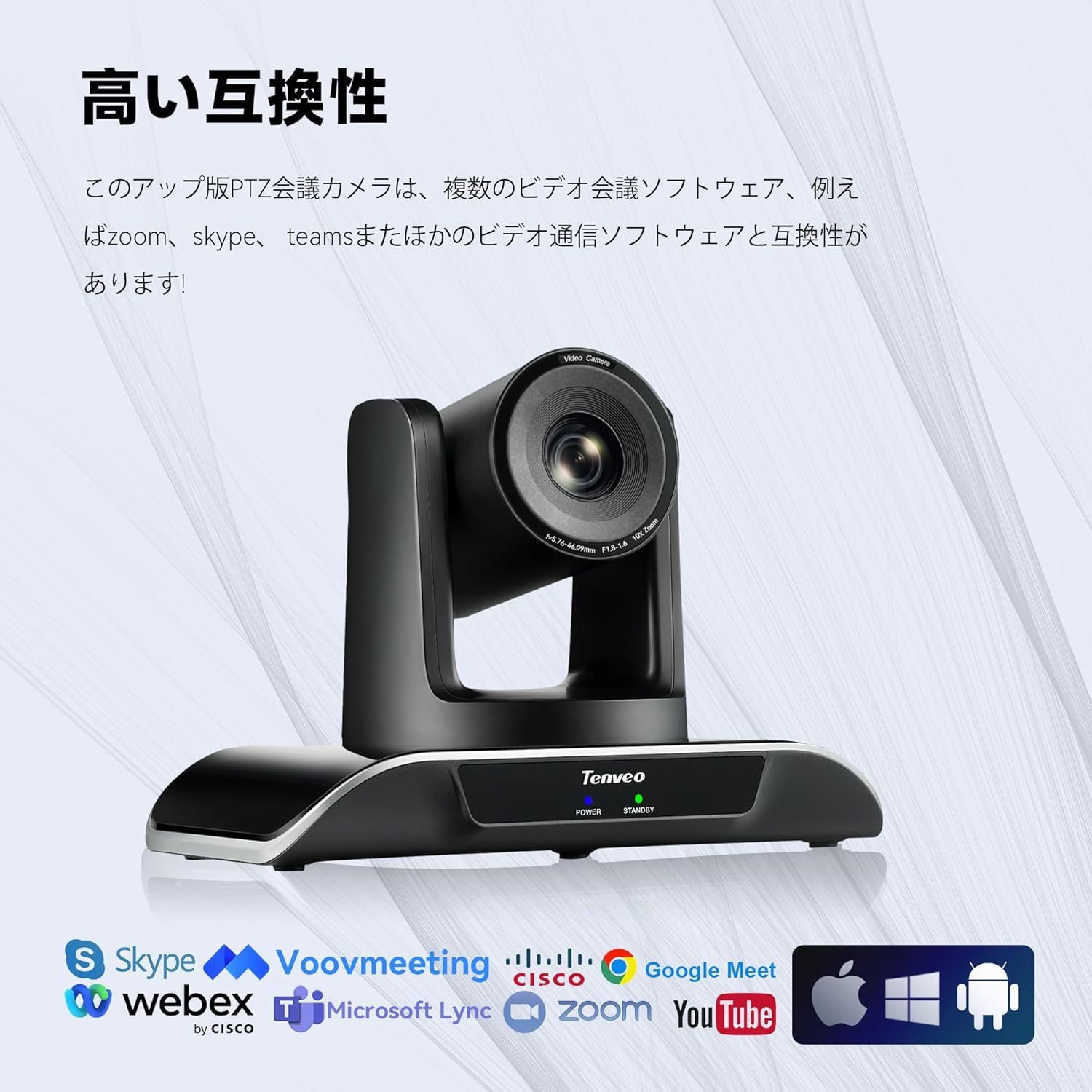
Figure 9: Remote control layout and functions.
- Position Buttons (1-9): Recall or set camera presets.
- Camera Rotation Control Keys (Arrows): Pan (left/right) and Tilt (up/down) the camera.
- Zoom Keys (+/-): Adjust optical zoom (Tele/Wide).
- Focus Keys (AUTO/MANUAL): Adjust focus automatically or manually.
- Menu Button: Access the On-Screen Display (OSD) menu for advanced settings.
- PTZ Reset: Resets the camera to its default home position.
6.3 Preset Settings
The camera supports multiple preset positions for quick recall of specific angles and zoom levels. Up to 10 presets can be stored via the IR remote control. When connected to a PTZ controller via RS232/RS485, up to 255 presets can be supported depending on the protocol (Visca, Pelco-D, Pelco-P).

Figure 10: Easy preset settings for various meeting scenarios.
7. Maintenance
- Cleaning: Use a soft, dry cloth to clean the camera body. For the lens, use a lens cleaning cloth and solution specifically designed for optical lenses. Do not use harsh chemicals or abrasive materials.
- Storage: When not in use for extended periods, store the camera in a cool, dry place, away from dust and direct sunlight.
- Firmware Updates: Periodically check the Tenveo official website for any available firmware updates to ensure optimal performance and new features.
8. Troubleshooting
| Problem | Possible Cause | Solution |
|---|---|---|
| No video output |
|
|
| Remote control not working |
|
|
| Image is blurry or out of focus |
|
|
9. Specifications
| Feature | Detail |
|---|---|
| Brand | Tenveo |
| Model Number | TEVO-VHD10U |
| Photo Sensor Technology | CMOS |
| Video Capture Resolution | 1080p (FHD 60FPS) |
| Optical Zoom | 10X |
| Connectivity Technology | HDMI, USB, Infrared (IR) |
| Lens Composition | Zoom, Macro, Wide Angle |
| Motor Type | Optical |
| Screen Size | 2.8 inches (sensor size) |
| Focal Length (Wide Side) | 28 mm |
| Focal Length (Telephoto Side) | 42 mm |
| F-Value (Wide Side) | 2.8 mm |
| F-Value (Telephoto Side) | 2.8 mm |
| Video Capture Format | MJPEG |
| Package Dimensions | 25 x 17 x 15 cm; 2.8 kg |
10. Warranty and Support
Tenveo offers a three-year manufacturer's warranty for this product, covering defects in materials and workmanship under normal use. Additionally, a 30-day no-reason return policy is available.
For technical support, troubleshooting assistance, or warranty claims, please contact Tenveo customer service:
- Email: amazon_jp@tenveo.com
- Customer service is available to respond within 24 hours.
- Lifetime maintenance support is also provided.
Please note: This product is for indoor use only. Audio functionality is not built-in; a separate microphone is required for audio capture.
Related Documents - TEVO-VHD10U
 |
Tenveo PTZ Video Camera User Manual User manual for the Tenveo PTZ Video Camera, covering product description, performance characteristics, remote control, menu setup, installation, troubleshooting, and maintenance. Learn how to operate and configure your Tenveo conference camera. |
 |
Tenveo Common After-Sales Issues: Troubleshooting Guide and Answers Comprehensive guide to common after-sales issues for Tenveo cameras, covering troubleshooting, firmware, connectivity, and usage with OBS, NDI, and other software. Find solutions for PTZ control, video quality, and network problems. |
 |
Tenveo AI Auto Tracking Conference Camera User Manual User manual for the Tenveo AI Auto Tracking Conference Camera, detailing its features, specifications, setup, and operation. Includes information on video and audio settings, PTZ controls, AI tracking, and network configuration. |
 |
Tenveo TEVO-VL12U 4K PTZ Camera User Manual Comprehensive user manual for the Tenveo TEVO-VL12U 4K PTZ camera, covering product description, specifications, remote control operation, menu setup, network configuration, troubleshooting, and maintenance. |
 |
UHD Video Conference Camera User Manual This user manual provides comprehensive information on the UHD Video Conference Camera, including product description, performance characteristics, quick start guide, remote control functions, common operations, troubleshooting, and maintenance services. It details the camera's technical specifications, connection and installation procedures, and interface definitions. |
 |
Tenveo 4K PTZ Camera User Manual User manual for the Tenveo 4K PTZ Camera (Model TEVO-VL12U), covering product description, packing list, performance characteristics, remote control operation, camera menu setup, common operations, network functions, troubleshooting, and maintenance services. |
Ask a question about this manual
Ask about setup, troubleshooting, compatibility, parts, safety, or missing instructions. Manuals+ will review the question and use this page’s manual context to help answer it.