
GiiHoo JKD-541COM
GiiHoo JKD-541COM Battery-Powered 2-in-1 Smoke and Carbon Monoxide Detector User Manual
Model: JKD-541COM
Introduction
The GiiHoo JKD-541COM is a battery-powered 2-in-1 smoke and carbon monoxide (CO) detector designed to provide early warning of both smoke and carbon monoxide hazards. This device integrates an advanced electrochemical carbon monoxide sensor and an infrared photoelectric smoke sensor for accurate and reliable detection. It features an LCD digital display for real-time concentration readings and LED indicators for various operational statuses. This manual provides essential information for proper installation, operation, and maintenance to ensure the safety of your home, RV, or garage.

Image: The GiiHoo JKD-541COM 2-in-1 Smoke and Carbon Monoxide Detector, showing its compact design and central LCD display.
Important Safety Information
Please read and understand all instructions before installing and operating this detector. Failure to follow these instructions may result in property damage, injury, or death. This device is intended for residential use and is not suitable for industrial applications.
- Do not paint the detector. Paint can clog the sensing vents and interfere with the unit's ability to detect smoke or CO.
- Do not obstruct the vents. Ensure clear airflow around the detector.
- Test the detector regularly as described in the Operating Instructions section.
- Replace batteries promptly when the low battery warning is indicated.
- Do not use open flame to test the detector. This can damage the unit.
- Carbon monoxide detectors are not substitutes for smoke detectors. This device detects both, but ensure you understand the distinct hazards.
Product Features
- 2-in-1 Detection: Equipped with an electrochemical CO sensor and an infrared photoelectric smoke sensor for comprehensive protection.
- LCD Digital Display: Clearly indicates real-time carbon monoxide concentration (PPM) and working status. The display activates only when CO or smoke is detected to conserve battery life.
- LED Warning Indicators: Visual cues for power/standby (green), smoke alarm (blue), and carbon monoxide alarm (red).
- Audible Alarm: Produces a loud 85dB alarm to alert occupants to potential dangers.
- Test/Silence Button: Allows for easy testing of the alarm's functionality and silencing of non-emergency alarms.
- Low Battery Warning: Alerts users when batteries need replacement.
- Compact and Lightweight Design: Suitable for various environments including homes, offices, RVs, and garages.

Image: The GiiHoo 2-in-1 detector providing safety in a living room setting, illustrating its dual protection capability.
Package Contents
- GiiHoo JKD-541COM Smoke and Carbon Monoxide Detector
- Mounting Bracket
- Screws and Anchor Plugs
- User Manual (this document)
Note: 3x 1.5V AA batteries are required and are not included in the package.

Image: A visual guide showing the components included for installation and the detector itself.
Setup and Installation
Follow these steps to properly set up and install your GiiHoo JKD-541COM detector.
1. Battery Installation
- Locate the battery compartment on the back of the detector.
- Insert three (3) 1.5V AA batteries, ensuring correct polarity (+/-).
- Close the battery compartment securely.

Image: A close-up view of the battery compartment, showing where to insert the three AA batteries.
2. Mounting Location
Choose a location that is central to the area you wish to protect and away from obstructions. For optimal smoke detection, mount on the ceiling. For CO detection, it can be mounted on a wall or ceiling. Avoid mounting near windows, doors, or vents where drafts could interfere with detection. Also avoid areas with high humidity or extreme temperatures.
3. Mounting the Detector
- Select the correct location for mounting the alarm.
- Secure the mounting bracket to the ceiling or wall using the supplied screws and anchor plugs.
- Align the detector with the mounting bracket and twist clockwise until it locks securely into place.
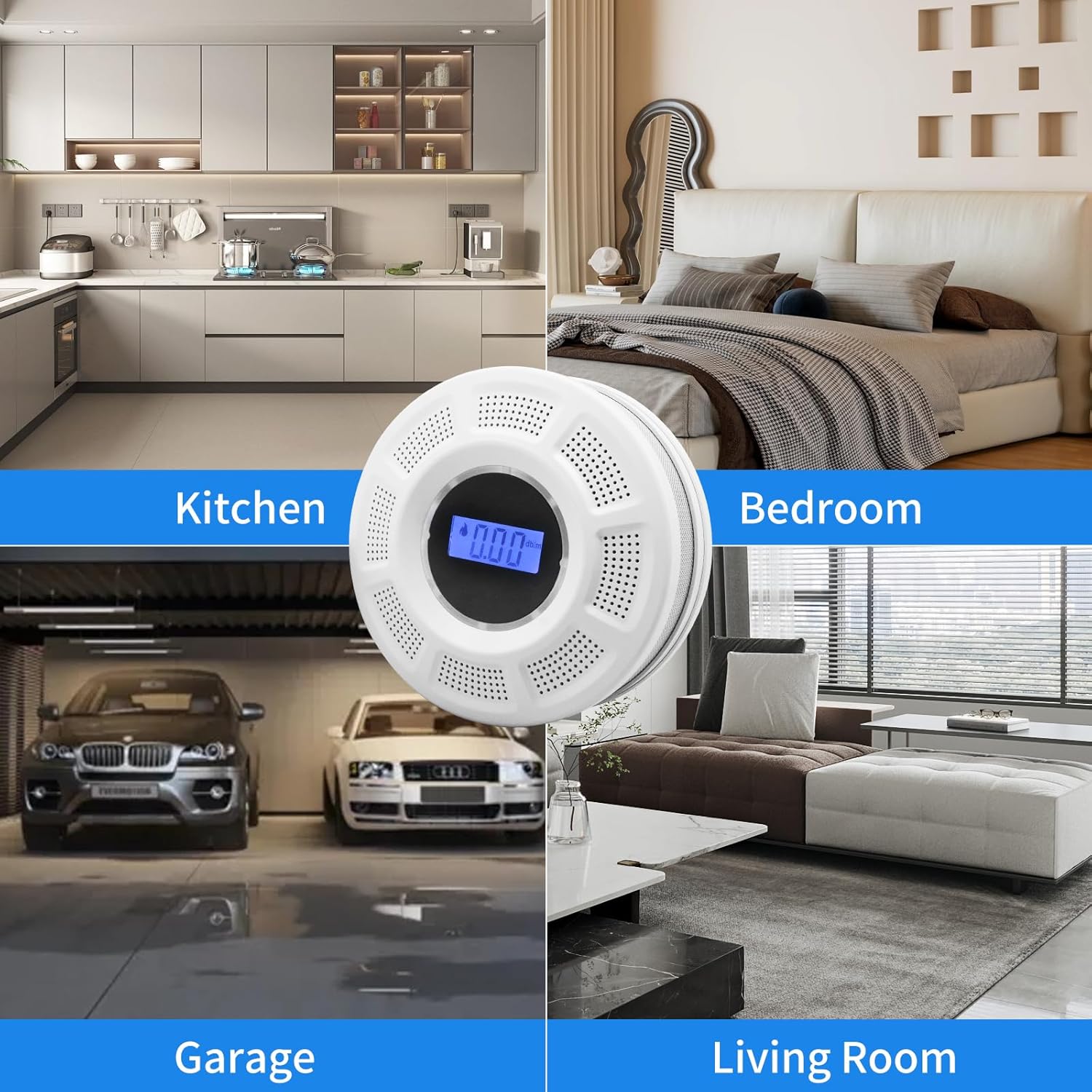
Image: The GiiHoo detector shown installed in a kitchen, bedroom, garage, and living room, demonstrating suitable placement options.
Operating Instructions
Normal Operation
Once installed with fresh batteries, the detector will perform a self-test. During normal operation, the LCD display will typically be off to conserve power. It will only show CO concentration or smoke levels when detected. The green LED will flash periodically to indicate normal operation.

Image: A close-up of the detector's LCD screen, displaying a detected CO concentration in PPM.
Testing the Detector
It is recommended to test the detector weekly to ensure proper functionality.
- Press and hold the Test/Silence button located on the front of the unit.
- The alarm will sound, and the LED indicators will flash (blue for smoke, red for CO) to confirm the alarm is working.
- Release the button. The alarm will stop, and the unit will return to normal operation.

Image: A hand pressing the Test/Silence button on the detector, demonstrating how to initiate a test.
Alarm Indications
- Smoke Alarm: The unit will emit a loud, continuous siren, and the blue LED will flash rapidly. The LCD may show smoke-related indicators.
- Carbon Monoxide Alarm: The unit will emit a loud, intermittent siren, and the red LED will flash rapidly. The LCD will display the detected CO concentration in PPM.
- Low Battery Warning: The unit will chirp periodically, and the LCD may display "Lb" or a battery icon. Replace batteries immediately.

Image: A diagram illustrating the different LED light colors (green, blue, red) and their corresponding alarm states for power, smoke, and carbon monoxide.
Silencing the Alarm
In case of a non-emergency or false alarm, you can press the Test/Silence button to temporarily silence the alarm for approximately 10 seconds. The LED light will flash during this silent mode. If the hazard persists, the alarm will reactivate.
Official Product Video: GiiHoo Smoke and Carbon Monoxide Detector
Video: An official product video from GiiHoo demonstrating the features and operation of the Smoke and Carbon Monoxide Detector, including its alarm functions and display.
Maintenance
Battery Replacement
When the low battery warning sounds (periodic chirping and/or "Lb" on LCD), replace all three 1.5V AA batteries immediately. Use only recommended battery types.
Cleaning the Detector
Clean the detector at least once a month to remove dust and debris. Use a soft, damp cloth to wipe the exterior. Do not use cleaning solvents or chemicals. Gently vacuum around the vents with a soft brush attachment.
Troubleshooting
| Problem | Possible Cause | Solution |
|---|---|---|
| Detector chirps periodically | Low battery. | Replace all three 1.5V AA batteries. |
| Alarm sounds without apparent smoke/CO | False alarm due to cooking fumes, steam, dust, or strong odors. | Press the Test/Silence button. Ventilate the area. Clean the detector. If alarms persist, evacuate and seek professional help. |
| LCD display is blank | Normal operation (display off to save power) or no power. | Press the Test/Silence button to check if it activates. If not, check battery installation or replace batteries. |
| Detector fails self-test | Faulty unit or low battery. | Ensure fresh batteries are installed correctly. If the issue persists, the unit may be faulty and require replacement. |
Specifications

Image: A diagram showing the dimensions of the GiiHoo JKD-541COM detector, indicating its compact size.
| Feature | Detail |
|---|---|
| Model Number | JKD-541COM |
| Brand | GiiHoo |
| Power Source | 3 x 1.5V AA Batteries (not included) |
| Sensor Type | Electrochemical (CO), Photoelectric (Smoke) |
| Alarm Sound Level | 85dB at 3 meters |
| Product Dimensions | 4"D x 4"W x 2"H (approximately) |
| Item Weight | 6.4 ounces |
| Color | White |
| Operating Temperature | Refer to product packaging for specific range |
| Operating Humidity | Refer to product packaging for specific range |
Warranty and Support
For warranty information and technical support, please refer to the documentation included with your product or contact GiiHoo customer service. Keep your purchase receipt as proof of purchase.
Ask a question about this manual
Ask about setup, troubleshooting, compatibility, parts, safety, or missing instructions. Manuals+ will review the question and use this page’s manual context to help answer it.