
1. Product Overview
The CIYOYO 6700mAh Battery Pack is an accessory designed to extend the battery life of your Meta Quest 2 or Meta Quest 3 VR headset. It integrates seamlessly with the headset strap, providing additional power and acting as a counter-balance to improve comfort during extended virtual reality sessions. This power bank also features multiple safety protections for reliable use.
2. Specifications
| Feature | Detail |
|---|---|
| Battery Capacity | 6700mAh |
| Compatible Devices | Meta Quest 2, Meta Quest 3 |
| Connector Type | USB Type C |
| Additional Features | Extended Playtime, Counter-Balance Design, Adjustable Fit |
| Weight | Approximately 0.32 LB |
| Safety Protections | Overcurrent, Short-Circuit, Overcharge, Over-temperature |
3. Setup
3.1 Attaching the Battery Pack
- Align the battery pack with the rear strap of your Meta Quest 2 or Quest 3 headset.
- Gently press the battery pack onto the strap until it securely clips into place on both sides. Ensure a firm connection.

Image: The CIYOYO Battery Pack securely attached to the back strap of a Meta Quest 3 headset.
3.2 Connecting the Charging Cable
- Locate the short USB-C cable provided with the battery pack.
- Plug one end of the USB-C cable into the charging port on the CIYOYO Battery Pack.
- Plug the other end of the USB-C cable into the charging port on your Meta Quest 2 or Quest 3 headset.
- Use the integrated cable management clips or Velcro straps (if provided) to secure the cable along the headset strap, preventing it from interfering with use.

Image: The short USB-C cable connecting the battery pack to the VR headset's charging port.
4. Operating Instructions
4.1 Charging the Battery Pack
To charge the CIYOYO Battery Pack, connect a standard USB-C charging cable (not included) to the battery pack's input port and plug it into a compatible USB wall adapter. The LED indicators on the battery pack will illuminate to show charging progress.
4.2 Power Indicators
The battery pack features LED indicators that display the remaining power level. These LEDs will typically blink during charging and remain solid when fully charged. Refer to the specific product packaging for detailed LED behavior.
4.3 Extending Playtime
Once connected, the battery pack will automatically begin charging your Meta Quest headset, extending your playtime by approximately 2.5 to 3.5 hours, depending on usage. This allows for longer, uninterrupted VR experiences.

Image: A user wearing a Meta Quest headset with the CIYOYO Battery Pack, enjoying extended gameplay.
4.4 Adjusting for Comfort
The battery pack's design contributes to a counter-balance effect, distributing the headset's weight more evenly. The strap features a rotating knob for easy size adjustment to fit various head sizes (from approximately 17 to 27 inches). Additionally, the headset's connection points may allow for vertical adjustment to optimize the fit and angle of the battery pack for personalized comfort.
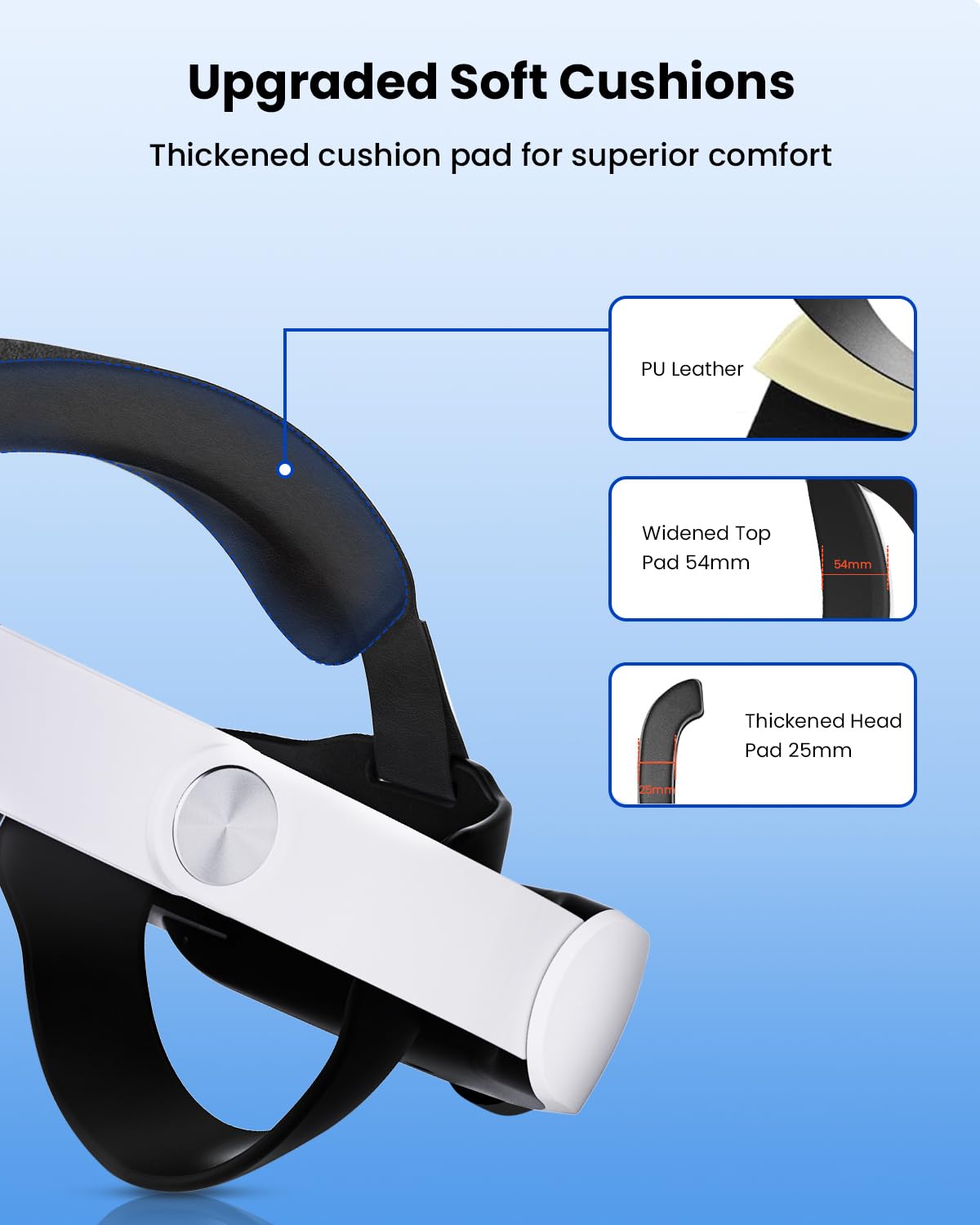
Image: Visual representation of the strap's adjustability to accommodate different head sizes.

Image: The convenient 52-degree hinge allows for easy placement and removal of the headset.
5. Maintenance
- Cleaning: Use a soft, dry cloth to wipe the surface of the battery pack and strap. Avoid using harsh chemicals or abrasive materials.
- Storage: Store the battery pack in a cool, dry place away from direct sunlight and extreme temperatures.
- Cable Care: Handle the charging cable gently. Avoid sharp bends or excessive pulling to prevent damage.
6. Troubleshooting
- Battery Pack Not Charging:
- Ensure the charging cable is securely connected to both the battery pack and the power source.
- Verify that the wall adapter and power outlet are functional.
- Headset Not Receiving Power from Battery Pack:
- Check that the short USB-C cable is firmly connected between the battery pack and the headset.
- Confirm that the battery pack itself has sufficient charge (check LED indicators).
- Discomfort During Use:
- Adjust the rotating knob on the strap to find a comfortable fit for your head size.
- Experiment with the vertical angle of the battery pack to optimize weight distribution.
7. Safety Information
The CIYOYO Battery Pack is equipped with multiple safety features, including overcurrent, short-circuit, overcharge, and over-temperature protection. To ensure safe operation:
- Do not expose the device to water or excessive moisture.
- Avoid disassembling or modifying the battery pack.
- Keep away from open flames or extreme heat.
- Use only compatible charging cables and adapters.