
ninetom 10.25 inch Touchscreen Wireless CarPlay Android Auto Multimedia Car Radio Receiver
NINETOM 10.25 inch Touchscreen Wireless CarPlay Android Auto Multimedia Car Radio Receiver User Manual
Compatible with BMW 3/4 Series NBT System (F30/F31/F32/F33/F34/F35/F36, 2013-2016)
1. Introduction
This manual provides comprehensive instructions for the installation, operation, and maintenance of your NINETOM 10.25 inch Touchscreen Wireless CarPlay Android Auto Multimedia Car Radio Receiver. This device is designed to upgrade your vehicle's infotainment system, offering enhanced connectivity and multimedia capabilities while retaining original car functions.
Compatibility: This touchscreen is specifically designed for BMW vehicles equipped with the NBT system. It is compatible with the following models and years:
- BMW 3 Series: F30, F31, F34 (2013-2016)
- BMW 4 Series: F32, F33, F36 (2013-2016)
Important: This unit is not compatible with CCC, CIC, or EVO systems. Please verify your car's system and dashboard configuration matches the NBT system shown in this manual before proceeding with installation.


2. Safety Information
Please read all safety instructions carefully before installation and operation. Failure to follow these instructions may result in damage to the product, vehicle, or personal injury.
- Ensure the vehicle's ignition is off and the battery is disconnected before starting installation.
- Consult a professional if you are unsure about any part of the installation process.
- Do not obstruct the driver's view or interfere with vehicle controls.
- Operate the device responsibly and avoid distractions while driving.
3. Package Contents
Verify that all items listed below are included in your package:
- 10.25 inch Touchscreen Display
- Power Cable Harness
- USB Cable
- AUX Cable
- Installation Tools (if provided)

4. Installation Guide
The NINETOM touchscreen is designed for plug-and-play installation, minimizing the need for cutting or breaking original car cables. However, professional installation is recommended.
4.1 Pre-Installation Checks
- Verify Compatibility: Confirm your vehicle is a BMW 3/4 Series (F30/F31/F32/F33/F34/F35/F36) from 2013-2016 with the NBT system. Refer to Figure 1.2 and Figure 4.2.
- Disconnect Battery: Always disconnect the vehicle's battery before beginning any electrical work.
- Gather Tools: Ensure you have the necessary tools for trim removal and component installation.
4.2 Installation Steps (General Overview)
- Remove Original Screen: Carefully remove the existing car display and surrounding trim pieces.
- Connect Wiring Harness: Connect the provided power cable harness to the original car wiring. This is a plug-and-play connection.
- LVDS Cable Connection: Ensure the LVDS cable is properly connected. A loose connection can cause the screen to malfunction or not display applications.
- Optical Fiber Cable: If your original system uses optical fiber cables, ensure they are correctly transferred and connected to the new harness. Incorrect connection can lead to no sound.
- AUX Cable: Connect the provided AUX cable. This is crucial for audio output from the new system.
- Install New Screen: Mount the NINETOM 10.25 inch touchscreen in place of the original screen.
- Reconnect Battery: Once all connections are secure, reconnect the vehicle's battery.
- Initial Test: Turn on the ignition and test the screen's functionality, including display, touch response, and audio.
Note: If you experience screen flickering after installation, access the settings menu and adjust the iDrive resolution. This is a common user-configurable setting.

5. Operating Instructions
5.1 Wireless CarPlay & Android Auto
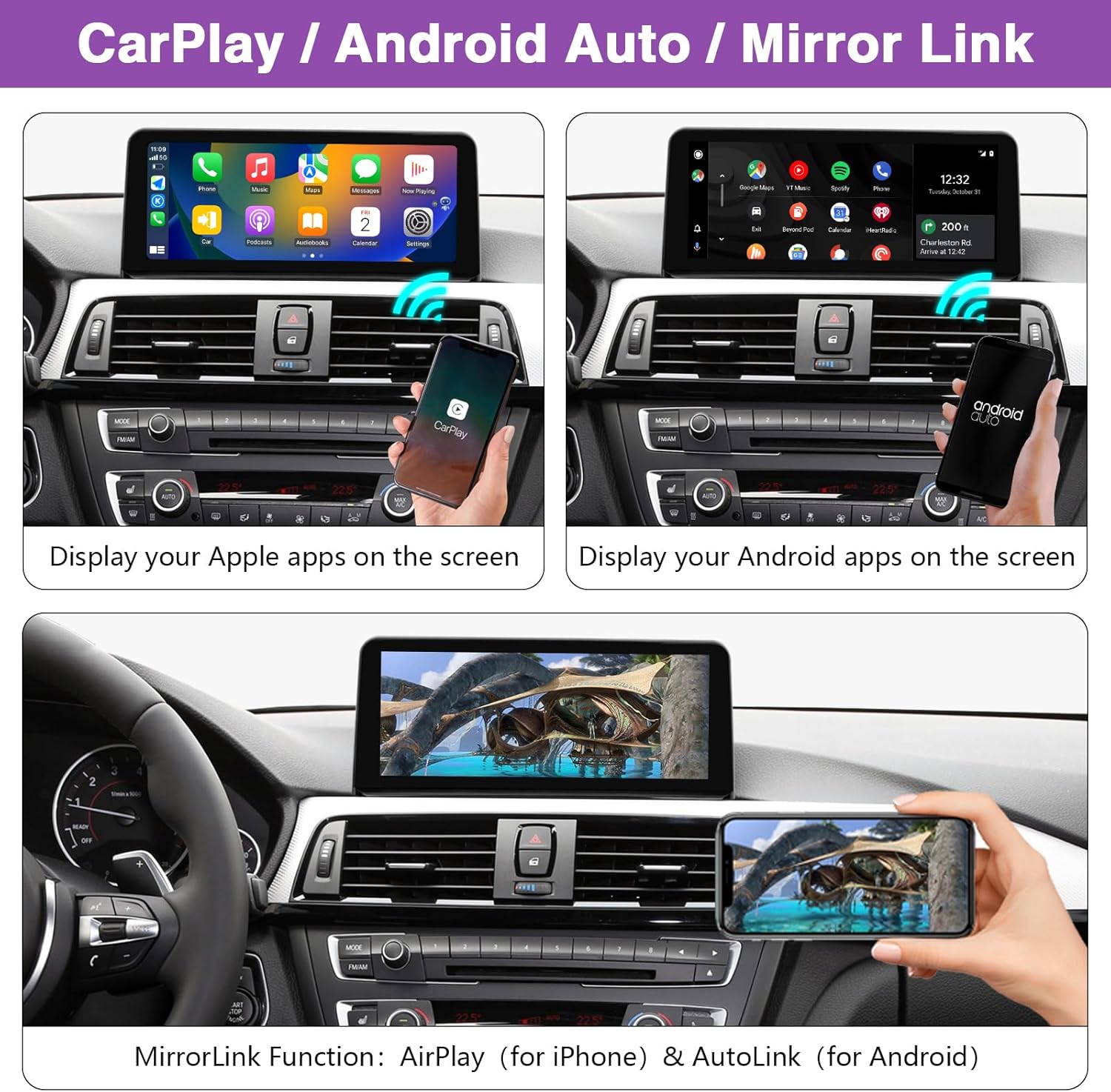
The NINETOM touchscreen features built-in wired and wireless CarPlay and Android Auto, allowing seamless integration with your smartphone. You can access navigation, make calls, send messages, and enjoy music directly from the screen.
- Connection: Connect your iPhone or Android phone via Bluetooth for wireless connection, or use the USB cable for a wired connection.
- Voice Control: Utilize Siri or Google Assistant for hands-free operation.
- Mirror Link: The unit supports Mirror Link functionality (AirPlay for iPhone, AutoLink for Android) to display your phone's screen content.

5.2 System Switching
The NINETOM touchscreen allows you to seamlessly switch between the upgraded system (CarPlay/Android Auto) and your original BMW NBT system.
- Switching Method: Long-press the 'MENU' button on your vehicle's iDrive controller to toggle between the two systems.

5.3 Retained Original Functions
The upgraded touchscreen retains all original vehicle functions, ensuring no loss of existing features.
- Original car radio and amplifier functions.
- Factory joystick (iDrive) control.
- Original reversing camera support, and compatibility with aftermarket rearview cameras.
- Original steering wheel controls.
- Original CD player functionality.

5.4 Display Features
- High Resolution: The screen features a 1920 x 720 HD resolution for clear visuals.
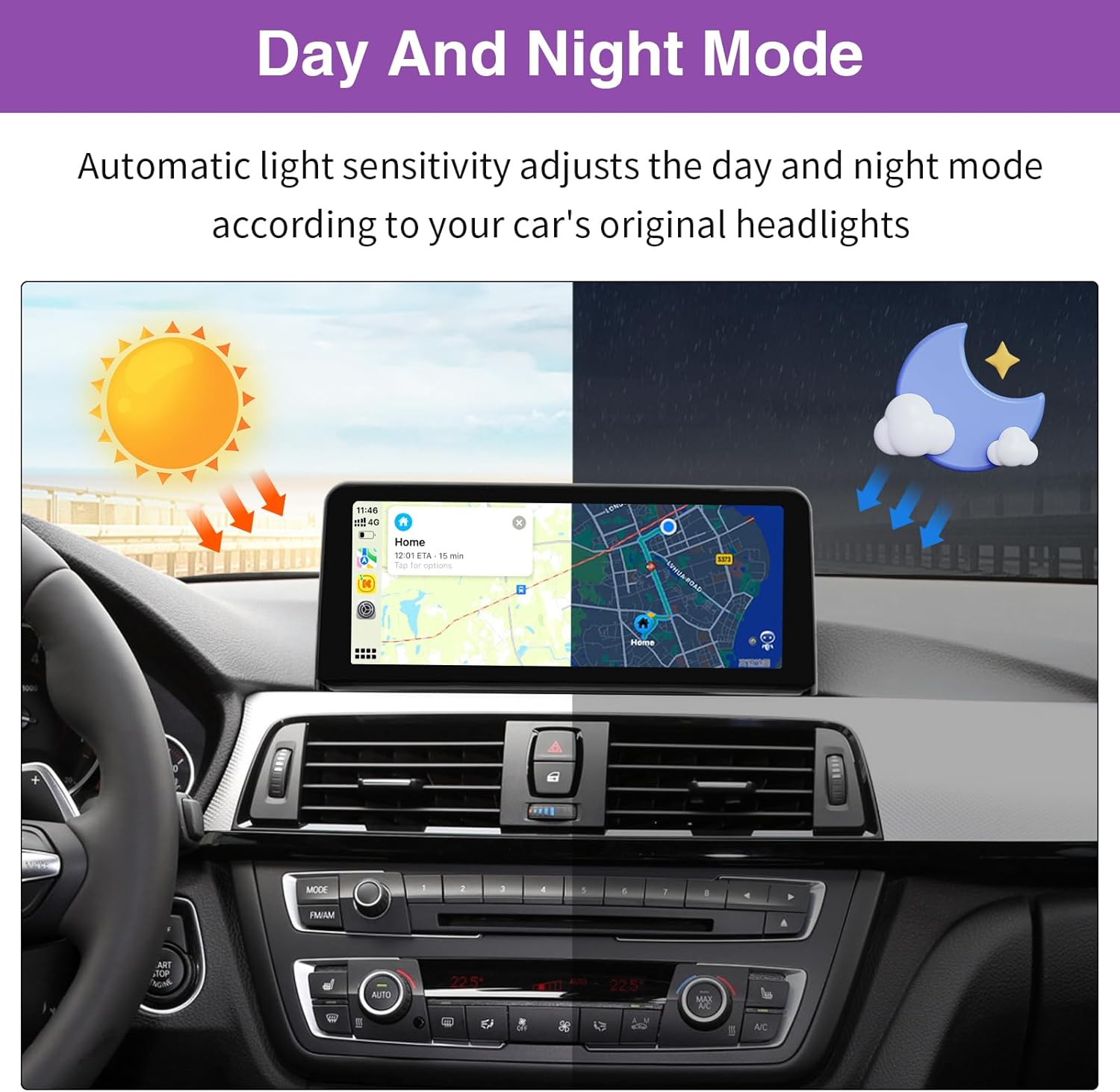
- Automatic Day/Night Mode: Automatic light sensitivity adjusts the display brightness between day and night modes based on your car's original headlights, enhancing driving comfort.


6. Maintenance
To ensure the longevity and optimal performance of your NINETOM touchscreen, follow these maintenance guidelines:
- Cleaning: Use a soft, lint-free cloth to gently wipe the screen. For stubborn smudges, slightly dampen the cloth with water or a screen-safe cleaner. Avoid harsh chemicals or abrasive materials.
- Avoid Extreme Temperatures: Do not expose the unit to extreme heat or cold for prolonged periods.
- Protect from Impact: Avoid dropping or subjecting the screen to strong impacts.
7. Troubleshooting
If you encounter issues with your NINETOM touchscreen, refer to the following common problems and solutions:
- Problem: Screen malfunctioning or not displaying applications.
Solution: Ensure the LVDS cable is properly and securely connected. A loose connection is a common cause for this issue. - Problem: No sound from the unit.
Solution:- Check if the optical fiber cable (if applicable to your original system) is connected correctly to the new harness.
- Verify that the AUX cable is properly connected and that the vehicle's AUX setting is configured correctly. The audio typically routes through the AUX input.
- When using CarPlay/Android Auto, you may need to switch the audio output from CarPlay/Android Auto to the BMW system via the original car's audio settings.
- Problem: Screen flickering.
Solution: Access the unit's settings menu and adjust the iDrive resolution. Incorrect resolution settings can cause flickering. - Problem: Inconsistent operation, random shutdowns, or CarPlay/Android Auto not working reliably.
Solution: Try performing a factory reset of the unit. If the issue persists, contact customer support for further assistance.
8. Specifications
| Feature | Specification |
|---|---|
| Item Weight | 3.77 pounds |
| Package Dimensions | 12.76 x 6.93 x 5.43 inches |
| Display Size | 10.25 Inches |
| Voice Command | Touchscreen |
| Connectivity Technology | USB |
| Controller Type | Touch Screen |
| Special Feature | Touchscreen, Wireless CarPlay, Android Auto |
| Compatible Devices | Head Unit |
| Connector Type | USB |
| Audio Output Mode | Stereo, Surround |
| Surround Sound Channel Configuration | 5.1 |
| Video Encoding | H.264, MPEG-4 |
| Manufacturer | ninetom |
9. Warranty and Support
This product comes with a standard manufacturer's warranty. For specific warranty details, please refer to the documentation included with your purchase or contact the seller directly.
If you require technical assistance, have installation questions, or encounter any issues not covered in this manual, please reach out to the NINETOM customer support team for prompt assistance.