
Yuposl YPF04-SB00
Yuposl Automatic Cat Feeder User Manual
Model: YPF04-SB00
Introduction
The Yuposl Automatic Cat Feeder is designed to provide a convenient and reliable solution for feeding your pets. Featuring 5G WiFi connectivity, app control, and a durable stainless steel food storage, this feeder ensures your pet receives meals on a consistent schedule, even when you're away. It supports customizable meal plans, voice recording, and dual power options for uninterrupted operation.

Image: The Yuposl Automatic Cat Feeder in Midnight Black, shown alongside a smartphone displaying its scheduling interface. The feeder features a stainless steel top and a black base, with a bowl of kibble in front.
Key Features
- Fresh Food, Happy Pets: Durable, food-grade stainless steel container and bowl for hygiene, easy cleaning, and odor resistance. Spring-lock lid and desiccant pack keep kibble fresh.
- Smart WiFi Pet Feeder: Supports both 5GHz and 2.4GHz networks for remote meal scheduling and management via a smartphone app.
- Manage Your Pet's Diet: 3-liter capacity (approx. 12 cups) for dry food, suitable for kibble sizes 0.02-0.07 inches. Schedule up to six meals a day with 1-16 portions per meal (approx. 7g per portion).
- Perfect for Multi-Pet Households: App allows adding multiple feeders for simultaneous food distribution. Features anti-jamming mechanisms and personalized voice message recording.
- Dual Power Support: Can be powered by the included Type-C cable or 3 D-Size batteries (not included) for uninterrupted feeding during power outages or offline operation.
- Convenient Manual Feeding Function: Instantly dispense a precise portion with a button press for unscheduled treats.
Setup Guide
Follow these steps to set up your Yuposl Automatic Cat Feeder:
- Unpack Components: Carefully remove all components from the packaging. Ensure you have the main feeder unit, stainless steel food bowl, Type-C charging cable, and desiccant packs. The user manual is typically found inside the food storage compartment.
- Install Food Bowl: Attach the stainless steel food bowl to the designated slot at the base of the feeder.
- Power Connection: Connect the Type-C charging cable to the feeder's power port (located at the back or bottom) and plug it into a power outlet. For backup power, insert 3 D-Size batteries (not included) into the battery compartment.
- Fill Food Storage: Open the top lid and fill the stainless steel food storage container with dry kibble. Place the desiccant pack inside the lid to maintain food freshness.
- Download App: Download the recommended app (refer to the user manual for the specific app name) from your smartphone's app store.
- Connect to WiFi: Open the app and follow the on-screen instructions to connect the feeder to your home WiFi network. The feeder supports both 2.4GHz and 5GHz networks.

Image: A smartphone screen displaying the "Easy to Connect" interface of the pet feeder app, showing options to add devices. The feeder is visible in the background with a cat.

Image: A whimsical illustration of a cat wearing glasses and a tie, holding signs that say "2.4G" and "5G," emphasizing the feeder's compatibility with both WiFi frequencies.
Operating Instructions
Once set up, you can begin customizing your pet's feeding schedule and utilizing the feeder's smart functions.
- Scheduling Meals:
Use the smartphone app to set up to six daily meals. For each meal, you can specify the time and the number of portions (1-16 portions, approximately 7g per portion). This allows for precise portion control to manage your pet's weight and promote healthy eating habits.

Image: An orange cat looking expectantly at the feeder, with floating food pellets, symbolizing the feeder's ability to ensure pets never miss a meal.
- Manual Feeding:
Press the manual feed button on the feeder to instantly dispense a single portion of food. This is useful for giving unscheduled treats or additional food as needed.
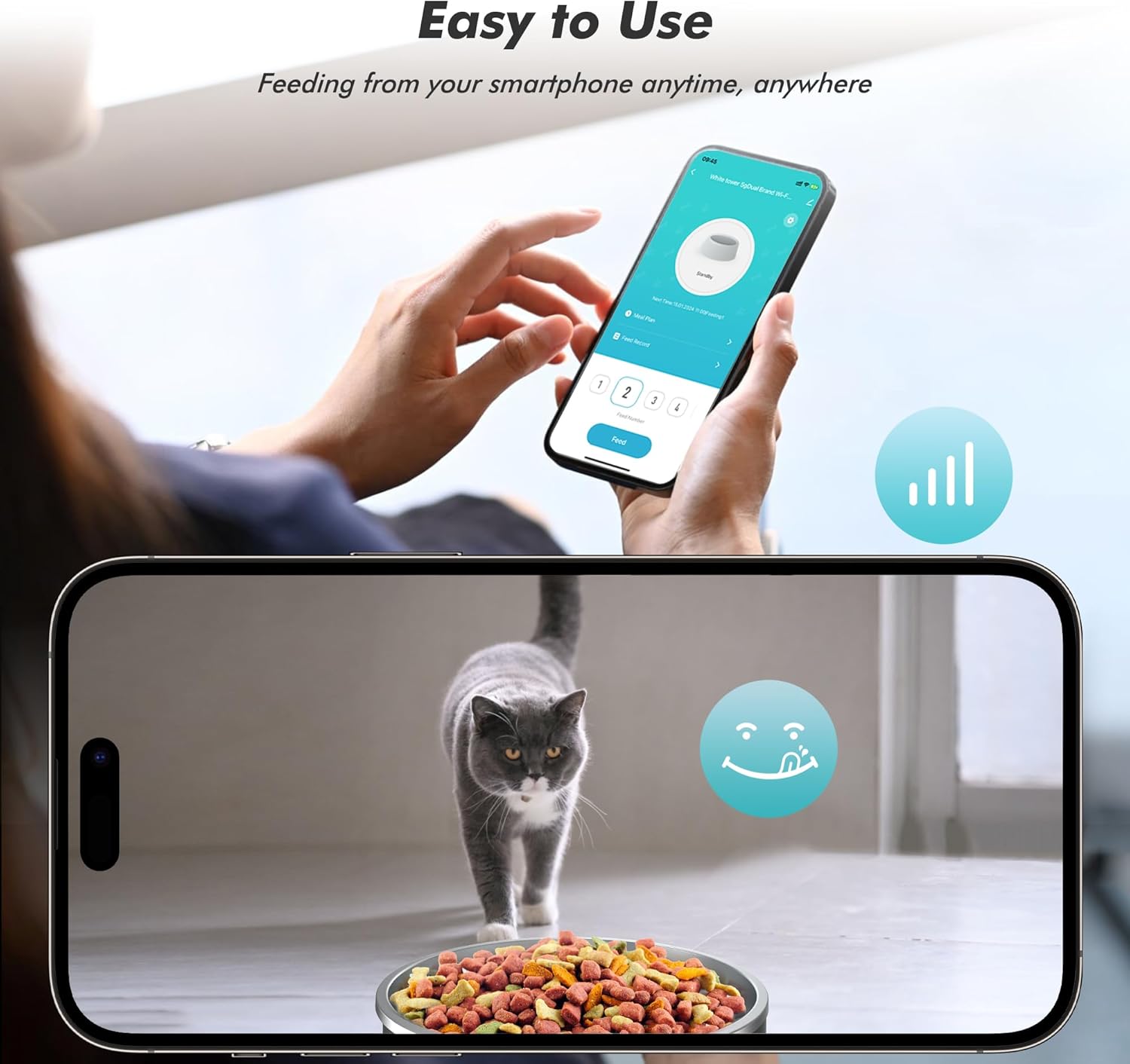
Image: A person's hands holding a smartphone, remotely controlling the feeder. A grey cat is shown eating from the feeder's bowl, highlighting the "Easy to Use" app functionality.
- Voice Recording:
Record a personalized voice message through the app. This message will play at feeding times, making your pet feel more comfortable and connected, as if you are calling them for their meal.
- Multi-Pet Functionality:
The app allows you to add and manage multiple Yuposl automatic pet feeders. This is ideal for households with several pets, ensuring each receives their dedicated food simultaneously.
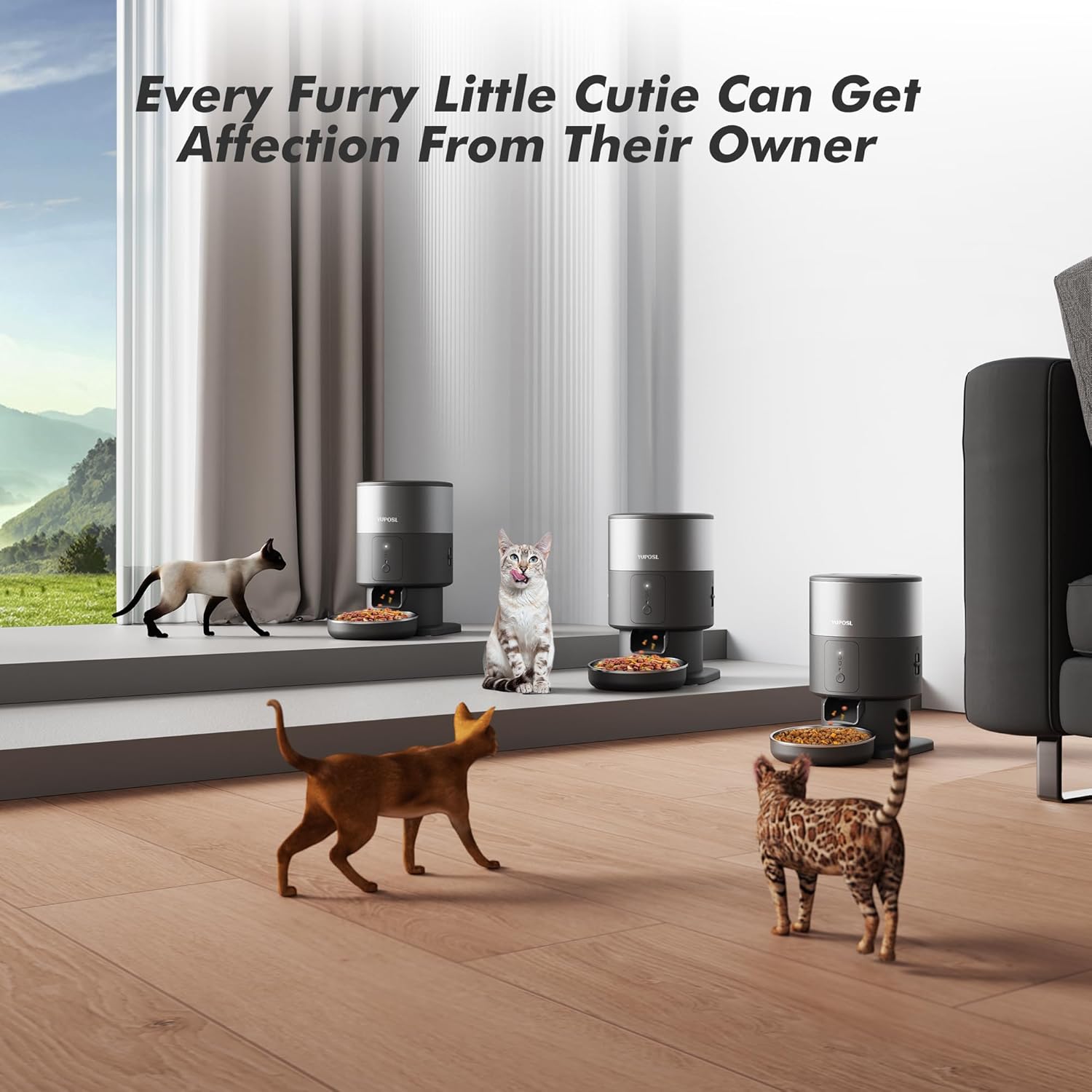
Image: Several cats are depicted in a home environment, each near a Yuposl Automatic Cat Feeder, demonstrating the product's suitability for multi-pet households.
Maintenance
Proper maintenance ensures the longevity and hygienic operation of your feeder.
- Cleaning:
The stainless steel food container and bowl are removable and easy to clean. They are hygienic, stain-resistant, and odor-resistant. It is recommended to clean these parts regularly with mild soap and water. Ensure all parts are completely dry before reassembling.

Image: The feeder's components, including the stainless steel bowl and the main unit's top, are shown being cleaned with water splashes, illustrating the ease of cleaning.
Important Note: Some internal plastic components are not removable and may trap water if submerged. Clean these areas carefully with a damp cloth and ensure they are thoroughly dried to prevent mold growth, as noted in customer feedback.
- Desiccant Pack:
Replace the desiccant pack inside the lid periodically (e.g., every 1-2 months) to ensure optimal food freshness and prevent moisture buildup.
Troubleshooting
If you encounter issues with your feeder, consider the following common solutions:
- App Connectivity Issues:
Ensure your feeder is within range of your WiFi router and that your network is stable. Verify that you have selected the correct 2.4GHz or 5GHz network during setup. If the app loses connection, try restarting both the feeder and your router. Re-pairing the device through the app may be necessary.
- Food Not Dispensing / Jamming:
Check that the kibble size is within the recommended range (0.02-0.07 inches). Larger kibble can cause blockages. Ensure the food storage is not overfilled. Clean the dispensing mechanism to remove any lodged food particles.
- Feeder Offline / No Power:
Verify the Type-C cable is securely connected and the power outlet is functional. If using batteries, check that they are correctly inserted and have sufficient charge. The feeder will continue to dispense according to the preset schedule even if offline, provided it has battery power.
- Inaccurate Portions:
Recalibrate the portion settings in the app. Note that each portion is approximately 7g, and you may need to adjust the number of portions to match your pet's dietary needs.
Specifications
| Feature | Detail |
|---|---|
| Brand | Yuposl |
| Model Name | YPF04-SB00 |
| Color | Midnight Black |
| Size | 3L (approx. 12 cups) |
| Material | Acrylonitrile Butadiene Styrene, Stainless Steel |
| Item Weight | 3.56 pounds (1.62 Kilograms) |
| Product Dimensions (LxWxH) | 13.8 x 7.7 x 9.4 inches |
| Power Source | Type-C Cable, 3 D-Size Batteries (not included) |
| WiFi Compatibility | 2.4GHz and 5GHz |
| Max Meals/Day | 6 |
| Portions/Meal | 1-16 (approx. 7g per portion) |
| Kibble Size | 0.02-0.07 inches (2-15mm) |
| Target Species | Cat (also suitable for small dogs) |
Warranty and Support
The Yuposl Automatic Cat Feeder comes with a 2-year manufacturer's warranty. For any product inquiries, technical support, or warranty claims, please contact Yuposl customer service through their official website or the contact information provided in your product packaging.
You can also visit the Yuposl Store on Amazon for more information and support resources.
Ask a question about this manual
Ask about setup, troubleshooting, compatibility, parts, safety, or missing instructions. Manuals+ will review the question and use this page’s manual context to help answer it.