
Introduction
This manual provides essential information for the safe and effective installation and use of your SwarKing A2850 replacement battery for the iPhone 14 Plus. Please read all instructions carefully before proceeding with the installation. Professional installation is highly recommended.
Product Overview
Compatible Model
This replacement battery is specifically designed for the iPhone 14 Plus. Please verify your phone model before installation.
The SwarKing A2850 replacement battery is compatible with the iPhone 14 Plus.
What's Included
- 1 x SwarKing A2850 Replacement Battery
- 1 x Tool Kit (various screwdrivers, prying tools, suction cup, SIM ejector tool)

The included tool kit contains essential instruments for battery replacement.
Key Features
- High Quality Cells: Features A+ grade cells for reliable performance.
- UL Certified: Ensures safety and quality standards are met.
- Multiple Protection: Includes overcharge, overheat, short circuit, and dual fuse protection.
- Efficient Temperature Control: Designed for stable operation.
- Dual IC Design: Enhances battery stability and prevents failures.
- Long Cycle Life: Provides up to 545+ charging cycles.

Front and back view of the SwarKing A2850 replacement battery.
Safety Information
Please observe the following safety precautions to prevent damage to your device or personal injury:
- Do not disassemble, crush, heat, puncture, or burn the battery.
- Avoid using low-quality third-party adapter chargers, as they can shorten battery life.
- Keep the battery away from water and extreme temperatures.
- If the battery appears damaged or swollen, discontinue use immediately.
- Dispose of old batteries responsibly according to local regulations.
Installation
Battery replacement for mobile devices can be complex and requires specific tools and technical knowledge. It is strongly recommended that this procedure be performed by a trained technician. If you choose to proceed yourself, please refer to instructional videos available on platforms like YouTube for detailed guidance.
Tool Kit Usage
The included tool kit contains various screwdrivers and prying tools necessary for opening your device and replacing the battery. Familiarize yourself with each tool before starting the process.
This video provides warm tips and guidance on using the toolkit for battery replacement.
Battery Replacement Process
For a visual guide on replacing the battery in an iPhone 14 Plus, please watch the following video. Remember to proceed with caution and follow all safety guidelines.
Detailed video instructions for replacing the battery in an iPhone 14 Plus.
First Use and Charging
To optimize the performance and lifespan of your new battery, follow these initial charging instructions:
- After installation, fully discharge the battery until the phone automatically shuts down.
- Then, fully charge the battery without interruption.
- Repeat this full discharge and charge cycle 3-5 times to allow the battery to achieve its best performance and capacity.
- Always use a high-quality, compatible charger for your device.
Maintenance
Proper maintenance can extend the life of your battery:
- Avoid exposing your phone to extreme temperatures (hot or cold).
- Do not leave your phone charging for extended periods after it reaches 100%.
- If storing your phone for a long time, charge the battery to about 50% before storage.
- Avoid frequently draining the battery completely to 0%.
Troubleshooting
If you experience issues with your new battery, consider the following common problems and solutions:

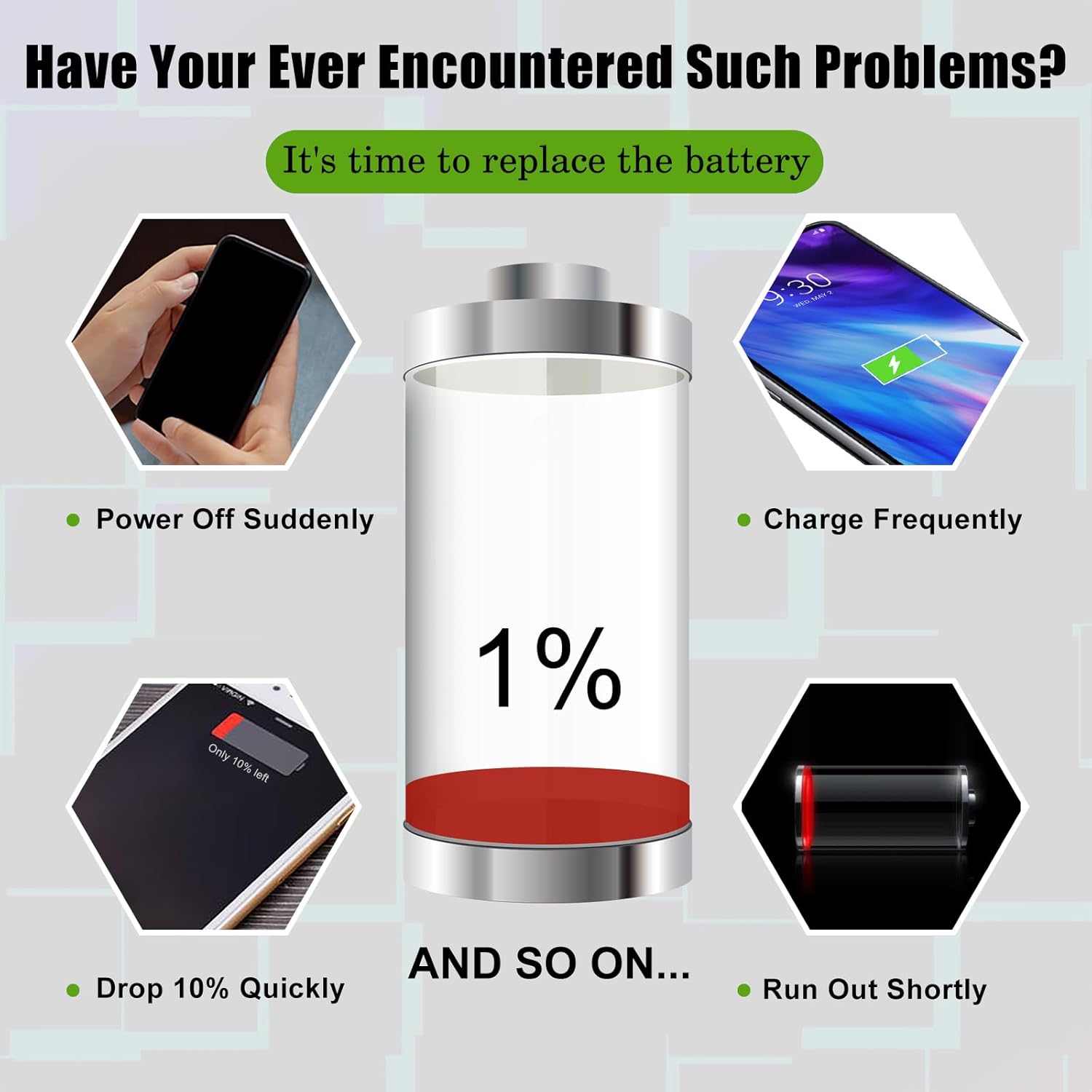
Common issues that indicate a need for battery replacement.
| Problem | Possible Cause | Solution |
|---|---|---|
| Phone not turning on after installation | Battery not properly connected; insufficient charge. | Ensure battery connector is securely seated. Try charging the phone for at least 30 minutes. |
| Battery drains quickly | Initial calibration not complete; background apps; faulty installation. | Perform 3-5 full charge/discharge cycles. Close unnecessary background apps. Recheck installation. |
| Phone gets hot during charging/use | Overcharging; heavy usage; environmental factors. | Use a certified charger. Avoid heavy usage while charging. Ensure proper ventilation. If overheating persists, discontinue use. |
| Battery percentage inaccurate | Battery not calibrated. | Complete the 3-5 full charge/discharge cycles for calibration. |
Specifications
| Feature | Specification |
|---|---|
| Battery Model | A2850 |
| Battery Type | Polymer |
| Nominal Capacity | 4325mAh |
| Watt-Hours | 16.68Wh |
| Voltage | 3.7 Volts (DC) |
| Reusability | Rechargeable |
| Compatible Device | iPhone 14 Plus |
Warranty and Support
SwarKing provides a customer guarantee for quality-related problems. If you are not 100% satisfied with your battery, please contact customer support for a replacement or a complete refund. We aim to respond to all inquiries within 24 hours.
For further assistance or questions, please do not hesitate to contact our customer service team through the platform where you purchased the product.